
Table of Contents
Key takeaways
- Offer more ways to pay. Accept bank transfers and other manual payment methods directly at checkout, making it easier for corporate, institutional, and high-value buyers to purchase your courses.
- Keep every order connected. Manage payment instructions, order statuses, and learner communication in LearnWorlds, even when the payment happens outside the platform.
- Simplify payment tracking and enrollment. Track pending payments, verify incoming funds, and mark orders as paid to automatically grant course access, without manually enrolling learners.
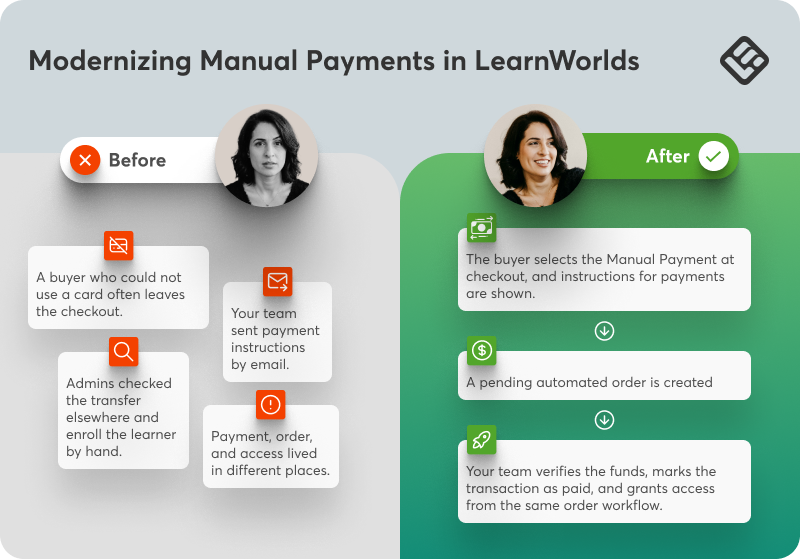
Card payments work until they don’t. Imagine a corporate buyer who needs a bank transfer, a public institution with its own procurement process, or a large order hitting a card limit. The payment may then happen outside your school, but the order should not.
Now, without a connected process, imagine the headache: your team sends instructions by email, tracks transfers in a spreadsheet, and enrolls learners by hand. The buyer is left to guess what happens next.
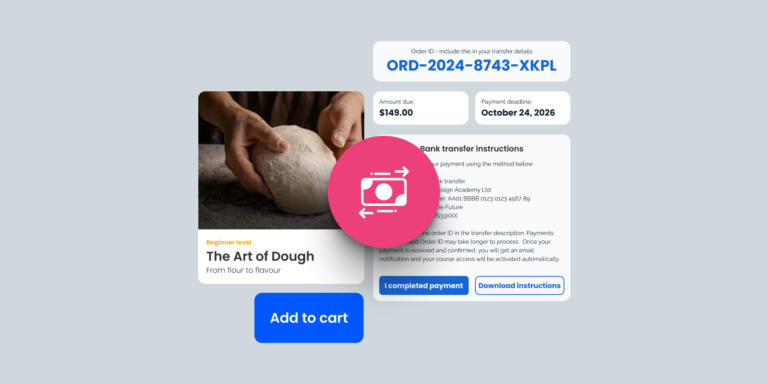
Manual Payments keeps the purchase process in LearnWorlds, even when the payment happens elsewhere.. The buyer chooses the payment method at checkout, follows your instructions, and reports when payment is sent. Your team verifies the funds before granting access.
Your team stays in control with one order and one status trail.
When manual payments fit
Bank transfer is the clearest example, but you can offer any method, as long as your team can confirm the payment. Use it when:
- A company, government body, or institution must follow its own procurement process.
- A high-value order is not practical to complete by card.
- Your buyers operate in a market where bank transfers or other manual methods are common.
- You sell both to individuals and organizations and need more than one way to complete a purchase.
You can support those buyers without building a second ordering process. The order trail stays connected from checkout to enrollment.
One path from checkout to access
LearnWorlds may not be able to process the transfer that happens outside the platform, but it connects the steps around it.
See it in action:
What learners see
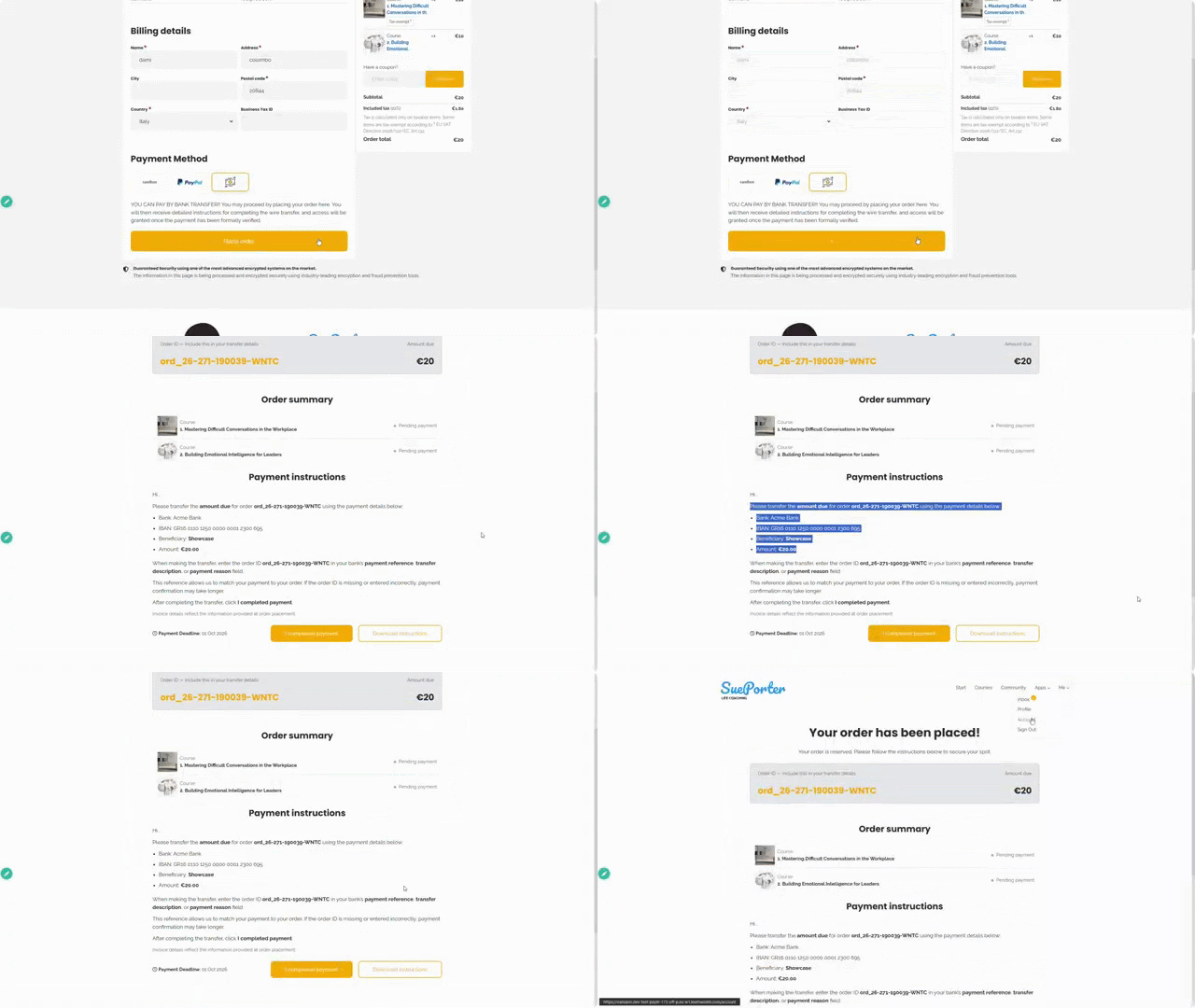
From the learner’s point of view, the next step is always clear:
- A payment method labeled by your school, such as bank transfer.
- Instructions with the amount, bank details, payment reference, and deadline.
- A confirmation page after checkout, with the same instructions sent by email and available as a PDF.
- A pending-payment area where they can review the order and select “I have completed the payment” after sending the transfer.
That click does not confirm receipt or grant access. It tells your team the order is ready to check.
What your team controls
Manual verification remains manual. The difference is that every pending order now sits in a shared queue with a clear status.
- Filter transactions to find off-platform payments that are still pending.
- See when a buyer reports that payment has been sent.
- Verify the funds in your bank account or external payment system.
- Mark the transaction as paid after the funds arrive.
Once you confirm payment, the transaction updates to successful. LearnWorlds then issues an invoice, grants course access, and sends the buyer a confirmation. The order moves from pending payments to payment history, where the paid status and invoice remain available.
Please note that Manual Payments does not move or hold the buyer’s funds. A buyer’s click is a notification, not proof that money arrived. The feature also does not replace your bank, accounting system, or policy for partial, late, or incorrect payments.
→ Learn more about how to set up Manual Payments
Open Payment Gateway settings in your LearnWorlds school to configure your first Manual Payment method.

Luiza Coimbra
Luiza is a Product Marketer with a passion for technology and entrepreneurship. With a background in content marketing, she helps LearnWorlds' message reach the world. As an avid traveler, she is always seeking inspiration from new places and experiences.
 Back to blog
 Scroll to top