Teachable is a capable platform, and for years it’s been one of the most popular ways to sell online courses. But the 2025 pricing shake-up left a lot of course creators paying more for less. Whether it’s the updated pricing or other platform limitations that brought you here, you have options. We compared the seven best Teachable alternatives on pricing, features, and overall fit, so you can find the platform that matches how you teach and sell.
Quick comparison: Teachable alternatives at a glance
Here is a quick overview of seven alternatives to Teachable before we get into the details.
| Starting price | G2 rating | Transaction fees | Free trial | Known for | Best for | |
|---|---|---|---|---|---|---|
| Teachable | $39/mo | 3.8 | 7.5% on Starter, 0% on higher plans | 7 days | Simple setup, smooth checkout | First-time creators |
| LearnWorlds | $29/mo | 4.7 | $5 per enrollment on Starter, none on higher plans | 30 days | Interactive learning, assessments, white-label app | Professional educators, creators, training businesses |
| Thinkific | $54/mo | 4.5 | None | 30 days | Easy course building, AI tools, communities | Solo experts, training businesses |
| Kajabi | $179/mo | 4.1 | None with Kajabi Payments, 0.5–5% via third-party processors | 14 days | Marketing automation, email and CRM | Coaches and personal brands selling multiple offers |
| Podia | $49/mo | 4.4 | 5% on Mover, none on higher plans | 30 days | Email marketing, community | Creators mixing courses, downloads, and coaching |
| Skool | $9/mo | n/a | 10% on Hobby, 2.9% on Pro | 14 days | Gamification, live calls, simplicity | Coaches running paid communities and cohorts |
| Circle | $89/mo (annual billing) | 4.5 | 2% on Professional, lower on higher plans | 14 days | Community, events, branded apps | Membership businesses and professional networks |
| LearnDash | $259/year | 4.2 | None | 2 days | Quizzes, WordPress, self-hosted | WordPress-savvy educators and developers |
Why creators are looking for Teachable alternatives in 2026
Most creators don’t leave a platform over one bad feature. It’s usually rising costs plus outgrown tools, and in Teachable’s case, 2025 brought both to a head.
What Teachable still does well
Teachable became popular for a reason, and it’s still one of the fastest ways to get a first course online. Reviewers on Capterra consistently praise how it “takes the headaches out of course creation.”
- a simple drag-and-drop course builder with almost no learning curve
- useful tools ike certificates, drip content, and coaching options included out of the box
- clean, conversion-focused checkout with order bumps, upsells, and coupons
- built-in affiliate tools
- sales tax and VAT handled for you at checkout
Where Teachable falls short
Teachable holds 4.2 stars on Capterra and 3.8 on G2, and the criticism clusters around the same few themes. Customer reviews often point to the following:
- slow customer support, with no live chat and ticket replies that can take days
- basic quizzes rather than real assessments, with multiple-choice-only questions and no SCORM support
- weak analytics, with no way to track students across multiple courses
- limited control over branding
- no white-label mobile app
- some users report that payouts take weeks to arrive
Much of the criticism also concerns Teachable’s restructured pricing in 2025, when users on legacy plans were moved to the new lineup, often at a higher price for the same features.
Here’s the current structure:
- Starter at $39/month, with a 7.5% fee on every sale and a cap of five products and 100 active students
- Builder at $89/month, no transaction fee
- Growth at $189/month, no transaction fee
- Custom plan for high-volume education businesses
That 7.5% adds up quickly. Sell $2,000 worth of courses a month on Starter, and you hand over $150 before payment processing costs. The only way to remove the fee is Builder, which more than doubles the bill.
If several of these shortcomings hit home, keep reading. Each of the seven Teachable competitors below fixes a different piece of the puzzle.
How we evaluated Teachable competitors
We didn’t rank Teachable alternatives on feature counts. We looked at what changes a creator’s day-to-day, drawing on hands-on testing and our experience helping creators move their schools off Teachable. Every platform below was measured against these criteria:
- Pricing and fees: what you pay each month, and what’s taken out of every sale
- Ease of use: how quickly you can build, update, and launch a course
- Learning experience: assessments, certificates, interactive video, and SCORM support
- Sales and marketing tools: checkout, funnels, email, and affiliate options
- Community and engagement: whether your students have a reason to come back
- Branding and mobile: how much of the platform disappears behind your brand, including mobile apps
- Customer support: response speed and channels, because that’s the number one complaint Teachable users report
Prices were verified on each vendor’s own pricing page in August 2026, and pros and cons draw on verified G2 and Capterra reviews rather than marketing pages.
Best Teachable alternatives for your online courses
1. LearnWorlds
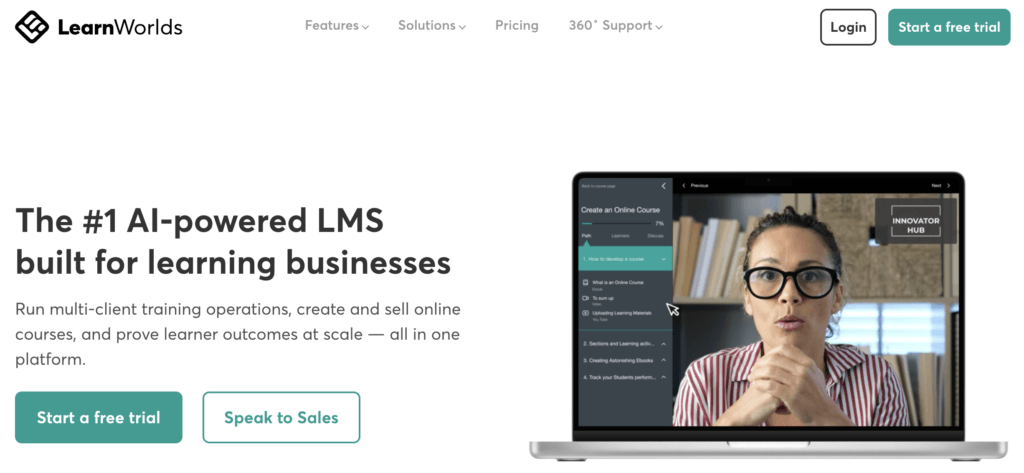
LearnWorlds is an all-in-one course platform with a strong focus on the learning experience. Alongside the usual course builder, checkout, and marketing tools, it offers interactive video with in-video quizzes, a full assessment builder, certificates, SCORM, and community spaces with cohorts. More than 13,000 learning businesses use it, from solo course creators to training companies and enterprises.
Your school runs on a drag-and-drop website builder with 50+ templates and can be fully white-labeled, including native mobile apps under your own brand (at an additional cost). AI tools are built into every plan for drafting course outlines and content, creating assessments, and exploring your sales and learner data.
LearnWorlds pricing
LearnWorlds offers a 30-day free trial and the following paid plans:
- Starter: $29/month, with a $5 fee per course enrollment
- Pro Trainer: $99/month, no transaction fees
- Learning Center: $299/month
- Corporate: custom pricing
A 20% discount on annual billing applies. See detailed pricing and plans.
Pros
- Interactive video with quizzes, transcripts, and interactions inside the player
- Assessment builder with multiple question types, graded exams, and certificates
- SCORM support
- Built-in community with cohort spaces, discussions, and live sessions
- Full white-label control, from your domain to native iOS and Android apps
- AI course and assessment builder included on all plans
- Fast, personal customer support
Cons
- The Starter plan charges $5 per course enrollment
- No free plan, only the 30-day trial
- The feature depth comes with a learning curve
- The page editor can be quirky, with reviewers mentioning sections and fonts that misbehave
Try LearnWorlds now with a 30-day free trial, no credit card required.
2. Thinkific
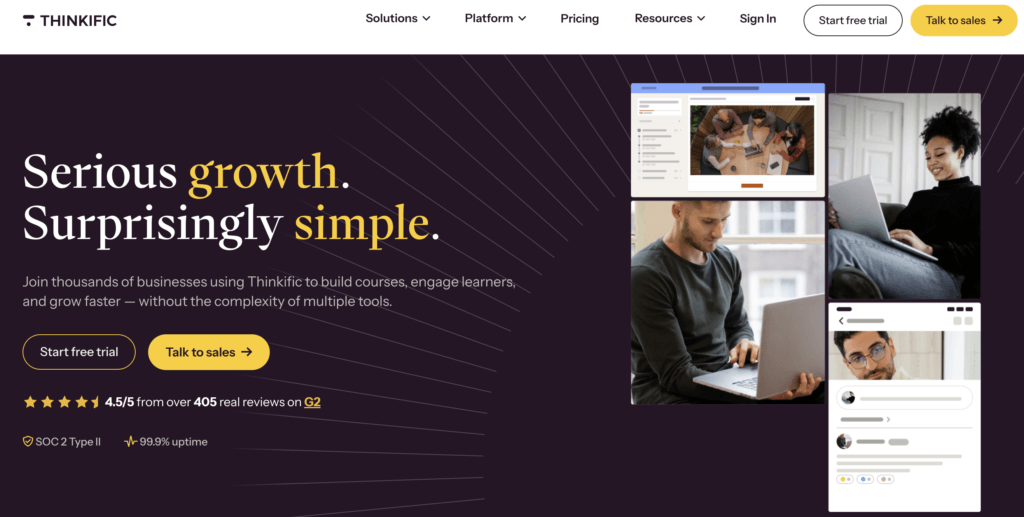
Thinkific is the closest like-for-like Teachable competitor on this list: a hosted course platform that’s easy to learn, with unlimited published courses on every plan and no platform fees on your sales. It’s used by solo experts, academies, and companies, with 20,000+ teams on the platform. For a direct comparison, read LearnWorlds vs Thinkific.
It has also moved past the basics in the last couple of years. Courses can be self-paced, cohort-based, or blended, communities with discussions and live events are built in, and AI shows up in two places: course outline generation and Thinker AI, a teaching assistant that answers student questions from your own content. SCORM, video, and slide imports are supported, and branded mobile apps are available for iOS and Android.
Thinkific pricing
Thinkific offers a 30-day free trail and the following paid plans:
- Basic: $54/month
- Start: $109/month
- Grow: $219/month
- Plus: custom pricing
A 25% discount on annual billing applies.
Pricing information retrieved from Thinkific in August 2026.
Pros
- Easy implementation, no technical skills needed
- Unlimited published courses on every plan
- No cut of your sales on any plan
- Built-in communities with lesson discussions, events, and direct messaging
- AI course generation plus an AI assistant trained on your content
- Clean, professional student experience out of the box
Cons
- Email marketing is limited, and most creators end up connecting an external tool like Kit
- Limited design customization
- Reviewers report slow, templated support responses
- Basic quizzes and assignments
3. Kajabi
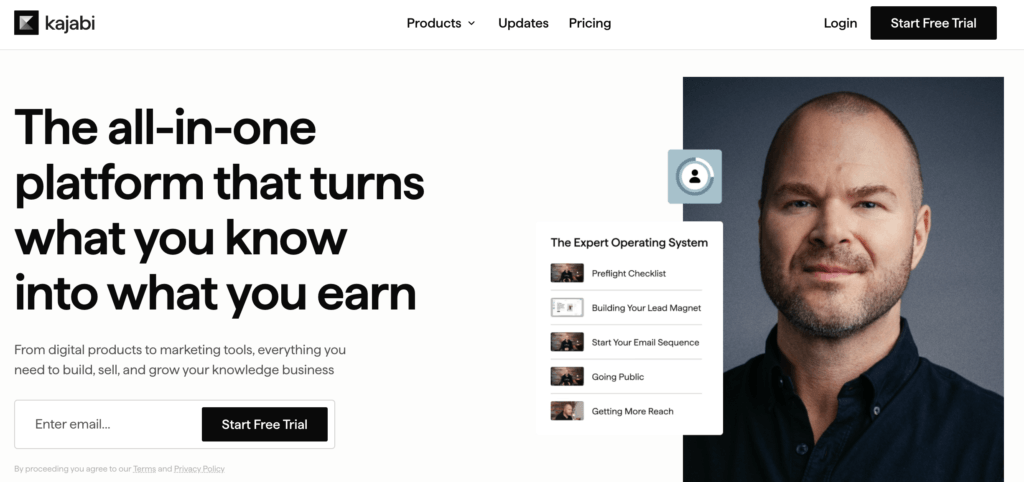
supports coaching programs, memberships, communities, podcasts, newsletters, and digital downloads, with email marketing, sales funnels, a website builder, and a CRM built in. It offers an AI “business partner” for planning and launches and AI agents trained on your content.
The trade-off is that Kajabi is a marketing machine first and a learning platform second. If your priority is automated funnels and email sequences, it delivers. If it’s assessments and structured learning, it covers the basics only.
Kajabi pricing
Kajabi offers a 14-day free trial and the following paid plans:
- Basic: $179/month (5% transaction fee)
- Growth: $249/month (2% transaction fee)
- Pro: $499/month (0.5% transaction fee)
Zero transaction fees with Kajabi payments. A 20% discount on annual billing applies.
Pricing information retrieved from Kajabi in August 2026.
Pros
- Email, funnels, website, CRM, and courses in one login
- Strong marketing automation and sales funnels
- Supports many product types, from coaching to podcasts and newsletters
- Branded mobile app
- AI tools for planning, content, and student questions
- Built-in payment processor
Cons
- The most expensive option on this list
- Email tools are more basic than a dedicated email platform
- Light learning features, with basic quizzes and no SCORM support
- Limited design flexibility beyond the templates
- Tight product and contact caps on the Basic plan
4. Podia

Podia is known for being an easy-to-learn platform. It bundles courses, digital downloads, coaching, events, community, email marketing, and a website builder into one clean interface, aimed at creators who’d rather launch this week than master a platform. Capterra reviewers call it the “best starter software to build and host courses,” and several report going live within days.
Courses cover the essentials: video, audio, and text lessons, quizzes, drip content, cohorts, and completion certificates. The email tools work across your whole audience, not just students, and the community spaces support paid membership tiers.
Podia pricing
Podia offers a 30-day free trial and the following paid plans:
- Mover: $49/month, with a 5% transaction fee
- Shaker: $99/month, no transaction fees
- Earthquaker: $179/month, no transaction fees
A 15% discount applies to annual billing.
Pricing information retrieved from Podia in August 2026.
Pros
- Courses, downloads, coaching, community, email, and website in one place
- One of the fastest platforms to set up and launch
- Email marketing included on every plan
- Community spaces with paid membership tiers
- Well-reviewed, responsive customer support
Pros
- 5% transaction fee on the entry plan
- Basic quizzes, with no graded assessments or SCORM
- Limited design customization, with no CSS access
- No mobile app
- Reviewers mention bugs and unannounced changes
5. Skool
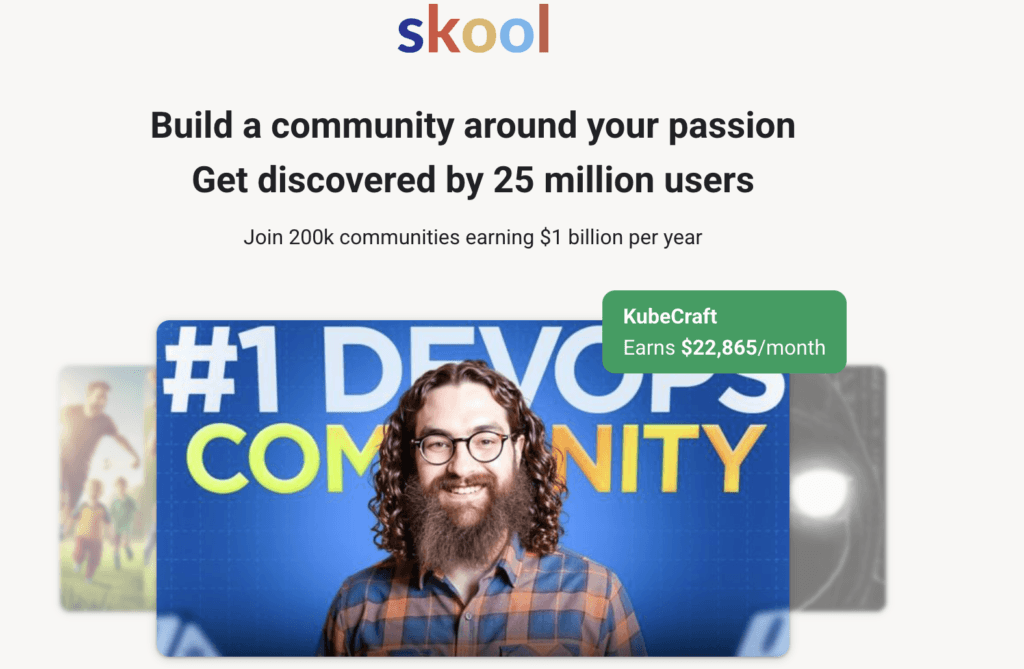
In Skool, the community is the product, and courses live inside it. Each Skool group combines a discussion feed, a “classroom” with simple video lessons, a calendar for live calls, and a gamification system where members earn points and levels by participating. For coaches and creators whose real offer is membership and momentum rather than structured curriculum, that loop is the whole point.
The simplicity is deliberate. There’s almost nothing to configure, which is why groups launch in an afternoon and also why Skool ends where a real LMS begins.
Skool pricing
Skool offers a 14-day free trial and the following paid plans:
- Hobby: $9/month, with a 10% transaction fee
- Pro: $99/month, with a 2.9% transaction fee
Pricing information retrieved from Skool in August 2026.
Pros
- The lowest entry price on this list
- Gamification with points, levels, and leaderboards
- Unlimited members and courses on every plan
- Built-in calendar for live calls, with automatic timezone conversion
- Mobile apps with push notifications
- Simple enough to launch a paid community in a day
Cons
- No quizzes, assessments, or certificates
- No email marketing; member communication happens inside the platform
- Minimal branding control
- 10% transaction fee on the Hobby plan
- Course features are basic compared to a full LMS
6. Circle
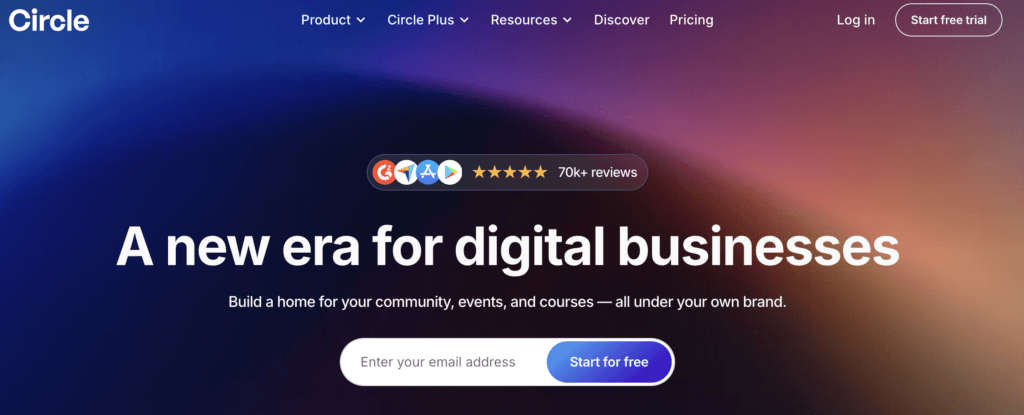
Circle sits between Skool and the full course platforms. It’s a community platform at heart, with discussion spaces, personalized feeds, events, and live streams, but its course tools, payments, and marketing features are developed enough to run a real education business on, as long as community is the center of it. It’s a favorite among membership businesses, professional networks, and creators who sell access as much as content.
Recent versions have pushed it further upmarket: an email hub with broadcasts, automations, and a basic CRM; AI agents and workflow automations; and branded iOS and Android apps.
Circle pricing
Circle offers a 14-day free trial and the following paid plans, billed annually:
- Professional: $89/month (2% transaction fee)
- Business: $199/month (1% transaction fee)
- Circle Plus: custom pricing, with a 0.5% transaction fee
Pricing information retrieved from Circle in August 2026.
Pros
- Community, courses, events, and live streams in one place
- Email broadcasts, automations, and CRM built in
- Gamification and personalized member feeds
- Branded mobile apps available
- Unlimited members on every plan
- Reviewers praise the support team
Cons
- No cheap entry plan, and pricing climbs quickly as you scale
- Limited assessments and certificates
- Analytics are basic
- The mobile member experience lags the desktop version
- Native live streams trail Zoom on audio and video quality, per reviewers
7. LearnDash
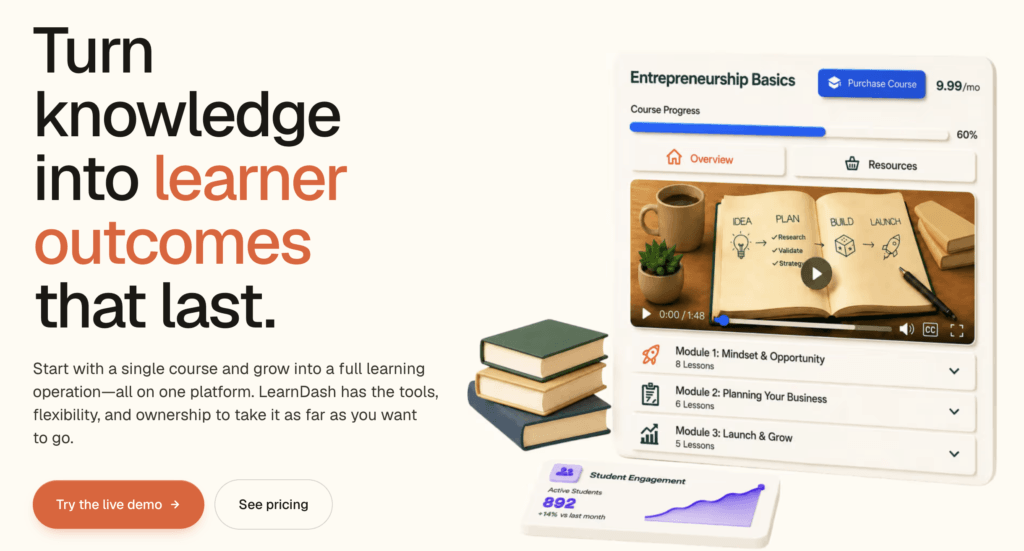
LearnDash takes a different route entirely: it’s a plugin that turns a WordPress site into an LMS. That means full ownership (your hosting, your data, your design) and no monthly platform bill or per-student fees. Courses and learners are unlimited on every license, and the quiz engine is one of the strongest here, with multiple question types and detailed conditions that hosted platforms rarely match.
The trade-off is that LearnDash handles the learning side only. Payments, email, community, and backups come from your hosting and plugin choices, so you’ll be picking and maintaining those pieces yourself. If you already run a WordPress site, that’s familiar work. If you don’t, a hosted platform will save you the setup. See LearnWorlds and LearnDash compared for how a hosted platform changes the setup work.
LearnDash pricing
Learndash offers a 48-hour free trial of a demo site and the following options (one site, unlimited learners):
- Essentials: $259/year
- Pro: $399/year
- Elite: $599/year
Pricing information retrieved from LearnDash in August 2026.
Pros
- Full ownership of your site, data, and student relationships
- Unlimited courses and learners with no monthly platform fee
- Advanced quiz engine with multiple question types
- Works with the entire WordPress ecosystem, from WooCommerce to membership plugins
- Well-reviewed support and documentation
Cons
- You handle hosting, security, updates, and backups yourself
- Advanced features often mean paid add-ons, and costs stack up
- Steeper learning curve; familiarity with WordPress is a prerequisite
- Reviewers report problems with the mobile app
- Limited reporting
How to migrate from Teachable
Moving platforms sounds scarier than it is. Most creators complete the switch in a week or two, and you can do nearly all of it before canceling anything. Here’s the process:
- Export your data from Teachable. Download your student list and sales reports as CSV files from the admin area, and collect your course assets: videos, PDFs, and any files you don’t have stored elsewhere. Teachable doesn’t export course structure, so keep a copy of your curriculum outline too.
- Rebuild your school on the new platform. Every platform on this list has a free trial long enough to rebuild a typical course catalog. Templates and AI course builders speed this up considerably, and this is also the natural moment to fix things that bothered you for years.
- Import your students. Upload your student CSV and map their enrollments. Students will need to create a new password on the new platform, so expect a small wave of support questions in the first week.
- Redirect your URLs. If you were using a custom domain, point it at your new school and set up redirects for your most visited pages. This is what preserves your search rankings and keeps old links and bookmarks working.
- Tell your students. Send an email before the switch explaining what’s changing and when, and another on launch day with their login steps. A short note about why you moved and what they gain turns a disruption into a selling point.
Run the two platforms in parallel for one billing cycle before canceling Teachable, so nothing falls through the cracks.
And if you’re moving to LearnWorlds, you don’t have to do this alone: our team helps you plan and run the migration, including your content and student data. Read more about our migration services.
Which alternative to Teachable is right for you?
There’s no single best platform on this list, only the best one for how you work. Match your priority to the right pick:
| Choose | If you want | |
|---|---|---|
| Skool | The lowest possible cost | |
| Podia | A full toolkit under $50 | |
| Circle | A community-first business | |
| LearnDash | Full ownership on WordPress | |
| Kajabi | Marketing automation above all | |
| Thinkific | Easy course building with no sales cut | |
| LearnWorlds | The strongest learning experience | |
Try your shortlist before you commit
Comparison tables are useful, but nothing beats building in the real thing. Pick your top two or three platforms, start their free trials, and rebuild one course in each. Soon you’ll know which one fits.
If the learning experience is what decides it for you, start with LearnWorlds. The 30-day trial is the longest here, no credit card needed, and our team will help with the migration when you’re ready.
FAQs
It depends on what pushed you to switch. LearnWorlds is the strongest overall for professional courses and academies, Thinkific is the easiest like-for-like swap, Kajabi leads on marketing automation, and Skool and Circle are best for community-driven businesses. All offer free trials, so you can compare them with your own content.
Teachable’s plans start at $39/month ($29/month billed annually) on Starter, which takes a 7.5% fee on every sale and allows five products. Builder at $89/month and Growth at $189/month remove the transaction fee, and a custom-priced plan sits above them. Payment processing fees apply on all plans.
Skool, at $9/month, though its Hobby plan takes 10% of every sale and has no assessments or email marketing. Among full-course platforms, LearnWorlds starts from $24, Thinkific from $40, and Podia from $42 (annual billing).
Free plans have largely disappeared across the industry. The practical equivalent is a long trial: LearnWorlds, Thinkific, and Podia all offer 30 days free, which is enough time to build and even launch a course before paying anything.
Thinkific charges no platform fees on any plan. LearnWorlds drops fees from Pro Trainer upward ($79/mo billed annually), Podia from Shaker upward ($84/mo billed annually), and Kajabi charges none when you use Kajabi Payments. LearnDash has no platform fees at all, since you own the site. Standard payment processing (roughly 2.9% + $0.30) applies everywhere.
Only the school’s Primary Owner can cancel, from Settings → Billing → Manage Plan → Cancel Plan. The cancellation takes effect at the end of your billing cycle. Before you cancel, export your student list, sales reports, and course content, since Teachable warns that content from canceled schools may become irretrievable. One catch: canceling doesn’t stop your students’ active subscriptions, so cancel those manually from the Sales page or they can keep charging for up to 30 days.
The first step to migrating to another platform is to export your course material, including videos, and PDFs. As a second step, you’ll need to find a new home for your courses.
After you have re-uploaded and re-created your courses to another platform, you will need to upload your users and let them know about the migration, including how to log in to their new academy.
Related Articles