Table of Contents
Most Learning Management Systems let you upload a video, add a quiz, and call it done. Passive content doesn’t stick though. Learners might click through, and your training program brings completion rates but not actual results.
Interactive content can improve knowledge retention by up to 60% compared to passive formats[1]. And for training providers or corporate teams running onboarding, compliance, or upskilling programs at scale, that gap has a real cost.
Unlike most standard LMSs, interactive learning platforms are built around the idea that learning happens through doing not watching. That means that features promoting interaction and collaboration are core to the platform, not add-ons.
This guide breaks down what interactive means in practice, which features matter for corporate training teams, and how to evaluate an interactive LMS without getting lost in feature checklists.
Use this quick table to compare the 8 top interactive Learning Management Systems in 2026 at a glance:
| Platform | Best for | Key interactive features | Pricing | G2 rating | |
|---|---|---|---|---|---|
| LearnWorlds | Corporate training and B2B sellers | Interactive video, assessment builder (16+ question types), live sessions with polls, built-in community, SCORM and HTML5, drip content, badges and certificates | From $29/month ($24/month billed annually) | 4.7 | |
| Thinkific | Customer education and B2B sellers | Quizzes, multimedia lessons, course communities, drip schedules, completion tracking | From $55/month | 4.5 | |
| TalentLMS | High-volume internal corporate training | Role-based learning paths, quizzes and surveys, SCORM and xAPI, badges and leaderboards | From $149/month ($144 billed annually) | 4.6 | |
| Moodle | Academic institutions and technical teams | Discussion forums, quiz engine, branching lesson activities, collaborative assignments, peer review via plugins | Free to self-host. Paid cloud plans available, pricing | 4.1 | |
| iSpring LMS | Corporate teams switching to digital learning | Dialogue simulations, role-play scenarios, drag-and-drop quizzes, PowerPoint to SCORM conversion | From $6.91/user/month (billed annually) | 4.6 | |
| Docebo | Large enterprises with multi-audience programs | AI-driven content recommendations, social learning, gamification, assessment tools | Available on request | 4.3 | |
| 360Learning | Teams that want employee-led content creation | Collaborative authoring, discussion threads, reactions and comments, peer assessments | From $8/user/month (billed annually) | 4.6 | |
| Adobe Learning Manager | Organizations already using Adobe tools | nteractive video, SCORM, learning paths with prerequisites, quizzes, discussion boards | Available on request | 4 | |
TL;DR
An interactive learning platform is an LMS built around active participation, not passive content delivery. Standard platforms let you host content and track completions but don’t shape how learners actually engage with it. Interactive learning platforms change that with interactive video, real-time polling, multimedia support, learning communities, and gamification, making learning more engaging and effective at the same time.
What is interactive learning?
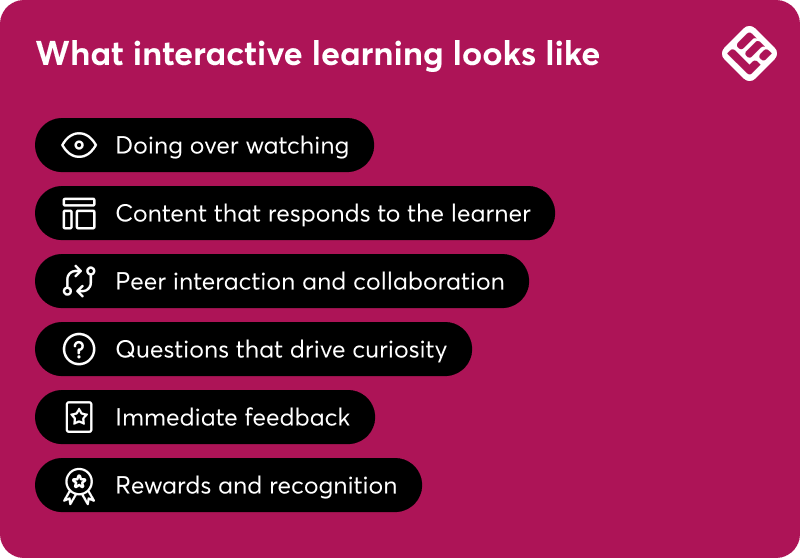
Interactive learning is a pedagogical approach where both the learner and the content play an active role in the learning process. It moves away from one-directional delivery toward participation, collaboration, and application.
What defines interactive learning:
- Prioritizes doing over watching: learners apply knowledge in the moment
- Content adapts based on what learners do and how they progress
- Peer interaction and group assignments are core activities
- Uses questions to drive curiosity and check understanding
- Gives immediate feedback so learners always know where they stand
- Rewards progress with certificates and game mechanics to keep learners motivated
What is an interactive LMS?
An interactive LMS, also called an interactive learning platform, is a Learning Management System where active participation is built into the platform’s core, not added on top. A standard LMS is designed primarily to deliver and track content. An interactive online learning platform is designed around the learning experience itself: how learners engage, respond, collaborate, and progress.
The distinction matters in practice. An interactive learning management system encourages learners to participate in it through questions embedded in videos, live sessions that require real-time responses, communities where peers learn from each other, and course structures that adapt to how each learner progresses.
LearnWorlds interactive learning platform is built around this model with features like interactive video, built-in community, and native integrations with video conferencing tools.
Why (and where) corporate training teams need an interactive LMS
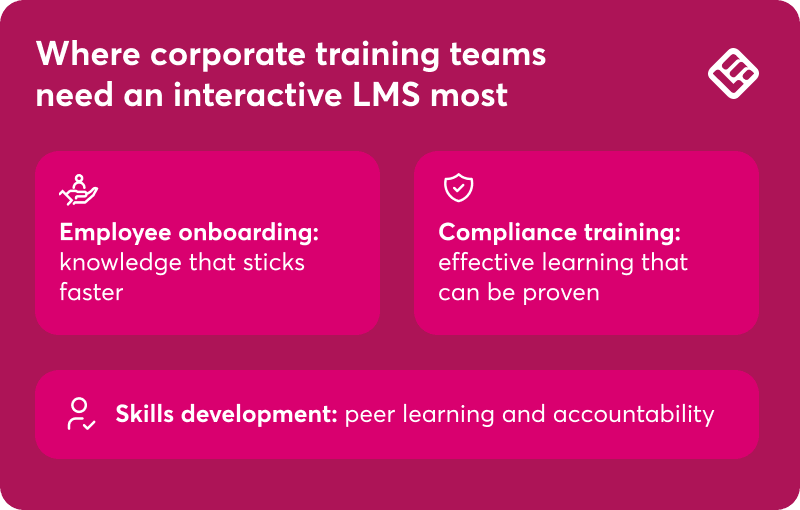
Corporate training teams face a problem that a standard LMS can’t solve: getting employees to actually learn, not just complete. Whether it’s onboarding new hires, meeting compliance requirements, or building skills at scale, passive content delivery doesn’t move the needle. Here’s where an interactive e learning platform makes the difference:
Employee onboarding
When training new employees, interactive content, impromptu knowledge checks, and collaborative assignments help knowledge stick. Live sessions and built-in communities give new hires space to ask questions and connect without leaving the learning environment. New hires become more productive, faster.
👉 Wagamama used LearnWorlds to standardize onboarding across 190+ restaurants bringing every employee, from kitchen porter to manager, onto the same training program while significantly reducing training costs.
Compliance training
When training is a linear video with a quiz at the end, learners click through without absorbing the material. An interactive LMS pulls them into the experience with knowledge checks and final exams, gives them a reason to stay motivated through badges and certificates, and provides L&D teams with the reporting and audit trails compliance programs require.
Skills development and upskilling
Cohort-based live sessions, collaborative assignments, and peer learning communities make all the difference in employee upskilling, especially for soft skills, where learning happens through dialogue and shared experience. Plus, unlike self-paced courses where learners often drop off, cohort-based formats create accountability—people show up because others are counting on them.
How to make elearning interactive
Interactivity works best when it’s built into the course design from the start. That means thinking about how learners will engage with your content during the planning stages. Effective lesson plans incorporate a variety of methods and resources to teach interactively, ensuring learners are engaged and outcomes are improved.
1. Define your learning objectives
Before building anything, define what learners should be able to do by the end of the course. Clear learning objectives will help you decide which interactive formats to use and where.
2. Choose the right interactive learning tools
Not all platforms support the same interaction types. Review what your LMS can actually do before designing around it. Match tools to content stages: want learners to give peer feedback? Make sure the platform has discussion threads or community features built in.
3. Design for frequent, low-friction engagement
Plan for learners to respond to something every five to 10 minutes. That doesn’t mean complex activities: a two-question pop quiz, a short poll, or a drag-and-drop activity is enough to keep attention active.
4. Build in feedback loops
Feedback keeps learners on track and prevents misunderstandings from compounding. Quizzes with auto-generated feedback work really well because if a learner picks the wrong answer, they immediately show them why and give them a chance to try again. Peer reviews are also effective and boost collaboration and knowledge exchange.
5. Use spaced repetition and microlearning
Spaced repetition revisits key concepts over time rather than covering everything in one sitting. Paired with microlearning, it helps learners absorb information without feeling overwhelmed. This combination works particularly well for topics that require long-term retention, like compliance rules or product knowledge.
6. Test and iterate with real users
Run a small group through the course before launch. Ask where they got stuck, what felt confusing, and what they skipped. Fix anything that doesn’t feel right to improve learner experience and reap the full benefits of your interactive learning platform.
Interactive LMS features: The buyer’s evaluation checklist
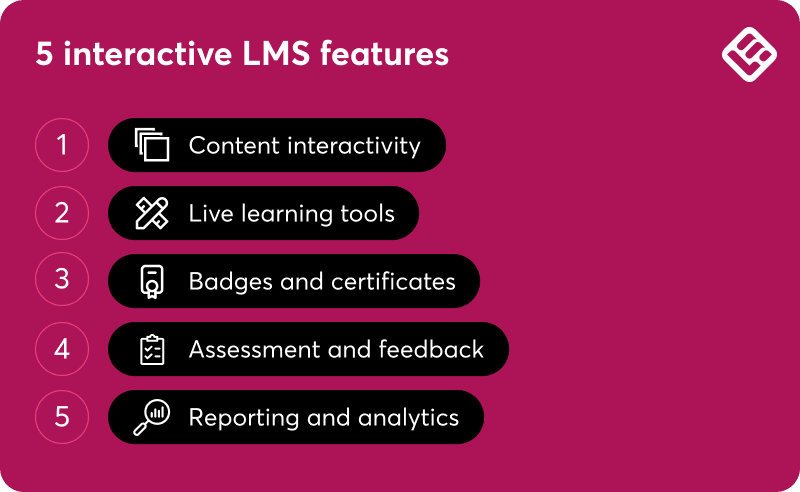
When evaluating an interactive LMS, the feature list is less important than whether those features work together. Here’s what each category should actually do, and what to ask vendors before you commit.
Content interactivity
Can learners do something with the content, or just watch it? Look for in-video questions and hotspots, SCORM and HTML5 support, drip-fed content, and completion rules that control progression. Check whether these tools are native to the platform or require third-party plugins. This distinction affects the final cost and how much maintenance you’ll inherit.
Live learning tools
Real-time polls, breakout rooms, Q&A, chat, and screen sharing enhance and energize live sessions. Also ask whether attendance is tracked automatically and whether recordings are made available in the course as on-demand content. For teams spread across time zones, that last point is a prerequisite.
Badges and certificates
For corporate training teams, certificates often carry compliance weight. What matters: automated awarding tied to specific completion rules, branded design, and credentials learners can download or share externally. Badges keep them motivated till the end as they progress.
Assessment and feedback
Does the platform respond when a learner fails, or just record it? That’s the real test. Strong assessment tools include varied question types, randomized question banks, automated feedback, and configurable retake rules. The best ones don’t stop at scoring but guide learners to the next step, whether that’s additional content or a flag for instructor review.
Reporting and analytics
Look for deep reporting that goes beyond completion rates and covers engagement per activity, progress tracking, assessment performance breakdowns, live session attendance records, and interactions in the community.
The 8 top interactive learning platforms compared (2026)
With these LMS features in mind, here’s our in-depth breakdown of the top interactive learning platforms.
1. LearnWorlds
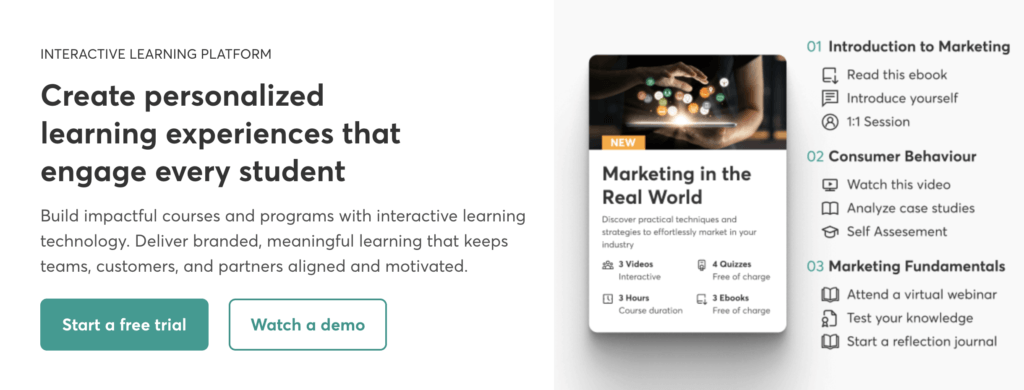
While many platforms offer basic quizzes and videos, LearnWorlds gives L&D teams the tools to build immersive, task-based learning experiences. LearnWorlds features are built to support real participation and not just passive content delivery.
What makes LearnWorlds different is how integrated its interactive tools are. You don’t need third-party plugins to track engagement or create in-course discussions, and the platform is designed to give you full control over how the learning experience is delivered.
Key features:
- Interactive video: add popups, clickable buttons, questions, and interactions directly inside video lessons, so learners engage with content as they watch
- Built-in community: learners can discuss, share, and collaborate within the platform, without leaving the learning environment
- Assessment builder: build self-assessments and quizzes with 16 question types, results feed directly into learner progress tracking
- SCORM and HTML5 support: import content packages from any authoring tool, preserve learner progress with session resumption, and capture assessment scores directly in the gradebook. LearnWorlds supports SCORM 1.2, SCORM 2004 3rd Edition, SCORM 2004 4th Edition, Captivate CAM 1.3 zip package, and HTML5
- Live sessions with polls: run webinars and live training with real-time polling built in
- Drip-fed content and progress-based unlocking: control when learners access new material, so the pace of the course matches the pace of learning
- Badges and certificates with built-in certificate builder to boost extrinsic motivation
- Analytics and AI insights: help you track engagement, quiz results, and learner behavior, and use AI-generated reports to highlight trends and gaps
- White-label website via no-code Website Builder and Mobile App Builder (add-on): gives you full control over branding, from your course domain to mobile app design
LearnWorlds is best for you if interactivity is a priority and you want more than just basic course delivery. In fact, it’s a strong choice for anyone who cares about creating a branded experience with real learner engagement built in.
Pricing: Paid plans start at $29/month, $24/month on annual billing.
See LearnWorlds pricing plans.
Want to see how LearnWorlds handles interactive training? Try it now with a 30-day free trial.
2. Thinkific
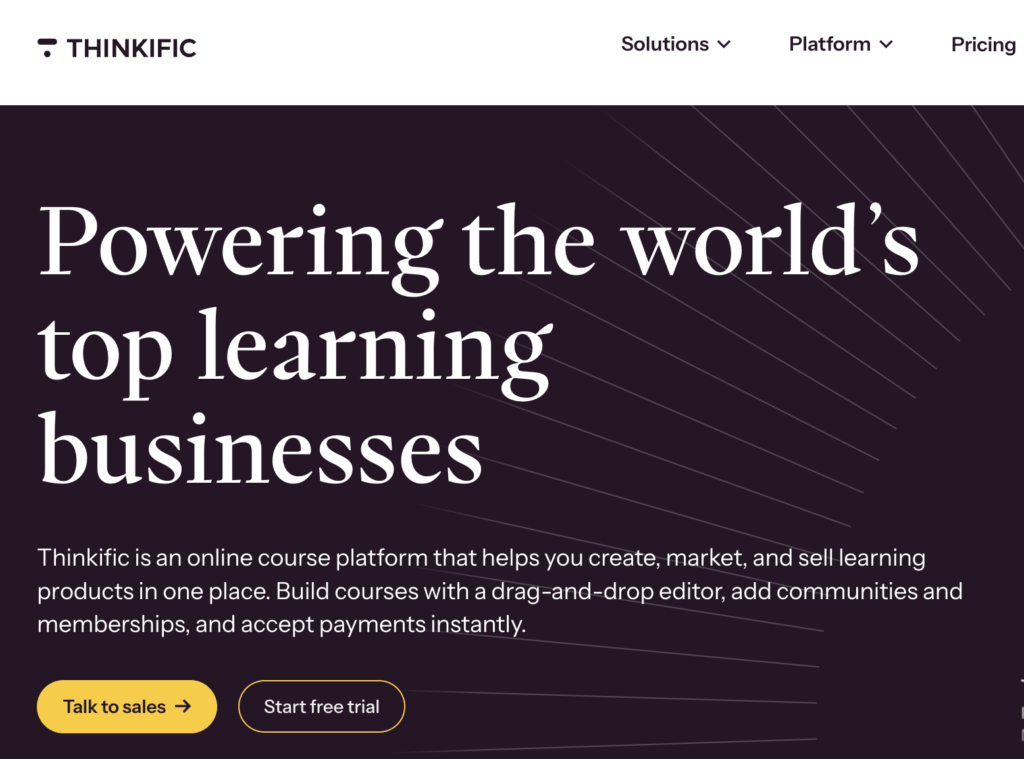
Thinkific offers a premium enterprise plan Thinkific Plus built primarily for customer education and external training programs. It supports multimedia content, quizzing, drip schedules, and course communities. Its interactive feature set is lighter than dedicated corporate LMS options.
Key features:
- Quizzes and surveys to capture learner input and test comprehension
- Multimedia support in lessons
- Course communities for peer discussion
- Lesson completion tracking with visual progress indicators
Pricing: Paid plans start at roughly $55/month. Retrieved in June 2026.💡Learn more: LearnWorlds vs. Thinkific comparison
3. TalentLMS
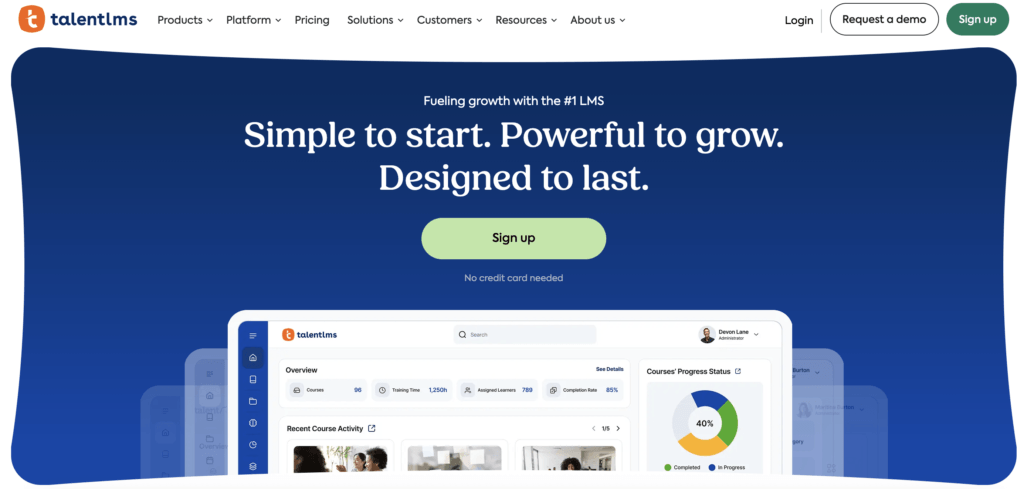
covers the core bases well: assessments, surveys, SCORM support, and role-based learning paths that route learners based on their department or performance.
If you’re an HR or L&D team managing high-volume internal training, TalentLMS is worth considering.
Key features:
- Branching learning paths based on roles or performance
- Built-in quizzes and surveys for immediate feedback
- SCORM and xAPI support
- Gamification features like badges and leaderboards
Pricing: Paid plans start at $149/month ($119/month on annual billing). Retrieved in June 2026.
4. Moodle
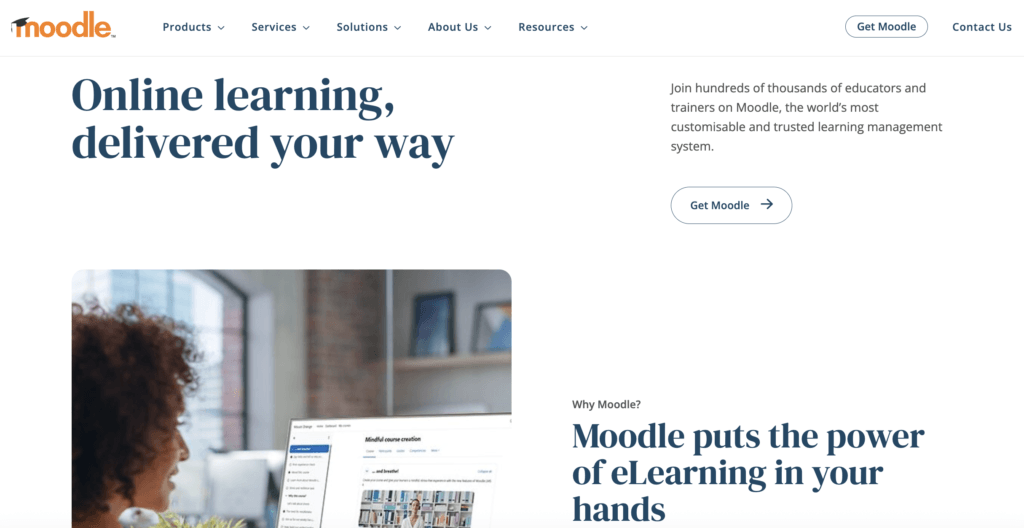
Moodle is an open-source LMS with a strong feature set for interactive online learning including discussion forums, SCORM packages, quizzes, and collaborative assignments. How well it works depends heavily on your technical setup and who’s managing it. For institutions with dedicated IT support, it can be highly adaptable.
Moodle may suit you if you’re part of an academic institution or organization that’s comfortable owning the technical configuration.
Key features:
- Discussion forums and group assignments for collaboration
- Built-in quiz engine with multiple question types
- Lesson activity for branching logic and interactive content delivery
- Peer review assignments via advanced plugins
Pricing: Free to self-host. Paid cloud plans available, pricing varies by provider. Retrieved in June 2026.
5. iSpring LMS
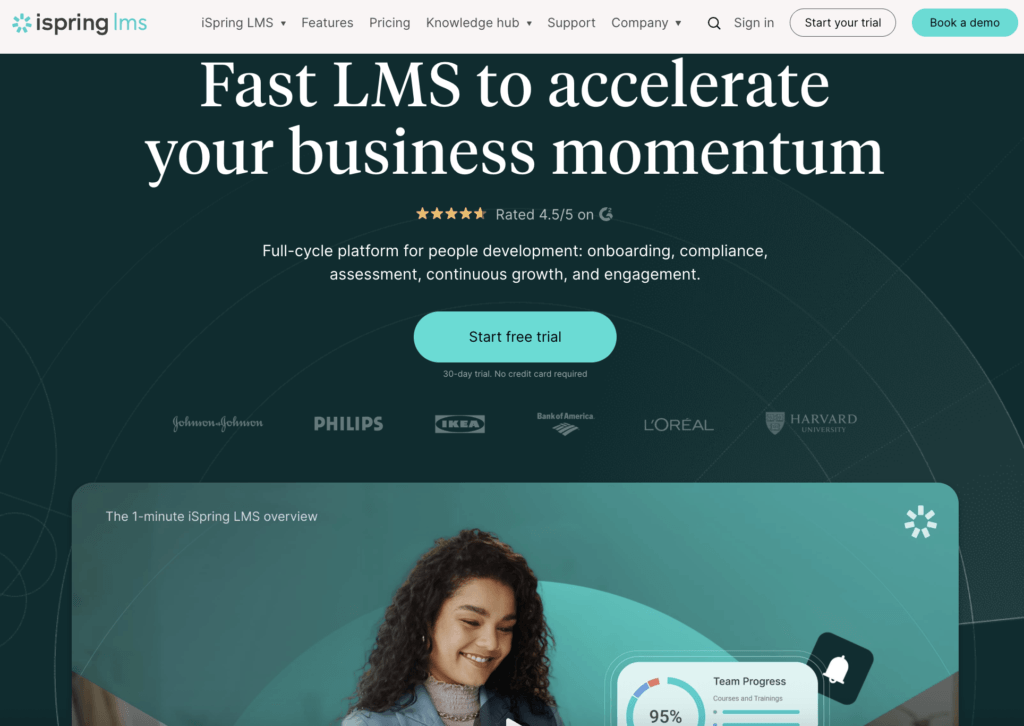
iSpring LMS is a strong option for teams looking to convert existing instructor-led or PowerPoint-based training into digital courses. It includes interactive quizzes, dialogue simulations, and role-play features, making it particularly useful for organizations with a library of existing materials to repurpose.
iSpring Learn may suit you if your priority is shifting classroom or slide-based training into interactive digital formats.
Key features:
- Dialogue simulations and role-play scenarios
- Interactive quizzes with drag-and-drop features
- PowerPoint to interactive SCORM course conversion
- Progress tracking with reports and learner dashboards
Pricing: Paid plans start at $6.91/user/month billed annually. Retrieved in June 2026.
6. Docebo
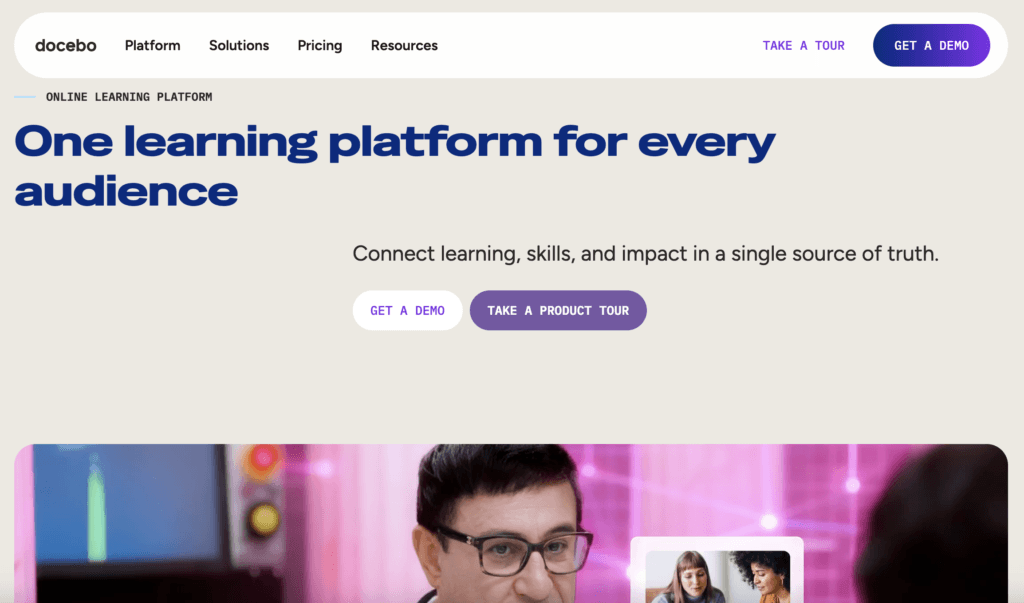
Docebo is an enterprise LMS built for large organizations managing complex, multi-audience training programs. It covers interactive content through quizzes, gamification, social learning, and AI-driven content recommendations with the depth and configurability that enterprise L&D teams typically need.
Docebo may suit you if you’re managing training across multiple departments, regions, or external audiences at scale.
Key features:
- AI-driven content recommendations to personalize learning
- Social learning tools like comments and peer contributions
- Challenges, rewards, and leaderboards to drive engagement
- Assessment tools with immediate feedback and tracking
Pricing: Available on request. Retrieved in June 2026.
7. 360Learning
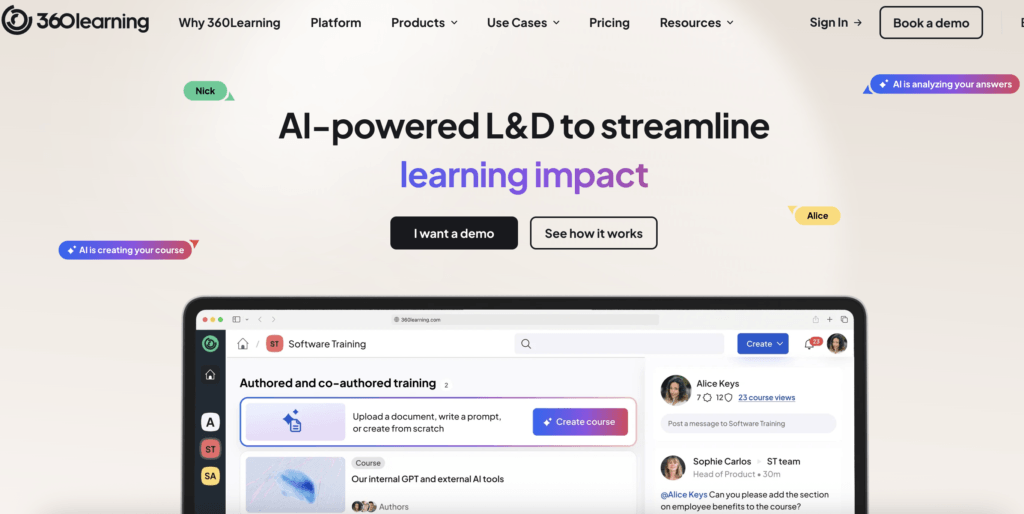
360Learning stands out for its focus on collaborative learning, since it’s built around co-creation teams authoring content together, sharing knowledge, and learning from each other within the platform.
360Learning may suit you if your organization wants employees to take an active role in building and sharing training, not just consuming it.
Key features:
- Collaborative authoring so teams can co-create learning content
- In-course discussion threads for peer feedback
- Reactions and comments on course content
- Peer assessments and knowledge-sharing activities
Pricing: Paid plans start at $8/user/month billed annually. Retrieved in June 2026.
8. Adobe Learning Manager
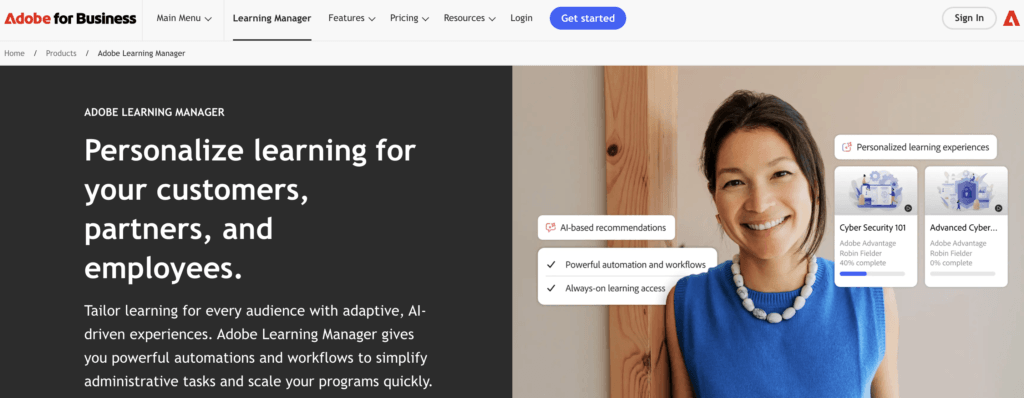
Adobe Learning Manager is a structured corporate LMS that fits naturally into organizations already running Adobe tools. It supports rich media, interactive video, SCORM content, learning paths, and detailed reporting with the added advantage of tight integration across the Adobe ecosystem.
Adobe Learning Manager may suit you if your team is already invested in Adobe software and wants an LMS that connects with those existing workflows.
Key features:
- Interactive video and SCORM content support
- Learning paths with prerequisites and progression rules
- Quizzes and knowledge checks throughout modules
- Integrated discussion boards for learner interaction
Pricing: Available on request. Retrieved in June 2026.
Use our free RFP template to evaluate vendors faster. It comes pre-filled with the questions that matter and is fully editable.
Three mistakes to avoid when choosing an interactive LMS
Choosing the wrong platform has a longer tail than most teams expect. Switching mid-program is disruptive and costly, so it’s worth getting this right before you commit.
Mistake #1: Prioritizing content over interactivity
Many teams evaluate an LMS on how good the user experience looks: uncluttered UI, intuitive navigation, smooth video playback. But a polished interface and a genuinely interactive platform aren’t the same thing. Check whether interactivity is built into the architecture or bolted on as an add-on. That distinction will shape everything your training can do.
Mistake #2: Ignoring integration needs
Check early whether the platform integrates with your existing tools, like CRMs, email platforms, HR systems, and analytics dashboards. These connections save time, reduce manual admin, and make it easier to measure the impact of your training programs.
Mistake #3: Not testing the platform before committing
Save yourself time, effort, and money by using a free trial. Don’t just browse the interface; actually build something. Add a video lesson, create an assessment, set up a live session. If the basics take more effort than they should, or the support documentation is thin, look for a better option.
FAQs about interactive learning platforms
An interactive learning platform is a Learning Management System built around active participation combining tools like in-video quizzes, live sessions with real-time polling, and content that responds to how each learner progresses. Unlike a standard LMS, which delivers content and records completions, an interactive platform shapes the learning experience itself. The result is training that drives actual knowledge retention, not just clicks.
An interactive elearning platform is a Learning Management System where participation is built into the platform’s core. The “interactive” modifier matters: it signals that the platform goes beyond content hosting to support in-video questions, live sessions, peer collaboration, and drip-fed course content. Not every LMS does this by default.
The features that separate a truly interactive online learning platform from a standard one:
- In-video quizzes: questions embedded directly inside video lessons, not appended at the end
- Live sessions with polls: synchronous learning where participation is built into the session format
- Gamification: badges, leaderboards, and completion incentives that reinforce progress
- SCORM and H5P support: compatibility with interactive content packages built in third-party authoring tools
- Progress-based course structures: completion rules and prerequisites that control what learners access next, based on how they perform
A standard LMS is designed to deliver content and track who completed it. An interactive Learning Management System is designed around what happens during the learning experience: in-video questions, live sessions, peer collaboration, and course structures that respond to learner performance. For a side-by-side look at how the top platforms compare on these criteria, see the comparison table above.
LearnWorlds is a strong choice for corporate training teams, largely because interactive tools in-video quizzes, live sessions, assessment builder, and community are native to the platform rather than bolted on via third-party integrations. That means less setup overhead and a more consistent learner experience across onboarding, compliance, and upskilling programs.
LearnWorlds supports SCORM 1.2, SCORM 2004 3rd Edition, SCORM 2004 4th Edition, Captivate CAM 1.3 zip package, and HTML5. For H5P, compatibility is available via LTI 1.3 integration.
Interactive LMS pricing varies widely depending on the platform, feature set, and number of learners. LearnWorlds plans start at $29/month ($24/month billed annually) designed to give corporate training teams access to a full suite of interactive tools without enterprise-level costs. For a full breakdown, see LearnWorlds pricing.
Yes, the comparison section in this article breaks down eight interactive online learning platforms by audience fit, key interactive features, and pricing. If LearnWorlds looks like the right fit, you can try it free before committing with a 30-day free trial.
Ready to move beyond passive training?
“Interactive” isn’t a set of features. It’s a design philosophy that transforms the learning experience and maximizes its impact through interaction, communication, and collaboration.
If you’re evaluating interactive Learning Management Systems, the checklist in this article gives you a practical framework to cut through the noise. And if you want to see how LearnWorlds puts it into practice, start your 30-day free trial.
Sources

Androniki Koumadoraki
Androniki is a Content Writer at LearnWorlds sharing Instructional Design and marketing tips. With solid experience in B2B writing and technical translation, she is passionate about learning and spreading knowledge. She is also an aspiring yogi, a book nerd, and a talented transponster.
 Back to blog
 Scroll to top
Related Articles