Table of Contents
If you’re looking for a SCORM-compliant LMS, you need a platform that can reliably upload, launch, and track SCORM courses while giving you the reporting and learning tools your organization needs.
In this guide, we compare the six best SCORM-compliant LMS platforms for 2026. You’ll see how they compare on SCORM support, course creation, reporting, integrations, pricing, and the types of training they’re best suited for.
We’ll also explain what SCORM compliance means, common SCORM issues, and what to check before choosing an LMS.
What is a SCORM-compliant LMS?
A SCORM-compliant LMS is a SCORM Learning Management System that can import, launch, and track courses built according to the Sharable Content Object Reference Model (SCORM) standard.
SCORM gives course content and an LMS a common way to communicate. A course created in a SCORM-compatible authoring tool can be packaged as a SCORM file, usually a .zip file, uploaded to a compatible LMS, and delivered without rebuilding the course from scratch.
Once a learner starts the course, the SCORM package sends data back to the LMS. Depending on the package and SCORM version, this can include:
This interoperability is one of SCORM’s biggest advantages. If both your content and LMS support the same SCORM standard, you can move or reuse courses across compatible systems while retaining their core structure and tracking capabilities.
The two versions you’ll see most often are SCORM 1.2 and SCORM 2004. Before choosing an LMS, check which versions it supports and whether that matches the content you already have or plan to create.
Benefits of using the best SCORM-compliant LMS
How does SCORM compliance benefit an organization? SCORM is packed with many benefits that most elearning professionals recognize.
💡 Learn what SCORM packages and SCORM files are and how to create them.
A SCORM-compliant course (SCORM courses) is a course that contains online learning content that can be shared across systems.
A SCORM-compliant LMS can track and monitor essential information through data exchange, such as:
The ability to track a learner’s progress is one of the most important reasons to become SCORM conformant. Other reasons include creating content that can be potentially used in different contexts, delivering and managing learning content using an LMS, integrating with other vendors, or creating a rich library of learning resources.
Are any of these on your list of objectives? Then, we recommend that you create your elearning courses using the best SCORM software.
Here’s what Aaron Whittaker, VP of Demand Generation & Marketing at the Thrive Digital Marketing Agency, says about how SCORM-compliant LMSs compare
Aaron Whittaker, VP of Demand Generation & Marketing, Thrive Digital Marketing Agency
How to choose the top SCORM-compliant LMS
SCORM support should be the starting point, but not the entire checklist. Two LMS platforms can both call themselves SCORM-compliant while offering very different levels of reporting, administration, course creation, and learner experience.
Start with the content you already have and the training you want to deliver. Then evaluate each LMS against these areas.
Check which SCORM versions it supports
Find out whether the LMS supports SCORM 1.2, SCORM 2004, or both. If you already have a library of SCORM courses, confirm that those packages work before migrating your content.
Upload a real course during your trial rather than relying only on a feature list.
Test SCORM tracking and reporting
Decide which learner data matters to you. This could include completion status, scores, time spent, progress, or individual assessment responses.
Then check how easy it is to find, filter, and export that information. SCORM support has limited value if the data you need is difficult to access or use.
Look beyond SCORM content
Most learning programs use more than SCORM packages. You may also need video, PDFs, live sessions, assessments, certificates, surveys, or content created directly inside the LMS.
Choosing a platform that supports your wider content mix can reduce your reliance on separate tools.
Consider course creation and content management
If your team regularly updates courses, look at how quickly you can upload, replace, organize, and reuse SCORM packages.
Built-in authoring capabilities can also help when you need to create learning activities outside your existing SCORM content without switching between several platforms.
Review the learner experience
Test the platform from a learner’s point of view. Courses should be easy to launch, resume, and complete across the devices your audience uses.
Also check navigation, accessibility options, mobile support, and how SCORM activities sit alongside the rest of the course.
Check integrations and administration
Your LMS may need to connect with other systems, such as HR software, CRM platforms, ecommerce tools, or other parts of your technology stack.
Look at available integrations, APIs, user management, automations, permissions, and bulk actions based on how your team will run the platform day to day.
Make sure it can support your next stage
Think about what happens if your learner numbers, course catalog, or training use cases increase. Check user limits, pricing structure, reporting options, branding controls, and administrative features before you commit.
The right SCORM-compliant LMS is the one that handles your SCORM content reliably while giving you the tools you need to manage the rest of your learning program.
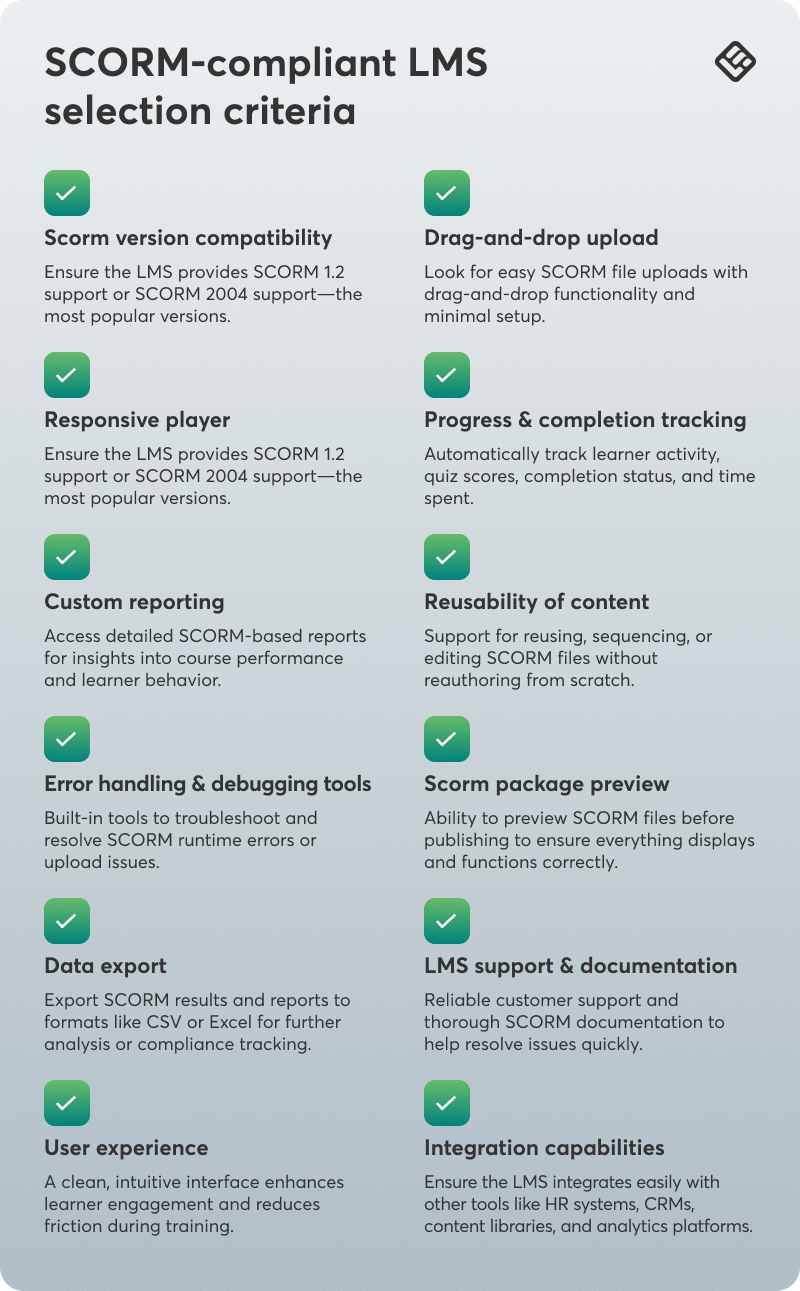
Key features to look for in a SCORM-compliant LMS
Choosing the best tools for SCORM-compliant course creation is a game-changer in terms of elearning content quality, reporting, and flexibility.
Looking more closely at the features each LMS offers is essential, as it can help you assess the quality of elearning content, reporting, and flexibility.
Below is the list of the most important features and key selection criteria.
Unlike many popular course platforms, LearnWorlds is SCORM-compliant and allows you to upload your SCORM files and HTML5 packages directly into your online course.
On top of the features in the list is also AI. Make sure you opt in for SCORM-compliant AI video creation tools that will help make your work a lot easier.
6 best SCORM-compliant LMS platforms (2026-2027)
Before you read the full reviews of the best SCORM-compliant LMSs, here’s a quick comparison table with the main features.
Now let’s study each SCORM-compliant LMS software in more detail, looking into more advanced features and characteristics.
1. LearnWorlds
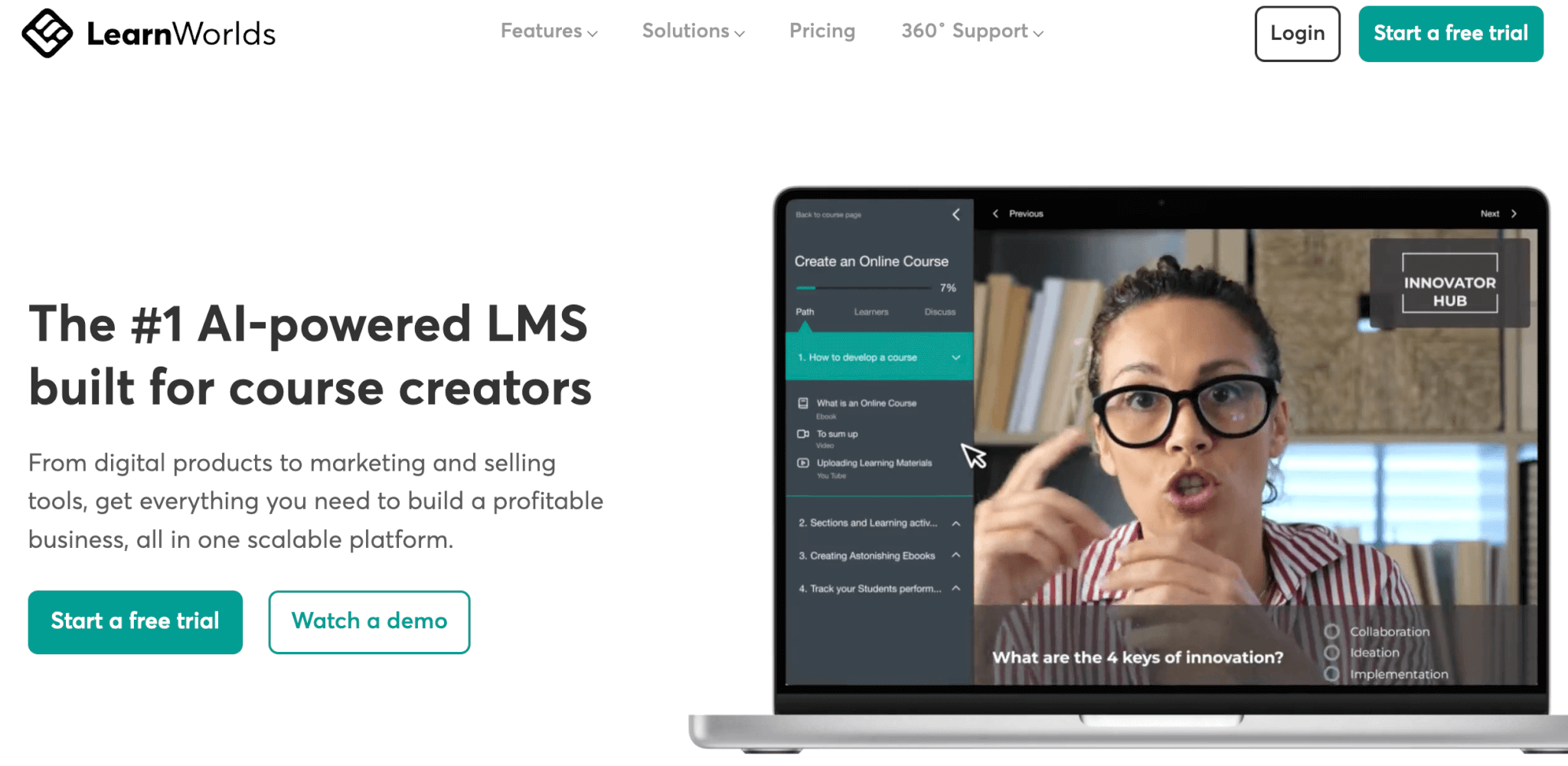
LearnWorlds is a powerful cloud-based LMS that lets you create, manage, and deliver training through a fully branded, mobile-friendly platform. Whether it’s onboarding, compliance, upskilling, or customer education, LearnWorlds covers it all.
It supports SCORM, multimedia, assessments, and certifications, and comes with a built-in authoring tool and a unique AI assistant with 200+ prompts for fast, engaging course creation. Real-time analytics keep you updated on learner progress and course performance. Plus, it’s ecommerce-ready, so you can easily sell your courses online.
Pros & Cons

Pros
- AI assistant with built-in prompts
- SCORM compliant
- Highly customizable design
- Website builder
- Interactive content
- Built-in authoring tool
- Fully white-labeled
- Native, branded mobile apps
- Robust reporting
- Efficient administration: multiple automations & bulk actions
- Advanced security features & GDPR compliance
- Custom user roles & permissions
- Multiple schools
- Exams, self-assessments, surveys & certificates
- Built-in community with groups, discussion boards, and more
- Ecommerce-ready
- Top-notch customer support

Cons
- Limited gamification
- No content library
- Slight learning curve
Pricing
LearnWorlds offers a 30-day free trial and the following pricing plans:
💁For more information about feature availability per plan, visit our website. Annual discount applies.
User reviews
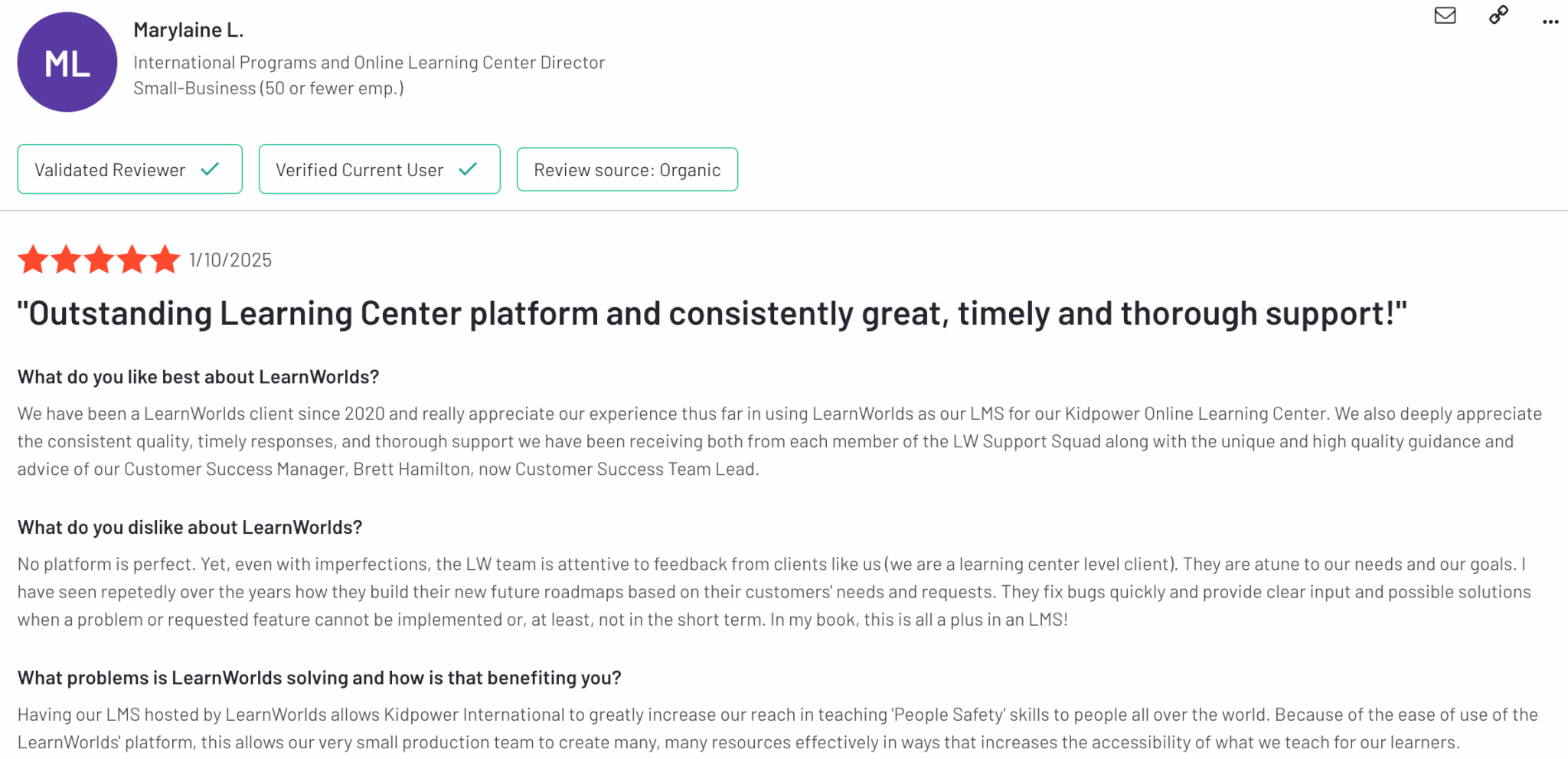
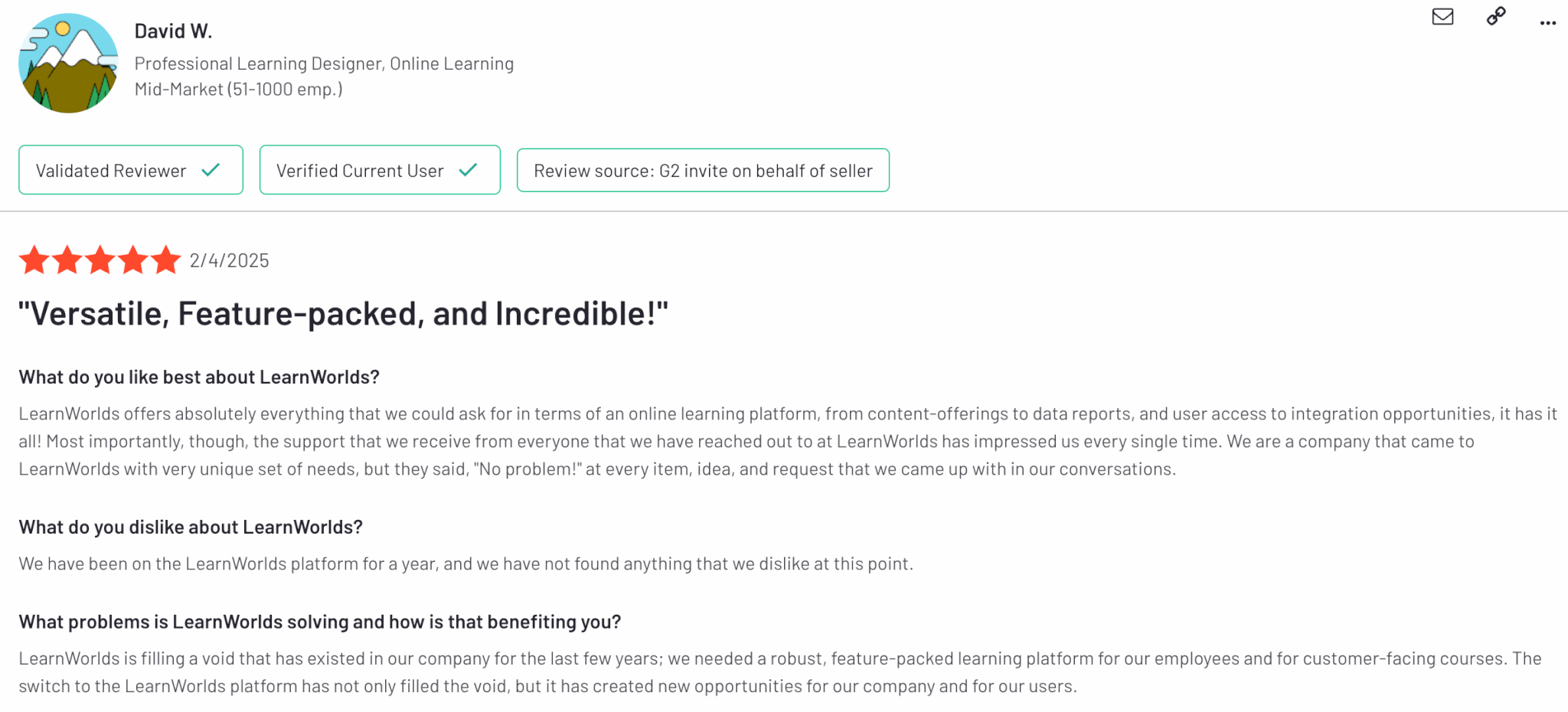
LearnWorlds is rated 4.7 out of 5 on G2. Our customers appreciate the wide range of features offered.
2. iSpring Learn
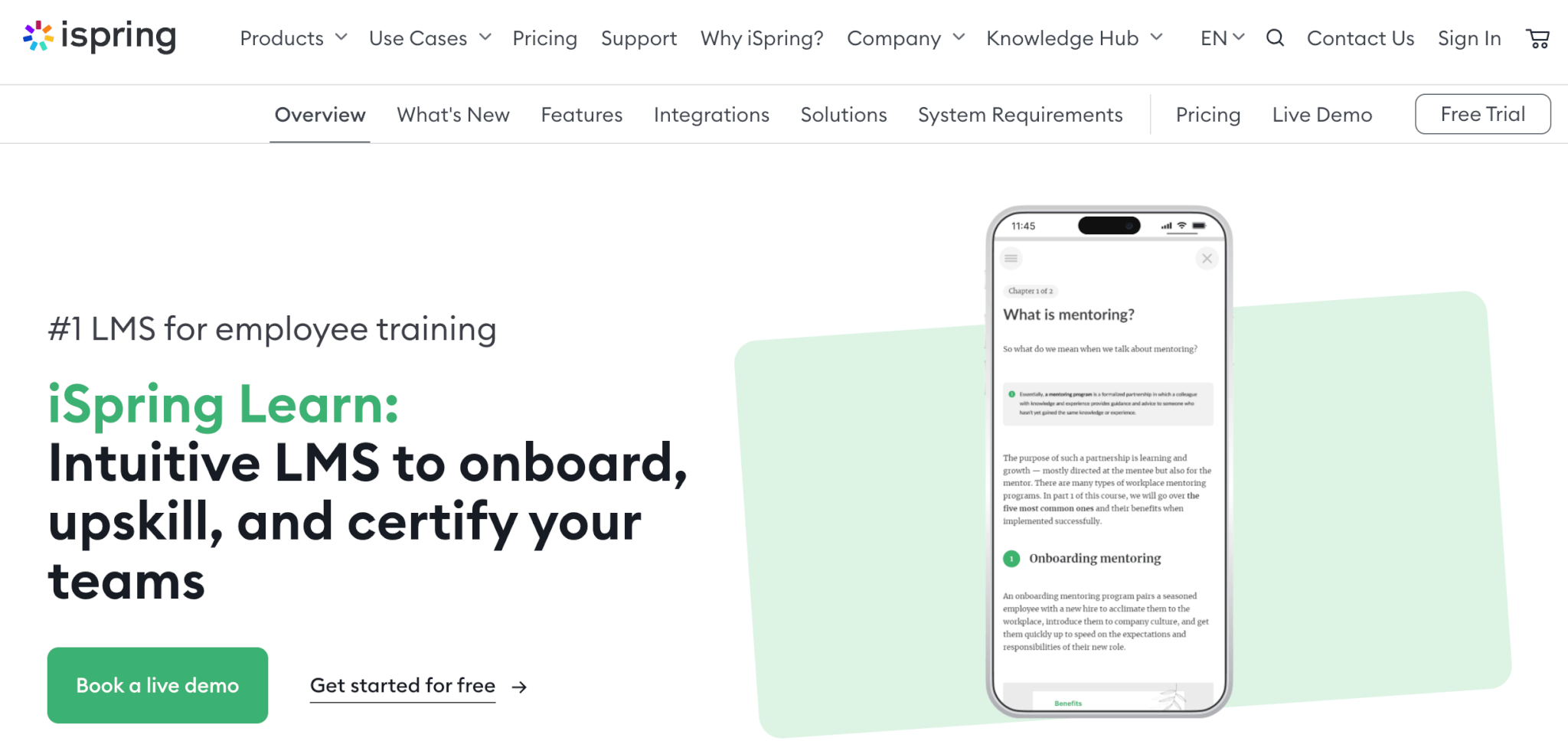
Another great LMS option and one of the top corporate elearning solutions is iSpring Learn, a cloud-based Learning Management System (LMS). It is tailored for businesses and educational institutions that need a user-friendly yet feature-rich platform to create online training programs for employees (eg employee training).
It supports SCORM and xAPI, features a built-in authoring tool, and enables both mobile and offline learning. With powerful analytics and automation capabilities, iSpring Learn helps organizations streamline corporate training delivery, track learner progress, and ensure compliance with ease.
Pros & Cons
Pros
- Built-in content authoring
- SCORM & xAPI support
- Mobile & offline access
- Robust reporting & analytics
- Intuitive interface
Cons
- Limited design customization
- No multilingual support
- Limited ecommerce features
- Limited gamification
- Higher cost for small teams
Pricing
iSpring Learn offers a 30-day free trial. The pricing packages it offers are Business and Enterprise.
For the Business plan, pricing depends on the number of active users and starts at $3,78 per user, billed monthly for organizations with 500 users.
*Pricing information retrieved from iSpring Learn in August 2026.
User reviews
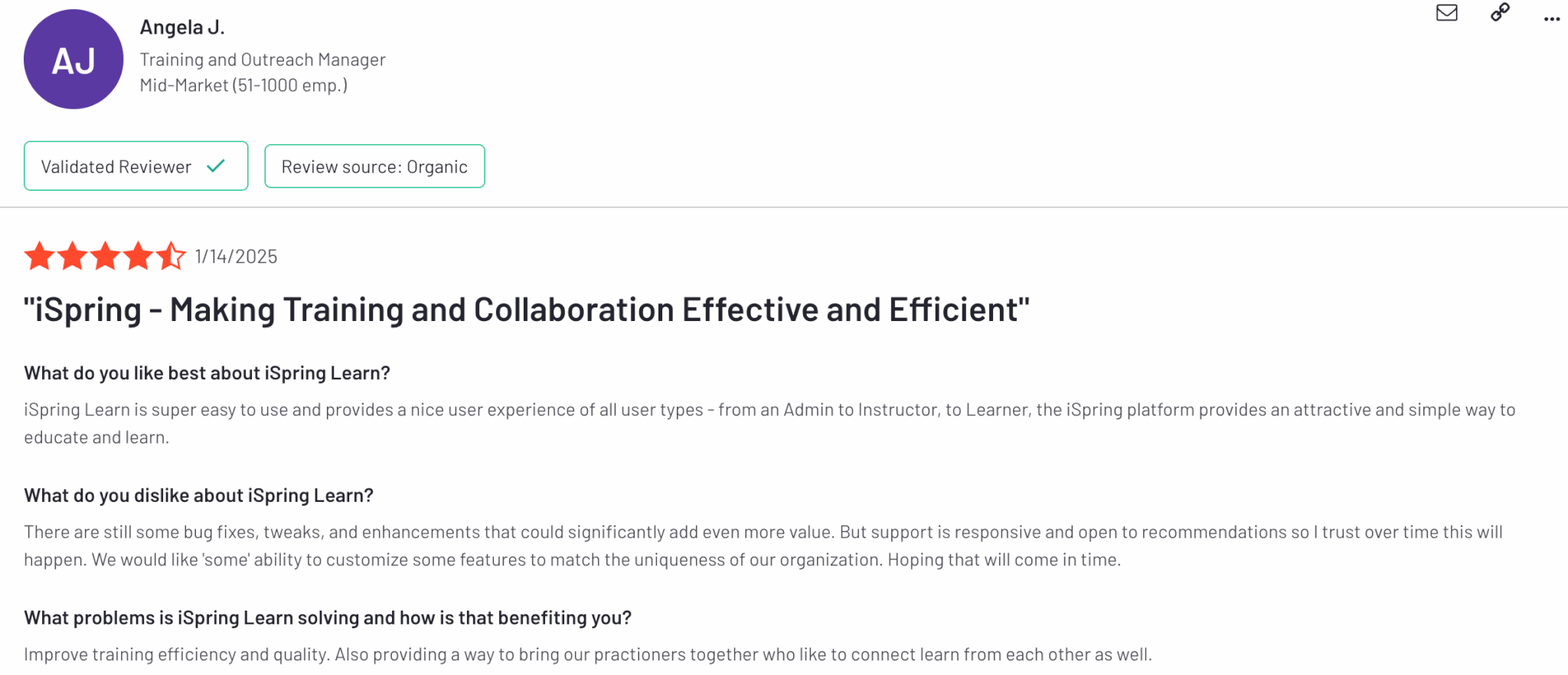
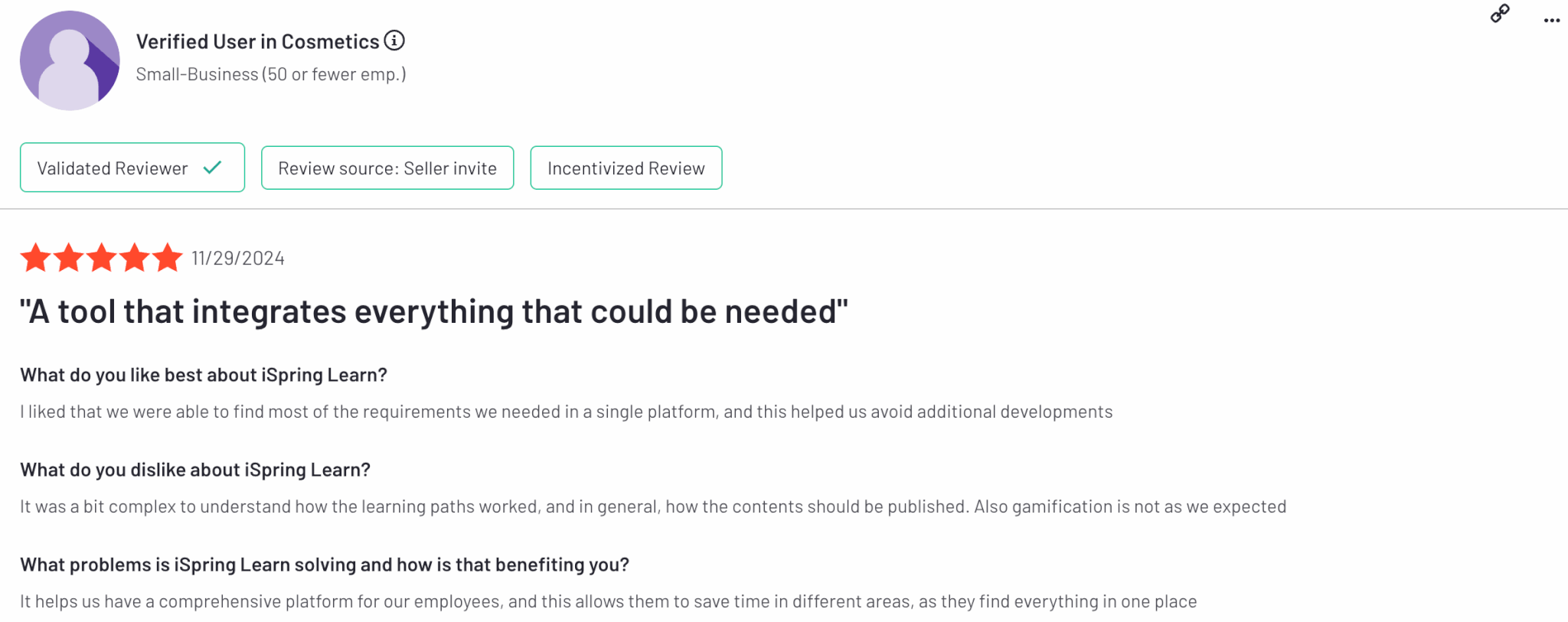
iSpring is rated 4.6 out of 5 on G2.
3. Absorb LMS
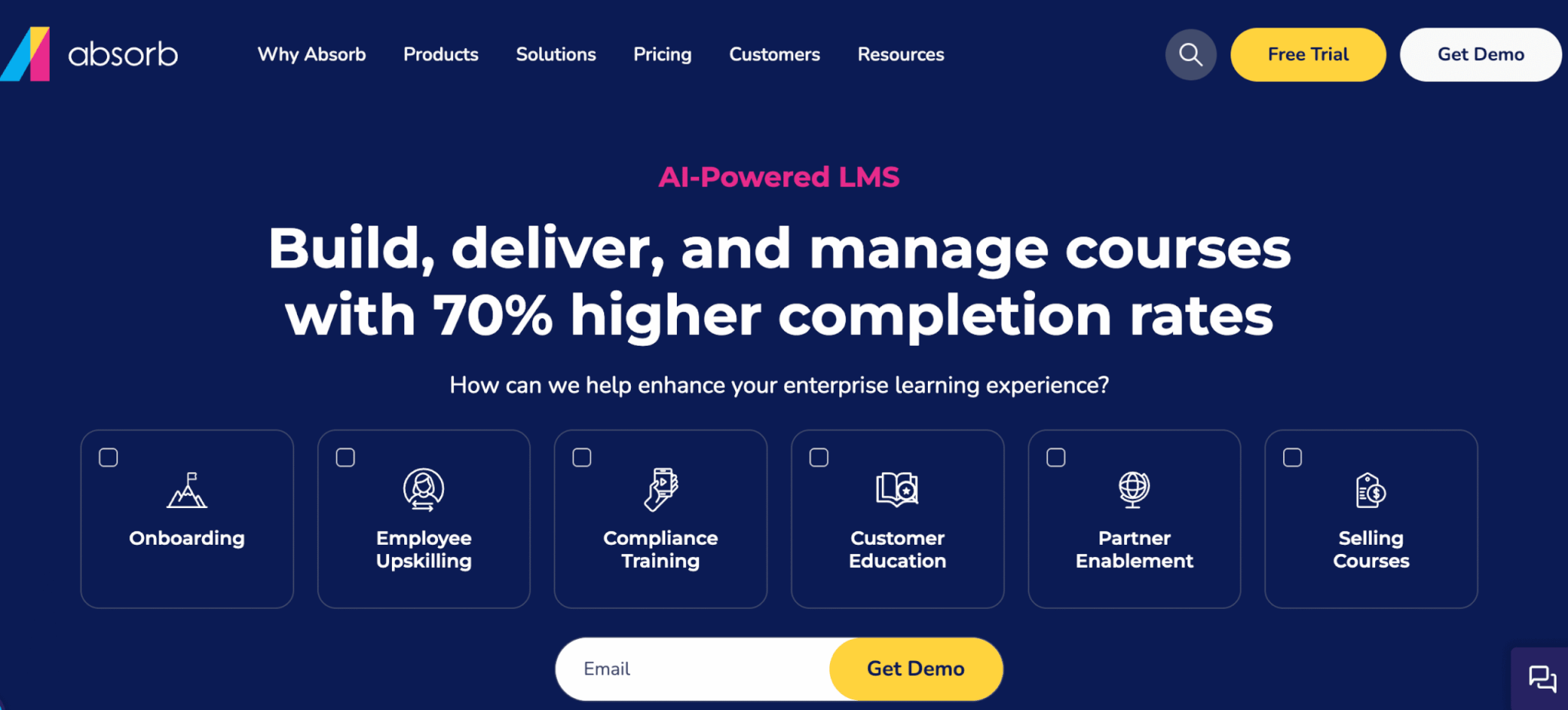
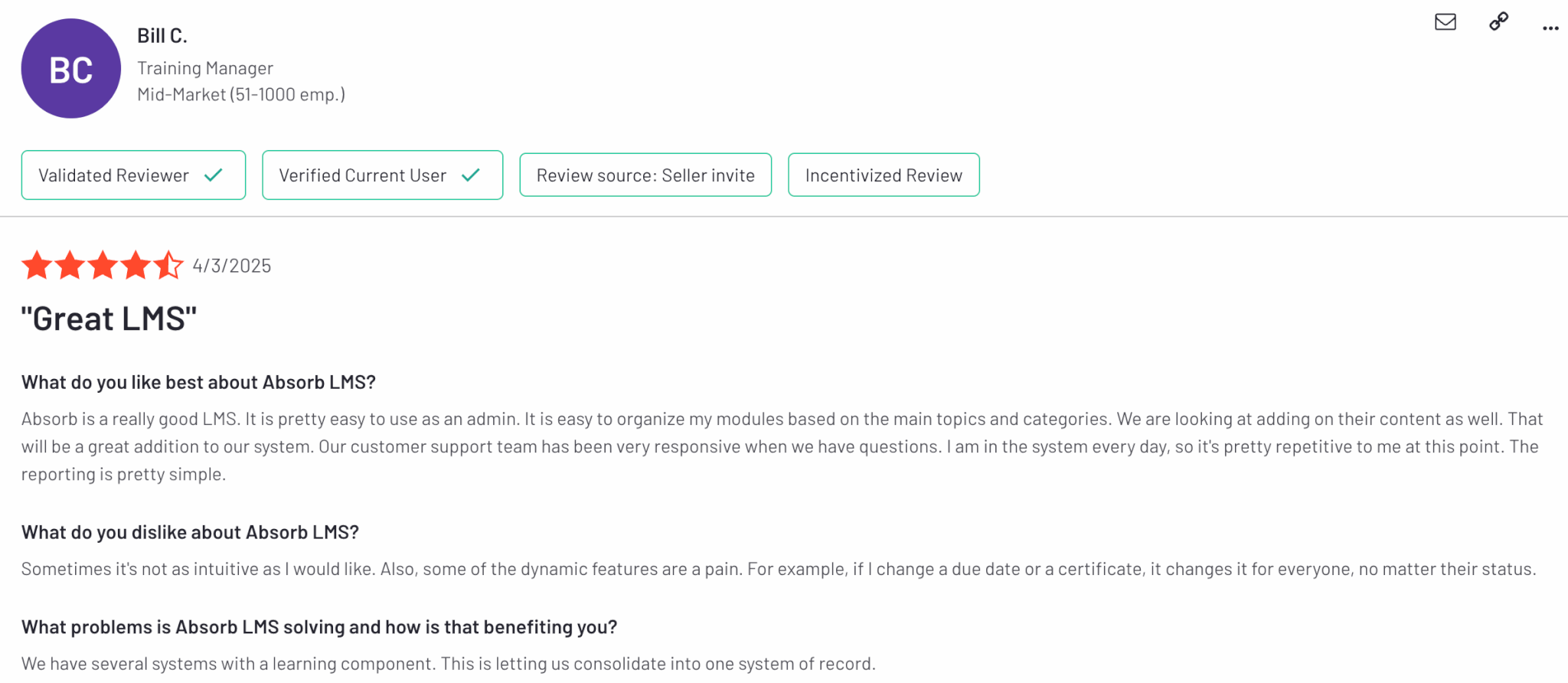
Absorb LMS primarily focuses on employee development through customized learning environments and mobile-friendly training for anytime access. It offers AI-powered training content recommendations and prebuilt messaging templates for more personalized learning experiences. The platform’s AI can also assist with admin tasks and course creation.
You can either create your own course or choose from ready-made content. The File Manager allows you to organize content efficiently and keep all assets in one place. Smart automation handles certification renewals, learning reminders, and integrations with HR and CRM systems. Absorb LMS also offers real-time reporting.
Pros & Cons
Pros
- AI-powered content recommendations
- Suitable for businesses of all sizes
- Compliance tracking
- User-friendly interface
- In-depth reporting
Cons
- Limited customization
- Limited gamification
- Complex setup
- Learning curve
- Limited integrations
Pricing
Available upon request.
User reviews
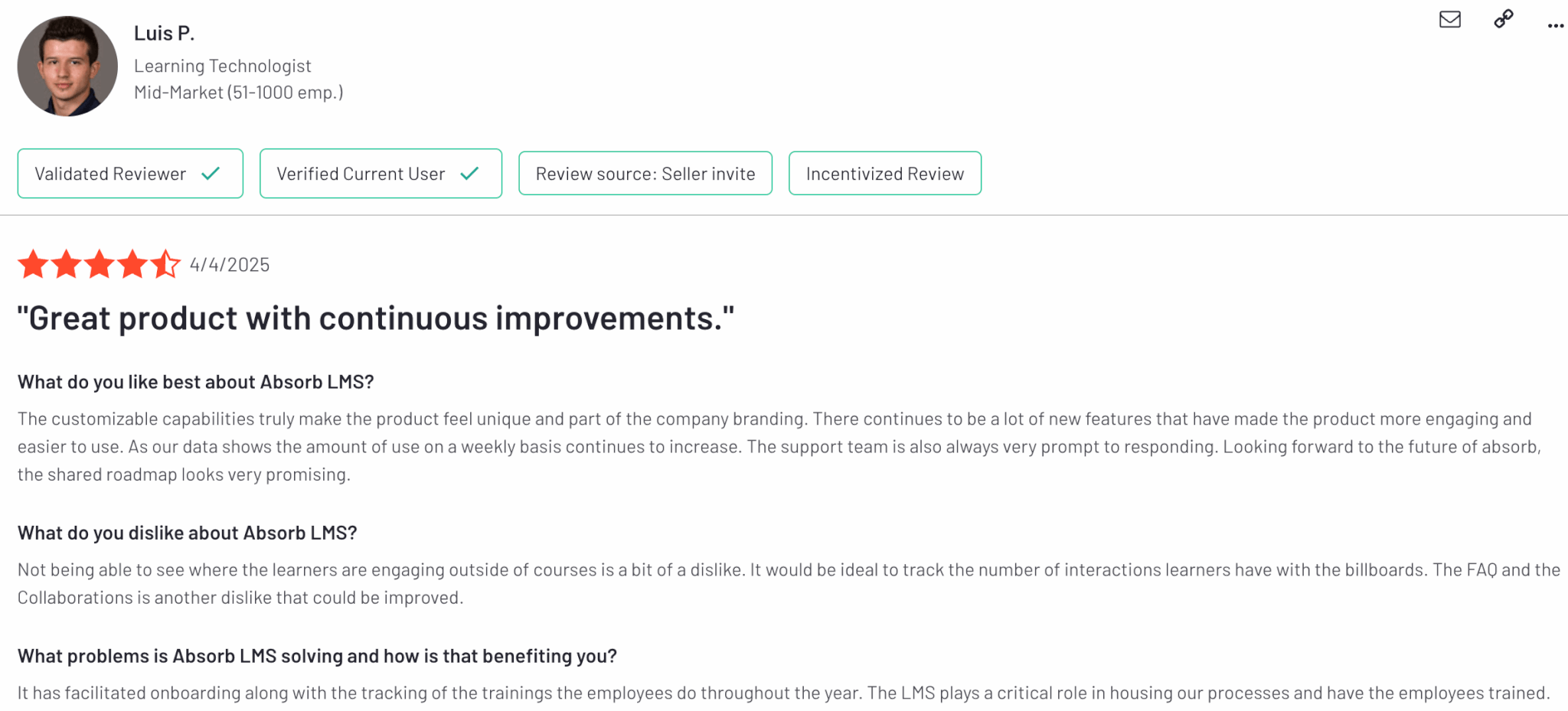
Absorb LMS is rated 4.6 out of 5 on G2.
4. Moodle
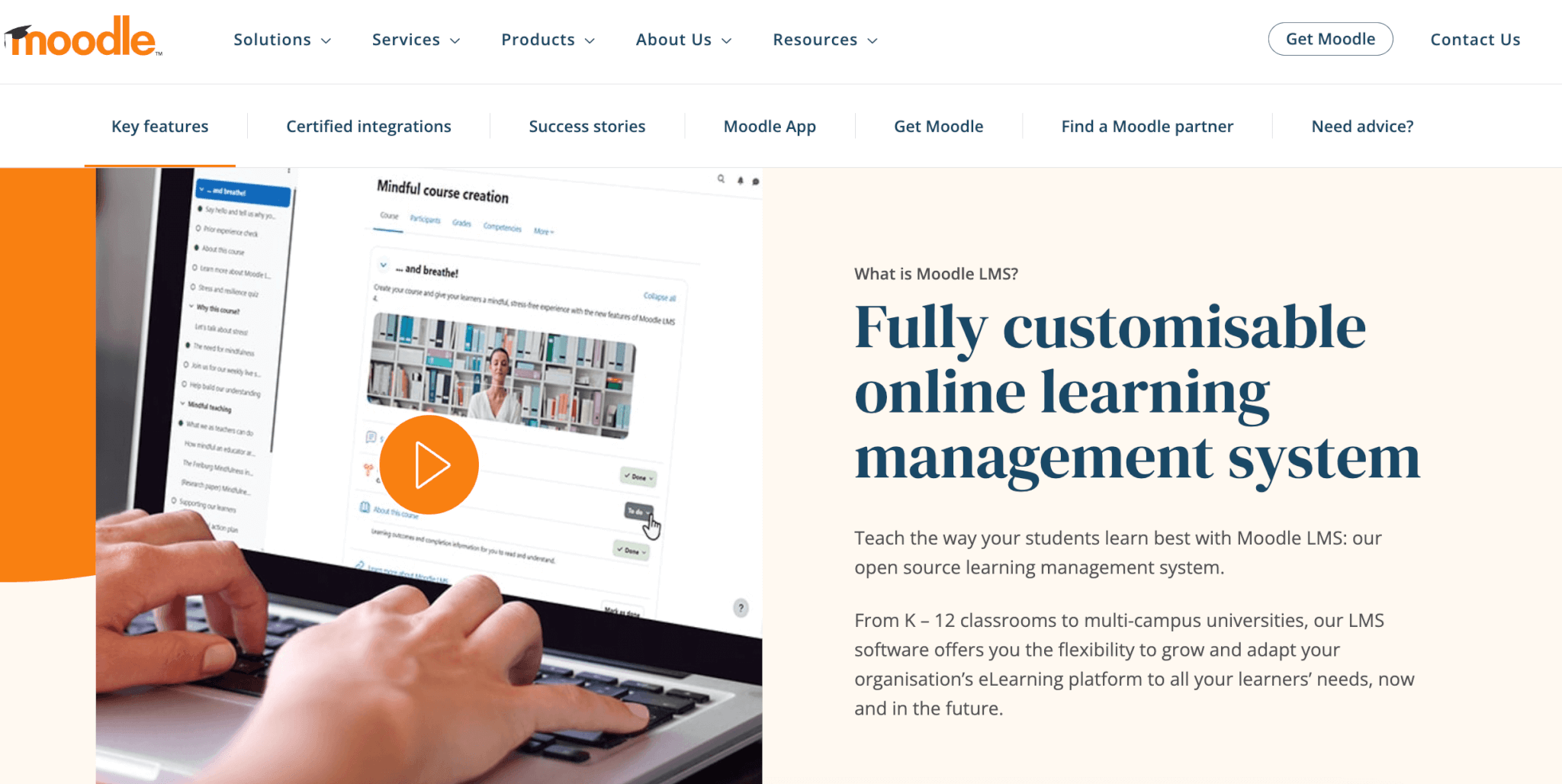
Moodle LMS (Moodle Workplace) is one of the best elearning software platforms similar to Blackboard Learn, with a plethora of built-in add-ons. The platform integrates with open-source and premium third-party tools, including libraries with ready-made training courses from reliable content providers.
On the admin side, Moodle offers robust user management, task automation, and permission controls. It also boasts advanced reporting features and intuitive meeting scheduling. Known for its commitment to quality online learning experiences, Moodle offers comprehensive assessments, gradebook management, and the ability to issue badges and diplomas.
Pros & Cons
Pros
- Customizable
- Highly automated
- Built-in content library
- Multiple integrations
- Promotes learner interactions
Cons
- Not very intuitive
- Requires technical expertise
- No AI course creation
- Slow loading times & glitches
- Limited reporting
Pricing
Moodle offers a free trial. Pricing plans start from $170 annually with a 50-user limit.
*Pricing information was retrieved from Moodle in August 2026.
User reviews
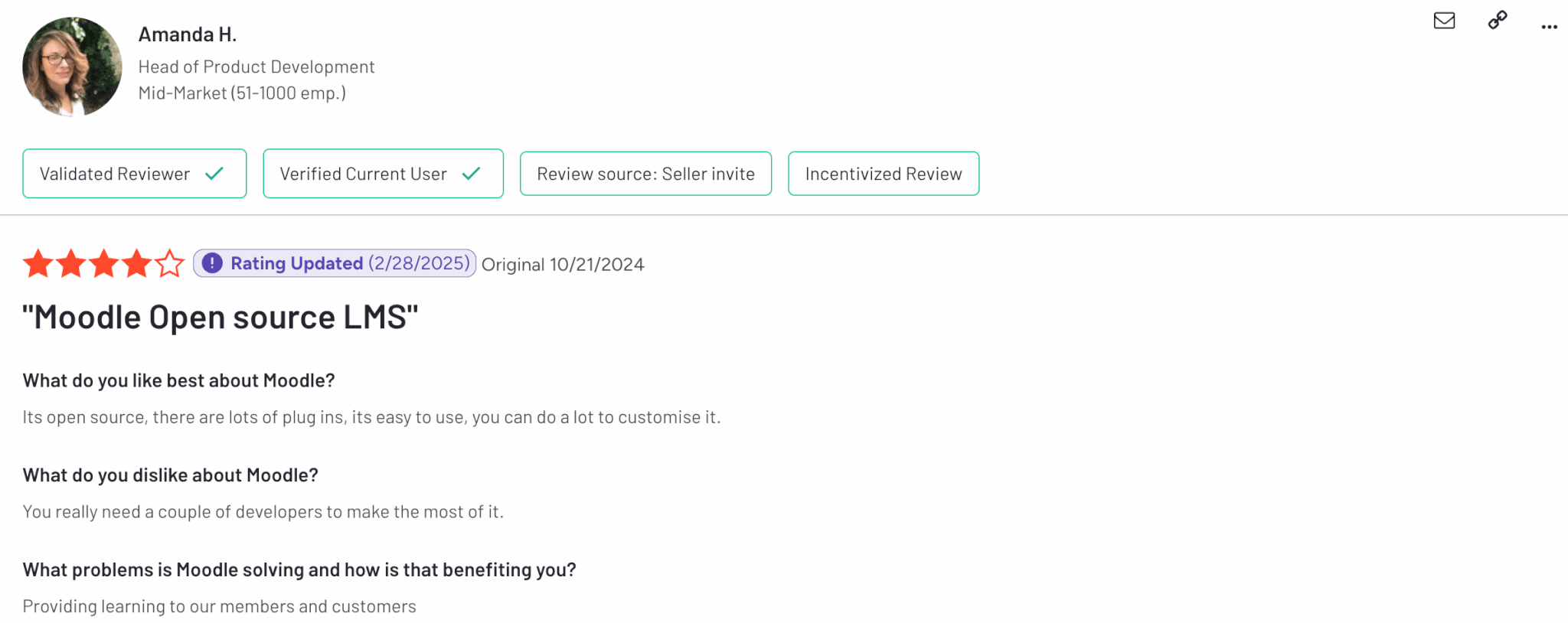
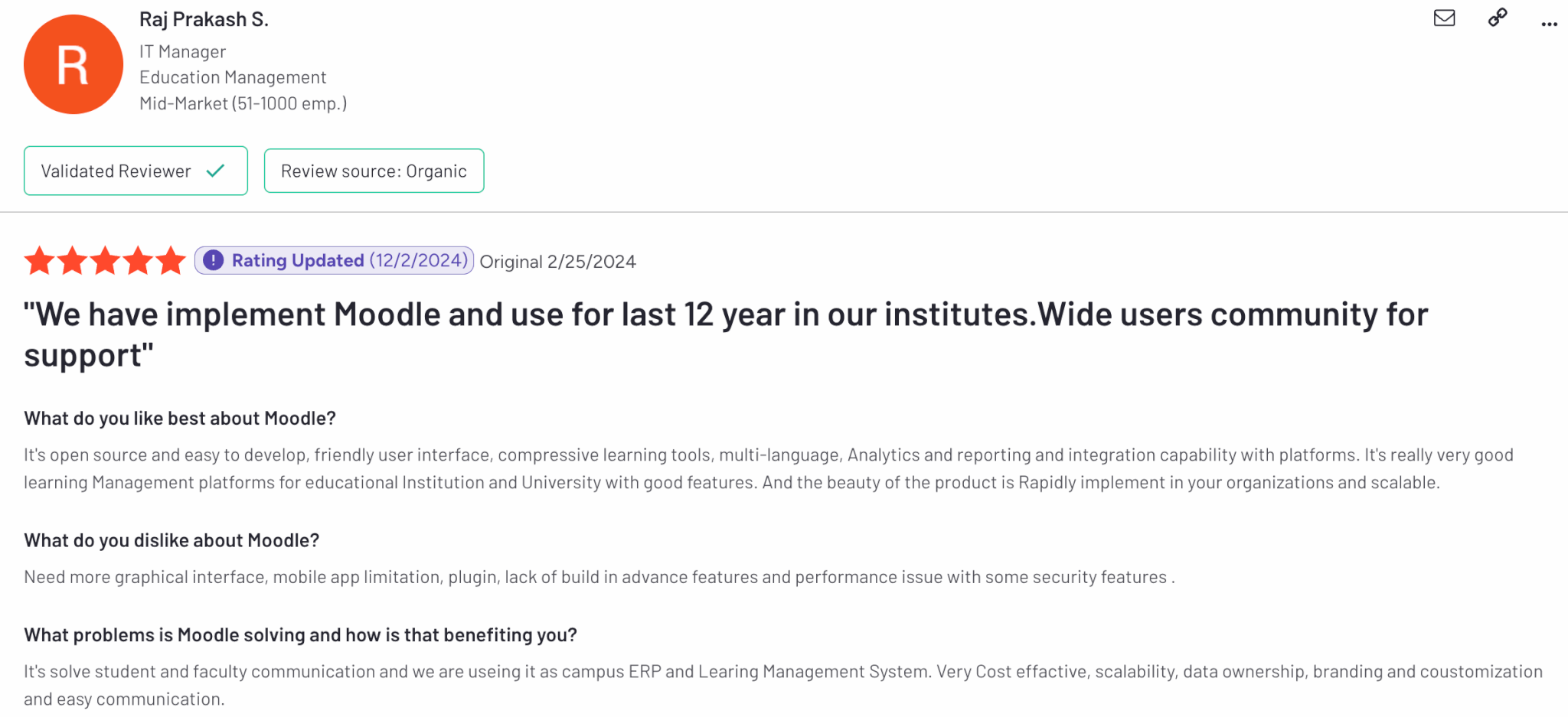
Moodle is rated 4.1 out of 5 on G2. Users often praise the multiple integrations and customization capabilities, but a common complaint is the complex UI and steep learning curve of the tool.
5. Litmos
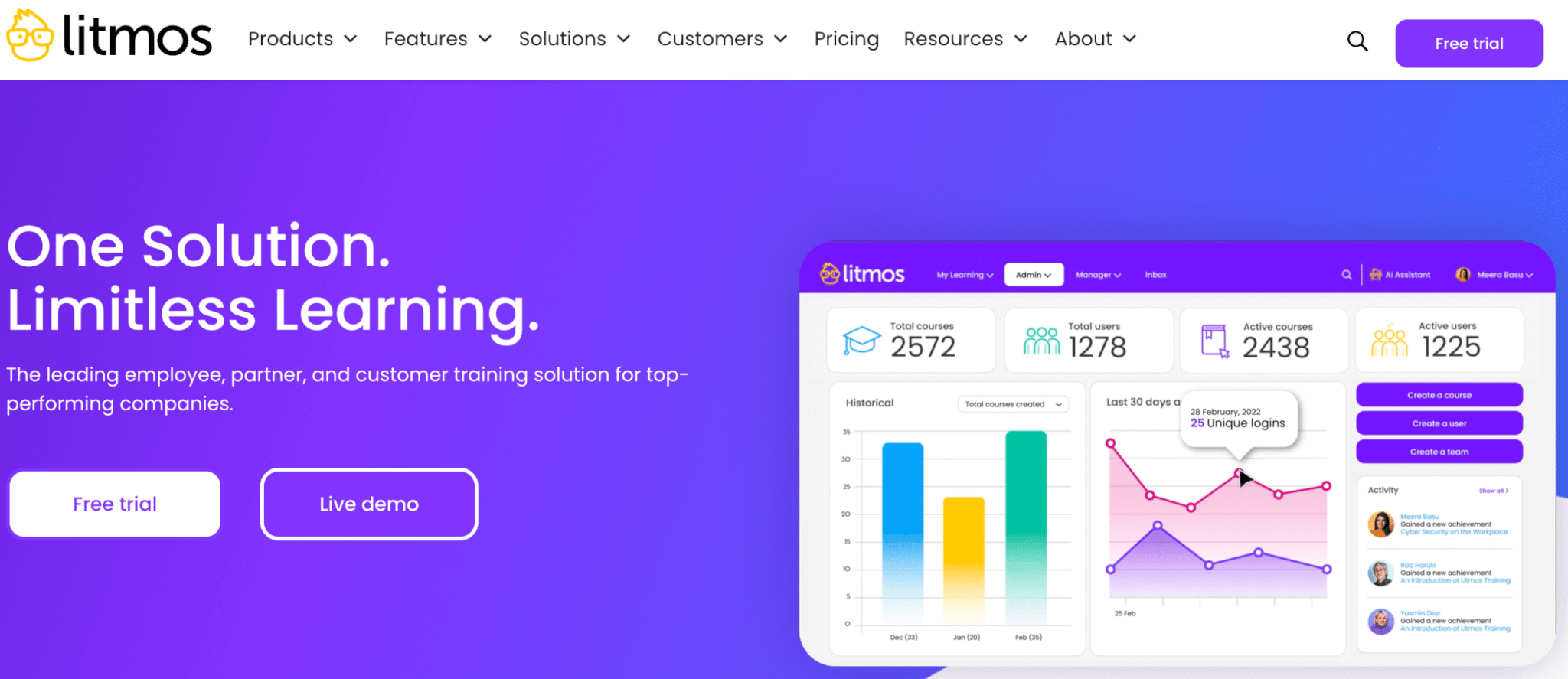
Litmos is a leading cloud-based Learning Management System (LMS) trusted by global enterprises to deliver fast, effective training across employee, customer, partner, and compliance needs. Known for its scalability and ease of use, Litmos empowers organizations to launch learning programs quickly with built-in content libraries, streamlined automation, and seamless integrations with popular enterprise tools.
What sets Litmos apart is its AI-powered learning assistant, which enhances training efficiency with smart content suggestions, automated workflows, and real-time support for learners. Its gamification features—including badges, points, and leaderboards—boost engagement, while social learning capabilities encourage collaboration. Litmos also supports mobile and offline access, ensuring learning continues anytime, anywhere. With robust analytics and reporting, businesses can track progress, prove ROI, and stay audit-ready with minimal effort.
Pros & Cons
Pros
- Built-in content authoring
- SCORM & xAPI compliant
- Rich built-in content library
- Robust analytics & reporting
- AI learning assistant
Cons
- Limited design customization
- Cumbersome reporting
- Slow assessment feedback process
- Outdated interface
- Pricey
Pricing
Litmos offers a 14-day free trial. Pricing is not publicly available on the site. The three pricing plans it offers are Foundation, Platinum, and Platinum AI.
*Pricing information retrieved from Litmos in August 2026.
User reviews
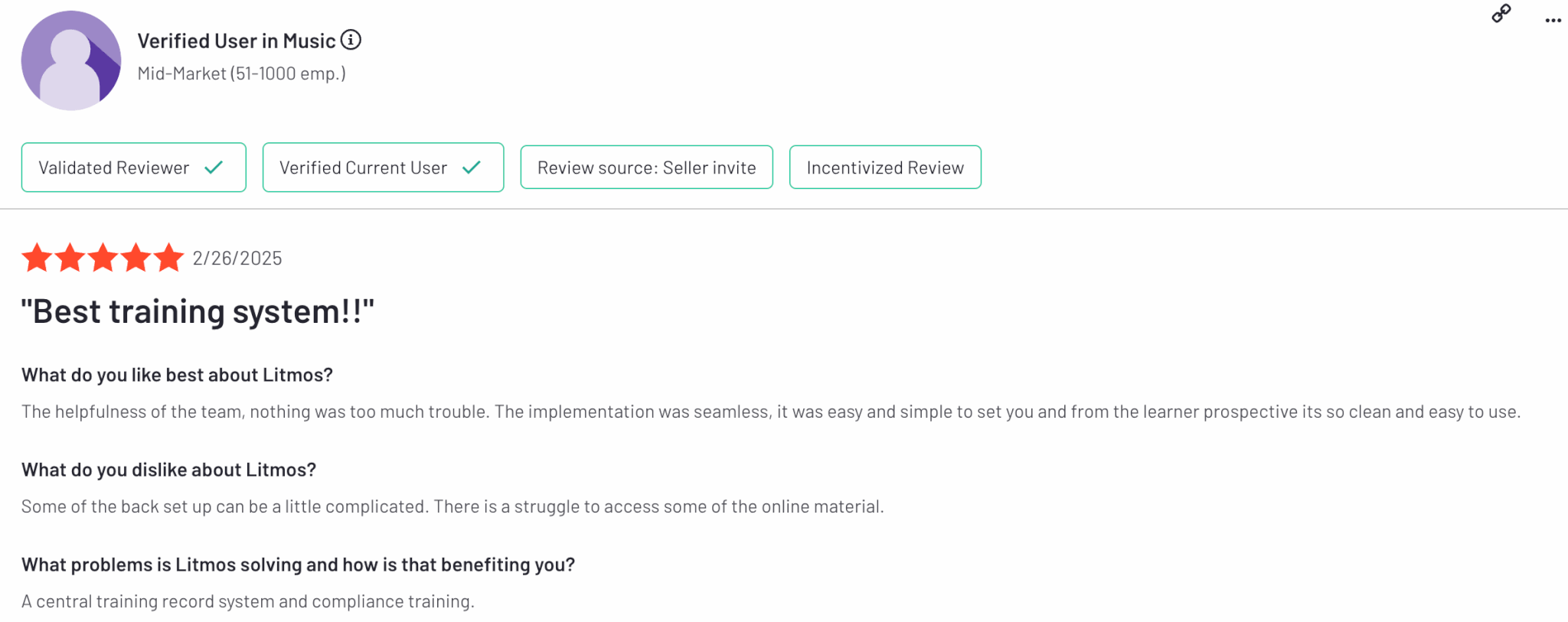
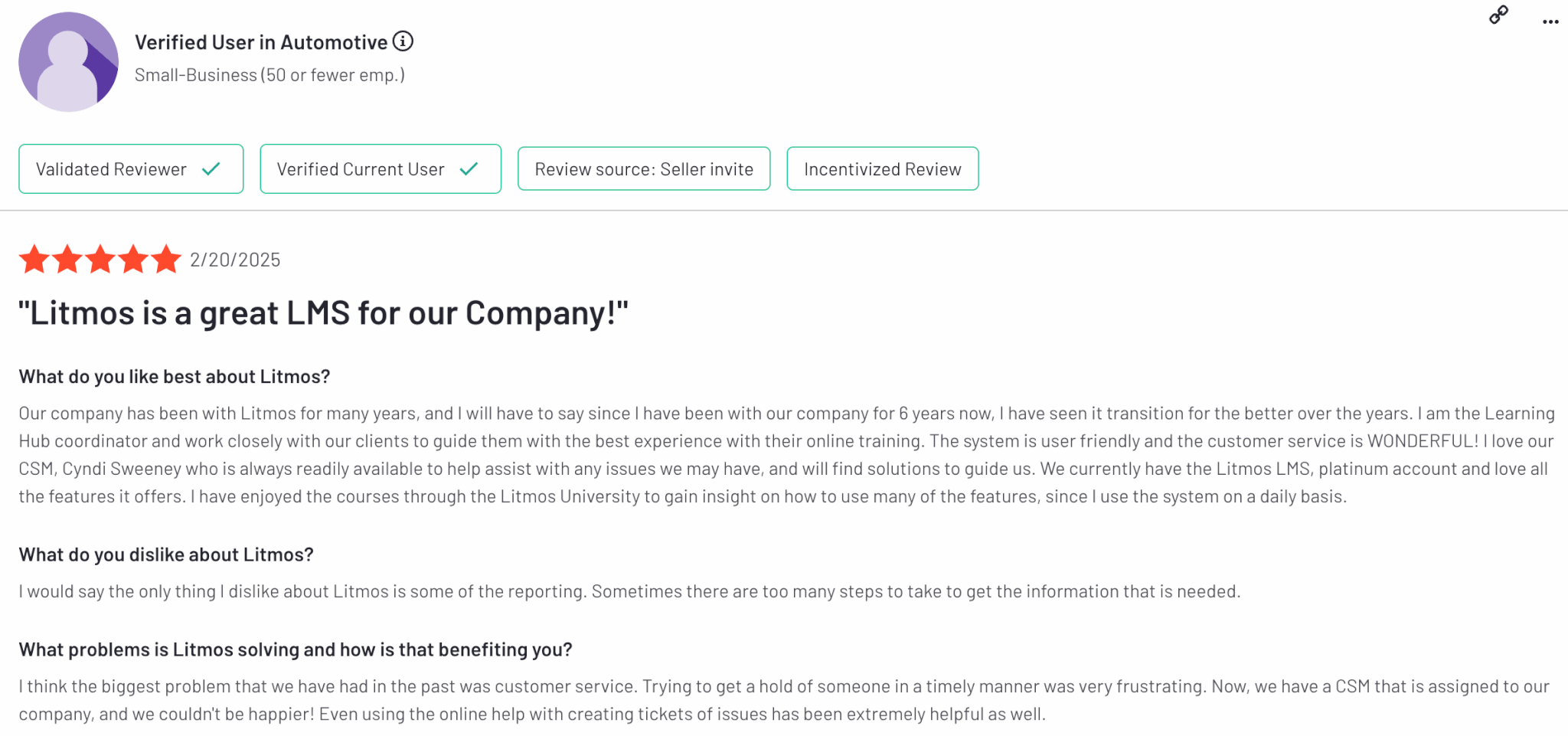
Litmos is rated 4.3 out of 5 on G2.
6. Docebo
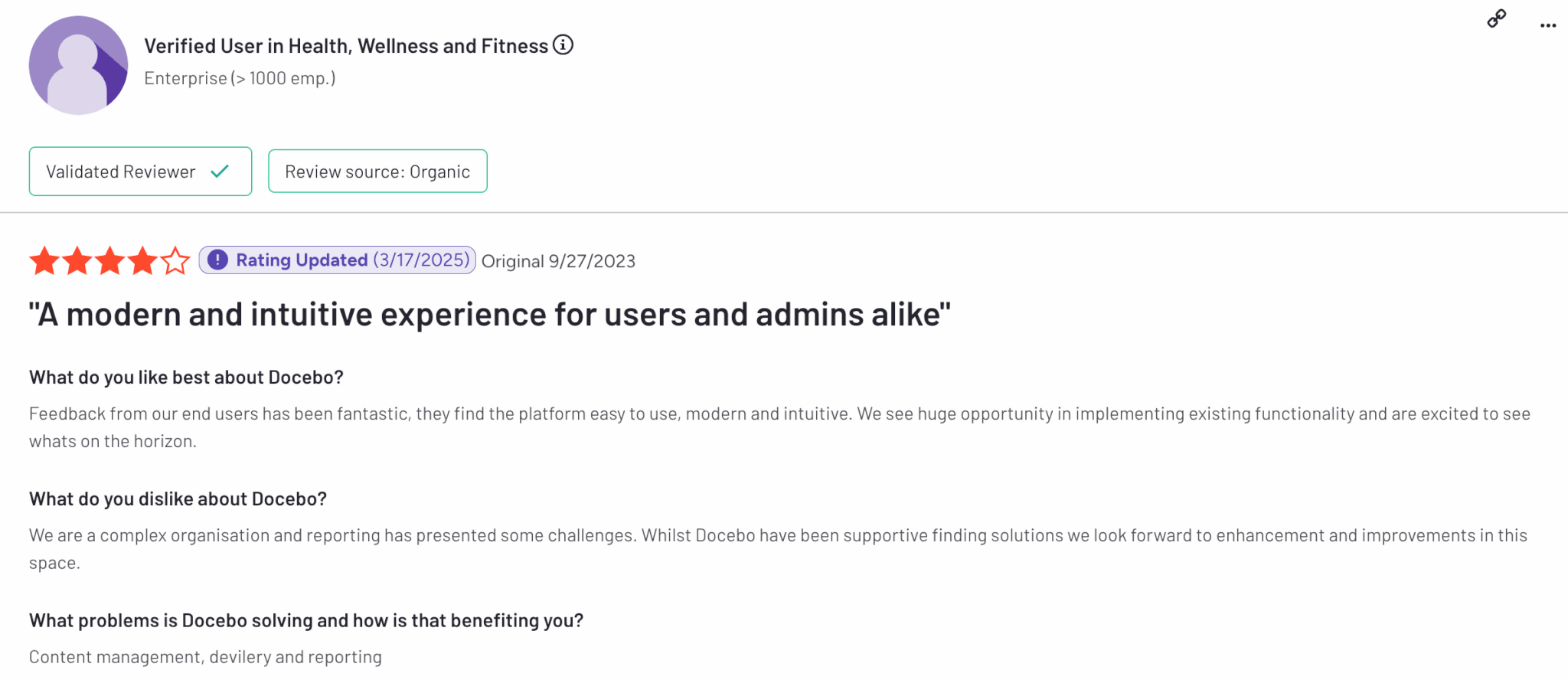
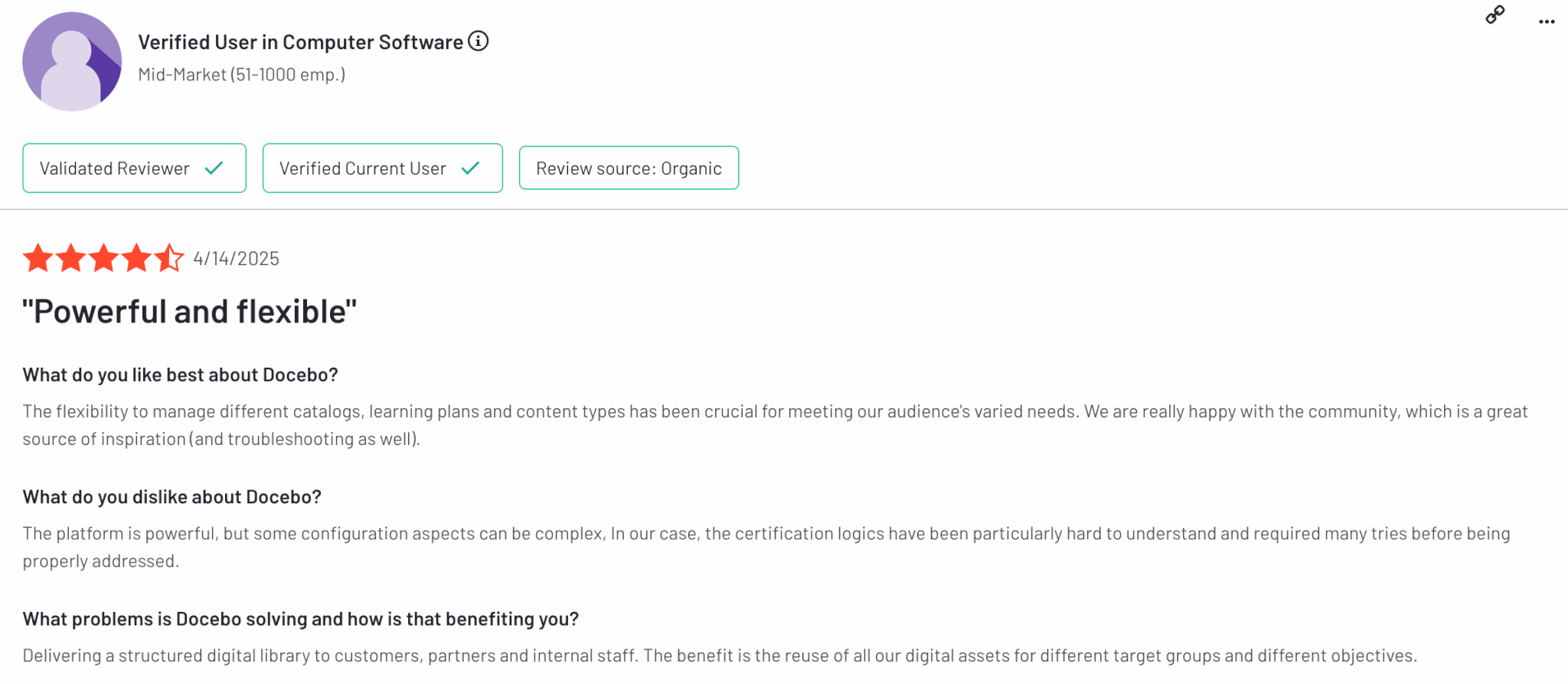
Docebo is a cloud-based LMS designed to fuel enterprise growth through personalized, AI-driven learning experiences. Its learner-centric design leverages machine learning to recommend content, automate workflows, and boost employee engagement. With built-in gamification and a social learning community, Docebo fosters collaboration and motivation through leaderboards, badges, and rewards.
It’s a robust employee development platform that supports multiple languages and offers a rich content library, AI-powered content authoring, and full ecommerce functionality. Docebo also stands out for its flexibility, with over 400 integrations, customizable widgets, APIs, and webhooks—making it easy to tailor the learning environment to complex organizational needs.
Pros & Cons
Pros
- Supports SCORM, AICC, and Tin Can API
- Rich gamification and social learning
- Strong AI capabilities
- Content library
- White-label mobile app
Cons
- Pricey
- Slow customer support
- Complex for non-technical users
- Limited reporting
- Additional costs for new features
Pricing
Available upon request.
User reviews
Docebo is rated 4.3 out of 5 on G2.
💡Check out the best SCORM-compliant authoring tools (2026 – 2027).
💡Explore the top AI elearning authoring tools for 2026.
Common problems with SCORM and how to fix them
SCORM is widely supported, but a valid SCORM package can still behave differently from one LMS to another. Most issues come down to packaging, browser behavior, tracking settings, or differences in how the LMS handles the SCORM standard.
Here are some of the most common problems.
The SCORM course won’t upload
If the LMS rejects your file, check that you’re uploading the original SCORM .zip package rather than a folder you’ve manually compressed again. The package should contain the required SCORM manifest file, imsmanifest.xml, at the correct level.
Also check the LMS’s upload limits and supported SCORM versions. A SCORM 2004 package may not work correctly on a platform that only supports SCORM 1.2.
The course opens, but progress isn’t recorded
A course can launch successfully while failing to send completion or progress data back to the LMS.
First, check the completion settings in your authoring tool. The package may be configured to mark completion only after a specific quiz score, number of slides viewed, or another learner action.
If those settings look correct, test the package in another SCORM-compatible environment. This can help identify whether the issue comes from the course package or the LMS.
Learners can’t resume where they left off
SCORM can save a learner’s location so they can return to the same point later. If resume behavior isn’t working, check whether bookmarking or resume functionality is enabled when you publish the course.
Large amounts of saved course data can also create problems with some SCORM versions or LMS implementations. If the issue persists, review the publishing settings in your authoring tool and the LMS’s SCORM data limits.
Scores or completion statuses look wrong
Different authoring tools and LMSs may interpret completion, success, and scoring settings differently.
For example, a course might report that a learner has completed the content but not passed the assessment. Check how your authoring tool is configured to report completion and success, then compare those settings with the LMS’s reporting rules.
Testing these conditions before launching the course to learners can prevent reporting problems later.
The SCORM course is blocked by the browser
SCORM content may open in a new browser window or tab. Popup blockers, browser privacy settings, or security restrictions can stop the course from launching correctly.
Check the course launch settings first. If the course requires a new window, give learners clear instructions to allow popups for your LMS. It’s also worth testing your courses on the browsers and devices your learners use most often.
The course works on desktop but not mobile
SCORM compliance doesn’t automatically make a course mobile-friendly. The LMS may support SCORM while the course itself was designed for a larger screen or uses interactions that don’t work well on mobile devices.
Use a responsive authoring tool where possible, and test the completed SCORM package on different screen sizes before publishing it to learners.
A good SCORM-compliant LMS should also make testing easier. Before committing to a platform, upload a few of your existing packages and check course launch, bookmarking, completion, scores, reporting, and mobile behavior yourself.
Create the best SCORM-compliant courses with LearnWorlds
Implementing an LMS with SCORM is the smart choice to improve training effectiveness and take elearning content creation to the next level. If you are looking for a SCORM-compliant learning management system, many platforms can help you create SCORM-compliant content. We recommend choosing a modern SCORM-compliant LMS software that is intuitive and comes with an affordable pricing plan.
At LearnWorlds, we have put a lot of work into creating a powerful and flexible platform and the best SCORM LMS that fits into your elearning strategy and caters to your unique needs, helping you create, market, and sell online courses.
Give LearnWorlds a try by claiming your free 30-day trial today.
FAQs
What is the best SCORM-compliant LMS?
The best SCORM-compliant LMS depends on your training goals, budget, and required features. For course creators, training companies, and businesses that need a modern platform with SCORM support, advanced analytics, AI-powered course creation, ecommerce capabilities, and custom branding, LearnWorlds is one of the strongest options available.
Other popular SCORM-compliant LMS platforms include iSpring Learn, Absorb LMS, Moodle, Litmos, and Docebo, each catering to different use cases such as corporate training, compliance management, or enterprise learning.
What are the best SCORM-compliant LMS software options?
Some of the best SCORM-compliant LMS software options in 2026 include:
When evaluating SCORM-compliant LMS software, consider factors such as SCORM version support (SCORM 1.2 or 2004), reporting capabilities, integrations, mobile learning, customization options, and ease of content creation.
Can SCORM content be used across different LMS platforms?
Yes, SCORM content is built to be portable across any SCORM-compliant LMS. This means you can create a course once using a SCORM-compliant authoring tool, export it as a SCORM package (usually a .zip file), and then upload it to different LMS platforms without needing to rebuild it.
The LMS can then track learner progress, scores, time spent, and completions consistently, no matter which platform is being used. This makes SCORM a flexible and cost-effective solution for delivering and managing online training.
How do I make my LMS SCORM-compliant?
To make your LMS SCORM-compliant, you need to ensure it can properly upload, launch, and track SCORM packages. This typically involves integrating a SCORM engine or player into your LMS that understands SCORM standards (like SCORM 1.2 or 2004). You’ll also need to support two key SCORM components: content packaging (so your LMS can read and structure the course files) and runtime communication (to track progress, scores, and completion).
Many LMS platforms use third-party tools or open-source libraries to handle SCORM functionality. If you’re building an LMS from scratch, you may want to consider licensing a SCORM engine like Rustici Engine to speed up development.
What is the best SCORM-compliant LMS for technical training?
The best SCORM-compliant LMS for technical training is one that can handle complex learning paths, assessments, certifications, simulations, and detailed learner tracking. LearnWorlds is an excellent option because it supports SCORM 1.2 and SCORM 2004 packages, offers advanced reporting, interactive learning activities, assessments, and certifications, and allows organizations to create highly customized learning environments.
Other strong choices for technical training include Absorb LMS for enterprise compliance programs, Moodle for organizations that require extensive customization, and Docebo for large-scale technical workforce development initiatives.

Kyriaki is the Organic Content Strategist at LearnWorlds, where she writes and edits content about marketing and e-learning, helping course creators build, market, and sell successful online courses. With a degree in Career Guidance and a solid background in education management and career development, she combines strategic insight with a passion for lifelong learning. Outside of work, she enjoys expressing her creativity through music.
 Back to blog
 Scroll to top
Related Articles