

LearnWorlds elearning pop-up builder
Engage your audience with stunning pop-ups
Create powerful pop-ups right within your online academy, with zero coding, and capture more leads, grow your email list, expand your customer base, and turbocharge your business.
60+ designer-made, responsive templates
Flexible design options, drag-and-drop editing, and additional customization
No need to spend money on an external pop-up plugin
900k
Courses created
2m
active monthly learners
$1b+
Customer revenue
TL;DR
LearnWorlds’ Pop-up Builder lets you create high-converting pop-ups inside your academy—no coding, no extra plugins. Choose from 60+ mobile-friendly templates, control where and when pop-ups appear (exit intent, scroll-to-element, inactivity, and more), target specific audiences, and track results with built-in analytics.
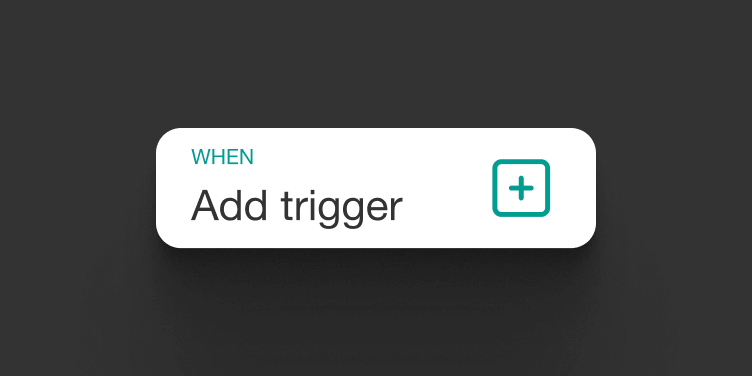
Use smart triggers for exit intent, scroll-to-element, inactivity, and more
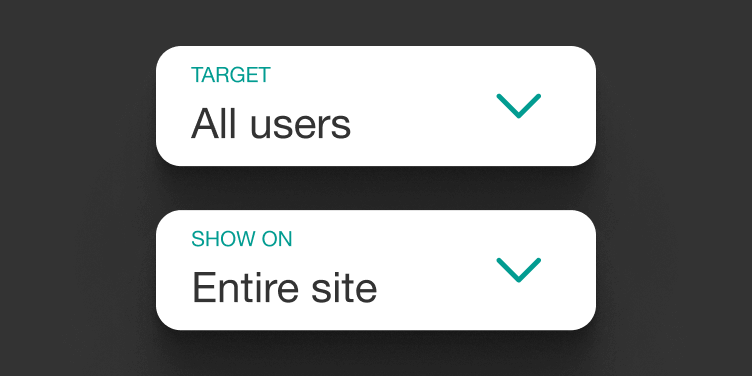
Advanced audience targeting (tagged users, registered users, visitors) and device targeting
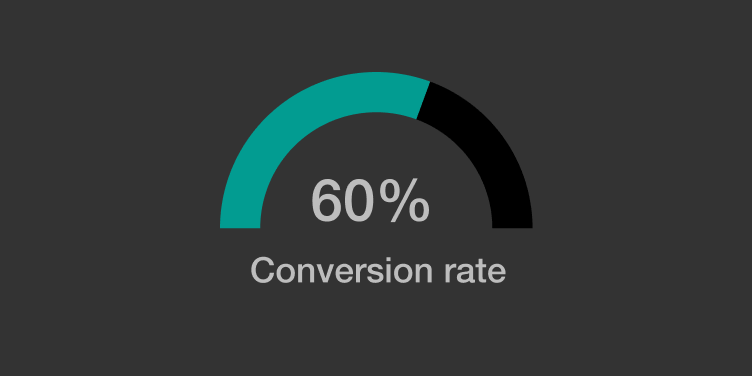
Access built-in analytics to see views, unique views, conversions, CTR, open rate, and action time
Best for:
Course creators, training providers, customer education teams, and academies that want pop-ups that convert—to grow lists, boost sales, and reduce drop-offs—without adding another tool to their stack.
60+ highly converting, mobile-friendly pop-up templates
Industry tried-and-tested elearning pop-up banners that convert.

One pop-up builder. Endless possibilities
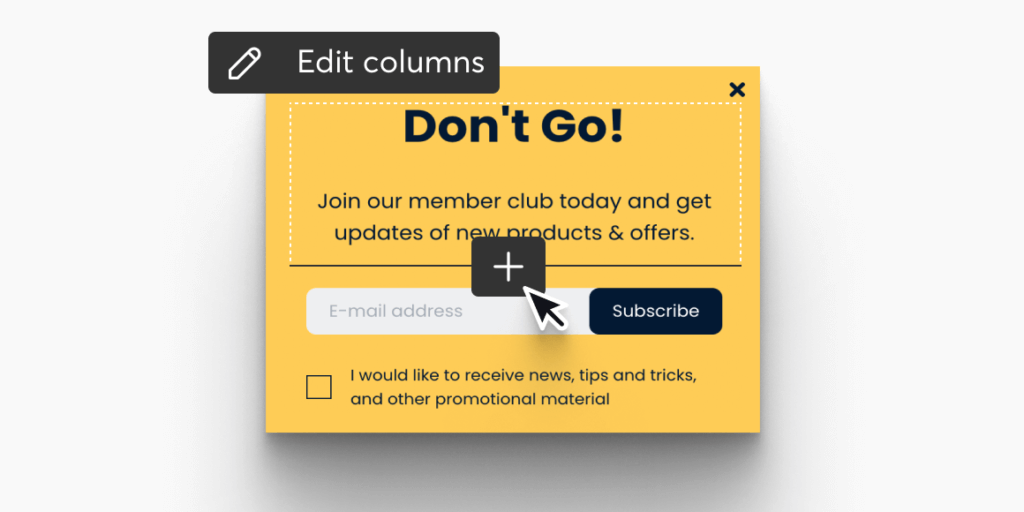
Intuitive design with drag-and-drop builder
Choose a designer-made, responsive template and make it your own using our drag-and-drop live pop-up builder and zero coding. A wide variety of ready-made templates, widgets, and design features to customize with just a few clicks.
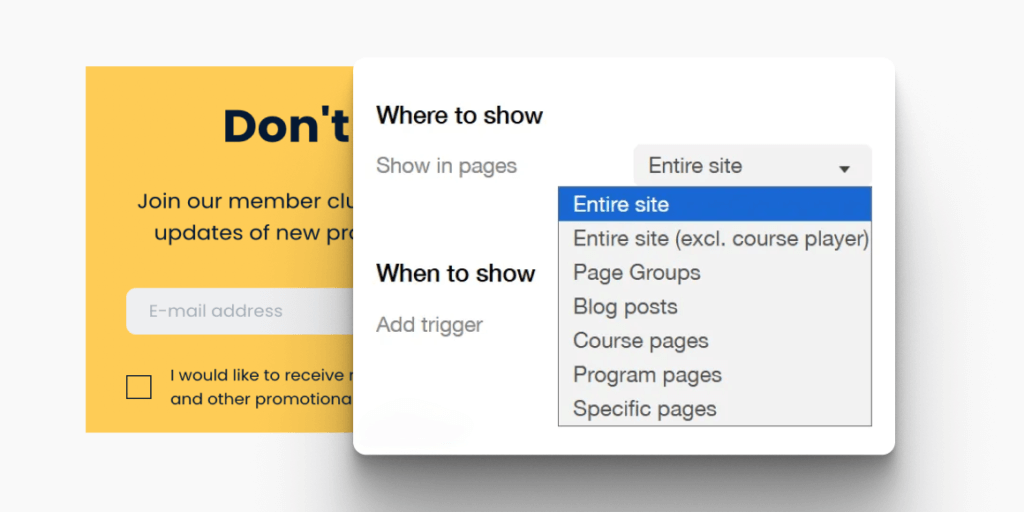
Add your pop-ups and explore device-based targeting
Select the places in your online academy that are eligible for presenting the pop-up. Then, design and run different campaigns for desktop, tablet, and mobile users to increase sales.
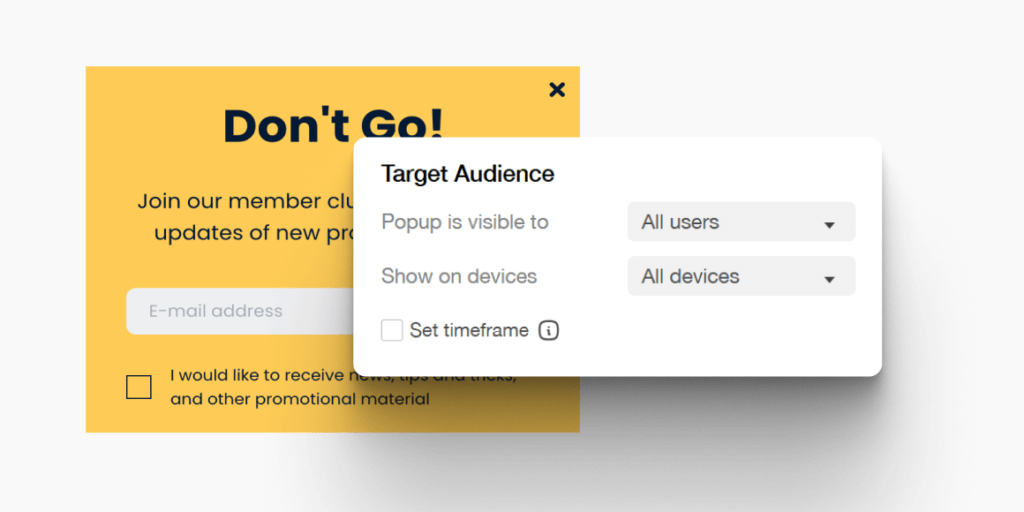
Trigger pop-ups at the right moment
Show your elearning campaign with pop-up banners just in time for maximum effectiveness. Select triggering conditions such as the exit intent, when a page scrolls to a specific element, user inactivity, and a lot more.
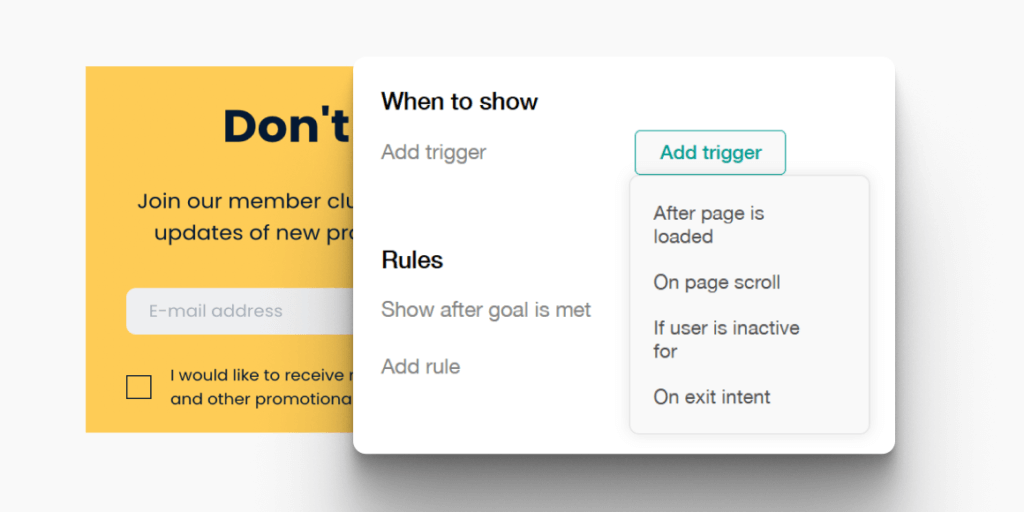
Target specific audiences smartly
Easily target specific audiences and tailor your message. Show pop-ups only to tagged or registered users in your academy or only to visitors.
Elearning pop-up banners are the ultimate dialogue interface
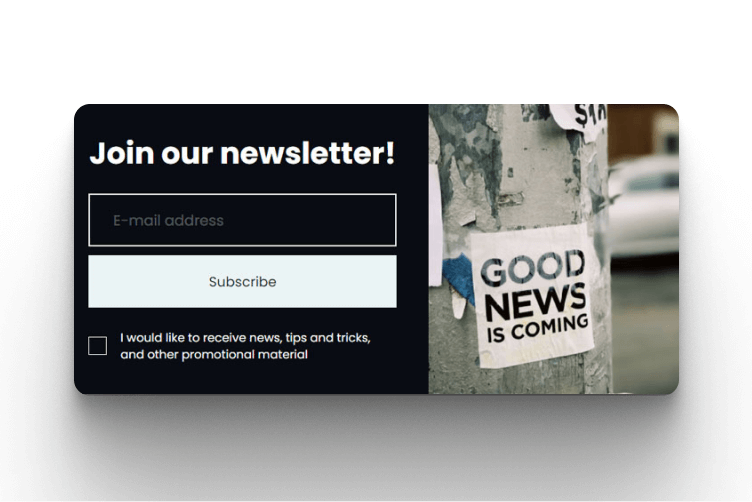
Capture visitors’ emails
Capture all those coveted emails from potential customers who are browsing your academy online with an email subscription opt-in.

Welcome learners with pop-up video messages
Onboard learners with a warm greeting using a video message when they log in to your online academy, and make your business stand out.
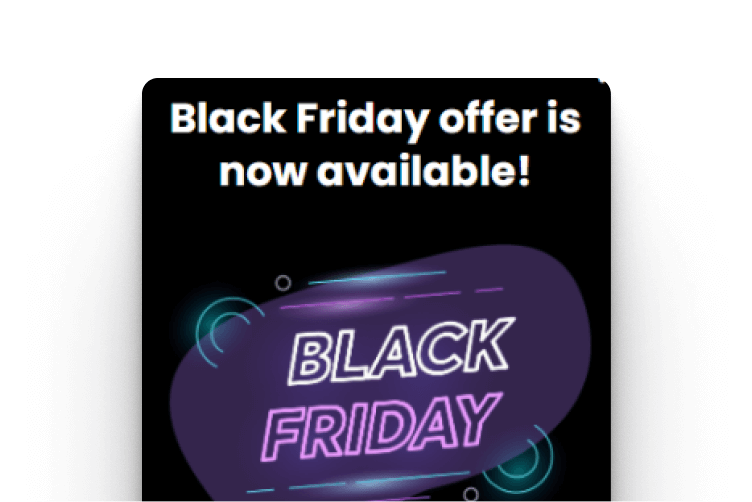
Promote flash sales, special offers, or coupons
Feature hot deals, special discounts, or discounted bundles running for a limited time (eg Black Friday or Cyber Monday) and prompt visitors to act on your pop-up banners before expiry.
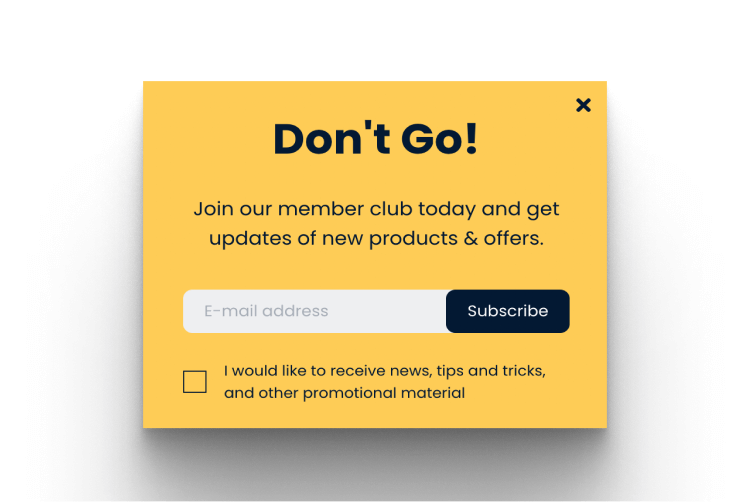
Create engaging before-you-go messages
Create an exit-intent pop-up that can be customized for different audiences, actions, or even pages to reduce your online academy’s abandonment rate.
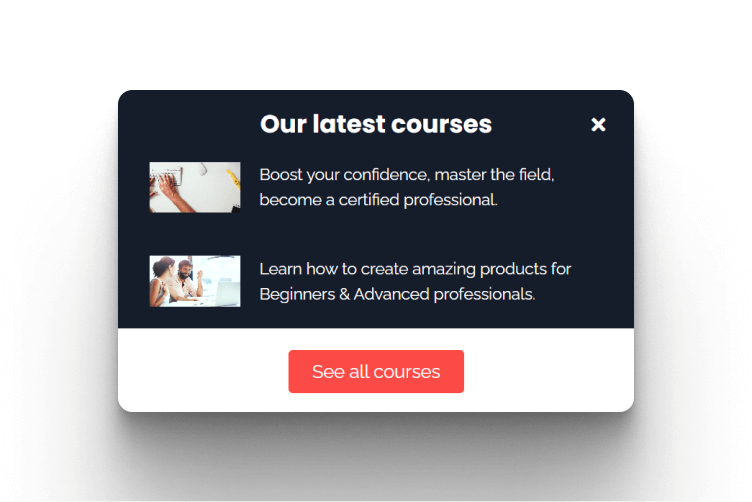
Inform learners about a new digital product
Engage your learners by building anticipation for any future release, update, new, or coming soon digital products, services, or online courses.

Show notifications and announcements
Display simple notifications, cookie messages, or announcements about your online business that interest your visitors and learners.
Make your elearning campaign with pop-up banners smarter with in-depth analytics
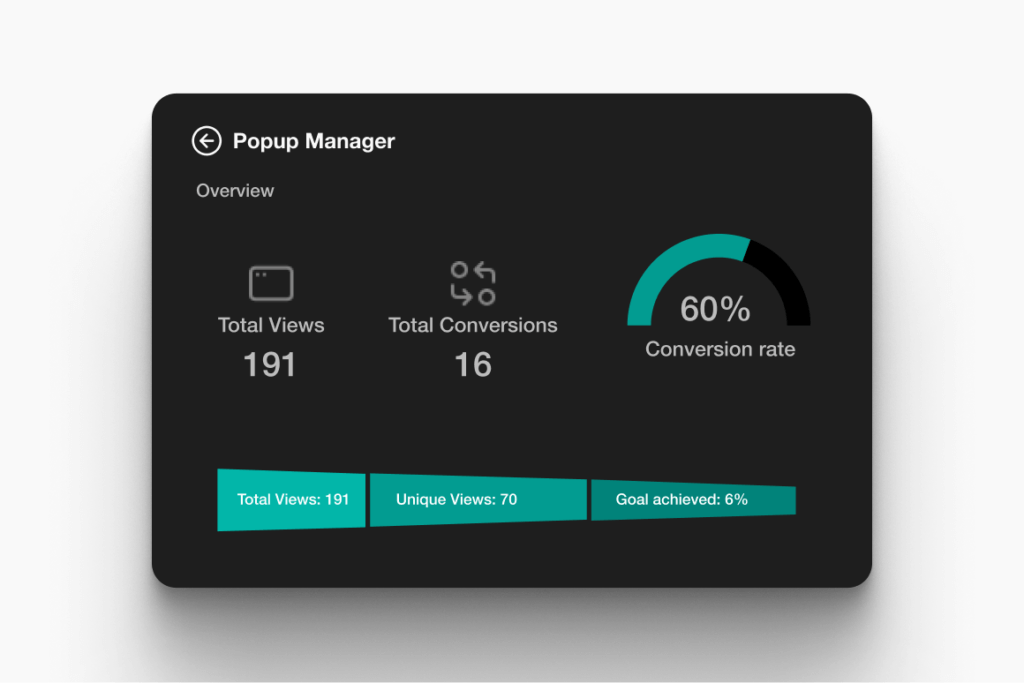
Get insights from pop-up data
Track each pop-up’s performance within your online academy. Measure everything from total and unique views, conversions, and click-throughs to average open rate and action time.
View analytics that help capture the right leads
Work on a dedicated pop-up dashboard that gives you total control of your elearning campaign with pop-up banners. Understand the effectiveness of different pop-ups targeting unique audience groups and improve your messaging.
Compare pop-up capabilities in an LMS at a glance
Pop-ups are a core conversion layer for modern academies, helping you connect the learning experience with lead capture, promotions, onboarding, and announcements. Below is a quick comparison of what you typically get in a basic LMS vs what you can do natively with LearnWorlds Pop-up Builder (templates, targeting, triggers, and analytics).
| Capability | Basic LMS | LearnWorlds Pop-up Builder |
|---|---|---|
| Built-in pop-up builder | Often requires an external plugin | Yes, native |
| Templates | Limited or none | 60+ responsive templates |
| Trigger rules | Basic “on page load” only (or plugin-dependent) | Exit intent, scroll-to-element, inactivity, and more |
| Audience targeting | Rare; usually broad targeting only | Visitors vs registered vs tagged users |
| Device targeting | Rare | Desktop/tablet/mobile campaigns |
| Built-in analytics | Often none (or external tracking setup) | Total views, unique views, total and unique conversions and rates, average time open, average time to fulfill |
| Cost & complexity | Added subscription cost and setup time | Included in platform (Pro Trainer+) |
Experience elearning pop-ups that convert and a world full of market-leading features
Experience the power of LearnWorlds’ full suite of features. The most advanced on the market to build, market, and analyze your school, while keeping your students on point with live, flexible, and interactive courses.
Flexible Courses
Design impactful learning journeys that motivate and inspire.
Interactive Video
Use video-based learning to boost engagement and retention.
Pop-up Builder
Use popups strategically to guide users and highlight key actions.
Affiliate Programs
Grow through referrals—set up and manage your affiliate network.
AI Assistant
Bring your knowledge to life: AI supports you with tailored insights and content suggestions.
Mobile App Builder
Create a branded mobile experience that fits your learners’ lifestyles.
Bundles & Subscriptions
Increase revenue with flexible bundling and recurring payment models.
Survey Builder
Collect feedback that helps you refine your courses and strategy.
Website Builder
Launch a polished elearning site effortlessly—no technical skills needed.
Checkout & Payment
Offer smooth, secure transactions with full control over pricing.
Assessment Builder
Create reliable, user-friendly quizzes and self-assessments with ease.
Analytics & Reports
Monitor performance across your school with built-in LMS reporting and analytics.
Marketing Tools
Promote your academy with powerful tools built for conversions.
Live Sessions
Connect in real time to strengthen learner engagement and community.
Custom User Roles
Assign permissions confidently with tailored access controls.
Integrations
Extend your school’s reach with seamless connections to your favorite tools.
SCORM
Upload and manage SCORM/HTML5 content for interactive course delivery.
White-label Website
Deliver a completely branded experience—your school, your way.
LTI
Bring external learning tools into one consistent training experience.
Support articles
Use LearnWorlds’ built-in Pop-up Builder to select a ready-made template, customize your copy/design with drag-and-drop, and publish your pop-up inside your academy—no external plugin required.
Support article: Popup Builder
Create an email pop-up that invites visitors to join your newsletter, then connect it to your lead capture workflow to grow your list directly from your academy pages.
Support article: How to capture leads with an email pop-up
Set display rules so your pop-up appears only when it’s most relevant (like exit intent, when the user scrolls to a specific element, or after inactivity) to reduce disruption and increase conversions.
Support article: Popup Builder
Yes—show pop-ups only to specific user groups, such as tagged or registered users, or display them only to visitors to support lead-gen campaigns.
Support article: Popup Builder
Use the built-in pop-up analytics to track views, unique views, conversions, click-throughs, open rate, and action time—then iterate on copy, targeting, and triggers based on data.
Support article: Popup Builder
Glossary of terms
Pop-up banner: A message overlay (modal, slide-in, or banner) shown on top of a page to prompt an action.
Trigger: The condition that makes a pop-up appear (eg exit intent, scroll, inactivity).
Exit intent: A trigger that shows a pop-up when a visitor is about to leave a page.
Scroll-to-element: A trigger that fires when a user scrolls to a specific page section/element.
Inactivity trigger: A pop-up shown after a user is inactive for a set time.
Audience targeting: Showing pop-ups only to visitors, registered users, or tagged users.
Device targeting: Running different pop-ups for desktop, tablet, and mobile.
Conversion: The desired action (eg email signup, button click, coupon claim).
Click-through rate (CTR): % of viewers who click the pop-up CTA.
Unique views: How many distinct users saw the pop-up (vs total views).
Action time: The time it takes users to act after seeing the pop-up.
FAQs
The advantages of pop-up banners for elearning come down to one thing: they let you start a focused “micro-conversation” with the right person at the right moment without sending them away from your academy.
With LearnWorlds, you can run pop-ups for lead capture, offers, onboarding messages, and announcements, then measure performance from a dedicated dashboard.
| How elearning businesses use pop-ups | Key advantage | Impact on learners and businesses |
| Promote course upgrades, bundles, or limited-time offers | Higher purchase intent at the moment of decision | Better conversion rates and more revenue from existing traffic |
| Email opt-in for newsletter/lead magnet | Lead capture without extra tools | Faster list growth and cheaper future launches |
| Exit-intent “before you go” message | Recover abandoning visitors | Reduced drop-offs and more second chances to convert |
| Welcome message/onboarding video | Better first-session guidance | Faster activation for new learners |
| New course/material announcement | Instant visibility for updates | More engagement with new content |
| Cookie notice/simple notification | Lightweight compliance and clarity | Better UX and transparency |
Keep learning: How to make a course to sell: The ultimate guide for 2026
Elearning pop-up banners increase awareness by putting your key message (new course, offer, webinar, free resource) directly in front of visitors while they’re already engaged in your academy. Then, turning that attention into an action, like an email opt-in or click.
With LearnWorlds, you can target pop-ups to visitors vs registered users (and even tagged users), so that your campaigns stay relevant and don’t feel spammy.
High-performing elearning pop-up banners are clear, specific, and timed well. Keep your promise tight and your CTA obvious—and match the offer to the page context.
Best practices:
- Lead with one outcome (eg “Get the checklist,” “Unlock the discount,” “Join the webinar”)
- Use benefit-first headlines; avoid generic “Subscribe”
- Keep forms short (email first; ask for more later)
- Match trigger to intent: exit intent for rescue offers, scroll triggers for content upgrades, post-login for onboarding
- Add urgency carefully (deadline, limited seats) without being pushy
- Always test on mobile and use device targeting if needed
Explore LearnWorlds for independent creators.
LearnWorlds supports pop-ups for lead capture, promotions, new content announcements, welcome messages, and even video pop-ups—built into the platform.
Examples you can list:
- Email opt-in / newsletter signup
- Coupon/flash sale pop-up
- Exit-intent abandonment saver
- Welcome/onboarding pop-up with video
- New course/“coming soon” announcement
- Notifications/cookie messages
Read also: Top 12 LMS marketing tips to boost your business in 2026
A solid elearning campaign with pop-up banners tracks the full funnel: views → clicks/opt-ins → downstream sales or enrollments. LearnWorlds includes pop-up analytics and reports for views, unique views, conversions, click-throughs, open rate, and action time—so you can identify which message, trigger, and audience performs best.
Yes. LearnWorlds supports showing elearning pop-up banners only to tagged users, registered users, or visitors, plus device-based targeting, allowing you to run different messages for leads, learners, and customers.
Check out these marketing ideas to promote your courses.
The LearnWorlds Pop-up Builder is designed around responsive templates and includes device targeting so you can tailor campaigns for desktop, tablet, and mobile.
Explore LearnWorlds Mobile App Builder.
You can build unlimited elearning pop-up banners with LearnWorlds Pop-up Builder available on Pro Trainer or higher plans. LearnWorlds offers the following pricing plans:
LearnWorlds offers the following plans:
- Starter – $29/month
- Pro Trainer – $99/month
- Learning Center – $299/month
For more information, check the LearnWorlds pricing page.
Ready to create powerful pop-ups that increase awareness and conversions? Sign up today.
LearnWorlds gives you everything you need to design, launch, and optimize elearning pop-up banners directly inside your academy. Pick from 60+ responsive templates, choose precise triggers, target the right learners or visitors, and measure performance with built-in analytics so you can keep improving conversion rates.
Want to capture more leads, promote offers, and reduce drop-offs without disrupting the learner experience? Start building pop-ups in minutes.

How can different industries use LearnWorlds’ LMS dashboards?
Every industry has unique training challenges and reporting needs. LearnWorlds’ flexible analytics platform adapts to sector-specific requirements, helping organizations track what matters most to their learners and stakeholders.



Corporate
Visualize employee training and onboarding, leadership development, and cross-department training metrics.


Education
Measure student engagement, course completion, and participation in live sessions.

Creators
Use learner analytics to refine content, grow engagement, and engage students in course completion across self-paced learning or community-led programs.



Non profit (NGO)
Track volunteer training, project-specific learning goals, and certification across teams.
Published:
Last Update: