
LMS Course Hub
Grow your elearning course library in minutes with ready, trusted content
License quality courses from other academies and expand your course catalog without building from scratch. Whether you want to launch with content on day one or fill gaps in an existing library, Course Hub—LearnWorlds’ built-in marketplace, helps you move faster.
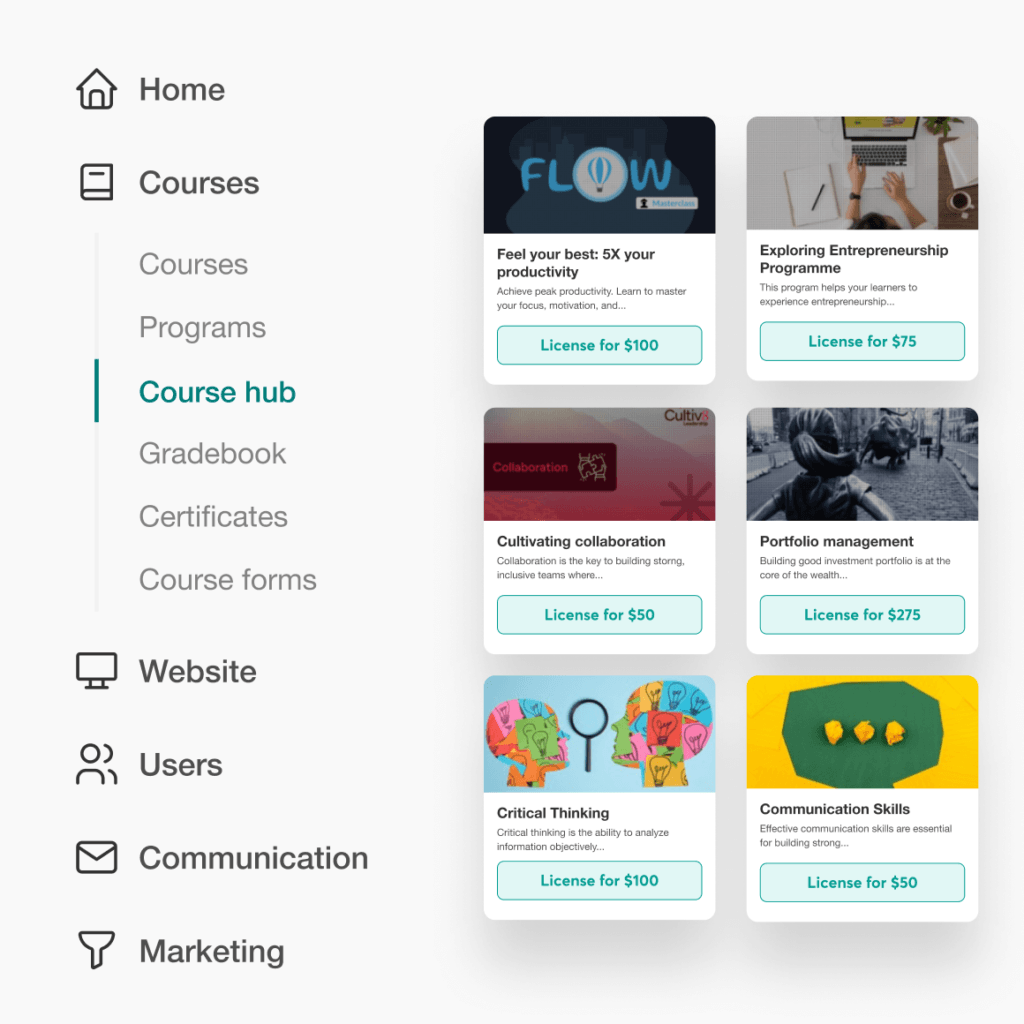
Curated course catalog
License in minutes
No upfront cost
Pay per enrollment
Content ready-to-sell & on-demand
Adjustable course settings
900k
Courses created
2m
active monthly learners
$1b+
Customer revenue
TL;DR
Course Hub is Learnworlds’ built-in marketplace that allows you to build a stronger school without building everything yourself. If you are searching for ready-to-use, quality content to plug immediately into your school, Course Hub helps you:
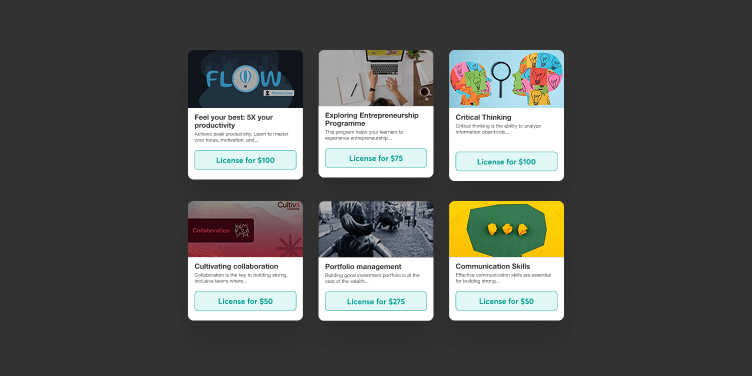
Launch with a ready course catalog on day one and start selling without delaying your school
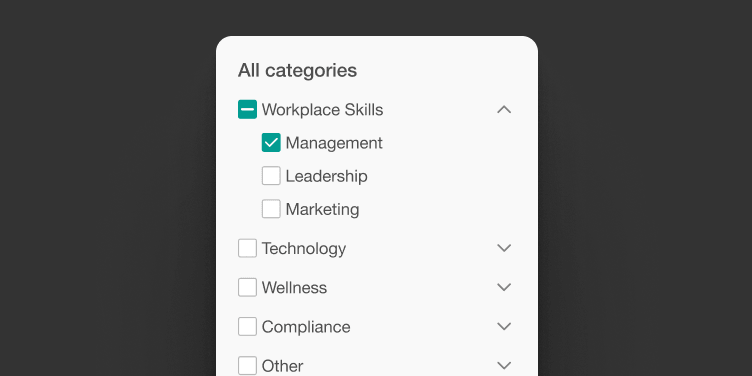
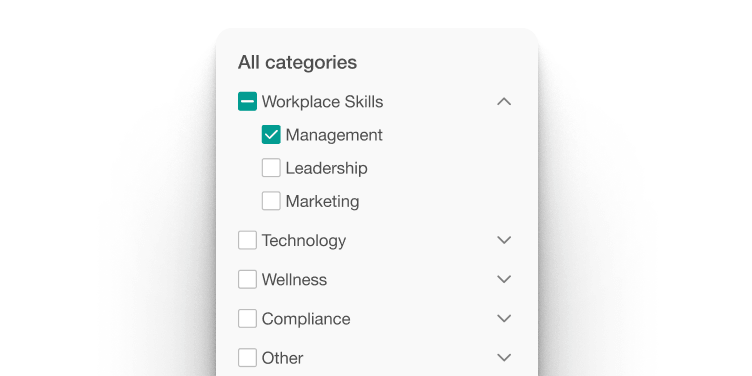
License courses across compliance, professional skills, technology, wellness, and more (no upfront cost)
Adapt to what learners need: test new topics, fill expertise gaps, and expand your library without content production
Best for:
Teams who need plug-and-play learning content for training across business and professional skills, compliance and safety, customer service and communication, leadership and management, technology and digital skills, wellness and personal growth, and more.
A smarter way to scale your content
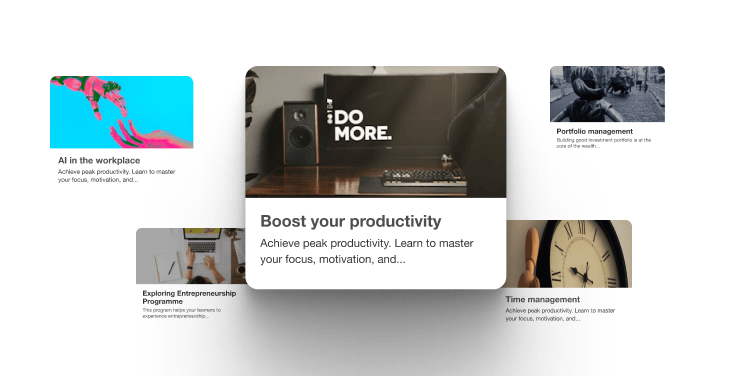
Create depth around your signature program
If you teach a flagship course or coaching program, add supporting materials that help learners go deeper—skill practice, foundations, and advanced topics without the need to produce every single module yourself.
Validate new directions before building them
Thinking about expanding into adjacent topics? Add a licensed course first to see if there’s real demand, then decide whether to create your own version or keep licensing what’s already working.
Say yes to opportunities beyond your core expertise
When a client needs compliance training, leadership development, or technical skills outside your core expertise, fill those gaps instantly instead of turning down business or scrambling to build something new.
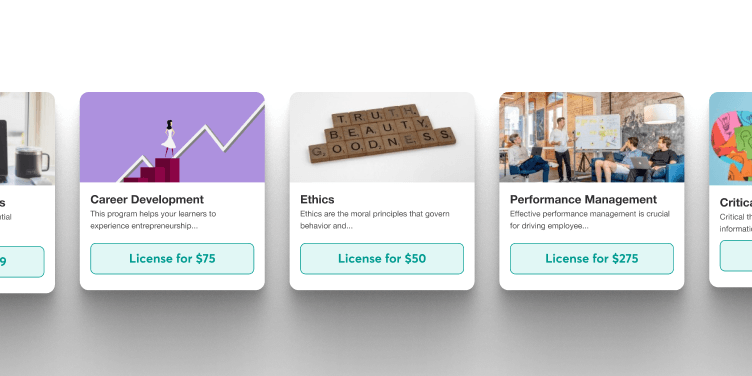
Get essential training live while you build what’s unique
Launch onboarding, software basics, or industry fundamentals immediately using licensed content. Then focus your team’s time on converting your proprietary knowledge into custom courses.
Start earning while you’re still creating
New schools need revenue momentum. Launch with a starter library so visitors have something to buy today, then add your original flagship content as you finish building it.

Guard your team’s creative energy
Your best talent should be solving your biggest problems – not building “commodity” tutorials. Use licensed content for generic topics like workplace safety or basic skills so your team can dedicate 100% of their bandwidth to the unique, high-value content that sets your brand apart.
How licensing on Course Hub works
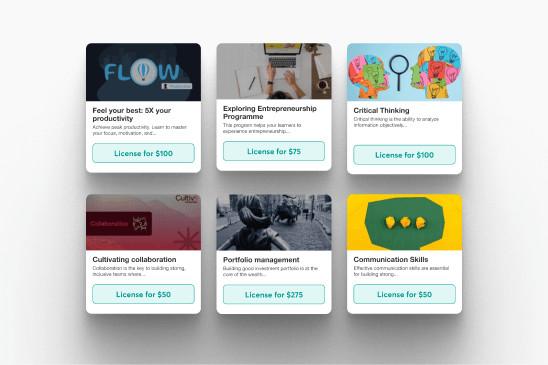
Browse courses that fit your school
Explore a curated selection of 100+ courses across 8 categories such as AI, Business & entrepreneurship, Leadership, Communication, and more.
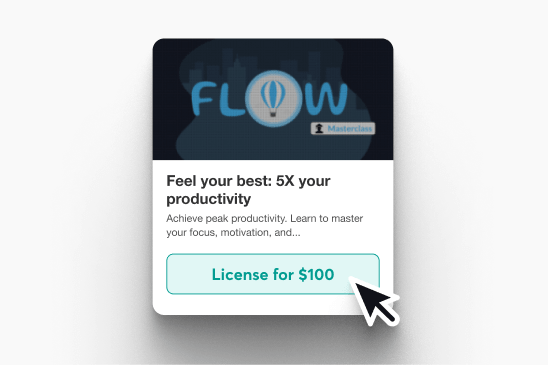
License and add as a draft
License a course and have it added to your school as a draft. This way you can review it right away before publishing.
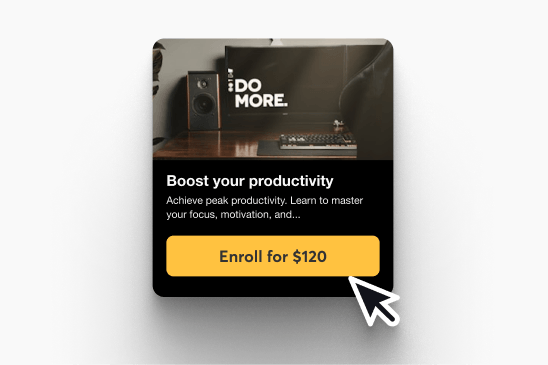
Match with your academy
Customize the learner-facing experience. Update the title, branding, and pricing, then launch on your timeline.
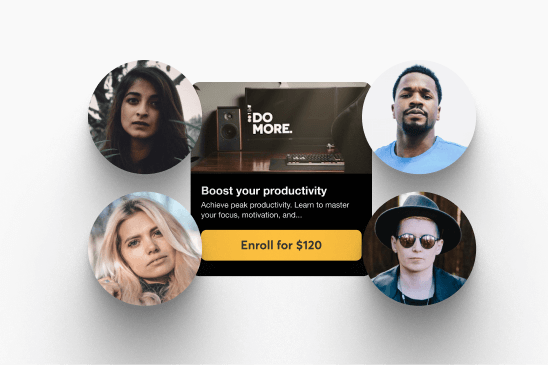
Pay when you’re ready
Pay per enrollment with no upfront cost. You’re only charged when you enroll learners. Changed your mind? Leave the course in draft.
Content built by experts
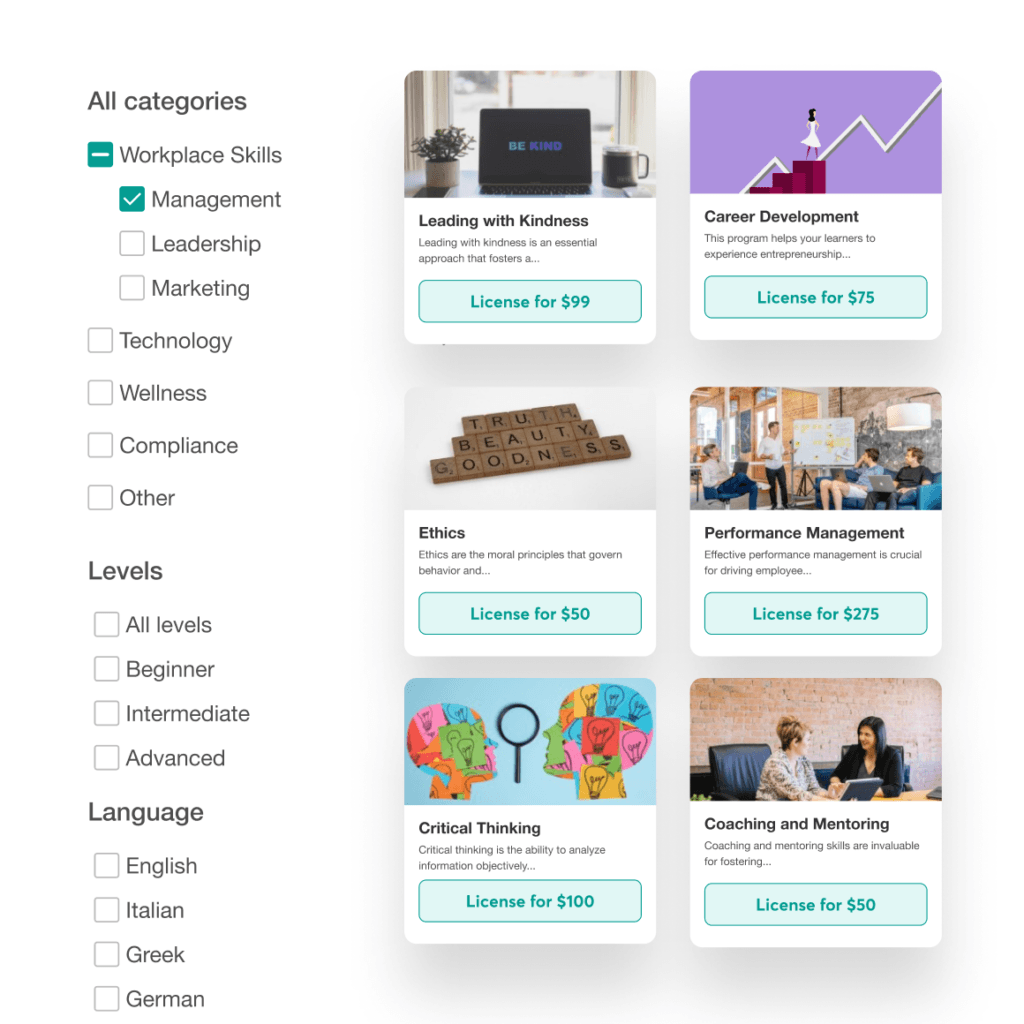
Curated and reviewed
Courses in Course Hub are manually reviewed before they’re approved, helping keep the marketplace consistently high-quality.
Broad, diverse categories
Explore a wide range of categories from business and workplace skills to compliance training courses through health and wellness.
Polished by design
Native to LearnWorlds and designed to feel polished. Clear structure, strong production quality, and a smooth learning flow. Install as a draft, then brand and publish.
Built great courses? Put them to work.
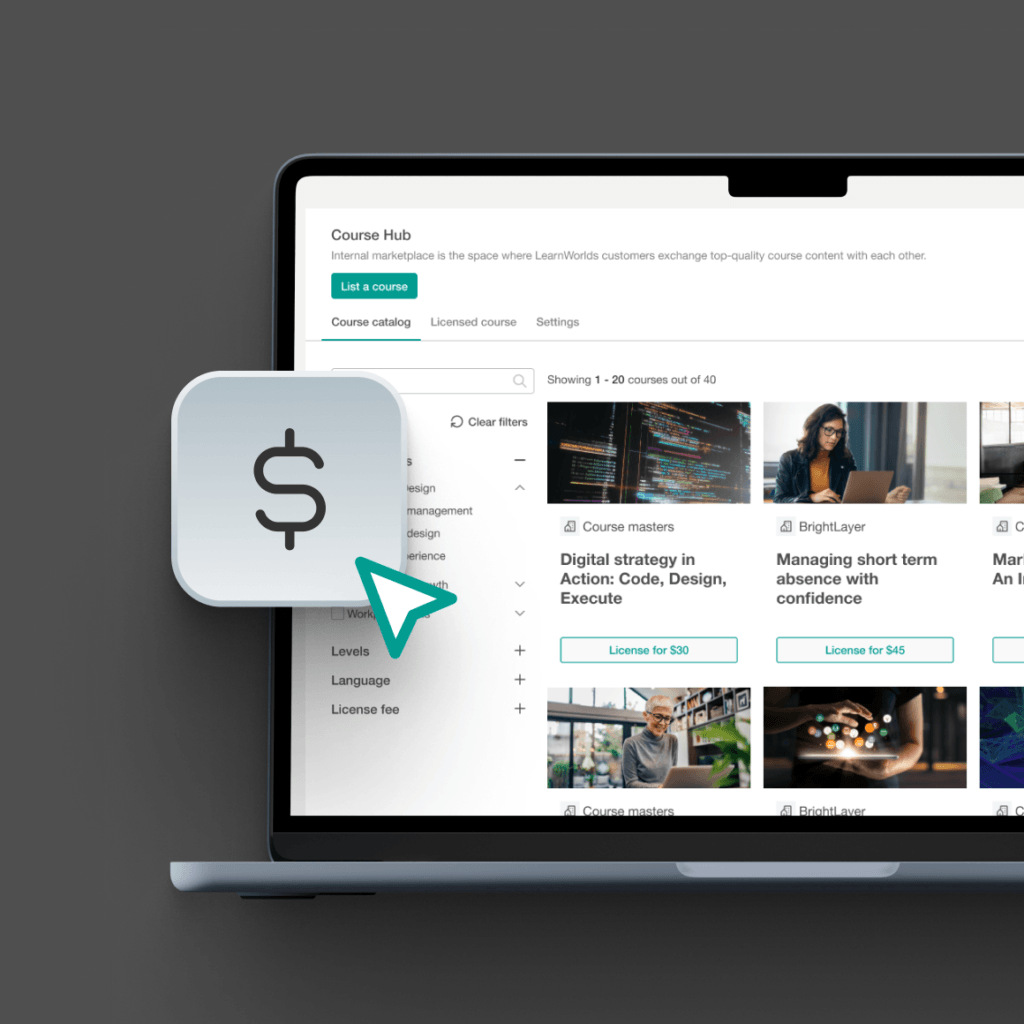
Earn more from content you’ve already built
Publish your courses on Course Hub and get paid per enrollment as other LearnWorlds schools license them. Turn existing content into a new revenue stream without creating anything new.
Reach 32M+ learners without extra marketing
Connect your content to LearnWorlds’ network of schools—no extra sales effort required. Buyers customize pricing and pages while your content stays protected.
Put your expertise where it’s needed
Match your expertise with schools actively searching for quality training in compliance, leadership, cybersecurity, and more. Create private listings to target specific clients directly.
How licensing on Course Hub compares to elearning content libraries in other LMSs
Most LMSs either lack the resources and plug-and-play training solutions to solve the content gap or let you connect to a third-party elearning content library. Course Hub is built differently as it lives inside LearnWorlds, and there’s nothing extra to set up, subscribe to, or manage.
The key difference is that other LMSs connect you to a content vendor. Course Hub connects you to other schools, real practitioners who built courses that are already delivering outcomes in their own academies.
| Feature | Other LMSs (eg Docebo, TalentLMS, AbsorbLMS) | LearnWorlds |
|---|---|---|
| Content source | Third-party libraries (Go1, OpenSesame) | Courses built by real LearnWorlds schools and practitioners |
Native to platform | Usually, a paid add-on or separate integration | Built into LearnWorlds (no extra setup or third-party account) |
Pricing model | Subscription to the library (you pay upfront regardless of usage) | No upfront cost. Pay per enrollment —only charged when learners actually enroll |
Customization | Fixed, title and settings not editable | Customize title, course settings, and pricing to match your school |
Content quality | Generic, off-the-shelf courses from large mass-market catalogs | Curated, practitioner-built courses are reviewed before landing in the catalog |
Catalog fit | Broad but impersonal (not built for your specific audience) | Browse by category and pick only what fits your school |
Time to publish | Depends on integration setup and subscription activation | License and add to your academy in a few clicks, and publish on your own timeline |
Explore more features of LearnWorlds’ all-in-one academy platform
Course Hub is just the start. Pair licensed content with the full suite of tools to build, market, sell, and grow your school.
Flexible Courses
Design impactful learning journeys that motivate and inspire.
Interactive Video
Use video-based learning to boost engagement and retention.
Pop-up Builder
Use popups strategically to guide users and highlight key actions.
Affiliate Programs
Grow through referrals—set up and manage your affiliate network.
AI Assistant
Bring your knowledge to life: AI supports you with tailored insights and content suggestions.
Mobile App Builder
Create a branded mobile experience that fits your learners’ lifestyles.
Bundles & Subscriptions
Increase revenue with flexible bundling and recurring payment models.
Survey Builder
Collect feedback that helps you refine your courses and strategy.
Website Builder
Launch a polished elearning site effortlessly—no technical skills needed.
Checkout & Payment
Offer smooth, secure transactions with full control over pricing.
Assessment Builder
Create reliable, user-friendly quizzes and self-assessments with ease.
Analytics & Reports
Monitor performance across your school with built-in LMS reporting and analytics.
Marketing Tools
Promote your academy with powerful tools built for conversions.
Live Sessions
Connect in real time to strengthen learner engagement and community.
Custom User Roles
Assign permissions confidently with tailored access controls.
Integrations
Extend your school’s reach with seamless connections to your favorite tools.
SCORM
Upload and manage SCORM/HTML5 content for interactive course delivery.
White-label Website
Deliver a completely branded experience—your school, your way.
LTI
Bring external learning tools into one consistent training experience.
Course hub
License quality courses from other academies.
How can different industries use LearnWorlds’ marketplace?
Every industry has different training gaps and timelines. Course Hub gives LearnWorlds schools a curated library of licensable courses to fill those gaps fast, helping you launch a stronger curriculum without having to build everything yourself.

Finance
Add licensable courses for compliance basics, onboarding, and professional skills so that your academy covers the essentials without creating everything in-house.

Healthcare
Launch training paths for onboarding, communication, and mandatory refreshers faster by licensing curated courses and tailoring the course page to your audience.

Corporate
Expand internal training with leadership, soft skills, and workplace essentials. Then bundle courses into learning programs for different teams and roles.

Fitness
Round out your offer with courses that support your coaching, including habits, mindset, and business basics, so that members get a fuller learning journey inside your school.

Education
Add complementary courses to support students and staff—then package them into programs and bundles that match your learning outcomes.

Creators
Grow your online course library with curated topics your audience expects—brand, price, and publish without slowing down your content calendar.

Coaching
Offer more pathways for clients by adding relevant courses and bundling them into structured learning programs that reinforce your core method.

Customer Training
Fill product education gaps with skill-building courses that support adoption—then include them in onboarding flows and customer bundles.

Non profit (NGO)
Launch role-based training faster with courses for onboarding, communication, and essential workplace skills—organized into clear programs for volunteers and teams.
Course Hub courses, ready to publish
No matter your industry, Course Hub helps you expand your LearnWorlds school with curated, licensable courses so you can cover more topics without creating everything from scratch. Add your courses as drafts, tailor the course page, branding, and pricing, and publish on your timeline.
“I love their customer support, which is top tier. I always receive quick replies, and they always solve my issues. When I first joined LearnWorlds, the platform was very simple to understand and get by. We’ve been going strong and love it!”
“I like that LearnWorlds provides me with a fully functional website where I can offer my students self-study resources and a community chat. The team is responsive and professional, and they really care about what they are doing.”
“I find the AI bot helpful as it gives answers to my questions and even generates pictures for problem-solving. The platform is easy to use, and I love the different ways a course can be customized and has so much interaction.”
“We get email prompts about enrollments, which is a wonderful experience, allowing us to welcome new people with ease. The hands-off experience lets me focus on chemistry, removing the technical hassle of enrolling people.”
“The platform has been easy to set up and navigate. Plus, the onboarding calls have been helpful and tech support is extremely responsive! I am so pleased So far, the tech support has been worth every penny I’ve paid!”
“The platform integrates our website, funnels, marketing, and learning system all in one place, which is super convenient. I also appreciate their regular updates and the support team, which is extremely responsive.”
“I like the sleek, modern, easy to configure aspect of the platform. It is very easy as an admin to to set up pages without using code. I also like the modern features – like lesson markers, ai, and reporting”
“It’s amazing compared to our old learning platform. Every time I think of something I’d love to be able to do, a quick search shows that it’s available, and over a year in, in still finding even more features.”
“The wide range of features, responsive support, and regular platform updates. The value is good for the price, especially considering the range of features, regular updates, and responsive customer support.”
“It’s just amazing to find an all-in-one platform that delivers such high quality, they’ve really raised the bar and I love not having to compromise on the product we deliver because of software limitations.”
“The platform is really configurable, giving us a huge amount of flexibility about how to lay out our course. It’s allowed us to deploy our course in a drip feed format, which is fantastic for our learners.”
“I am using LearnWorlds for long time and it give us interactive video features, quizzes, buttons, notes inside videos and many more. LearnWorlds provide all in one online course and its creation tools.”
“What I like most about LearnWorlds is how easy and intuitive it is to use. I also really like the possibility to customize the school and make it fit your own style and brand.”
“The site is very user friendly and easy accessible. UI/UX is wonderful. The onboarding was also very easy”
“There are a lot of unique and user friendly features. The system is very customizeable.”
Support articles
Explore Course Hub from your admin area so you can browse the marketplace, review available courses, and manage licensed content from one place.
Support article: Course Hub overview & management guide
Choose a course from the curated catalog, accept the licensing agreement, add your payment details, and it will be automatically added into your library as a draft so you can review and prepare it before publishing.
Support article: How to license and use a course listed in the LearnWorlds Course Hub
Edit learner-facing elements like the course title, branding, pricing, and settings to match your academy—then publish on your timeline.
Support article: How to license and use a course listed in the LearnWorlds Course Hub
Pay only when learners enroll—Course Hub charges are handled in USD and follow a recurring billing cycle tied to your licensing activity.
Support article: Understanding Course Hub payments & billing for buyers
License the course first so it’s added as a draft in your school, then review everything before making it public—without being charged unless enrollments happen.
Support article: How to license and use a course listed in the LearnWorlds Course Hub
List your course in Course Hub so other schools can license it, creating a new revenue stream from content you’ve already built.
Support articles: How to publish a course in the LearnWorlds Course Hub
Glossary of terms
Course Hub: LearnWorlds’ built-in marketplace where schools can license courses from vetted off-the-shelf elearning content providers or publish their own courses for others to license.
Listing: Your course’s marketplace page/presence in Course Hub (metadata, positioning, discoverability).
Course catalog: The browsable collection of available courses (typically organized by categories/topics) that you can explore and select from.
Review process: The checks/guidelines Course Hub uses to keep courses vetted and of high quality.
Licensed course: A course you add to your school from Course Hub under a licensing agreement (you can sell/assign it, but you don’t “own” the original IP).
Private listing (Course Hub): A Course Hub publishing mode meant for sharing a course with a specific audience/client rather than the full marketplace.
Draft (course status): A course state where it’s not published/visible to learners—useful for reviewing a licensed course before going live.
Course cards: The marketplace section that displays courses in a card layout (title, image, price).
Course customization (buyer-side): Editing learner-facing elements like title, branding, pricing, and course settings—typically not editing the underlying licensed learning activities/sections.
Billing cycle: The recurring schedule used to calculate and charge Course Hub buyer costs (eg monthly).
Course settings: Configuration options for access type, pricing, navigation, URLs/slugs, and related behaviors.
Licensing agreement: The terms that govern how long/how you can use/resell a licensed course and what happens when it ends.
Access type: How learners can access a course (eg Paid, Private, Draft, Enrollment Closed).
Enrollment blocked/enrollment closed: A state where new enrollments are prevented (commonly relevant when an agreement ends), while existing learners may retain access depending on terms.
Pay per enrollment: You’re charged only when learners enroll in the licensed course (instead of paying upfront for a library subscription).
Hub publisher: A school that lists its own courses in Course Hub and earns per enrollment.
FAQs
Yes. After licensing the course on the Hub, you can customize its settings (eg title, descriptions) and layout (landing page, logo). However, the course content itself, including sections and learning activities, cannot be modified.
Explore all: Course Hub resources and LearnWorlds white-label LMS.
You can resell for as long as the course licensing agreement is active. Once it expires, see question 5 below.
You’re charged per enrollment in the licensed course. All Hub transactions are in USD and follow a monthly billing cycle, which starts when the licensing agreement begins.
Learn about LearnWorlds pricing plans
- New enrollments will be blocked
- Existing learners will retain access
- Renewal is possible if the course is still available on the Hub
No, if you license a Course Hub course and keep it in draft, you don’t pay anything. Course Hub is pay-per-enrollment, so charges only start once learners actually enroll in that licensed course.
This makes it easy to license first, review everything, and publish only when you’re ready, without pressure to “go live” immediately.
Yes. You can bundle licensed Course Hub courses into a structured curriculum alongside your proprietary content. It’s great for onboarding journeys, skills tracks, or role-based training paths.
A strategy that works well is to use licensed courses for foundations and supporting topics, then layer your signature training on top for what’s unique to your organization or offer.
Check LearnWorlds bundles and subscriptions or explore all features.
Course Hub is best for teams that want to launch fast with a credible catalog or fill content gaps without producing everything from scratch—especially when you need coverage in broad, common training areas.
It’s a strong fit for internal training teams, training providers, and academies that want to test demand, expand into new topics, or deliver training immediately while building custom content over time.
Learn how to use AI-powered onboarding to streamline employee onboarding.
Yes. Many organizations use Course Hub to get onboarding and essential training live quickly, so new hires (or internal teams) can start learning right away.
You can combine licensed content for universal skills (eg leadership, communication, compliance) with your company-specific training to create a complete onboarding experience.
Explore LearnWorlds employee training LMS.
If you need to add new training fast, Course Hub lets you license ready-made courses and publish them in your school within minutes. You can customize the course settings and learner-facing experience (like the title, pricing, branding, and landing page), while the course content itself stays unchanged.
Find out how to create an online training course.
Yes. If you already have training content in SCORM/HTML5 packages (or you rely on external tools via LTI), you can still use Course Hub to quickly expand your catalog. Then mix licensed courses in the same program with your existing content inside the same academy.
This is especially useful when Course Hub covers the “ready-to-launch” topics (like compliance, leadership, or soft skills), while SCORM/LTI content covers your proprietary training, labs, simulations, or legacy modules you don’t want to rebuild. Just remember that you can’t edit, duplicate, or add to the course content of Course Hub licensed courses, but you can offer the mix of sources as a program.
Explore LearnWorlds SCORM/HTML5 features.
Published:
Last Update: