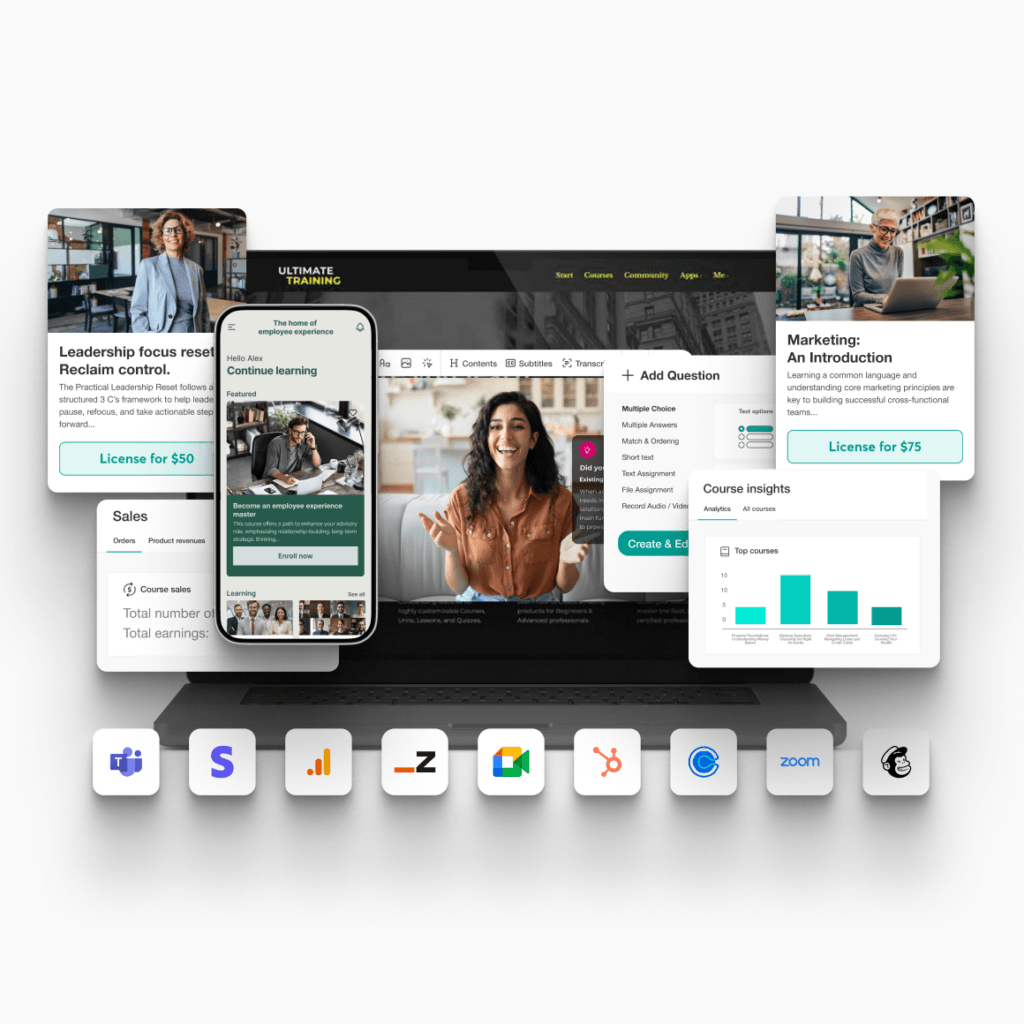
AI-FIRST LEARNING OPERATING SYSTEM
Practical AI workflows for training providers
Great training is only half the job. Keeping it relevant and consistent across multiple clients is where things get complicated. Explore five AI workflows in LearnWorlds that can make your life a lot easier.

Explore 5 practical AI workflows for training providers
Customization
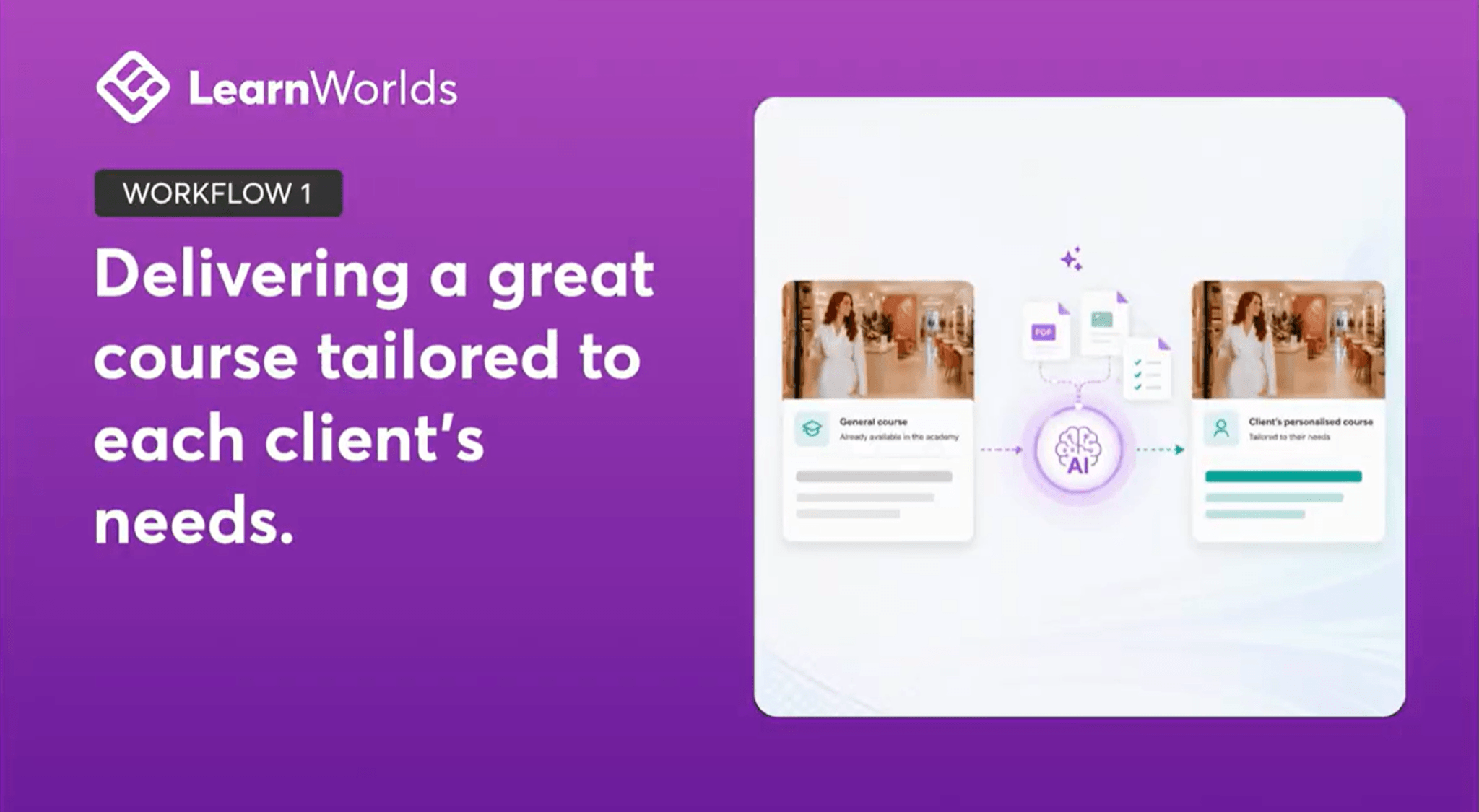
#1: Make every client feel like the program was built for them
Adapt your core programs across clients. Create tailored examples, scenarios, communications, and learning experiences while keeping one repeatable foundation behind the scenes.
What you’ll use alongside AI
User Groups & Seat Offering
Organize learners by client, control what each group sees, and sell in a way companies expect.
Branded after-login pages
Customize content and learner journeys for each client while managing one core program.
Visibility rules
Show relevant content, resources, and communications without creating separate schools.
Shared standards
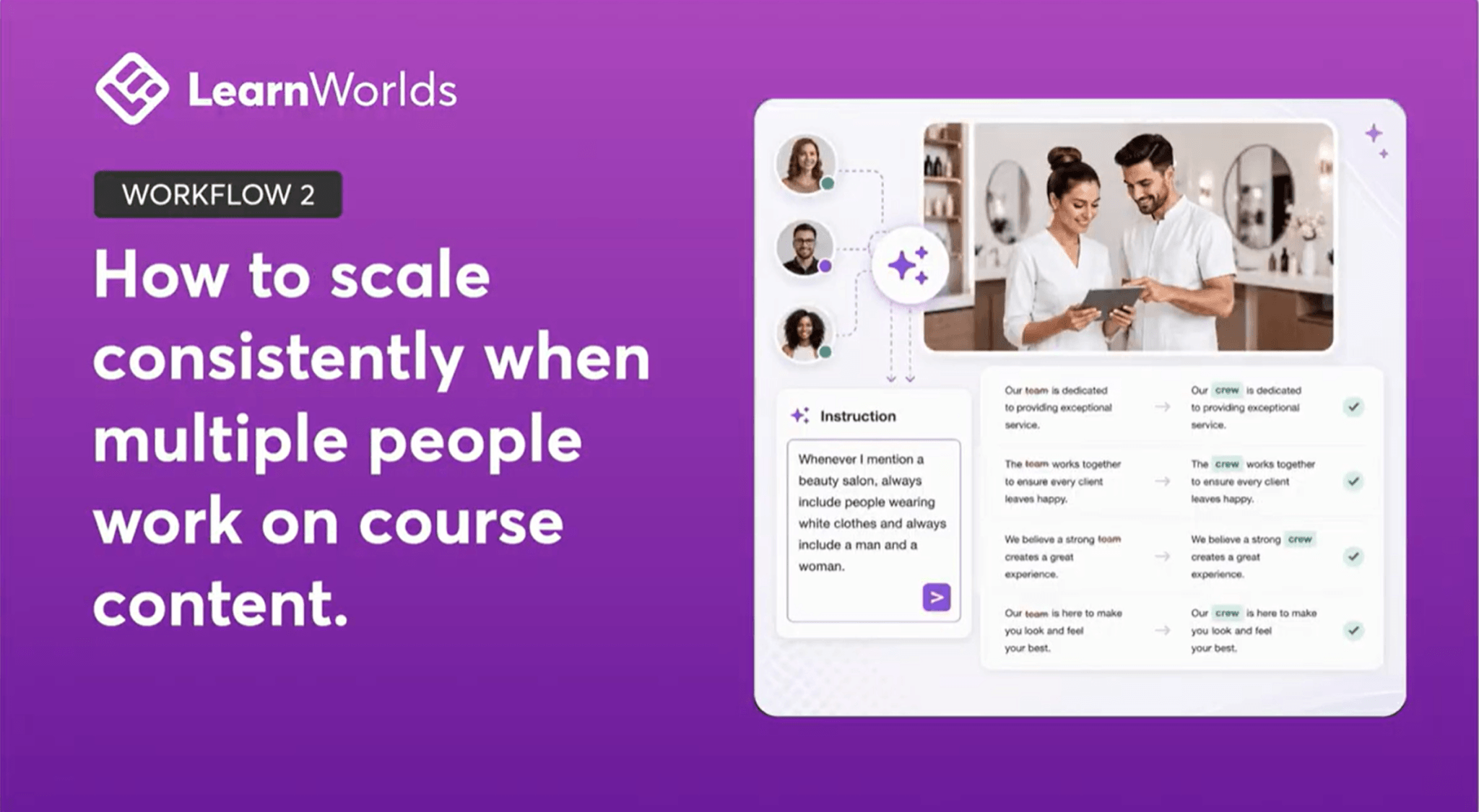
#2: Keep delivery quality consistent as you grow
Make sure your team works from the same standards, voice, and context. Easily update content, align materials, and deliver a consistent experience across clients without creating bottlenecks.
What you’ll use alongside AI
Custom Roles & Permissions
Give trainers, reviewers, and client contacts the right level of access.
Automations
Automate repetitive tasks with a visual workflow builder and flexible branching logic.
Centralized content management
Keep teams aligned around the same materials, standards, and learning experiences.
Professional delivery
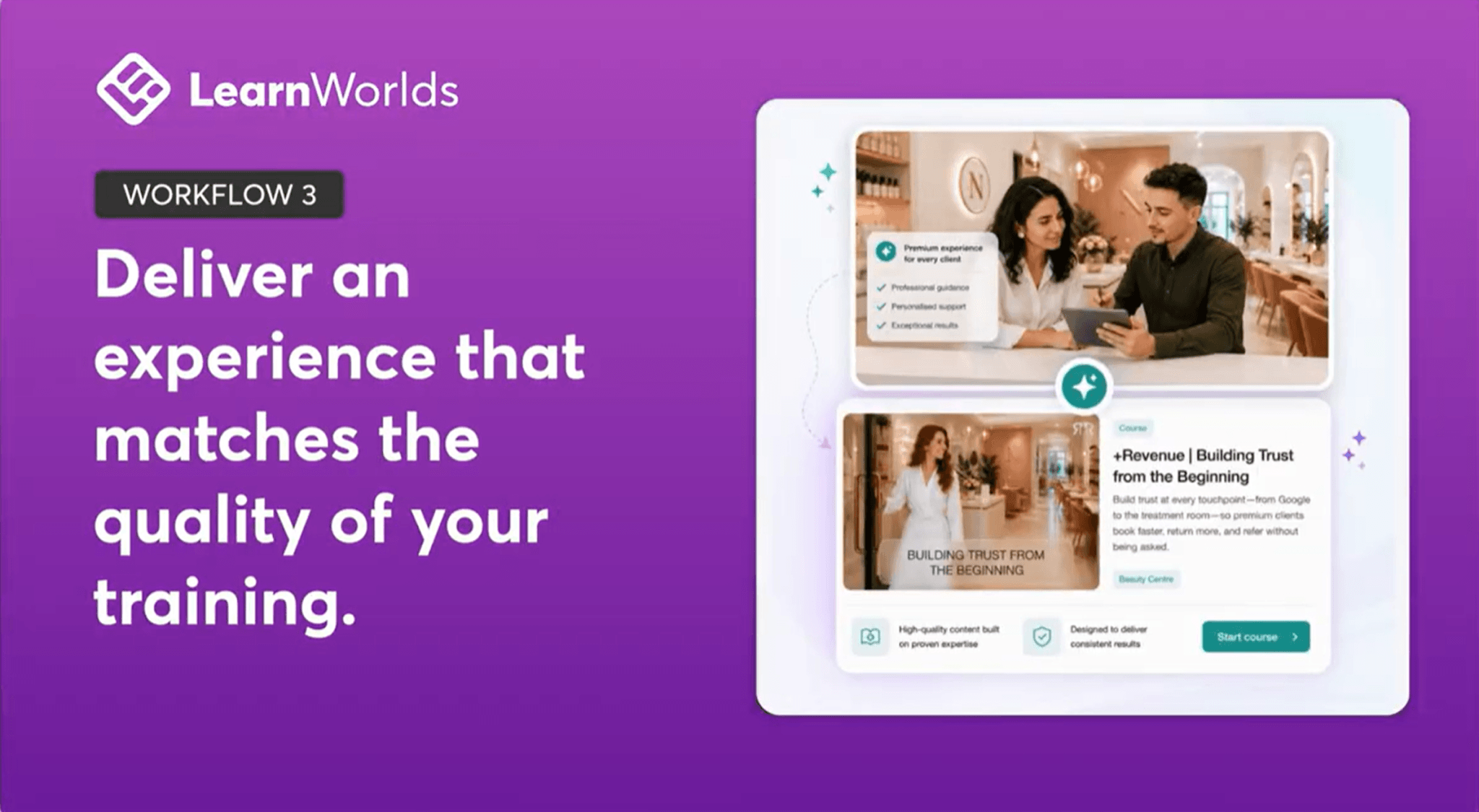
#3: Deliver an experience that is as professional as the training itself
See how to standardize and customize onboarding, learner communications, certificates, pages, and supporting assets. Make sure every program is professional and corporate-ready.
What you’ll use alongside AI
White-Label Experience
Create branded client portals without building separate academies from scratch.
Certificates & Assessments
Provide formal proof of learning and completion, measure progress, and demonstrate the value of your training.
Custom Domains & Branded Communications
Create a professional experience and keep every touchpoint consistent, branded, and client-ready.
Program creation
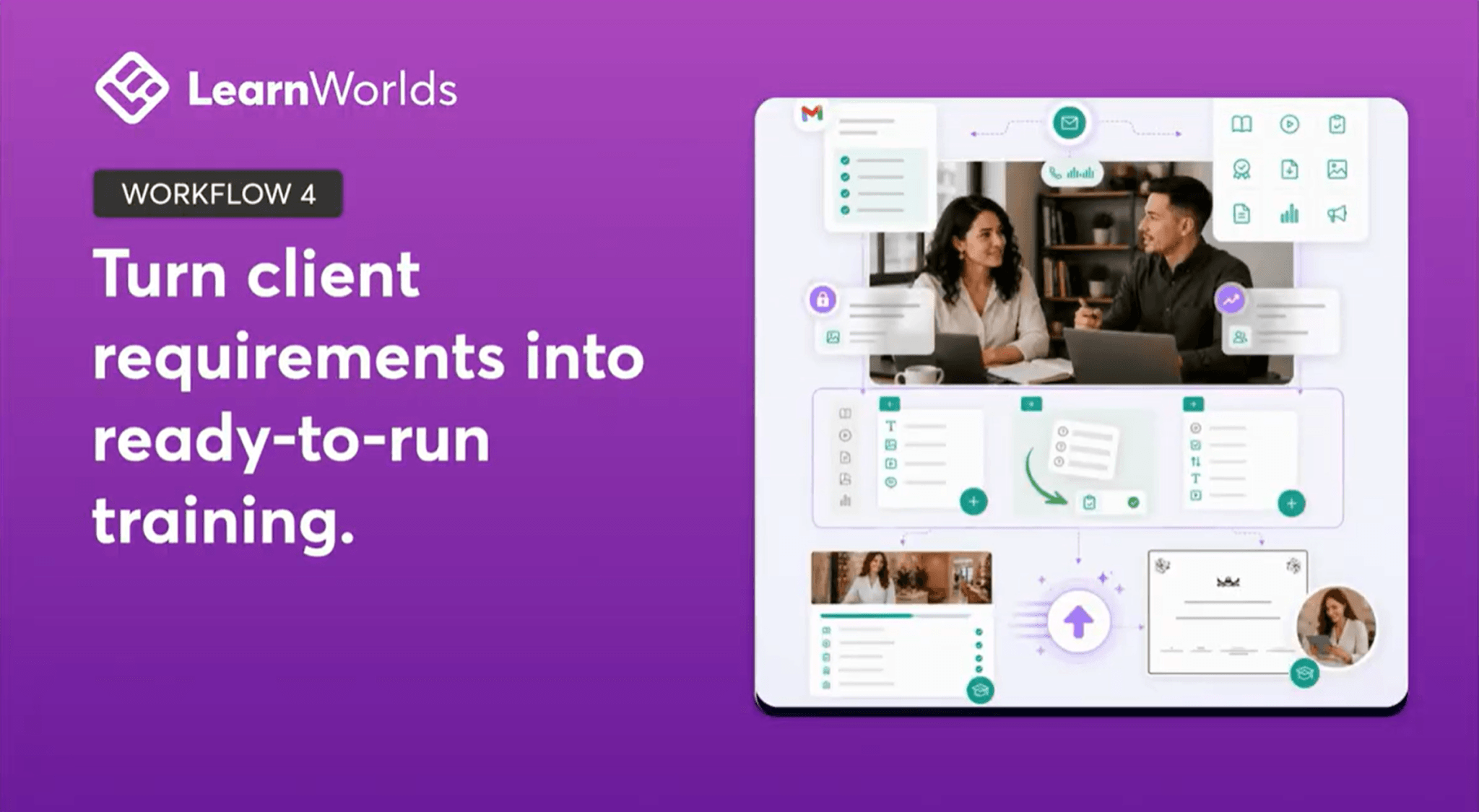
#4: Turn client requirements into ready-to-run training
Transform briefs, decks, transcripts, and source materials into course structures, assessments, onboarding experiences, and launch-ready assets. No need to start from scratch.
What you’ll use alongside AI
Learning Programs
Package courses, live sessions, assessments, and resources into a structured training journey.
Course Cloning & syncing
Reuse proven content and program structures instead of rebuilding them for every new client.
SCORM & content imports
Bring existing materials into one place and build on what already works.
Smarter updates
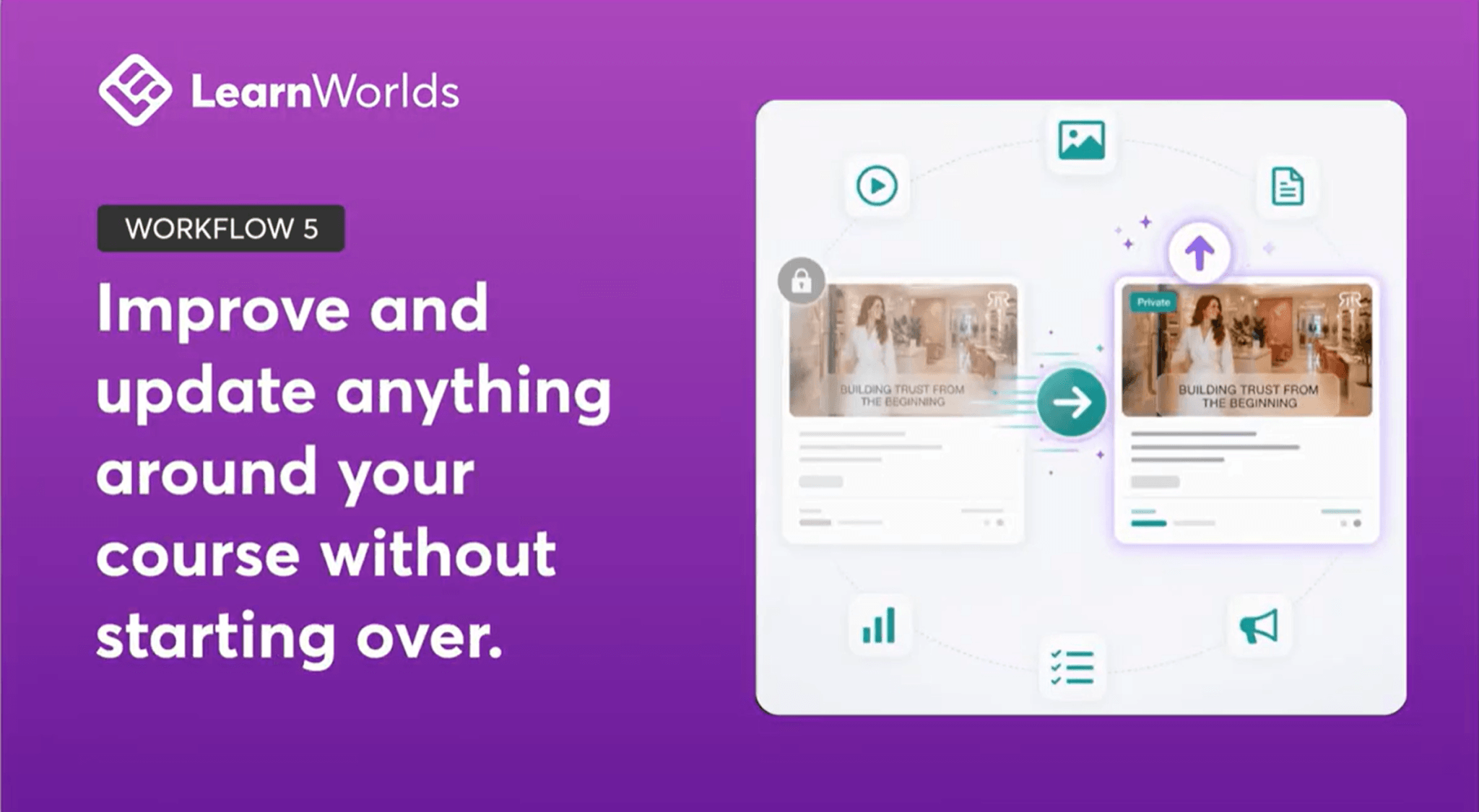
#5: Improve and update programs without starting over
Refine existing content, update specific sections, refresh assessments, translate materials, and improve learning experiences while preserving everything that already works.
What you’ll use alongside AI
Copy, Import & Sync content
Update content across programs without manually recreating it. Make changes once and keep training materials aligned across clients and versions.
Multi-language delivery
Support translation and localization more efficiently. Deliver training in different languages while maintaining a consistent learning experience.
Course versioning through cloning
Refresh programs while keeping proven foundations. Create new versions for clients, industries, or cohorts without starting from scratch.
Want a tailored walkthrough of AI workflows?
Schedule a call with one of our experts to identify the exact AI workflows that can help your training business specifically.
Useful resources
Learn how you can standardize your training delivery, discover success patterns behind training providers earning an average of $1M+ per year, and see how simple it is to use AI workflows in LearnWorlds.
About LearnWorlds
LearnWorlds is an AI-first learning operating system built by experts with PhDs in Educational Technology and 25+ years of experience in digital learning. More than 13,000 businesses use it to train over 32 million learners worldwide.
Built on instructional design principles, it helps you adapt faster, deliver consistently, sell and market directly from the platform, and support more clients without creating more work for yourself.