

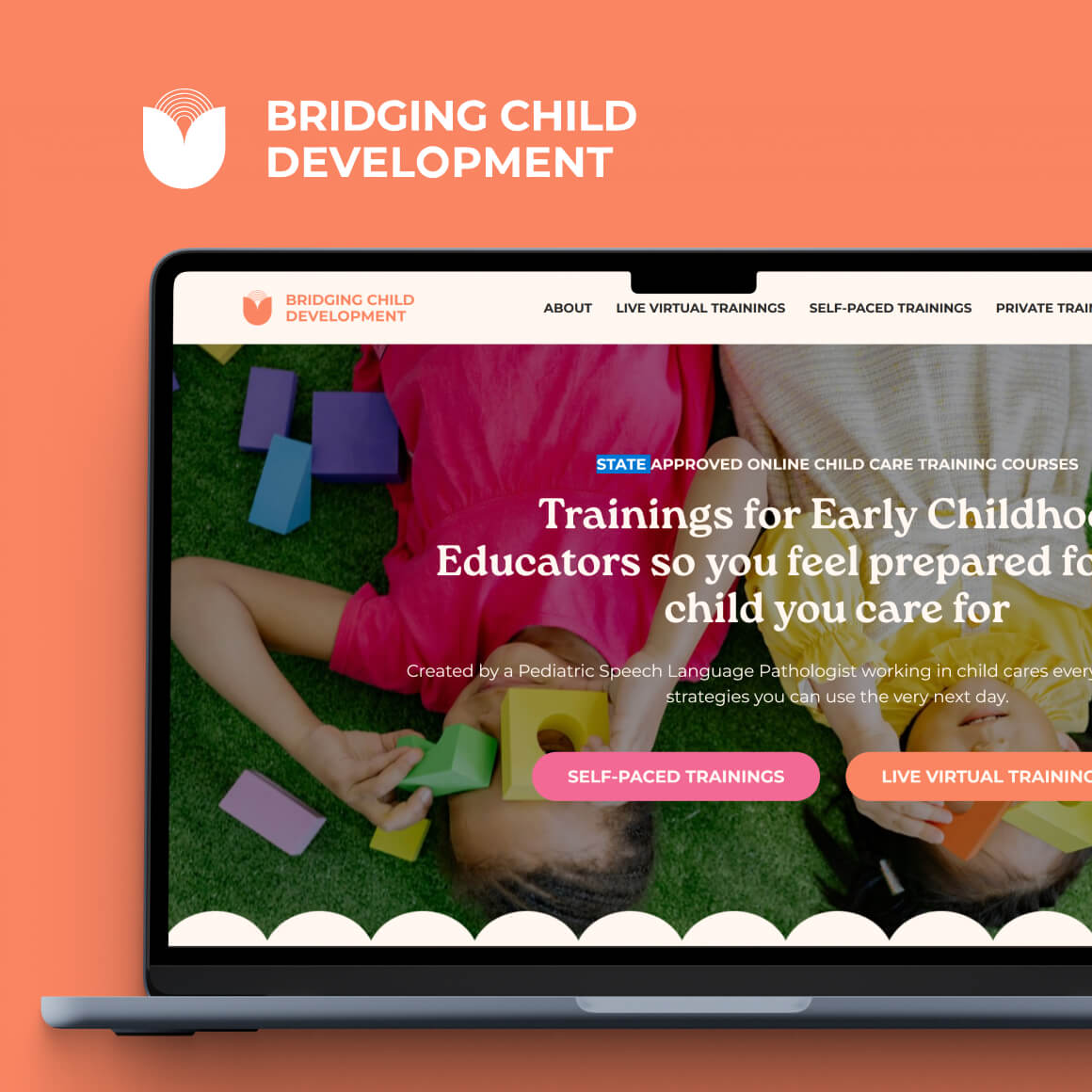
Bridging Child Development moves its live and self-paced training from Teachable and Squarespace into one platform
5k
educators trained
~20
US states where its training is approved
~40
training programs, each with its own landing page
The challenge
Live training ran on Squarespace and self-paced courses on Teachable. Certificates, team purchases, and reminders depended on workarounds.
The solution
Bridging Child Development migrated to LearnWorlds. Live and self-paced courses, certificates, and team purchases now run in one place.
The results
Automated reminders save Kelly hours, childcare directors buy training without repeated checkouts, and educators find their training and session links inside their courses.
About Bridging Child Development
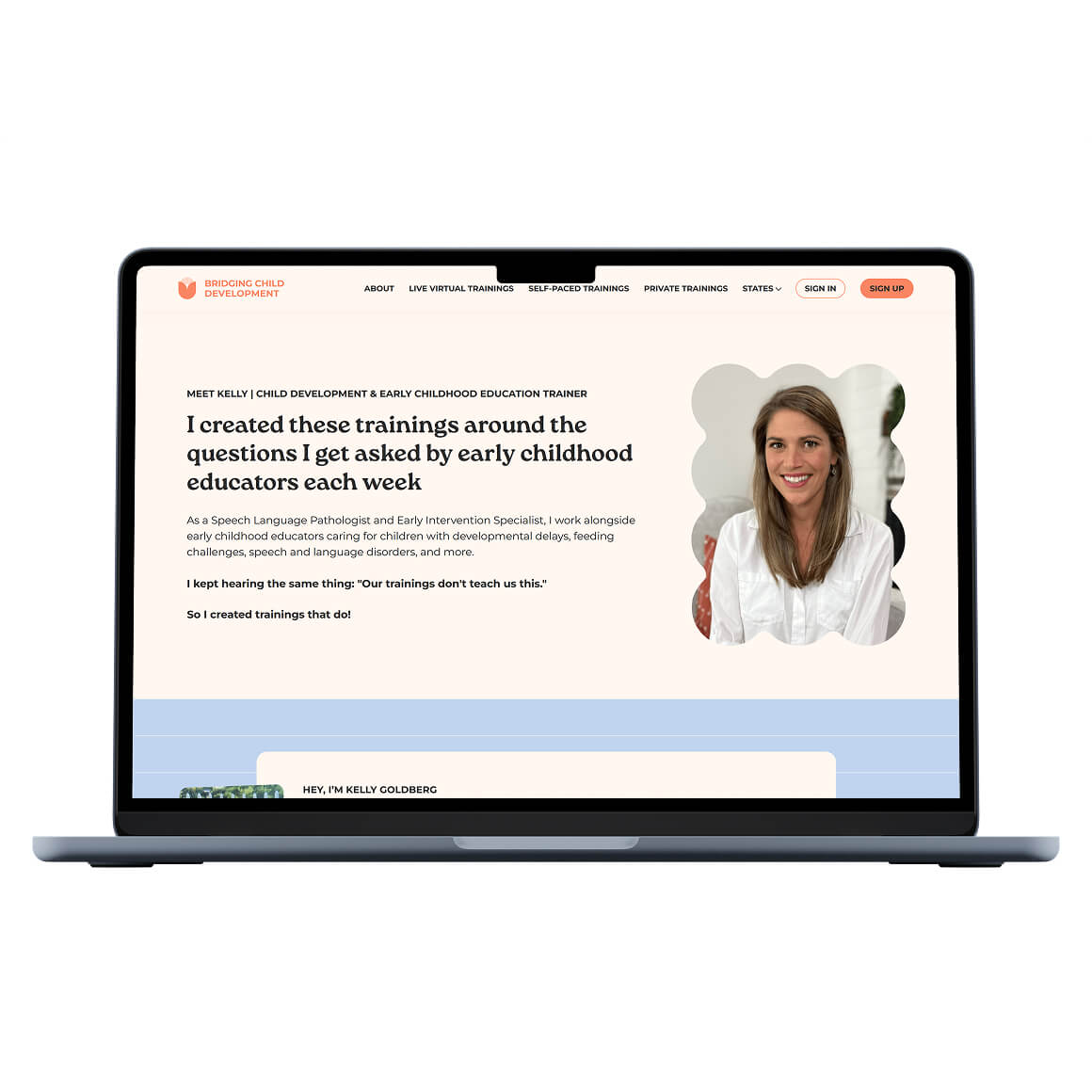
Bridging Child Development gives early childhood educators practical training they can apply in their classrooms. Founder Kelly Goldberg is a pediatric speech-language pathologist and early intervention specialist who previously ran an in-home childcare business. The business offers live virtual and self-paced programs, is approved to deliver training in nearly 20 US states, and holds IACET accreditation. Kelly runs it largely on her own, with her husband helping manage the paperwork needed to get programs approved in new states.
INDUSTRY: Early childhood education
USE CASE: Professional development for childcare educators, delivered live online and self-paced
PREVIOUS SETUP: Teachable for self-paced courses, Squarespace for live training
THE CHALLENGE
Two platforms, too many Band-Aids

A growing business held together by workarounds
Expanding beyond Maryland, Kelly ran live training on Squarespace and self-paced courses on Teachable. Each new need meant another tool. As she puts it: “I had to put so many Band-Aids on it to make it actually do everything I needed.”
More educators, more manual work
Each state has its own certificate requirements. Learners could skip the Google Forms Kelly used to collect their details, and certificates sent through Zapier sometimes landed in spam.
Directors buying for 20 teachers had to check out 20 times or wait for a manual invoice, and some stopped responding. When Kelly was told her Teachable plan would cost more for fewer courses, she lost faith in the platform, even though Teachable later reversed the change.
THE SOLUTION & RESULTS
One platform for live and self-paced training, with hours of admin saved
After evaluating different options, Kelly chose LearnWorlds. It cost her slightly more than Teachable, but she felt the functionality justified the investment. Live virtual and self-paced courses, certificates, bulk purchasing, and session reminders now run in one place. Automated reminders alone save her hours of copying registration lists by hand.
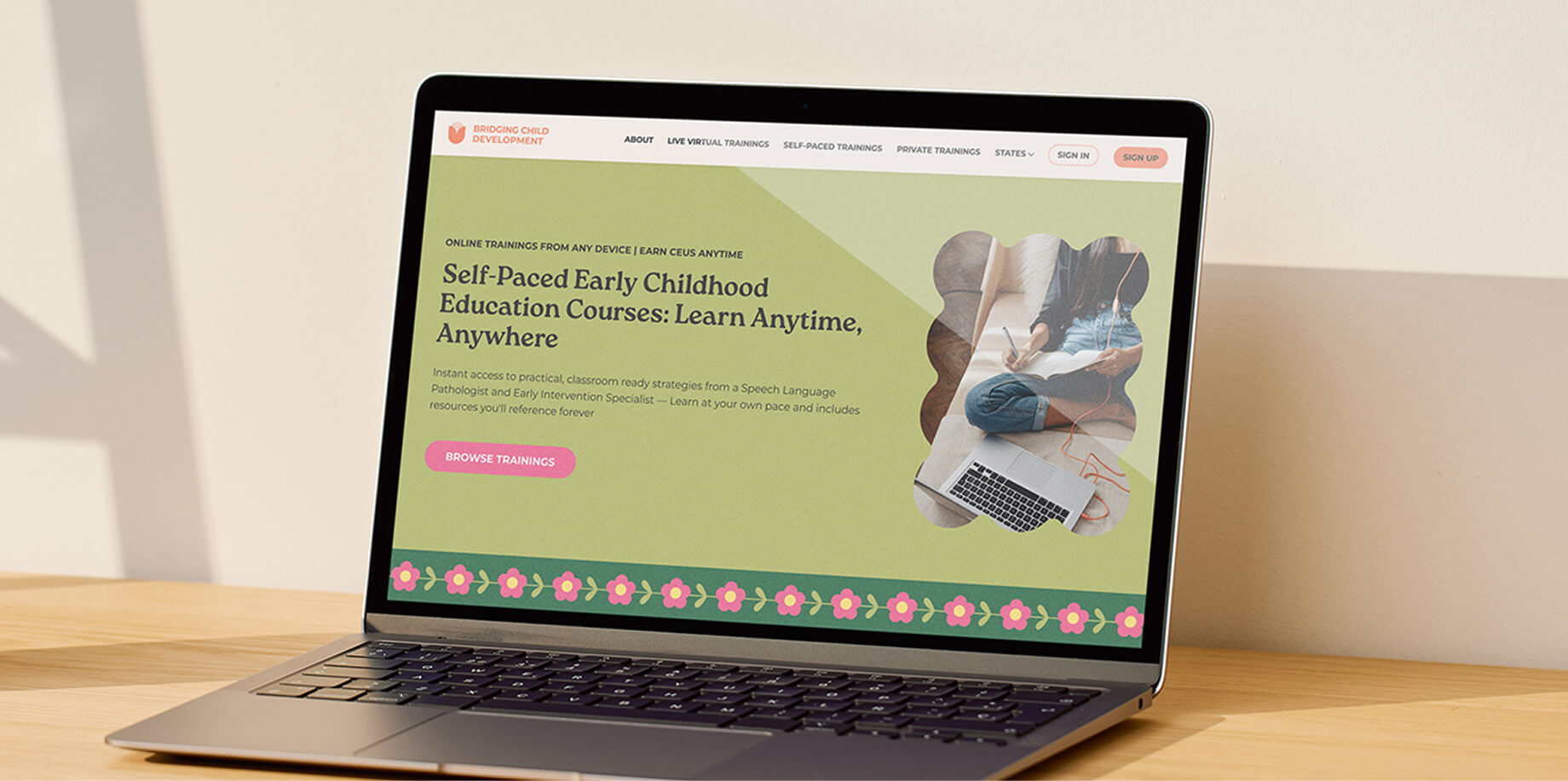
“I had my live trainings on Squarespace and my self-paced courses on Teachable. Everything was scattered across different platforms, so bringing it all together in one place was honestly one of the biggest reasons I switched.”

Choosing LearnWorlds and making the move
What Kelly needed from her next platform
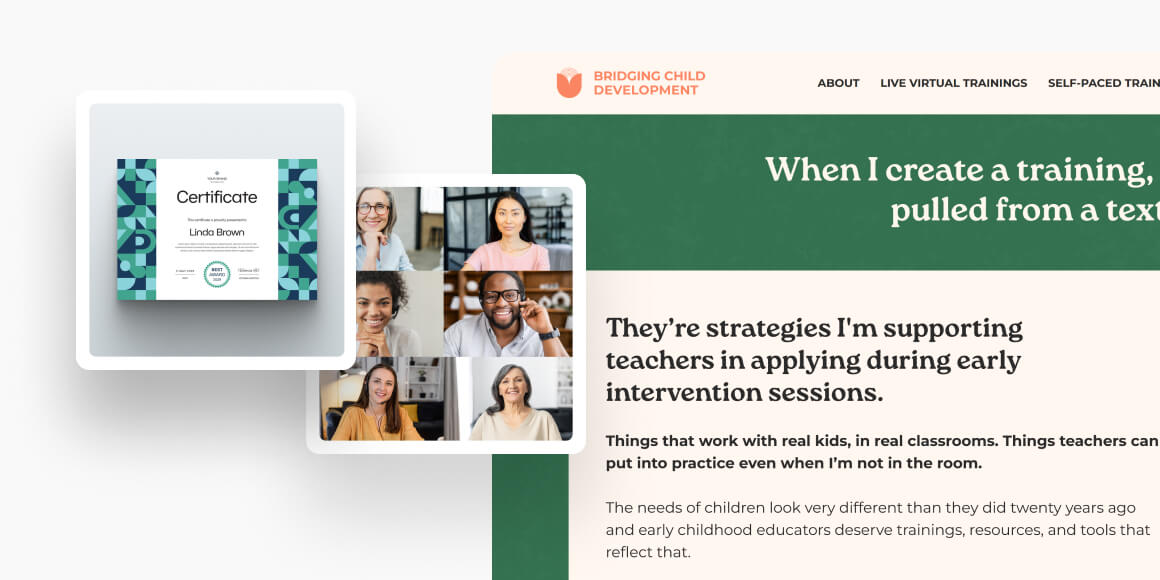
Kelly keeps many courses between $20 and $30, so her next platform had to support affordable pricing. It also had to bring live and self-paced training together, handle state-specific certificates, and make buying simpler for childcare organizations.
A hands-on migration
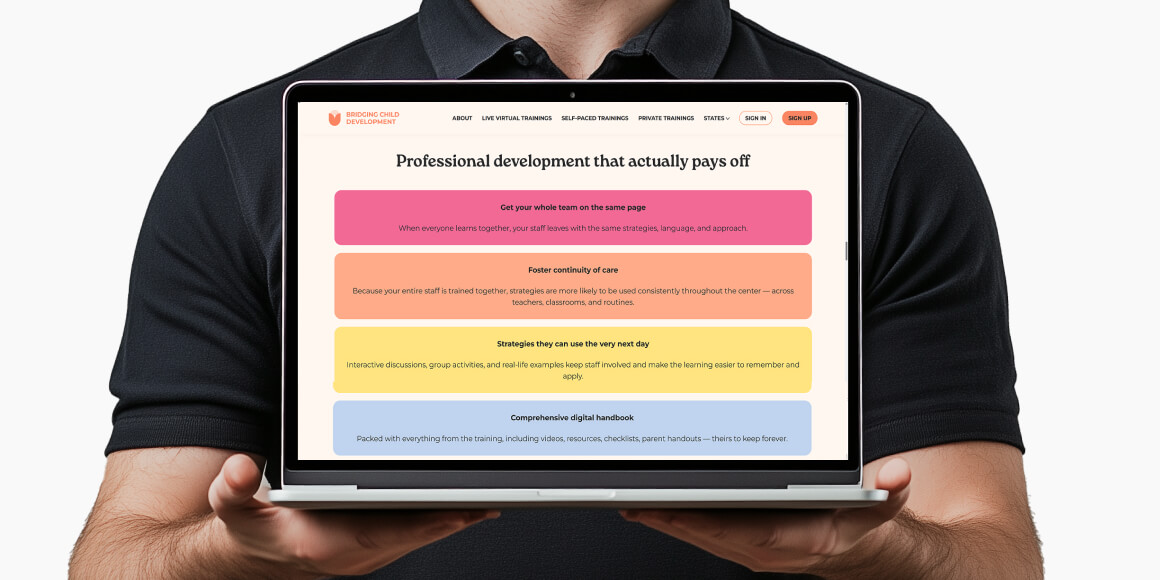
In Kelly’s words, the team “made the whole process much easier than I expected.” A LearnWorlds migration specialist met her over Zoom and reviewed her Teachable setup. He explained what could be transferred, gave her an affordable quote, and helped her decide when to switch. After the move, he recorded a video showing her how to use the platform’s email tools.
Less admin and an easier experience for educators
Kelly cut much of the manual work around sessions, certificates, and purchases.

Hours saved on session reminders
Kelly used to download registration lists, move contacts into Flodesk, and prepare reminders for each live virtual session by hand. LearnWorlds now sends reminders automatically 24 hours and 1 hour before each session, which Kelly says has saved her hours.
Certificates managed in the platform
Instead of relying on Google Forms and Zapier, Kelly now manages certificates directly within LearnWorlds, with fewer disconnected tools for a part of the training where each state has its own requirements.

Easier purchases for childcare teams
Directors can buy training for several employees without repeated checkouts or manual invoices. Kelly also added automatic volume discounts for larger orders, and she has noticed the incentive encourages some directors to add more courses to their orders.
Course materials and interactive video in one place
Handbooks and Zoom links now sit inside each course, so educators can return to them whenever they need to instead of asking Kelly for another copy. Interactive video adds questions directly into her lessons, so educators can check their understanding as they progress.
The result: a business Kelly can run with less admin
Together, these changes have made Bridging Child Development easier for Kelly to manage on her own, while giving her more time to develop new training and reach more educators.

What’s next: More time to grow the business
Kelly still runs most of Bridging Child Development herself. With less time going to admin and disconnected tools, she has more room to develop new courses, reach more educators and pursue opportunities such as speaking at industry conferences.
Ready to bring your training into one place?
If your current setup is creating more work as your training business grows, our team can help you plan the move to LearnWorlds.