
Table of Contents
The LMS market is growing fast—it’s expected to more than double by 2028 [1]. The SaaS LMS market is projected to grow from $100 billion in 2021 to $450 billion by 2028, with a CAGR of more than 20%.
Multiple SaaS solutions are available, each offering different cloud-based features and pricing models to suit various training needs.
The best way to choose a SaaS LMS is to match what the platform offers with what your team actually needs. Start by outlining your learning goals, then create a shortlist of systems that support those goals and can scale with your organization.
This guide focuses on the key factors that matter when selecting a SaaS learning management system for your training processes.
What is a SaaS LMS?
SaaS LMS stands for ‘software as a service learning management system’. A SaaS LMS is a type of cloud-based platform hosted online and accessed via the internet. You access it through your web browser and pay a vendor a subscription fee to use it. The vendor handles updates and security, allowing you to focus on creating and delivering online training programs.
SaaS systems are hosted online, as opposed to self-hosted solutions that require installation and maintenance on your own servers.
These platforms typically provide automatic updates and maintenance, reducing the burden on internal IT resources.
Why choose SaaS for learning management?
Remote and hybrid work arrangements are now common, requiring training tools that don’t limit learners to being physically present in an office. SaaS platforms support mobile learning, allowing users to access training content from smartphones and tablets.
Both admins and users can access these systems from anywhere without relying on your organization’s servers and IT resources. These platforms also improve employee engagement by providing accessible and interactive training materials, and they streamline online training delivery.
SaaS solutions increasingly focus on mobile learning capabilities to meet the demands of a mobile workforce.
SaaS LMS vs. self-hosted LMS: What’s the difference?
Both SaaS and self-hosted platforms manage training programs, but they differ in how they’re delivered and the operational burden they create for your team. SaaS providers manage system hosting, updates, and support, reducing the operational burden on organizations.
When it comes to cost, SaaS typically offers lower upfront costs and a reduced total cost of ownership (TCO) compared to self-hosted solutions. Organizations should consider the total cost of ownership when making their selection.
For maintenance, SaaS platforms provide automatic updates and maintenance, minimizing the need for internal IT resources. In contrast, self-hosted platforms require more maintenance and infrastructure investment, as the company is responsible for all upkeep and necessary updates. Self-hosted solutions may also be limited by an organization’s infrastructure, requiring additional investments in hardware for scaling.
SaaS solutions are generally more flexible and can quickly scale to any number of users as the company grows, offering greater scalability and adaptability than self-hosted options.
Understanding SaaS LMS
A SaaS LMS is hosted and maintained by a vendor. You access it through a browser, and the provider handles support, updates, and security. There’s no installation required and no internal infrastructure to manage.
This setup reduces the load on your IT team, who would otherwise need to set up and manage the system directly.
Understanding self-hosted LMS
A self-hosted LMS requires installation on your own servers or private cloud. With a self-hosted system, your team is responsible for setup and day-to-day maintenance.
This typically requires more technical resources and time to manage, especially if you need custom configurations.
Key differences: flexibility, cost, and maintenance
How these two types function directly correlates with the financial and operational impact they can have on your organization.
Flexibility: A self-hosted system can give you more control and customization. A SaaS platform is easier to scale and doesn’t require reconfiguring your infrastructure to meet training needs.
Cost: SaaS pricing is subscription-based with predictable monthly costs. Self-hosted systems may include licensing fees, setup costs, and ongoing expenses for hosting and IT support.
Maintenance: With SaaS, the vendor handles all maintenance. With self-hosted, your team does.
Use cases for a SaaS LMS
SaaS learning management systems support organizations looking to streamline and improve their training programs. Their flexibility, scalability, and ease of use make them effective for delivering learning experiences across a wide range of industries.
Whether managing employee development, onboarding new hires, or educating customers, these systems provide the infrastructure needed to support modern training initiatives.
Employee training and development
Employee training and development support organizational growth and long-term success. SaaS platforms make it straightforward to design, deliver, and track employee training programs from a single, centralized hub. With features like personalized learning paths, social learning tools, and analytics, these solutions help HR and L&D teams create engaging training experiences that boost learner engagement and skills development.
Organizations can use these platforms to roll out compliance training, help with employee onboarding, and support continuous learning initiatives. Personalized learning paths ensure that each employee receives training content tailored to their role, experience level, and career goals, while social learning tools enable peer learning and collaboration. The integration of artificial intelligence in leading solutions takes this further by recommending relevant courses and resources based on individual learner progress and performance.
Analytics provide insights into employee training programs, allowing managers to monitor learner engagement, track skills development, and measure the impact of training on business outcomes. This data-driven approach ensures that training programs remain aligned with organizational goals and can be continuously improved to meet evolving business needs.
Customer training
Customer training is another application of SaaS platforms, enabling businesses to deliver educational experiences that drive customer success. When offering comprehensive training content, such as video tutorials, interactive modules, and instructor-led training, companies can help customers get the most out of their products or services, reducing support requests and increasing satisfaction.
SaaS solutions make it straightforward to deliver training content to customers anywhere, anytime, thanks to their cloud-based architecture. Features like certification management, quizzes, and assessments allow organizations to evaluate customer understanding and provide recognition for completed training, which can increase loyalty and retention.
Collaborative learning features foster a sense of community among customers, encouraging peer-to-peer support and knowledge sharing. Analytics help businesses track the effectiveness of their customer training programs, identify knowledge gaps, and gather feedback to refine their offerings.
SaaS platforms support both employee and customer training. Their ability to deliver personalized, collaborative, and data-driven learning experiences makes them valuable for modern corporate training strategies. Whether focused on upskilling your workforce or empowering your customers, these solutions provide the tools needed to deliver training content, track learner progress, and achieve business objectives in today’s digital landscape.
The benefits of a SaaS LMS
Beyond convenience, the right SaaS LMS can directly support your bottom line by helping teams train faster and stay compliant with less time spent managing systems.
The growing demand for continuous learning and upskilling is driving organizations across industries to adopt SaaS platforms. Many organizations also use these systems for knowledge management, using them as centralized repositories for policies and best practices. These platforms invest in enterprise-grade security infrastructure and ensure compliance with regulations like FERPA, GDPR, and HIPAA.
The integration of AI and machine learning is enhancing personalized learning experiences and automating administrative tasks. There is also a growing trend toward integrating social learning features, which promote collaboration and engagement among learners. Additionally, these platforms support partner training, customer education, and corporate training programs, offering comprehensive solutions for diverse training needs.
Here’s what the key benefits mean in practice.
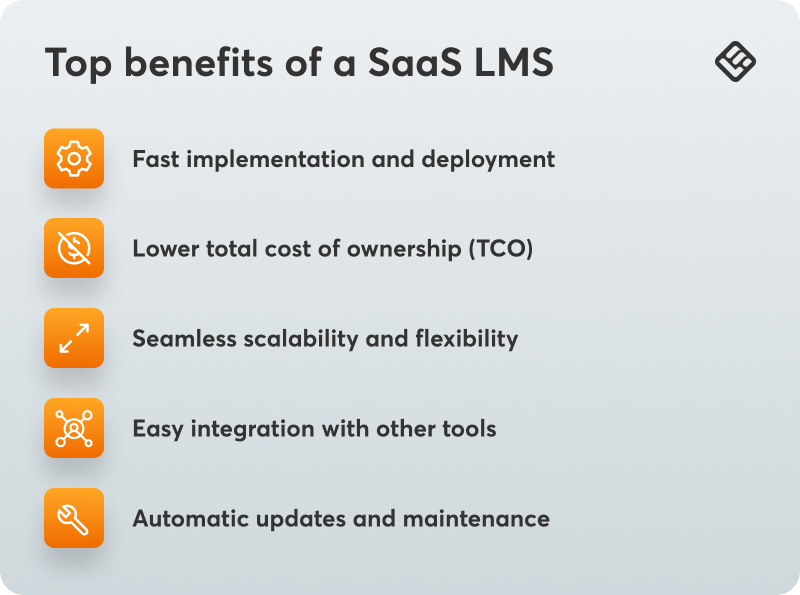
Fast implementation and deployment
Ever waited weeks for IT to set up a system? Or struggled to fix errors that delay a roll-out? With a cloud-based learning management system, there’s no hardware to install and no systems to configure, so you can create your first course and invite users quickly. You also have access to the system’s support resources if you encounter issues.
Lower total cost of ownership (TCO)
SaaS pricing bundles costs into a predictable monthly or annual fee. With a traditional system, you might pay a licensing fee up front, then spend more on hosting and upgrades. With SaaS, you know what you’re paying and avoid surprise maintenance costs or extra IT hours.
Seamless scalability and flexibility
Adding more people or expanding into new regions becomes straightforward with a scalable platform. You can add users or entire training portals without bringing in developers or restructuring your backend. The system is built to adjust as you grow.
Easy integration with other tools
SaaS platforms are designed for integration with tools you’re already using, like Zoom, Salesforce, or Microsoft Teams. Once the integration is set up, data continues to update and sync automatically.
Automatic updates and maintenance
The vendor handles maintenance tasks like troubleshooting broken plugins or updates to align with the latest security standards, eliminating the need for your team to manage an LMS maintenance schedule.
How to choose the best SaaS LMS for your needs
Each LMS offers unique features, scalability, and pricing models to suit different training needs. What you can do is assess how each vendor aligns with your organization’s requirements and long-term goals.
So, here’s how to choose which SaaS LMS is the best fit for you.
Defining your learning goals
Start with why you want to use a SaaS LMS. You likely have specific problems to solve and want the platform to help you solve them.
→ Want to automate new employee onboarding?
→ Need your teams to meet ever-changing compliance regulations?
→ Looking to set up easy-access resources for staff, clients, or partners?
Some platforms excel at sales training programs, others at keeping remote teams connected.
If your organization is in healthcare and needs to follow strict compliance training requirements, a healthcare LMS might be your best option. Want to support collaborative, social learning? A platform with social learning tools is probably what you need.
The key issues you’re looking to address tell you what to look for in a platform’s unique features. Clearly defined learning objectives help in selecting the right features to align training programs with organizational goals and monitor learner performance.
Evaluating key features
As you work through the selection process, keep the following features in mind.
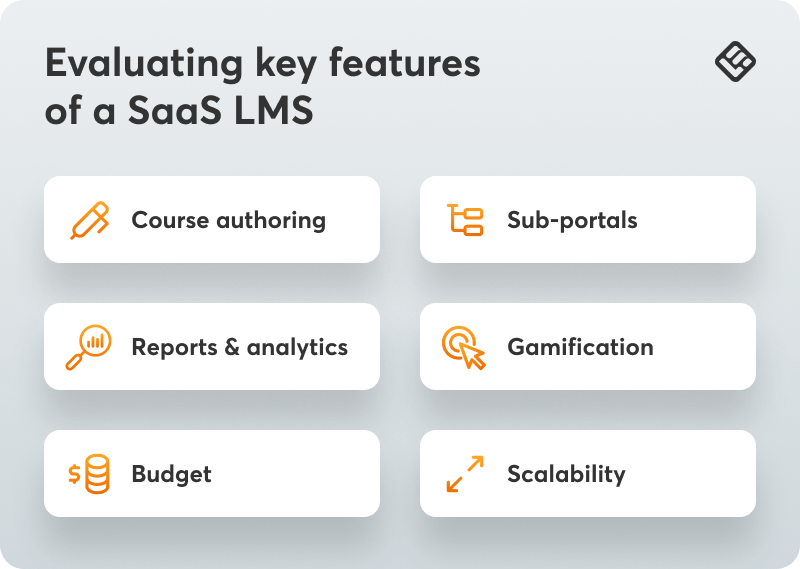
Course authoring
Course authoring lets you create your training content, like lessons and quizzes, directly in the platform. Look for one with easy-to-use course authoring built in. You also want to make sure the platform supports SCORM and xAPI, so you can import existing training courses without starting from scratch.
Sub-portals
Do you need unique training programs or personalized learning paths for distinct groups? If you create and manage distinct training courses—say for your internal team and also for customer training, sub-portals let you manage that content separately within the same system.
Blake Smith, Marketing Manager at ClockOn
Reports and analytics
The platform should provide comprehensive reporting capabilities, enabling you to generate detailed data insights, track learner progress, and support informed decision-making. With good reports and analytics, you can understand how training programs are performing, not just who has completed what. You can check learner progress, see where they get stuck, and use that information to improve your systems.
Reports and analytics help monitor learner progress and improve training programs by providing insights into learner engagement and performance.
“Robust reporting capabilities are essential. I need to track progress and outcomes efficiently to ensure my team is meeting goals. The ability to generate customizable, detailed reports provides clarity on performance and helps make data-driven decisions. In my business, where staying on top of financial data is critical, having reports that are both comprehensive and easy to interpret is non-negotiable.”
Taryn Pumphrey, President at Ledger Lift
Look for solutions that give you customizable reports and let you filter by things like department, role, or course. Check that it’s easy to export and share data when needed.
Gamification
Everyone learns better with a little fun involved, just ask the Smithsonian. Gamification increases engagement and helps your team remember what they learned. In a platform, gamification elements can include:
These features support the learning process and can improve online learning engagement. This makes them helpful for achieving buy-in for employee training programs.
“Having tried various LMS platforms, I’ve found that gamification elements like progress bars and achievement badges make the biggest impact on student engagement. Just last semester, adding simple point systems and leaderboards to our compliance training increased voluntary participation by 65% and improved knowledge retention scores.”
Dr. Mareba Lewis, Licensed Professional Counselor at Your Journey Counseling and Wellness
That said, not all training courses or teams will need or want gamification. Check that this feature can be turned on and off when needed.
When evaluating platforms, it’s also a good idea to consider the following features:
Consider budget and scalability
Not all LMS SaaS pricing models work the same way. Some charge per registered user, some per active user, and others use tiered plans based on features or course volume. These differences matter whether you’re evaluating enterprise-grade platforms or tools designed for smaller teams.
You’ll likely try a free demo and have the chance to speak with a sales representative. When you do, consider asking:
→ How do you define an “active” user?
→ Are support, updates, and integrations included in the base price?
→ What happens to pricing if we double our users in the next year?
Also, ask about limits like caps on admin accounts, storage, or the number of courses you can publish. A transparent platform will be clear about its limits and pricing structure so you can plan without running into unexpected cost increases.
Final thoughts
SaaS learning management systems should fit your organization’s needs and simplify training. If a platform aligns with your goals, fits your workflow, and doesn’t lock you into a rigid plan, it’s worth evaluating further.
Start a free trial with LearnWorlds to see how it works for your organization.
Sources:
[1] Learning management system industry worth $51.9 billion by 2028

Ciera Lamb
Ciera is a freelance content writer and editor connecting companies with their ideal audiences through blog articles and other online content. She approaches her writing with curiosity and research and enjoys the ever-present learning that comes with being a content writer. She is also an avid scuba diver, an aspiring Dutch speaker, and lover of all things nature.

Kyriaki is the SEO Content Manager at LearnWorlds, where she writes and edits content about marketing and e-learning, helping course creators build, market, and sell successful online courses. With a degree in Career Guidance and a solid background in education management and career development, she combines strategic insight with a passion for lifelong learning. Outside of work, she enjoys expressing her creativity through music.
 Back to blog
 Scroll to top
FAQ
Everything you have ever wondered, but were too afraid to ask...

Related Articles