Table of Contents
Key takeaways:
- Offer Pix directly at checkout through your existing LearnWorlds Stripe integration, without adding a separate payment provider.
- Give customers in Brazil a familiar way to pay through their banking app using a QR code or Pix code.
- To offer Pix, accept payments in BRL, connect an eligible Stripe account, enable Pix in Stripe and LearnWorlds, and require CPF in billing details.
Training businesses selling in Brazil can now offer customers one of the country’s most widely used payment methods directly at checkout through Stripe.
In Brazil, Pix is not an alternative payment method. For millions of people, it is simply how they pay.
LearnWorlds customers can now offer Pix alongside Boleto and other supported payment methods, giving buyers in Brazil a checkout experience that better reflects their everyday payment habits.
Pix is part of everyday life in Brazil
Since its launch by Banco Central do Brasil, Pix has become the country’s most-used payment method by number of transactions.
More than 170 million individuals, around 80% of Brazil’s population, have used Pix. In May 2026 alone, the system processed more than 7 billion transactions with a total value above R$3 trillion, according to Banco Central do Brasil.
Its use continues to grow. Pix accounted for 54.7% of the payment transactions tracked by the Central Bank during the second half of 2025, reaching 42.9 billion transactions in six months. That was a 24.3% increase compared with the same period in 2024.
For training businesses selling in Brazil, these numbers point to a clear customer expectation: people want to pay using the methods they already know and trust.
A more familiar checkout for learners in Brazil, and no more external checkouts for your school
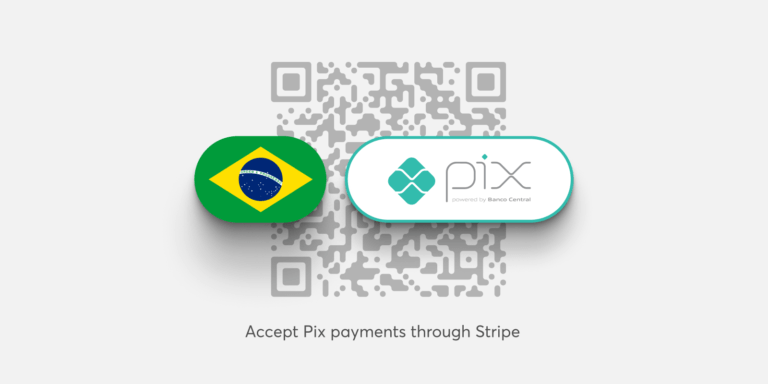
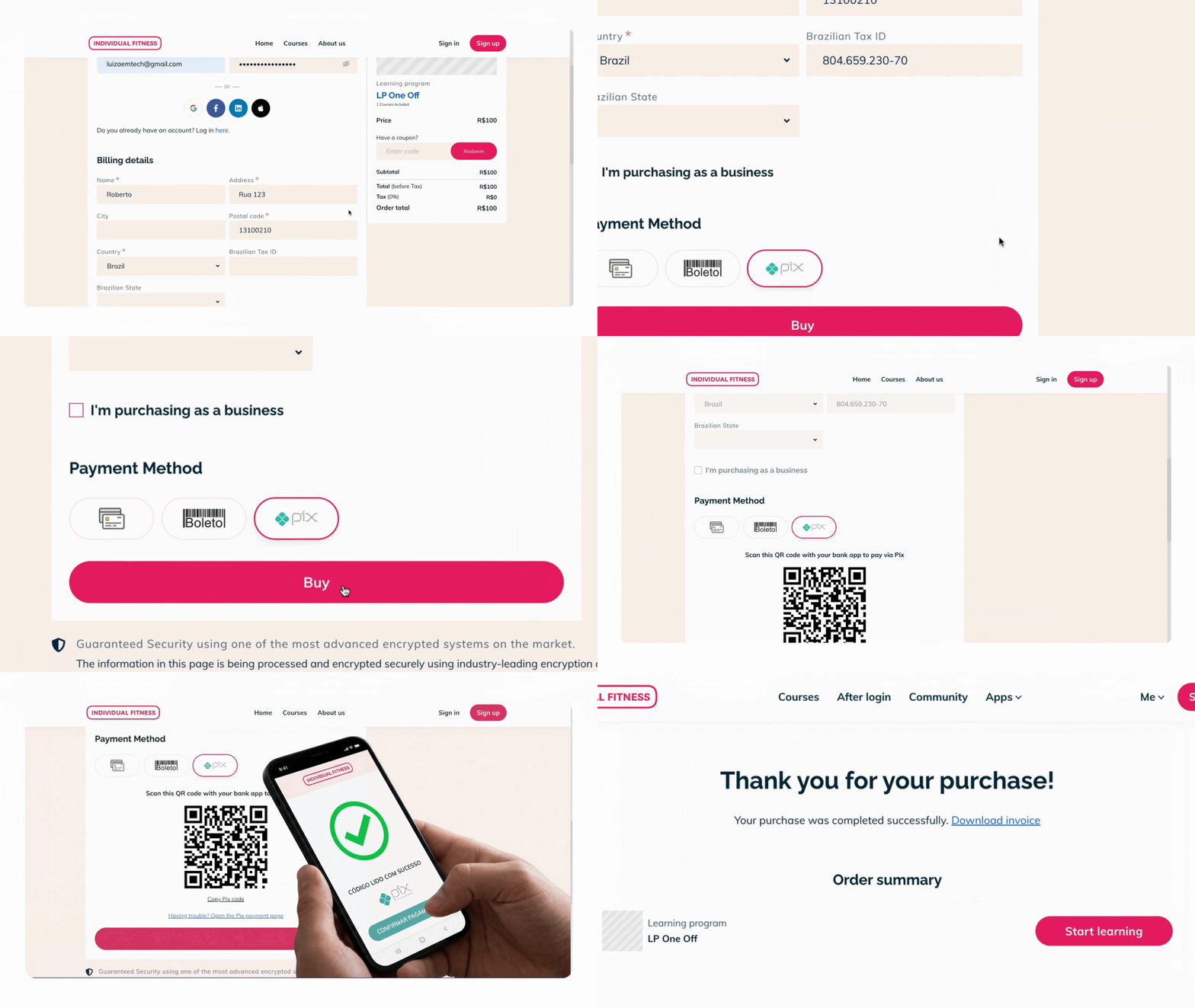
With Pix enabled, your customers can select it at checkout and complete payment through their preferred banking app. They can either scan a QR code or copy and paste the Pix code.
There is no need to enter card details. The customer approves the transaction in their banking app and receives confirmation when the payment is complete.
For LearnWorlds schools, Pix is available through the existing Stripe integration. This means you no longer need to build a custom API connection to an external payment provider solely to make Pix available.
The result is a payment experience that feels more familiar to customers in Brazil and remains connected to the payment setup you already manage for your school.
What you need to offer Pix
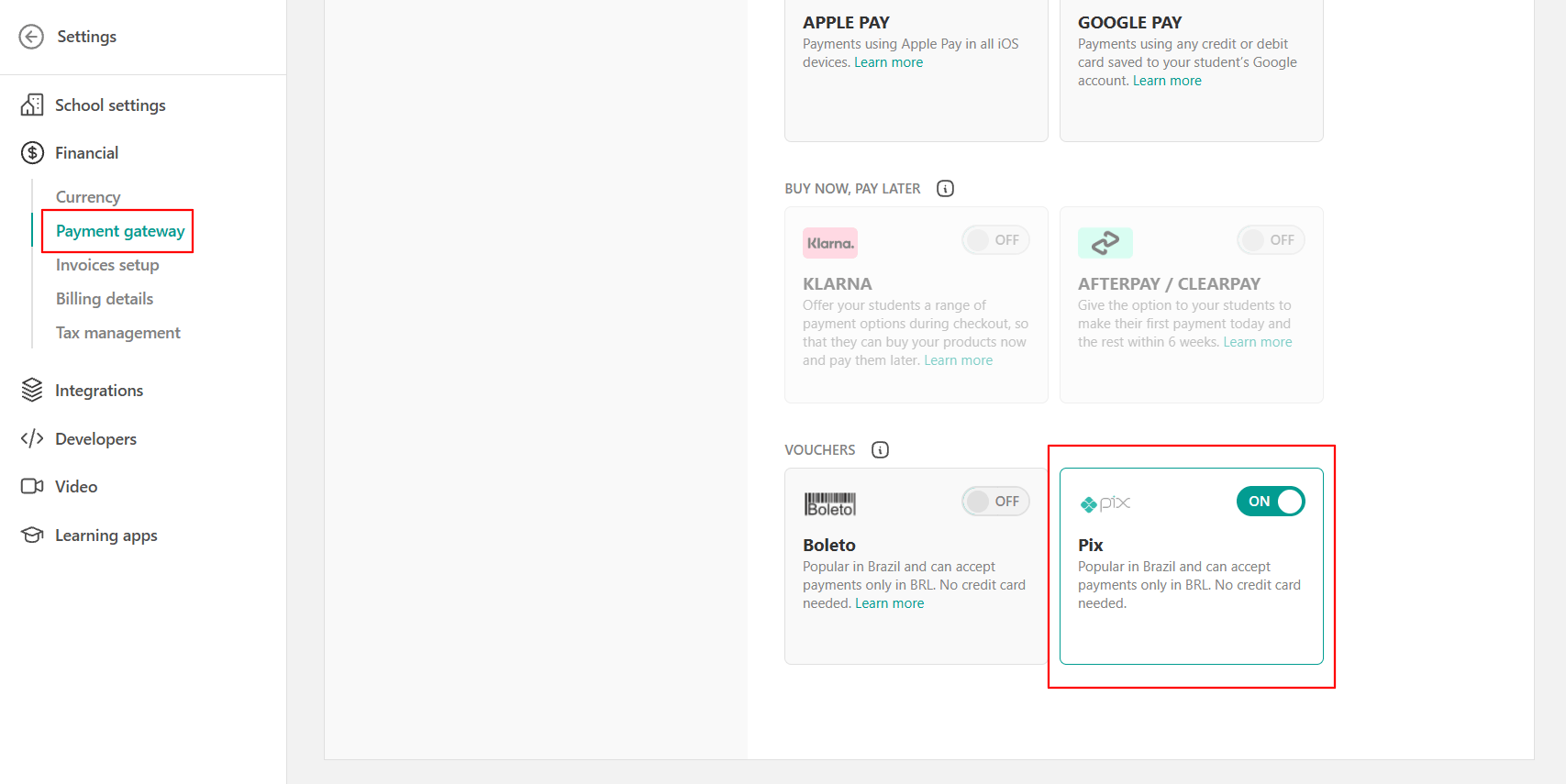
Pix uses the LearnWorlds Stripe integration, but it must be enabled and configured before it appears at checkout.
Learn how to offer Pix:
- Configure your school to accept payments in Brazilian reais (BRL).
- Connect an eligible Stripe account to LearnWorlds.
- Enable Pix in your Stripe Dashboard.
- Enable Pix in your LearnWorlds payment settings.
- Set CPF as a required field in the billing details for customers paying with Pix.
Pix availability
Pix availability is determined by Stripe. If it does not appear among the payment methods available in your Stripe account, review Stripe’s eligibility requirements and contact Stripe Support to request activation. You can find the current account, currency, and payment requirements in the Stripe Pix documentation.
A payment experience built for the market you serve
Adding Pix is a practical step toward making LearnWorlds work better for training businesses selling in Brazil.
Your customers gain a payment option they already use every day. Your business gains a checkout that feels more relevant to the local market, without having to manage a separate payment integration.
Visit your LearnWorlds payment settings to enable Pix now.

Luiza Coimbra
Luiza is a Product Marketer with a passion for technology and entrepreneurship. With a background in content marketing, she helps LearnWorlds' message reach the world. As an avid traveler, she is always seeking inspiration from new places and experiences.
 Back to blog
 Scroll to top
Related Articles