Table of Contents
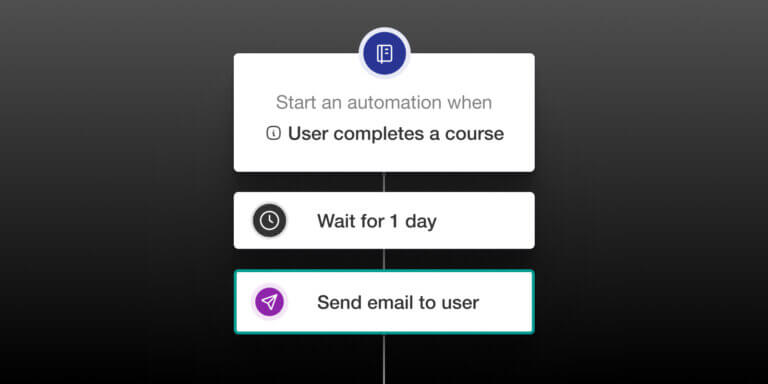
LearnWorlds Automations were recently revamped to give you more control over how learners move through your academy.
Automations have always helped school admins save time by connecting learner events with follow-up actions. But as academies grow, simple trigger-based workflows are not always enough. Learners move at different speeds. Some need reminders. Some complete the goal early. Some need a different path entirely.
With the recent update, Automations can now support more complete learner journeys and automated user operations, with waits, branches, exit conditions, multiple triggers (up to 10), and clearer activity tracking. From now on, you can build more intentional learning experiences.
From one-off actions to learner journeys
Managing learners manually gets harder as your academy grows.
You may need to welcome new learners, remind inactive users, guide people toward certification renewal, recommend the next course, notify your team, or keep learner records organized with tags and groups.
Automations help you turn those repeat tasks into structured workflows.
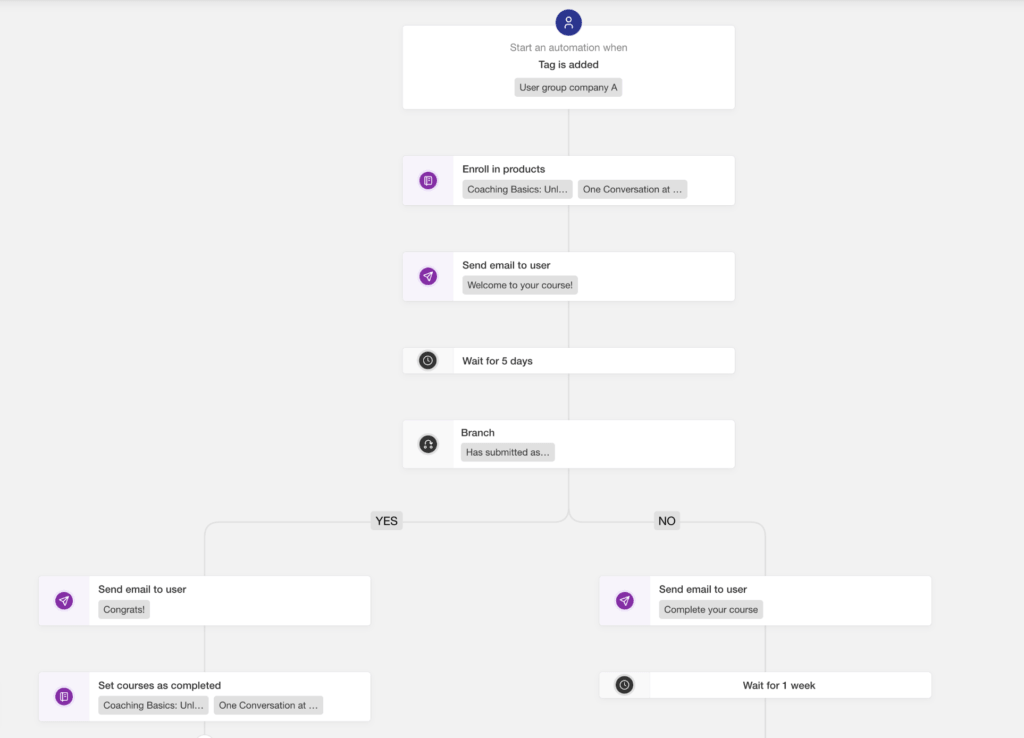
Instead of creating disconnected follow-ups, you can build a journey that responds to what each learner does. Start with a trigger, add the right steps, wait before taking action, branch based on learner behavior, and stop the workflow when the goal is reached.
For example, you can create an onboarding journey that enrolls a user with a proper tag, welcomes a learner after enrollment, waits a few days, checks whether they have started, sends a reminder if they have not, and exits the learner once they complete the course.
Time your follow-ups with wait steps
Not every action should happen immediately.
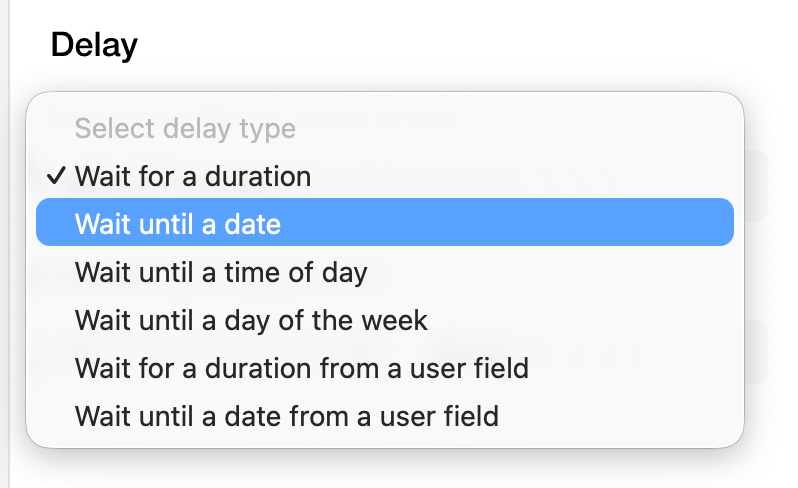
With wait steps, you can pause an automation for a set amount of time or until a specific date. This makes your communication feel more timely and gives learners space to act before the next follow-up happens.
Use wait steps to create onboarding sequences, inactivity reminders, renewal flows, post-completion follow-ups, and other journeys that unfold over time.
Guide learners down different paths
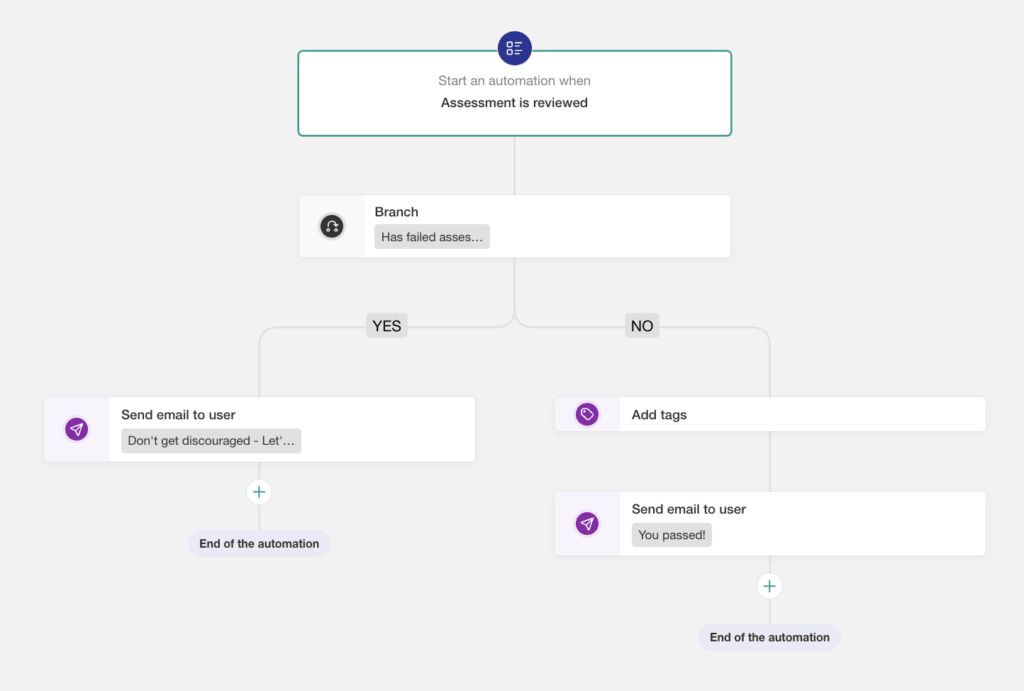
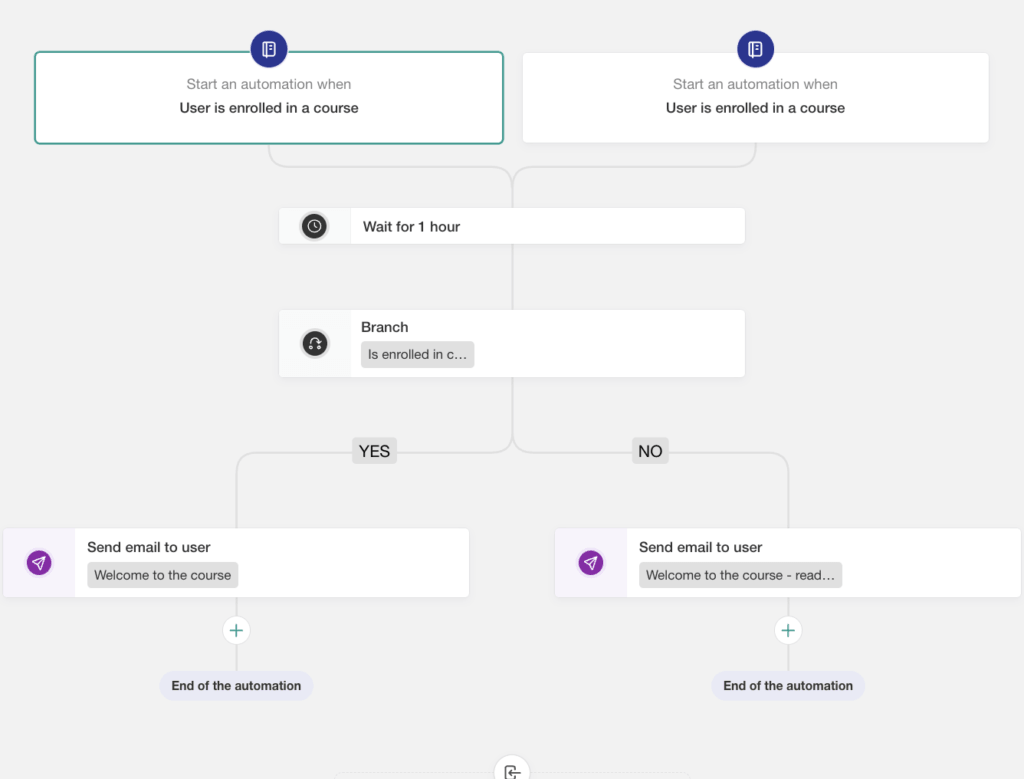
Different learners often need different next steps. With branches, you can create if/else paths inside an automation. A learner who has completed an activity can move forward one way, while a learner who has not started yet can receive a reminder, resource, or support prompt.
This helps you keep workflows relevant without having to create a separate automation for every possible scenario.
Stop workflows when the goal is reached
Exit conditions help keep automations focused. If the purpose of a workflow is to get a learner to complete a course, renew a certificate, enroll in another product, or take another important action, the automation can stop once that condition is met.
That means learners are not kept in follow-up sequences after they have already done what the workflow was designed to support.
Start the same journey from multiple triggers
Some workflows should begin from more than one event.
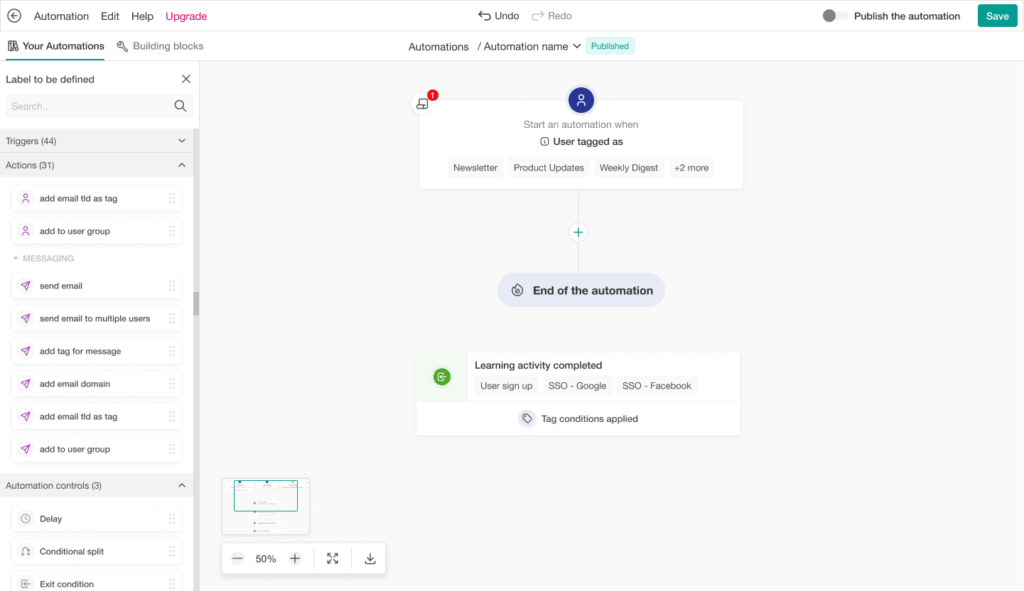
With multiple triggers, you can start the same automation from different learner actions while keeping the experience consistent. This is especially useful when several behaviors should lead to the same follow-up path.
See what’s happening inside each automation
Automations also give you clearer visibility into learner progress through each workflow.
You can monitor learner runs and see whether someone is pending, active, fulfilled, completed through an exit condition, or failed. This makes it easier to understand where learners are in the journey and troubleshoot when something needs attention.
What you can build with automations
Automations can support key moments across the learner lifecycle, from the first welcome message to post-completion follow-up.
You can use Automations to design:
For course creators, Automations help turn a course purchase into a better learning experience. The goal is not just to send more messages. It is to onboard learners at the right pace, re-engage them in a respectful way, and guide them toward the next meaningful step once they complete a course.
Better learner journeys can lead to stronger engagement, higher completion, and better long-term business value because the learning experience itself becomes more intentional.
For professional training providers, automations help reduce the operational load of running structured programs. Teams managing cohorts, certifications, compliance requirements, or client training programs can build repeatable journeys faster, reduce manual follow-ups, and use exit conditions to make sure workflows stop when requirements are met.
That gives training providers more clarity and control over the same important work they are already doing.
💡Discover more Automation examples and how to set them up here. You can also explore LearnWorlds’ Automation templates to design more complete learner journeys right away.
How to use Automation Builder
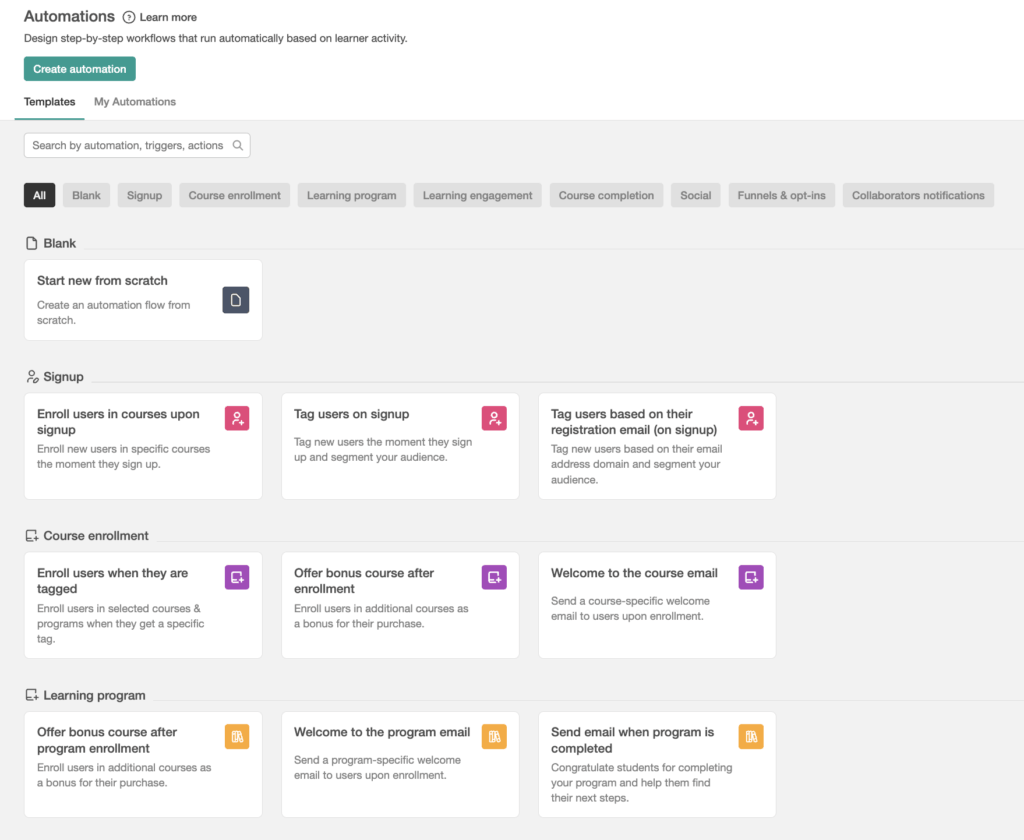
Along with the new capabilities, the automation editor has been redesigned to support more complex flows. Here’s how you can use the builder:
Explore a more flexible way to run your academy
As your academy grows, the challenge is not just creating courses. It manages the learner operations and their experience around them.
Automations help you reduce manual work while keeping communication and admin workflows aligned with each learner’s progress. You can design the journey once, then let LearnWorlds handle the next step based on what happens.
To start building, go to Users → Automations and create a workflow from scratch or use one of the available templates. Read this guide to get started.

Evangelos Tsintzas
Evangelos is a Product Marketer with experience in SaaS, B2B and B2C companies focusing on Product-Led growth and & CX Marketing. He's a Web 3.0 & Tim Berners-Lee's Semantic Web enthusiast, enjoys producing music "in-the-box" and gaming competitively.

Julia Prus
Julia is a Product Marketing Manager at LearnWorlds, where she turns product releases into clear value and makes sure what ships actually gets used.She has 8+ years of experience in product and growth marketing across B2B & B2C SaaS and digital products, working across startups and scale-ups to bridge product and marketing.
 Back to blog
 Scroll to top
Related Articles