Table of Contents
Key takeaways
- The best community platform depends on your goals because some excel at online learning, while others focus on memberships, forums, or team collaboration.
- Compare platforms based on community features, customization, pricing, integrations, and monetization options, not just popularity.
- Understanding each platform’s strengths and limitations makes it easier to choose one that fits your audience, budget, and long-term growth plans.
Online community platforms have become integral in fostering engagement, collaboration, and knowledge sharing among like-minded individuals. The global enterprise social networks and online communities market is expected to go beyond $5,5 million with a CAGR of 16.5% over the forecast period of 2021-2028 [1].
So, whether you are running an online course, a membership site, or a business looking to connect with your audience, choosing the right community platform is paramount.
In this article, we will explore what online community platforms are, delve into the various key types available, guide you on how to choose the best one for your needs, and finally, present a curated list of the 21 best community platforms in the market.
How we evaluated these community platforms
We evaluated each platform using publicly available information, including official product websites, pricing pages, product documentation, feature lists, and third-party review platforms such as G2 and Capterra where available.
We also compared each platform across a consistent set of criteria, including:
- Community and engagement features
- Learning management capabilities (where applicable)
- Customization and branding options
- Integrations and extensibility
- Analytics and reporting
- Monetization and membership tools
- Pricing transparency and overall value
- Customer support resources
- Third-party customer ratings and reviews
This guide is intended as a feature and pricing comparison, not a hands-on review of every platform listed. Product information reflects publicly available sources at the time of writing and may change over time. We recommend verifying the latest features and pricing with each vendor before making a purchasing decision.
——————————————————————————————————–
**Disclosure: LearnWorlds is a platform in this category and is included in this comparison. The information reflects publicly available pricing, documentation, and third-party review data as of July 2026.
——————————————————————————————————–
What is a community platform?
Before we dive into the comparison, let’s define community platforms. A community platform is a digital space where individuals with common interests or goals can connect, communicate, and collaborate. These platforms facilitate discussions, resource sharing, and the creation of a supportive environment.
Businesses, educational institutions, and various organizations use online community platforms to build and nurture relationships with their audiences as well as deliver educational or training content to them.
Key types of online community platforms
Online community platforms come in various types, each catering to different needs and preferences. Here are the key types of online community software:
Discussion forums
Traditional discussion forums have been a staple of online communities for decades. These offer users a structured environment where they can initiate discussions, post questions, and engage in conversations through threads.
Known for their longevity and straightforward design, forums are ideal for fostering ongoing discussions, Q&A sessions, and topic-based conversations.
Social media communities
Leveraging the widespread use of social media platforms, social media communities bring people together within groups or dedicated pages. This type of community software thrives on the familiarity and accessibility of popular social networks.
Facebook Groups, for instance, allow users to create and join groups centered around specific interests, fostering broad audience reach, casual interactions, and seamless content sharing.
Learning management system (LMS) communities
Integrated within educational platforms, LMS communities enhance the learning experience by facilitating interaction among students and instructors.
LearnWorlds, for example, is a comprehensive learning management system (LMS) that seamlessly integrates community features, creating an environment where learners can discuss course materials, ask questions, and collaborate on projects.
Membership site communities
Membership site communities are tied to exclusive content and benefits, fostering a sense of exclusivity among paying members.
These community platforms are effective in cultivating engagement and loyalty among members, providing a space for exclusive discussions, member-only resources, and personalized experiences.
Blogs with community features
Some blogs incorporate community elements such as comments, forums, or user-generated content, expanding the traditional blog format.
WordPress, when paired with other plugins, transforms a blog into a social network with community features. Similarly, popular content-sharing platforms like Medium allow users to engage in discussions through comments, emphasizing the collaborative nature of content creation within a community context.
Collaboration platforms
Collaboration platforms are designed for team communication, document sharing, and project management. These types of community platforms, which include Slack, Microsoft Teams, and Asana, not only facilitate collaboration but also incorporate communication features like channels and threads.
Ideal for businesses and remote teams, collaboration platforms create a centralized space for discussions, file sharing, and real-time project updates.
Question and answer platforms
Question and answer platforms are tailored for knowledge-sharing, troubleshooting, and expertise recognition. Platforms like Quora provide a space for users to pose questions, receive answers, and contribute to a community-driven knowledge base.
Such online community platforms often incorporate features like voting to highlight the best answers and surface the most valuable information.
Event communities
Event communities are centered around organizing and participating in events, both online and offline. Platforms like Eventbrite and Meetup enable users to engage in pre-event and post-event discussions, fostering networking opportunities and extending the overall event experience.
LinkedIn Events also provides a professional space for event-related discussions, allowing participants to connect and share insights.
Customer support communities
Customer support communities play a crucial role in enhancing customer satisfaction and support. Notable platforms in this category are Zendesk Community and Salesforce Community Cloud, which provide dedicated spaces for users to seek help, share solutions, and provide feedback.
These community sites not only empower users to find answers independently but also create a collaborative environment where customers can connect with each other.
Niche communities
Niche communities cater to specific industries, hobbies, or interests, creating a sense of belonging among like-minded individuals. This includes platforms like Reddit, for example, with its extensive array of subreddits covering diverse topics, DeviantArt for artists, and Goodreads for book enthusiasts, providing targeted spaces for discussions, networking, and shared experiences.
Niche communities thrive on the depth of their discussions and the shared passion of their members.
The 21 best community platforms
In the online community-building space, the choice of platform can influence how effectively you engage members, deliver content, and manage community interactions. As the demand for virtual connections continues to increase, exploring all the options available becomes a difficult task.
To help narrow the options, we’ve highlighted four platforms that represent different approaches to online communities.
Below are our top 4 choices out of all the platforms mentioned in the article, compared based on pricing and key features.
| Platform type | Pricing model | Starting price | Key features | G2 rating | |
|---|---|---|---|---|---|
| Mighty Networks | Dedicated community platform | Subscription-based | $95/mo | Community building, events, memberships, mobile app | 4.5/5 |
| LearnWorlds | Row Course platform with built-in community | Subscription-based | $29/mo | LMS integrations, community building, advanced analytics, memberships, mobile app | 4.7/5 |
| Thinkific | Course platform with built-in community | Subscription-based | $53/mo | LMS capabilities, customization, marketing tools | 4.5/5 |
| Discourse | Dedicated community platform | Hosted or self-hosted | $100/mo (free plan available) | Community forums, customization, integration options | 4.0/5 |
——————————————————————————————————–
*We selected these four platforms because they represent different approaches to community building and offer the broadest feature sets across LMS, standalone communities, discussion forums, and memberships while remaining competitive on pricing.
——————————————————————————————————–
Below, we present a curated list of 21 community platforms selected based on their features, popularity, and suitability for different community-building needs.
Whether you’re aiming to enhance education, foster collaboration, or build a loyal membership base, these platforms have been chosen for their exceptional features, user-friendly interfaces, and the ability to transform digital spaces into vibrant hubs of engagement.
1. Mighty Networks – Best for community-first memberships
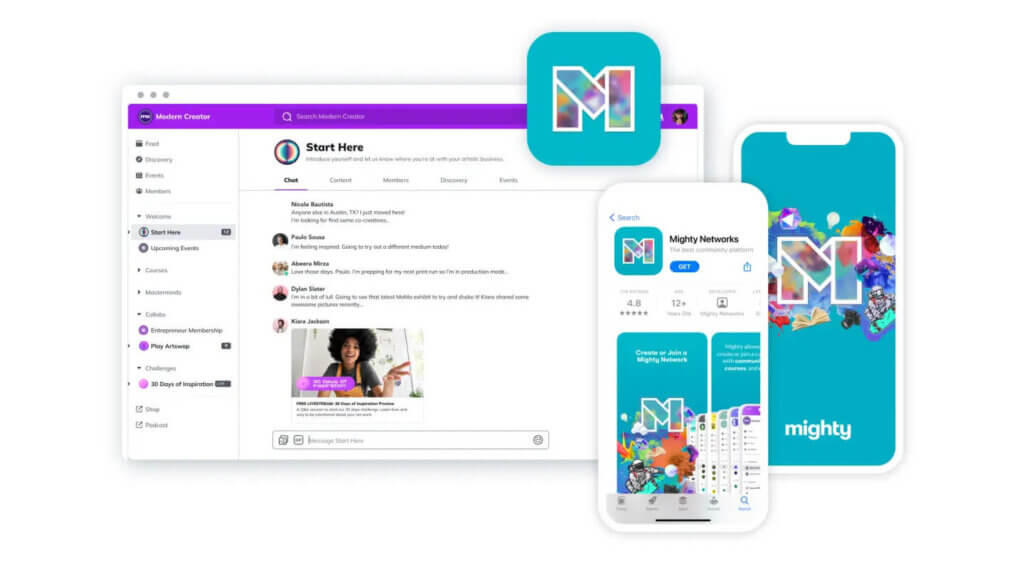
Mighty Networks is an all-in-one platform designed for community building, course creation, and content monetization. It empowers creators to bring together their audience in a single, branded space, fostering interactions and engagement. With Mighty Networks, you can seamlessly integrate community features, courses, and memberships to create a comprehensive online ecosystem.
The platform emphasizes a community-centric approach, offering features like discussion forums, member networking, and customizable content channels. Creators can utilize Mighty Networks to host virtual events, sell courses or memberships, and provide a unified experience for their audience.
Who is it for?
Mighty Networks is a great choice for creators, influencers, educators, course creators, entrepreneurs, and brands looking to cultivate a dedicated and engaged online community.
Mighty Networks pricing
Mighty Networks offers a free trial and five pricing plans. The Mighty Pro plan allows you to build your own branded, native mobile app.
- Launch plan: $95/month
- Scale plan: $215/month
- Mighty Pro: custom pricing
*Pricing information retrieved from Mighty Networks in July 2026.
Mighty Networks support
Mighty Networks offers a wealth of resources as it comes with its own Mighty Community, a Help Center, a dedicated Resources Center, featured Mighty Networks, Mighty Encyclopedia, Creator Calculator, and many other tools.
Mighty Networks reviews
Review from G2:
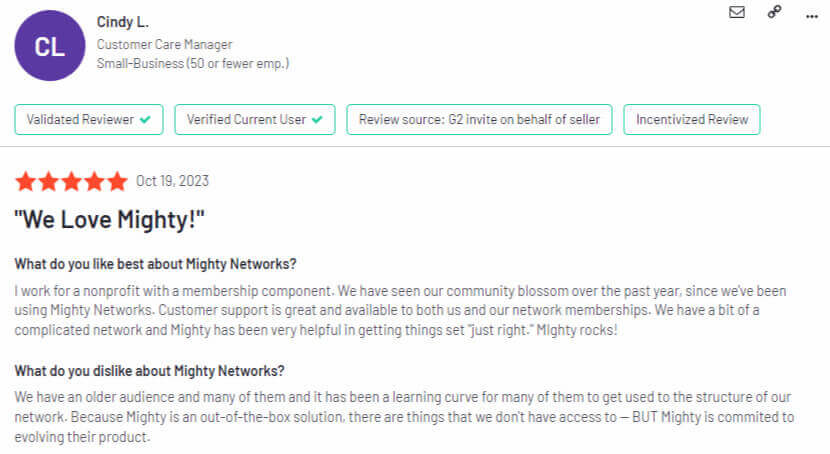
‘We love Mighty!’ – Cindy L. (Customer Care Manager)
Review from Capterra:
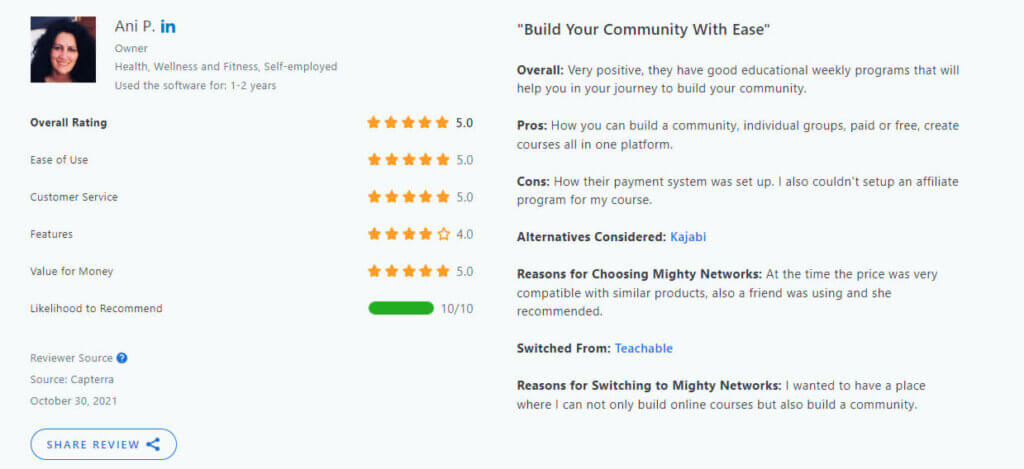
‘Build Your Community With Ease.’ – Ani P. (Business Owner)
Pros and Cons
Pros
- It comes with advanced community features.
- It offers a personalized and customizable activity feed.
- It has an AI community builder.
- It offers drip-feed content.
- It has separate pricing for community and courses.
- It allows native video uploading.
- It has a native app available (at extra cost).
Cons
- It offers no support for quizzes, assignments, or certificates.
- It offers limited customization, payment, and pricing options.
- It offers basic control over course features.
- It has limited marketing options (no affiliate marketing or coupons).
- Integration with email marketing tools only via Zapier.
💁 Mighty Networks vs LearnWorlds
2. LearnWorlds – Best for online courses with built-in community
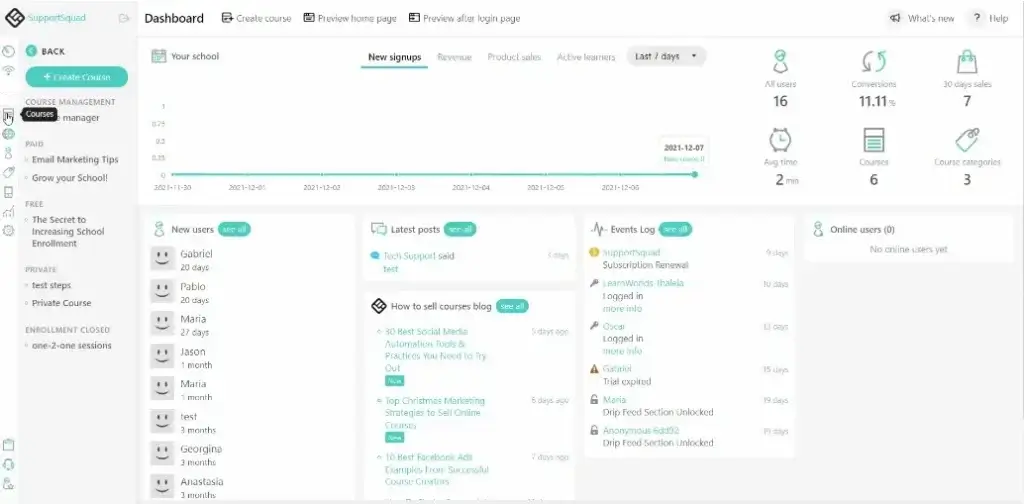
LearnWorlds is an AI-powered, lightweight learning management system that offers a set of powerful community-building features while also helping you build your online academy from scratch. The platform comes with a built-in Facebook-like dedicated community page that allows learners to share posts, images, polls, like/react, comment via their timeline, and also follow or mention each other.
With its community-building tools, you can build communities, membership sites, and course discussions to help you engage in meaningful conversations with your learners.
Who is it for?
LearnWorlds suits entrepreneurs, online instructors, content creators, educators, coaches, and professional trainers who want to create, market, and sell online courses, as well as businesses of any size that deliver training to their employees, customers, and partners.
LearnWorlds pricing
LearnWorlds offers the following pricing options:
- Starter: $29/month (plus $5 per course sale)
- Pro Trainer: $99/month
- Learning Center: $299/month
- Learning Center + Mobile App: $598/month
- High Volume & Corporate: custom pricing
*Information retrieved from LearnWorlds in July 2026.
LearnWorlds support
LearnWorlds offers 360˚ support for customer success. It’s responsive 24/7, providing online support and onboarding for new customers. It comes with a dedicated Help Center with how-tos, tutorials, and Daily Webinars to help you familiarize yourself with the platform.
LearnWorlds reviews
Review from G2:
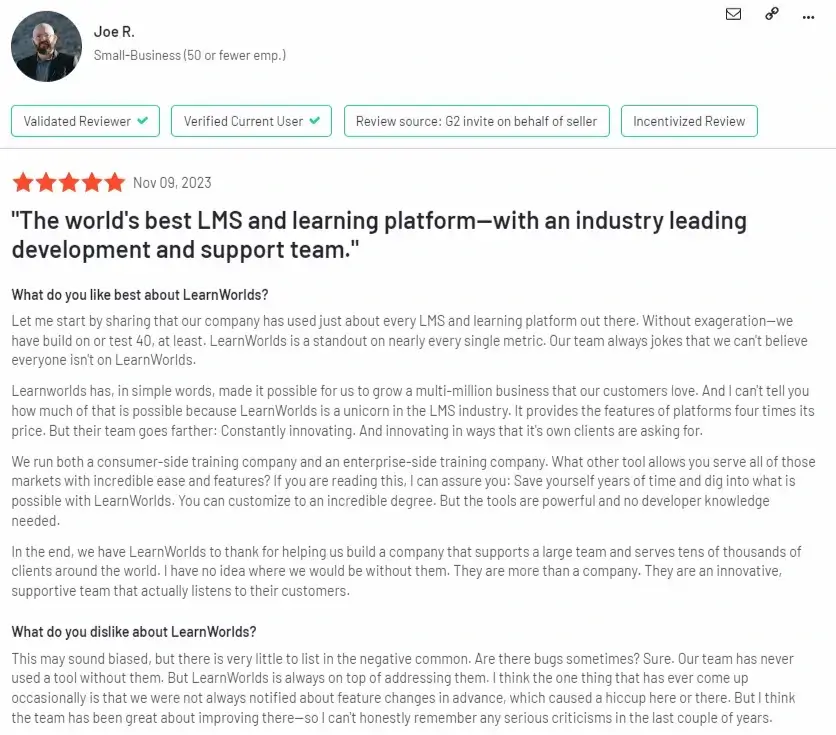
‘The world’s best LMS and learning platform – with an industry-leading development and support team.’ – Joe R.
Review from Capterra:
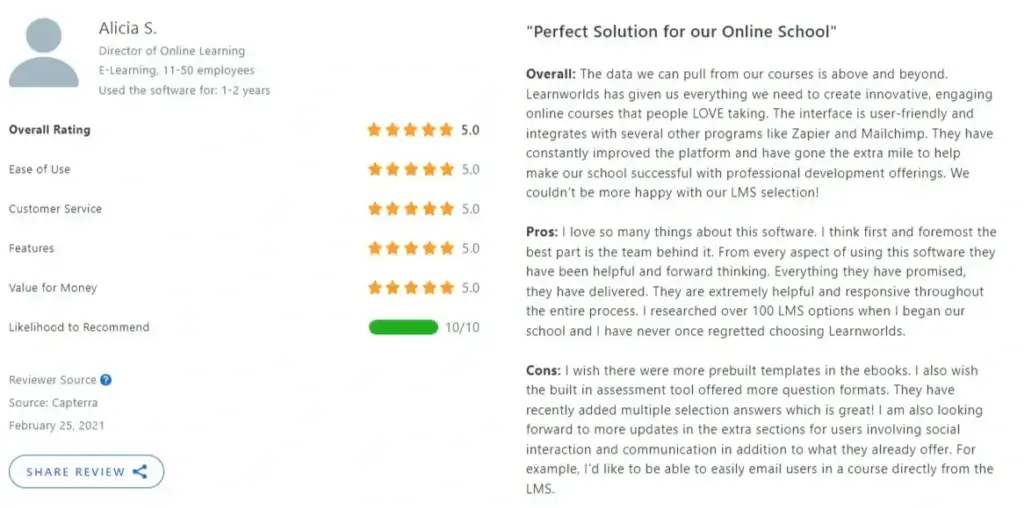
‘Perfect solution for our online school’ – Alicia S. (Director of Online Learning)
Pros and cons
Pros
- It comes with a built-in AI Assistant and a Mobile App Builder.
- It has various ecommerce options and a range of payment gateways (PayPal and Stripe – Apple Pay, Google Pay, Klarna).
- Integrations include Zapier and email automation tools.
- It features a no-code Website Builder with customizable templates.
- It comes with a built-in online community with timeline feed and user interactions.
- It allows you to conduct live events via Zoom, create membership sites, and sell digital downloads.
- It comes with in-depth analytics and reporting, an API, and Single-Sign-On access.
- It offers a truly white-labeled option.
Cons
- It does not support TinCan.
- It has limited gamification options (badges).
- Its many options might be confusing at first glance.
- Not a dedicated community platform but an LMS with community and social features.
- Steep learning curve.
3. Hivebrite – Best for enterprise and membership communities
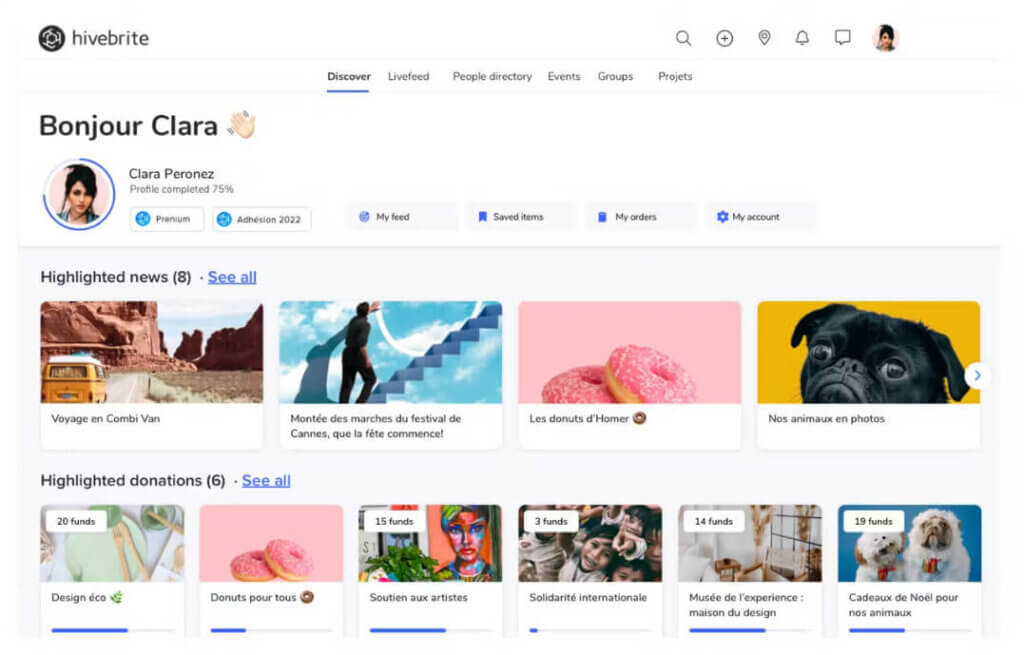
Hivebrite is an online community platform that comes with a comprehensive set of tools to establish, engage, and cultivate a community. With it, users get to decide whether their community is open to everyone or invite-only.
The platform features an advanced database management toolkit, including filters and a profile update tracker, which enhances community administration.
Other noteworthy community features include direct messaging, an RSS feed, and personalized weekly newsletters. Community members can contribute content, and administrators retain control with instant notifications for content updates, allowing them to edit or delete content as needed.
Who is it for?
Hivebrite is tailored for small and large enterprises, associations, universities, and nonprofits.
Hivebrite pricing
Hivebrite offers the following pricing plans:
- Core: starts at $895/month (billed annually)
- Flex: starts at $1,995/month (billed annually)
- Prime: pricing after discovery
- Custom fit: custom pricing
*Pricing information retrieved from Hivebrite in July 2026.
Hivebrite support
Hivebrite has a ticket-based system and email support that offers users the help they need. It also features a blog, webinars, podcasts, a digital community content library (with PDF downloads), and events.
Hivebrite reviews
Review from G2:
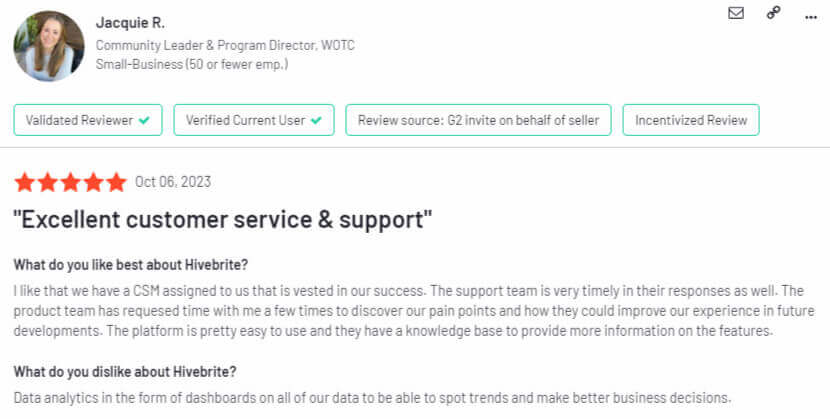
‘Excellent customer service & support.’ – Jacquie R. (Community Leader & Program Director)
Review from Capterra:

‘Perfect Platform for Alumni Relations (Even a 1-Person Alumni Relations Office)!’ – Rachael H. (Director of Alumni Relations)
Pros and cons
Pros
- It comes with robust email and engagement analytics that provide insights into campaign performance and community member engagement levels.
- It allows you to create a fully branded mobile app (both Android and iOS).
- Its mobile app has geolocation, enabling community members to discover and connect with others in proximity.
- It supports various revenue streams, allowing users to sell memberships, set up donation pages, and charge for online events.
- It offers paid events.
- It comes with privacy settings.
Cons
- It lacks specific learning features eg gamification, gradebook, quizzes, and learner analytics.
- It has unclear pricing.
- It does not integrate with marketing tools.
- It lacks options for promoting offers via affiliate marketing.
- It offers basic customization options.
- It does not support SCORM content.
4. Disciple – Best for branded mobile communities
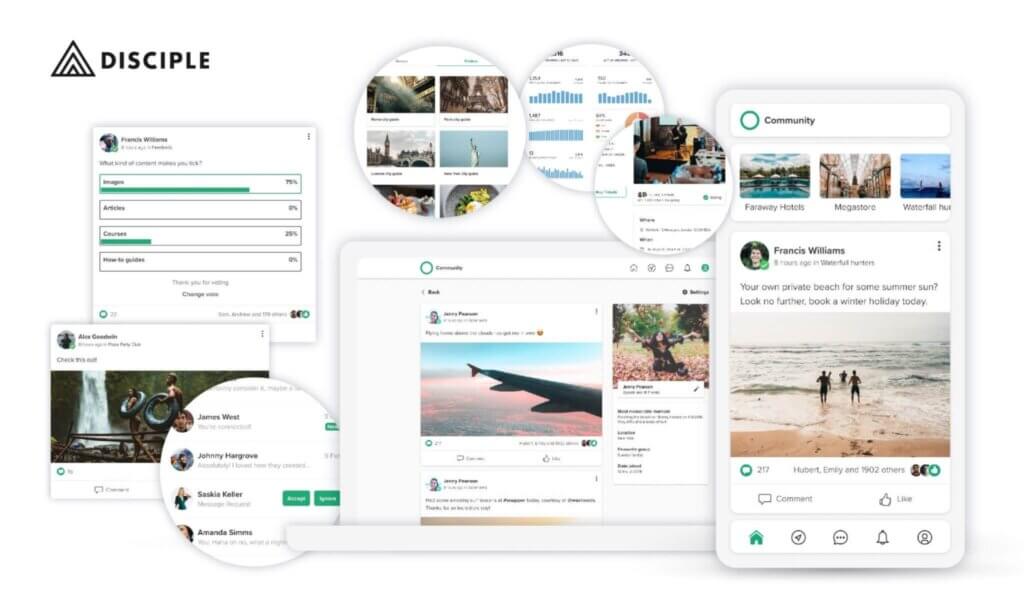
Disciple is a community-building platform that allows creators to establish their own branded community apps. With a focus on providing a dedicated space for discussions, content sharing, and member engagement, Disciple stands out for its flexibility and customization options. It is suitable for creators looking to create a unique and immersive community experience.
With this platform, you can create multiple groups and segment your audience, share video content, and reach your members through livestreams, broadcasts, direct messaging, and more. It also offers the option to sell online courses and subscriptions.
Who is it for?
Disciple is designed for businesses as well as individuals, influencers, celebrities, and course creators who want to build their own independent, valuable, and trusted communities.
Disciple pricing
Disciple offers four pricing tiers built for creators and businesses launching branded mobile communities.
All plans include zero transaction fees and access to mobile and web apps:
- Branded App: €349/month (billed yearly)
- Branded App Plus: €549/month (billed yearly)
- Branded App Pro: €849/month (billed yearly)
- Organisation: custom pricing
*Pricing information retrieved from Disciple in July 2026.
Disciple support
Disciple offers a range of resources, including a blog, community-building guides, a dedicated knowledge base, and a podcast show called ‘The Passion Pod’.
Disciple reviews
Review from G2:
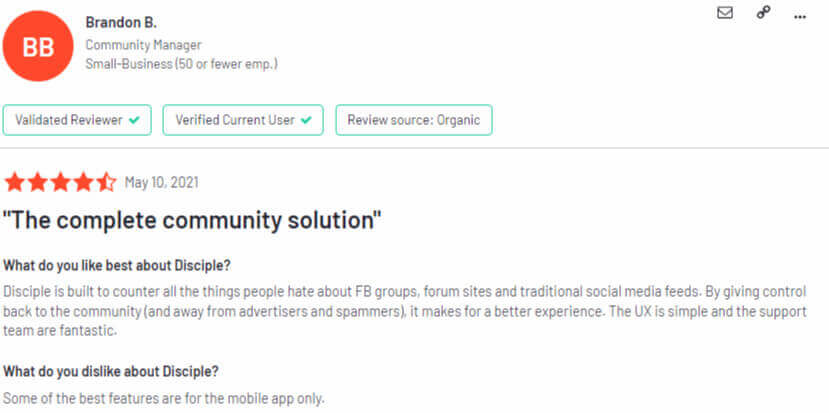
‘The complete community solution.’ – Brandon B. (Community Manager)
Review from Capterra:
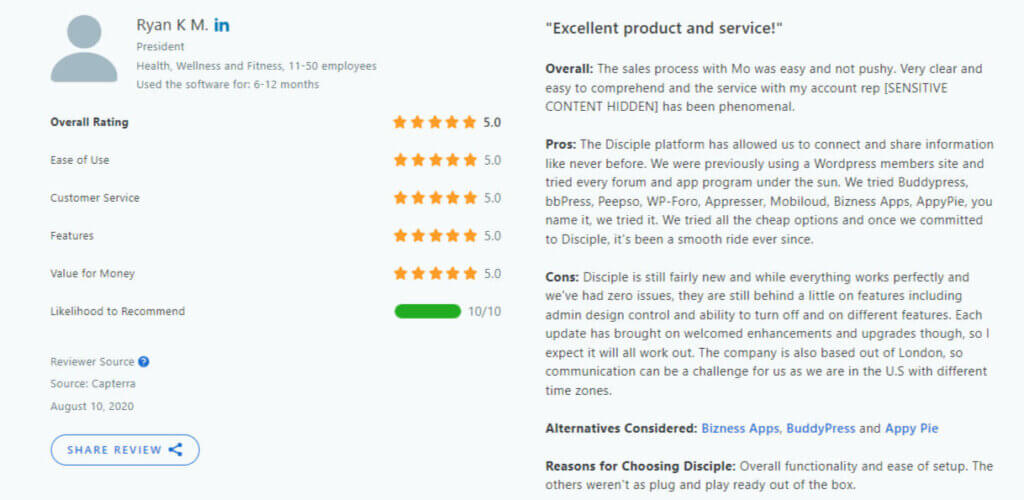
‘Excellent product and service!’ – Ryan K.M. (President)
Pros and cons
Pros
- It has a clean and user-friendly interface.
- It comes with great customer support.
- It has strong reporting and analytics capabilities that help you better control and understand the community.
- It offers a native mobile app on higher plans (Android, iOS, and web).
Cons
- It has very steep pricing, making it more suitable for bigger influencers and businesses.
- It offers limited pricing options (only yearly or 6-month subscriptions).
- It comes with several additional pricing options (eg for courses).
- Its mobile apps are missing key features from the web version.
5. Circle – Best for creator-led memberships
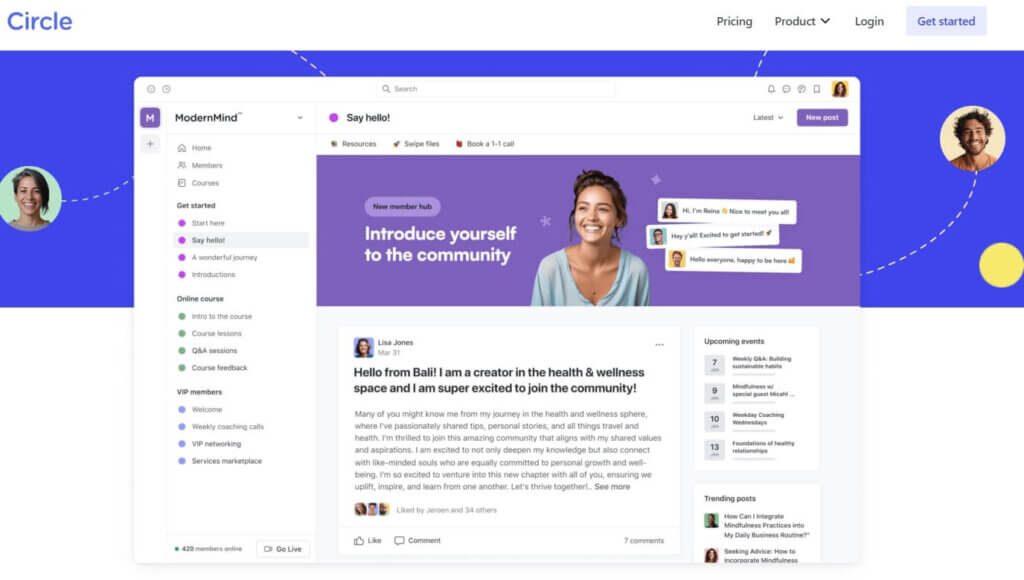
Circle is an all-in-one community SaaS platform with a focus on fostering meaningful connections, as it provides a dedicated space for discussions, content sharing, and collaboration opportunities. Inside the platform, users can create a customized community hub to align with their brand and engage with their audience.
Circle supports both open and private communities, giving them the flexibility to control access and privacy. With features like discussions, events, and integrations, Circle aims to streamline community building by offering a centralized and user-friendly platform.
Who is it for?
Circle is an appealing choice for those seeking a comprehensive solution for community engagement. It’s ideal for content creators, businesses, or organizations looking to create a vibrant online space.
Circle pricing
Circle offers four pricing tiers designed to support communities at different stages of growth. Each plan includes a 14-day free trial, with no credit card required:
- Professional: $89/month
- Business: $199/month
- Circle Plus: custom pricing
- Branded Apps: custom pricing
*Pricing information retrieved from Circle in July 2026.
Circle support
Circle comes with its own private community and a rich knowledge base that features a video library, tutorials, and Get Started workshops. It also has a blog, frequent product updates, and an events hub.
Circle reviews
Review from G2:
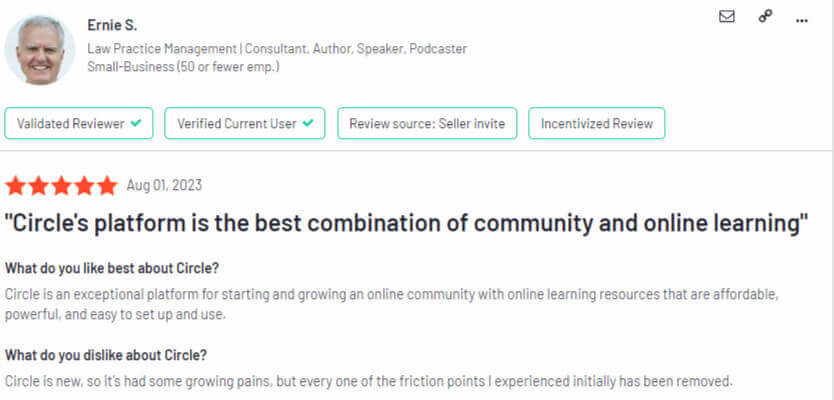
‘Circle’s platform is the best combination of community and online learning.’ – Ernie S. (Law Practice Management)
Review from Capterra:
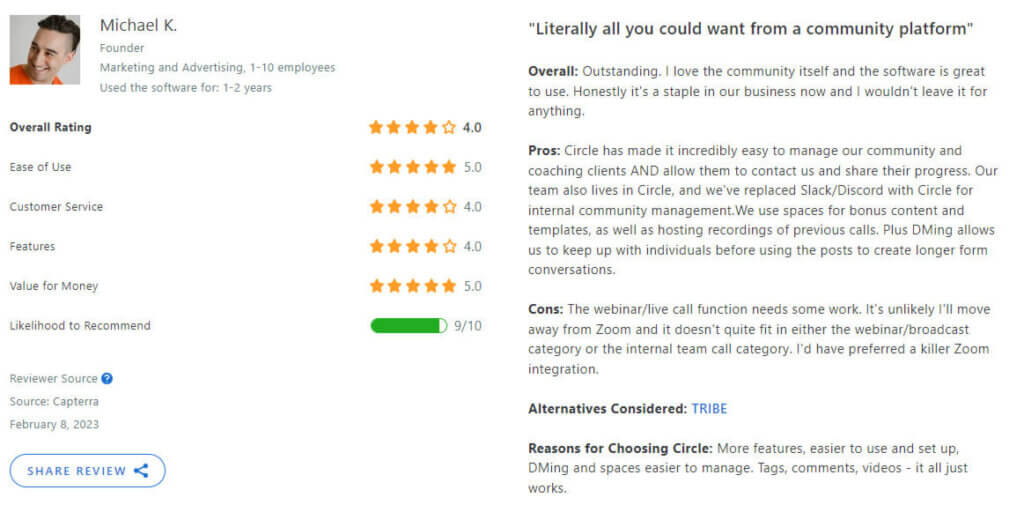
‘Literally all you could want from a community platform.’ – Michael K. (Founder)
Pros and cons
Pros
- It is easy to set up and has a user-friendly interface.
- It offers great customer support.
- It offers a white-label option.
- It comes with SSO and rich community features.
- It has multiple selling and promotion options.
- It has its own private Circle community.
Cons
- It does not offer any learning analytics.
- It comes with limited preset settings and design customization.
- It has a rather restrictive pricing structure – some features are only available in the yearly plans.
- It does not offer white-label for mobile apps.
- It supports basic learning content only.
6. Slack – Best for internal team communities
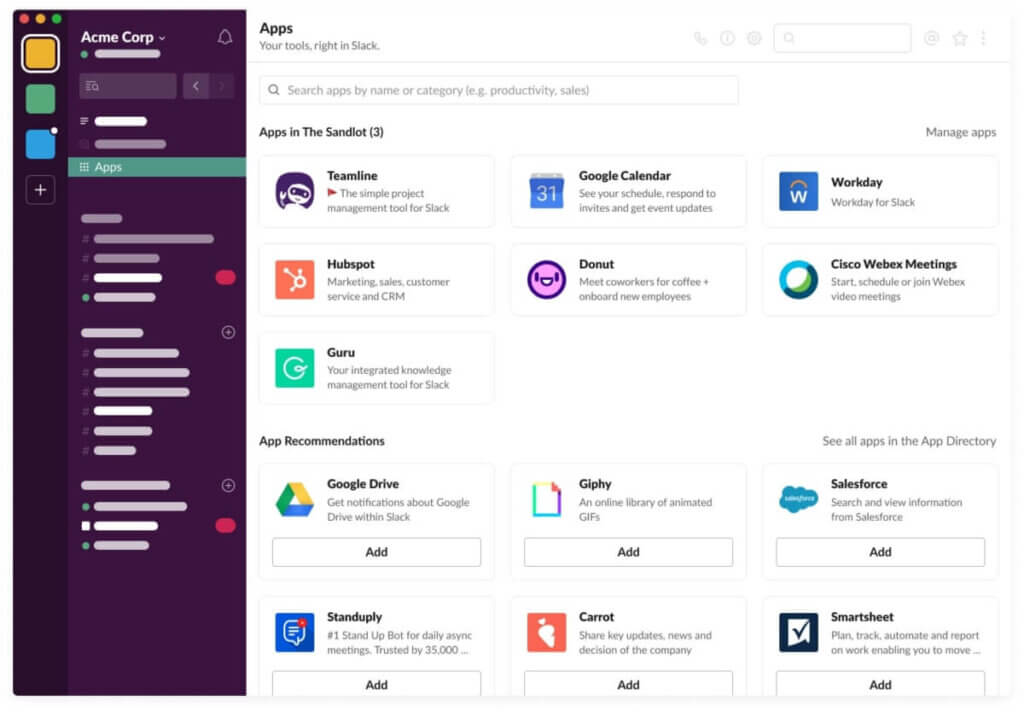
Slack is a widely used team collaboration platform that excels in real-time communication. Designed for businesses and teams, Slack provides a centralized space for instant messaging, file sharing, and collaboration.
While not a traditional community platform, Slack’s channels, direct messaging, and integrations make it a powerful tool for fostering team cohesion and communication.
Slack also supports the integration of various apps and tools, allowing users to customize their workspace to fit their specific needs. Many groups leverage the platform to build niche or industry-specific communities, allowing professionals the space to connect, share insights, and collaborate effectively.
Who is it for?
Slack is particularly effective for businesses, remote teams, and organizations requiring quick and efficient communication.
Slack pricing
Slack offers the following pricing packages:
- Free: €0/month
- Pro: €8.25/month (per active user, per month)
- Business+: €18/month (per active user, per month)
- Enterprise +: custom pricing
*Pricing information retrieved from Slack in July 2026.
Slack Support
Slack offers 24/7 support to all paid plans, and for the highest plan, it comes with priority support with a four-hour first response time. On top of that, it comes with a resource library, a blog, a community, an app directory, events, demos, and the Slack Certified program.
Slack reviews
Review from G2:
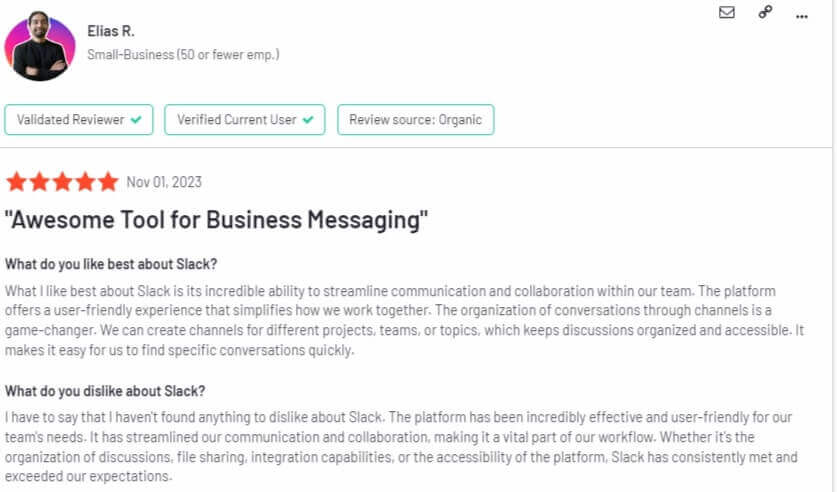
‘Awesome Tool for Business Messaging.’ – Elias R.
Review from Capterra:
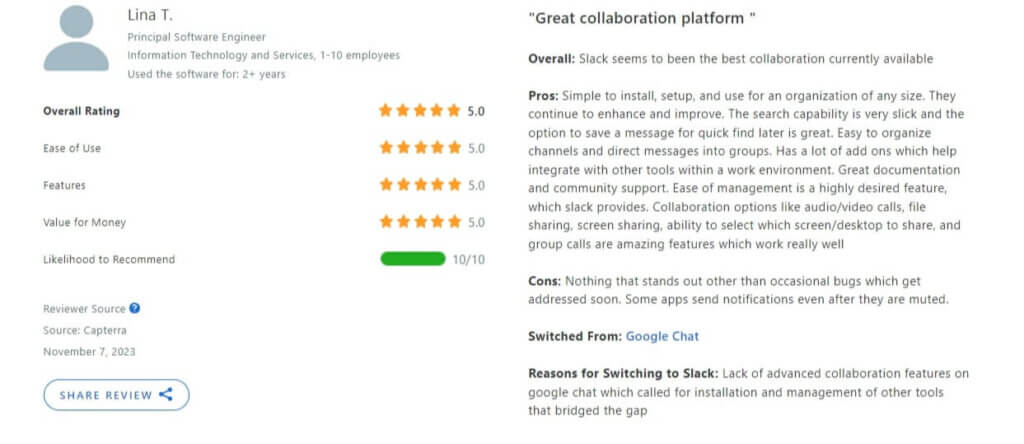
‘Great collaboration platform.’ – Lina T. (Principal Software Engineer)
Pros and cons
Pros
- It has a slick UI, and it’s easy to use.
- It integrates with many popular tools.
- It makes internal processes for large teams and businesses simple.
- Communication is organized in channels that are easy to create, join, and search.
Cons
- Its notifications can be overwhelming.
- Its messages can get unorganized quickly.
- Frequent switching of context inside the community.
- Its paid plans can be expensive.
7. Discord – Best for real-time engagement
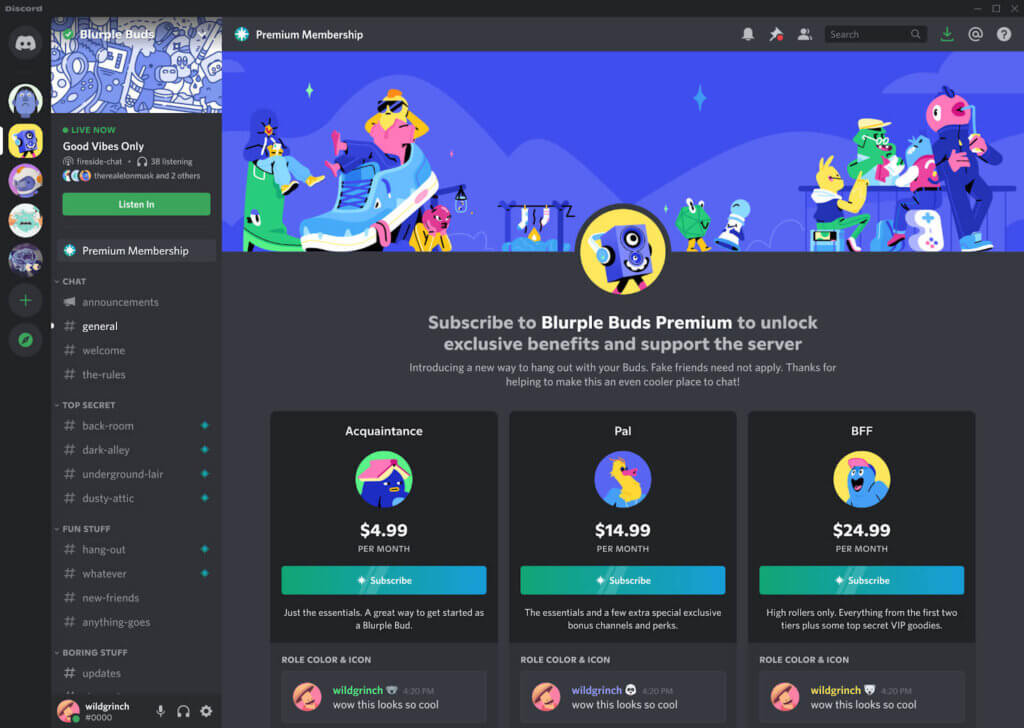
Discord is a widely used communication platform initially designed for gamers but has evolved into a versatile tool for community building across various interests.
It provides a combination of text, voice, and video communication within customizable servers and channels. Discord’s strength lies in real-time, interactive communication, making it an excellent choice for fostering engaging communities, whether for gaming, hobbies, or professional purposes.
With features like roles, permissions, and integrations with other tools, Discord offers a dynamic and flexible environment for building and nurturing communities.
Its unique blend of communication formats, coupled with extensive customization options, positions Discord as a powerful and adaptable platform for community engagement and collaboration, and brand advertising and marketing.
Who is it for?
Discord is an excellent choice for gamers, but it’s also tailored for content creators, educators, students, professional and business communities, or anyone interested in hosting or participating in virtual events.
Discord pricing
Discord is free to use. However, paid upgrades include the plans Nitro Basic and Nitro (Discord does not publicly list their prices).
Discord support
Discord has a dedicated Help Center that offers how-to documentation on everything related to using the platform. It also comes with a ticket-based support system to answer user questions, a Safety Center that ensures Discord is a safe, inclusive, and welcoming place, and a blog.
Discord reviews
Reviews from G2:
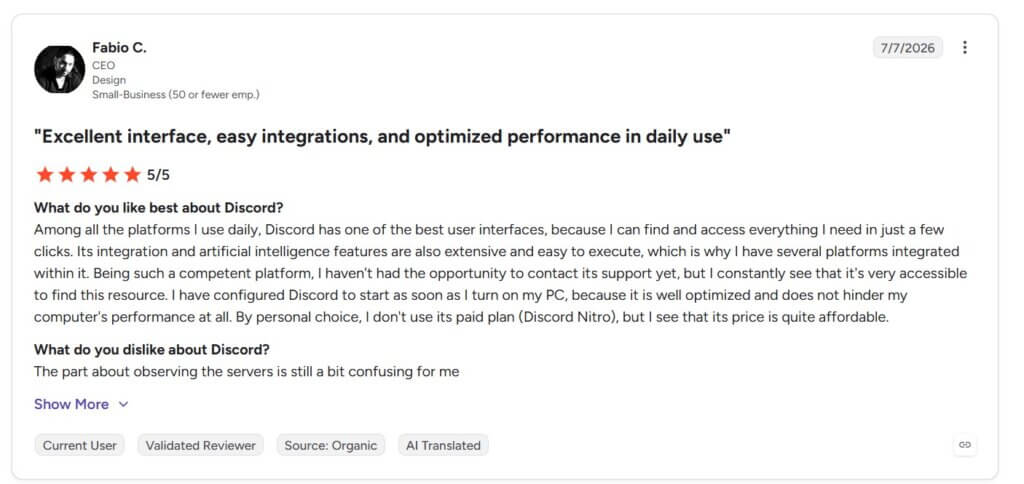
‘‘Excellent interface, easy integrations, and optimized performance in daily use.’ – Fabio C. (CEO in Design, Small Business)
Reviews from Capterra:
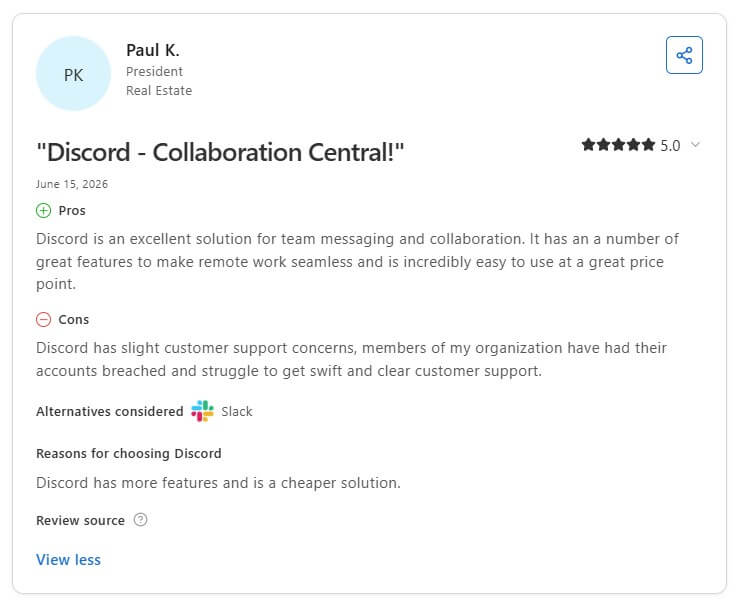
‘Discord – Collaboration Central’ – Paul K. (President in Real Estate)
Pros and cons
Pros
- It is free to use.
- It is easy to use, fast, and with great UI.
- It comes with a dedicated community.
- It offers great discoverability and customization options.
- It is a good tool for streamers.
Cons
- It takes a 10% fee on earnings.
- It is not specifically tailored for businesses – some key features are missing.
- It comes with limited moderation when it comes to preventing spam actions on public servers.
- HD streaming is on the higher plan.
- It does not offer any file/media organization.
- It offers basic monetization/sales features.
8. Thinkific – Best for creators selling online courses
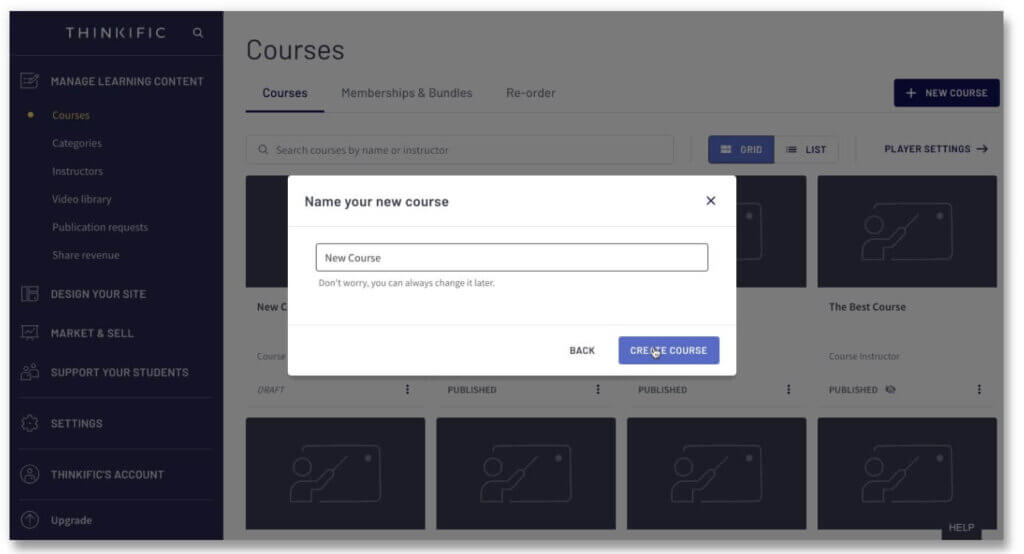
Thinkific is an online course platform designed to simplify the process of course creation and delivery. The platform provides a straightforward and intuitive interface for course creation, but also allows you to build a community as a standalone or sellable product.
Thinkific features a Community Builder that makes the process easy and enables its users to sell the community as part of a bundle or a membership as a subscription.
Who is it for?
Thinkific is ideal for individual instructors, solopreneurs, online trainers, and small businesses entering the online education space.
Thinkific pricing
Thinkific is free to join, but its free plan comes with limited functionality. It offers a 30-day free trial on the Pro plan.
Its subscription plans include:
- Basic: €53/month
- Start: €107/month
- Grow: €213/month
- Thinkific Plus: custom pricing
*Pricing information retrieved from Thinkific in July 2026.
Thinkific support
Thinkific provides a support center, a training site with paid courses, an FAQ, and a blog. Additionally, it presents the option to enlist the services of an expert to assist in the course creation and development process.
Thinkific reviews
Review from G2:
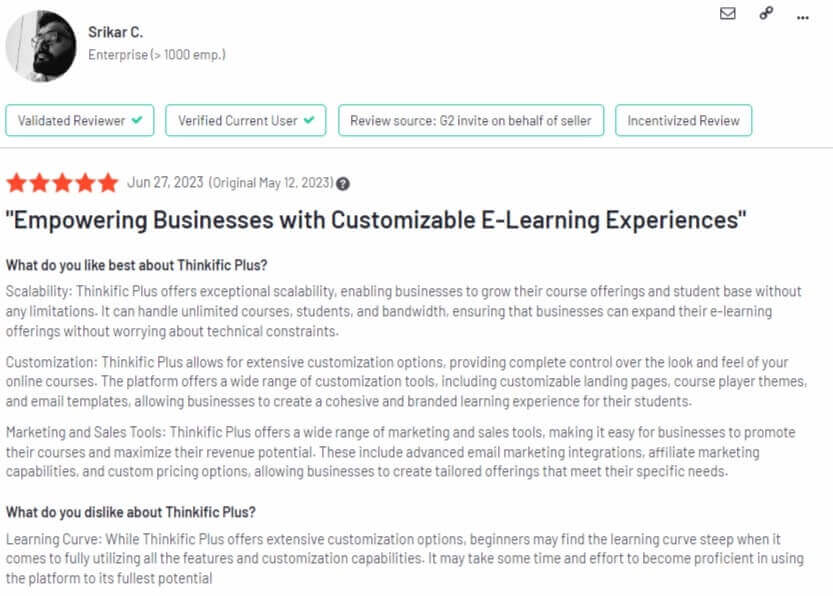
‘Empowering businesses with customizable e-learning experiences!’ – Srikar C. (Enterprise)
Review from Capterra:
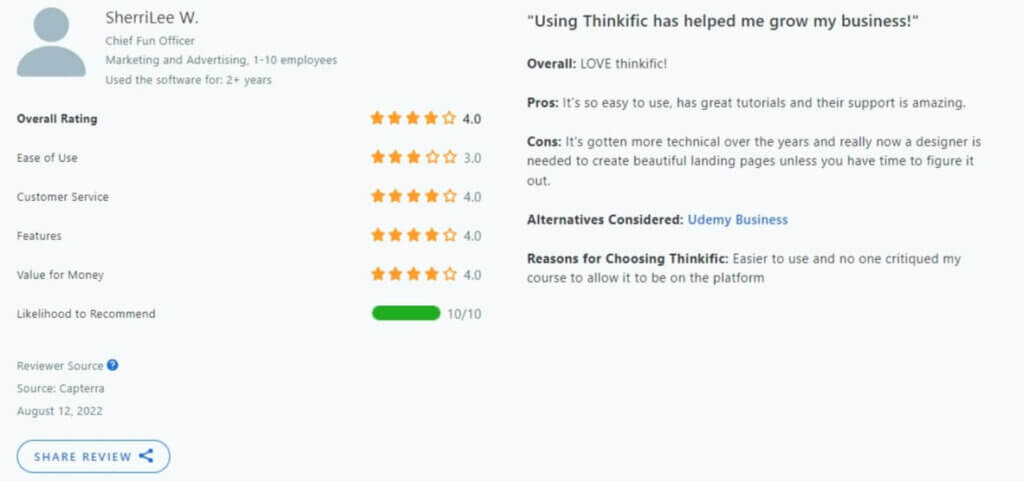
‘Using Thinkific has helped me grow my business’ – SherriLee W. (Chief Fun Officer)
Pros and cons
Pros
- It features a landing page builder.
- It offers built-in sales and marketing tools.
- It has integrations with various popular software.
- It is a cloud-hosted platform that you can connect your domain with.
- It is easy to use and comes with many customization options.
- It comes with a white-label option.
Cons
- It offers limited control over website design.
- It can be difficult to build complex courses.
- It does not support SCORM, TinCan, or AICC.
- It does not include social features.
- It focuses more on sales features rather than learning.
- It has limited certificate functionality (for certain plans)
💁 Compare Thinkific with LearnWorlds
💁 Kajabi vs Thinkific: A Side-by-Side Comparison
9. Bettermode – Best for branded customer communities
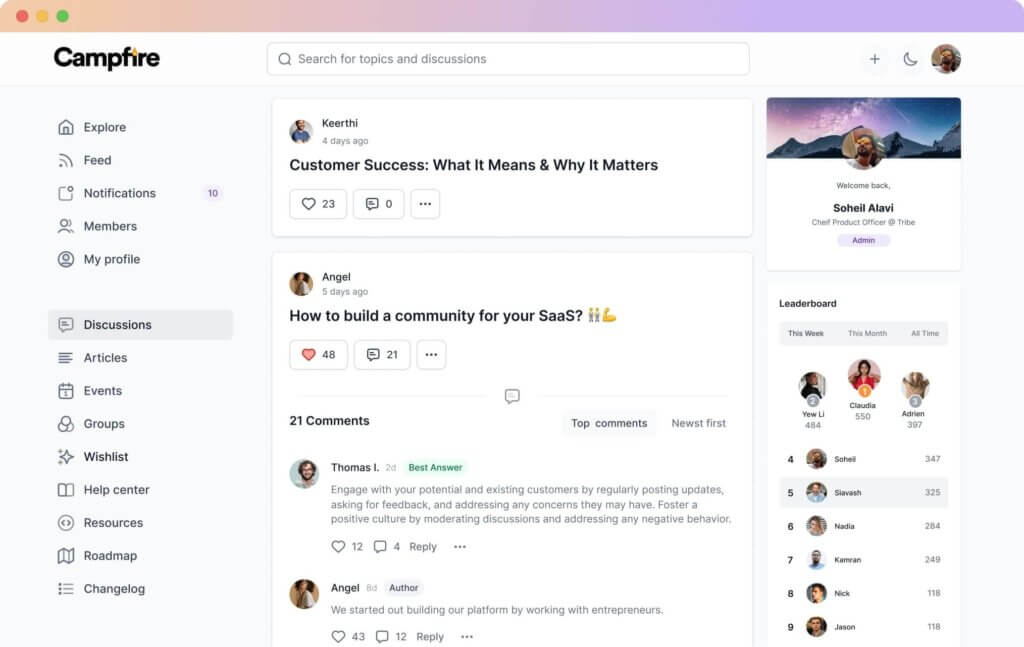
Bettermode (formerly Tribe) is a self-serve community-building platform that empowers organizations to create their own branded online communities. With a focus on fostering engagement and collaboration, Bettermode helps to streamline your customer experiences, removing the hassle and the need to use multiple tools.
This community management platform provides a versatile space for discussions, content sharing, and member interaction, and can be used to engage customers and form better relationships with them.
Who is it for?
Bettermode is suitable for businesses, brands, and creators looking to establish a unique and vibrant online community.
Bettermode pricing
Bettermode has three pricing plans:
- Starter: $499/month
- Growth: $1,750/month
- Premium: custom pricing
*Pricing information retrieved from Bettermode in July 2026.
Bettermode support
Bettermode comes with priority support, a Customer Success Manager, and group onboarding in both paid plans. It also offers product-related help as part of its own support community, Help Center, and Developer Hub. It also provides opportunities for users to learn and get expert insights via a blog, downloadable guides, and webinars.
Bettermode reviews
Review from G2:
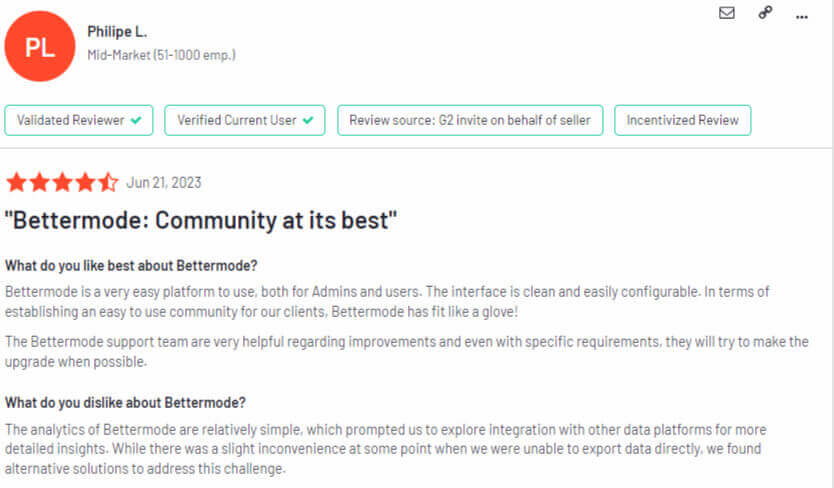
‘Bettermode: Community at its best.’ – Phillipe L.
Review from Capterra:
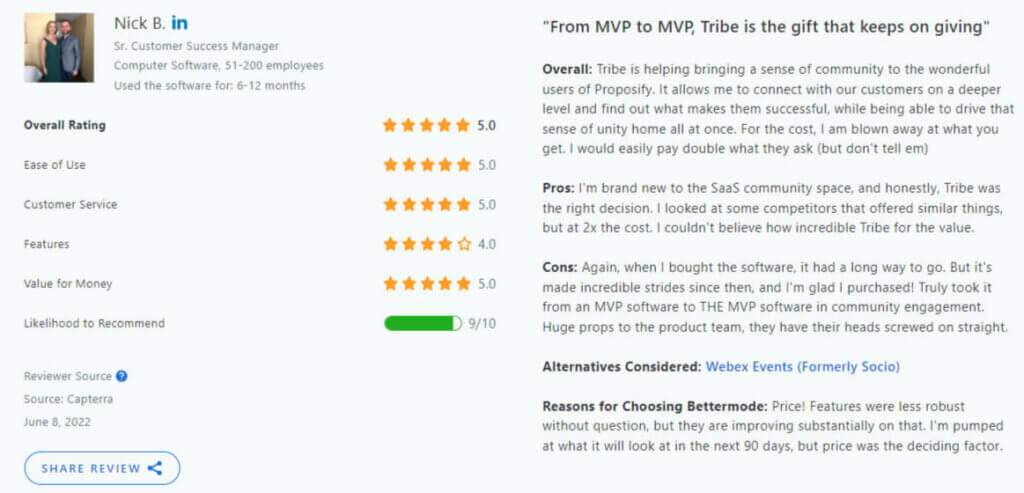
‘From MVP to MVP, Tribe is the gift that keeps on giving.’ – Nick B. (Sr Customer Success Manager)
Pros and cons
Pros
- It has a clean & user-friendly UI.
- It offers many features suitable for businesses.
- It comes with robust moderation features.
- It has detailed analytics and white-label options.
Cons
- It can be expensive for individuals.
- It is not suitable for smaller businesses.
- It has a limited number of user accounts.
- It is missing monetization features like landing pages.
- It does not have a mobile app.
10. Discourse – Best for discussion forums
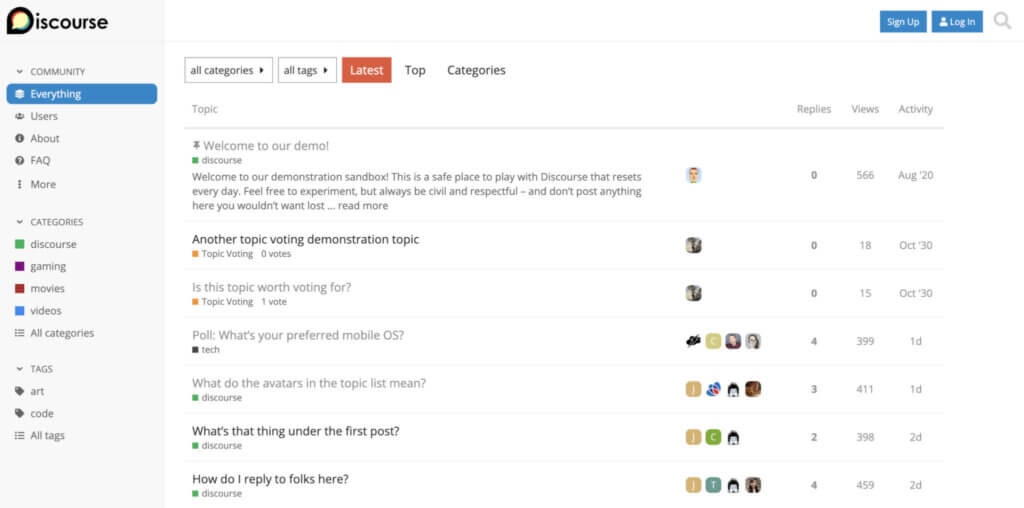
Discourse is a modern, open-source forum platform designed to revolutionize online discussions, as it provides a dynamic space for structured conversations. Its real-time updates, intuitive interface, and support for multimedia content make it a favorite among communities seeking a fresh and engaging discussion environment.
Discourse comes with strong customization options and emphasizes community-driven discussions, offering features such as categorization, badges, and a reputation system to encourage active participation and recognize valuable contributions.
Who is it for?
Discourse allows communities to tailor their forums to specific needs, making it a versatile choice for diverse groups ranging from tech forums to customer support communities.
Discourse pricing
Discourse comes with the following pricing plans:
- Free: $0/month
- Pro: $100/month
- Business: $500/month
- Enterprise: custom pricing
*Pricing information retrieved from Discourse in July 2026.
Discourse support
Discourse support is offered through community support, dedicated and priority email support, migration services, and custom design work. The platform also features a blog, a demo sandbox, getting-started resources, community management, and use cases.
Discourse reviews
Review from G2:
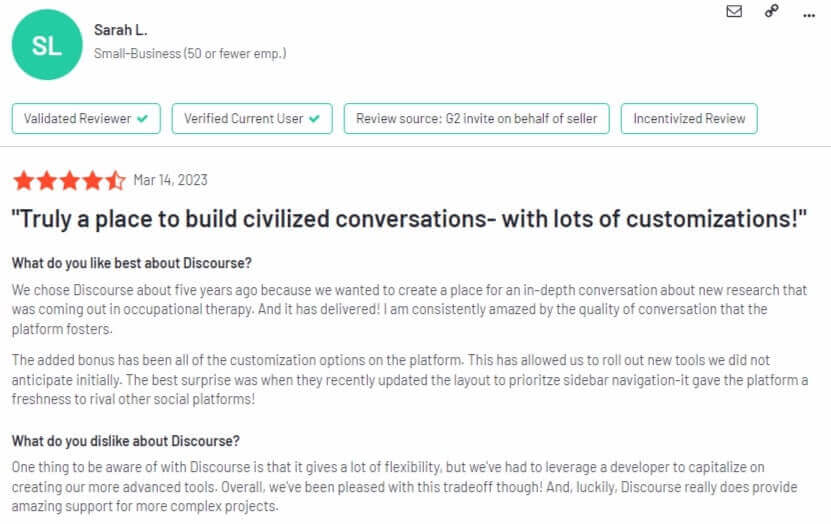
‘Truly a place to build civilized conversations – with lots of customizations!’ – Sarah L.
Review from Capterra:
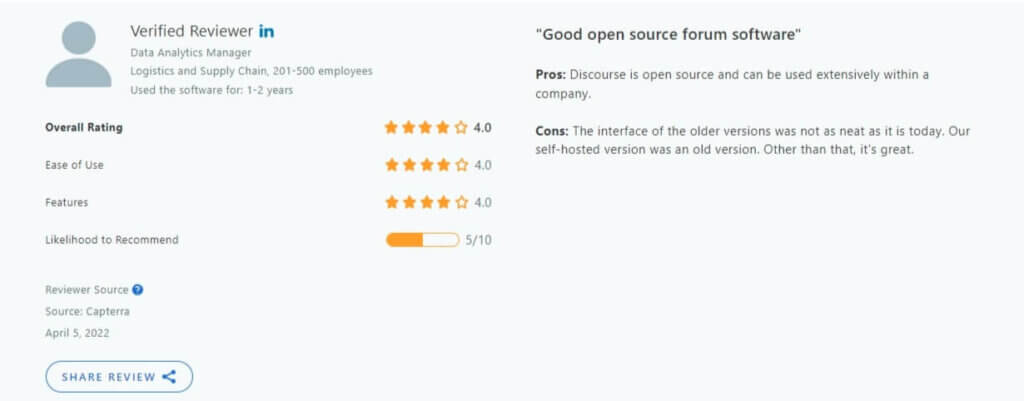
‘Good open source forum software.’ – Verified Reviewer (Data Analytics Manager)
Pros and cons
Pros
- It comes with great customization options.
- It provides engaging analytics around user activity.
- It offers a very easy way for members to have online discussions.
- It is very simple to administer and moderate discussions.
- Its customer support is excellent.
Cons
- It is not well-suited for managing workflows.
- It does not offer a live chat feature.
- Migration from other platforms can be difficult.
- Lack of integrations, add-ons, and plugins.
- It is oriented to developers and may require some admin skills to host.
11. Facebook Groups – Best free community platform
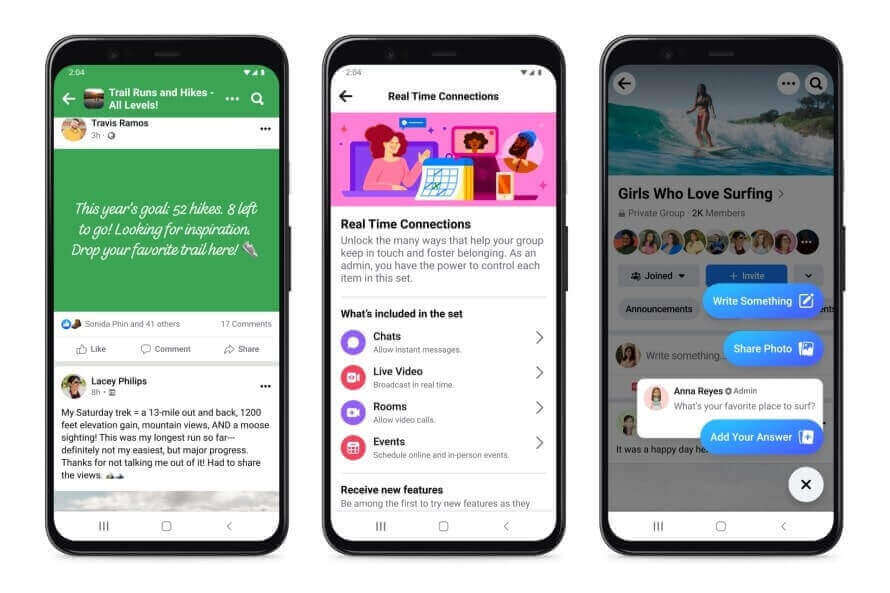
Facebook Groups provide a versatile and widely used platform for building online communities within the larger Facebook ecosystem. With a user-friendly interface, it facilitates discussions, content sharing, and event organization and features great community moderation tools.
Facebook Groups can be public or private, and members can join based on shared interests, affiliations, or goals. They can provide a centralized hub for discussions via comment threads, announcements, and multimedia content, making them suitable for various community types.
Who is it for?
Facebook Groups are suited to a diverse group of audiences, from hobbyist groups and coaches to professional networks and businesses.
Facebook Groups pricing
Facebook Groups are free to create and use. However, for businesses and organizations looking to improve their presence, Facebook offers paid advertising options to promote the group to a wider audience.
For the group creator and moderator, there is the option to charge members a small fee for subscribing to your content.
Facebook Groups support
Facebook provides support through its Help Center, where users can find articles and resources to troubleshoot issues. Direct customer support for individual groups is limited, as it primarily focuses on providing assistance at the platform level.
Facebook Groups reviews
Reviews from G2:
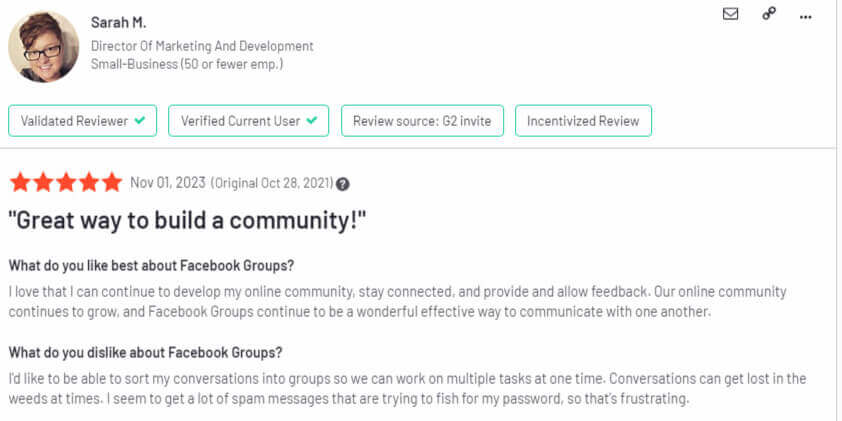
‘Great way to build a community!’ – Sarah M. (Director of Marketing and Development)
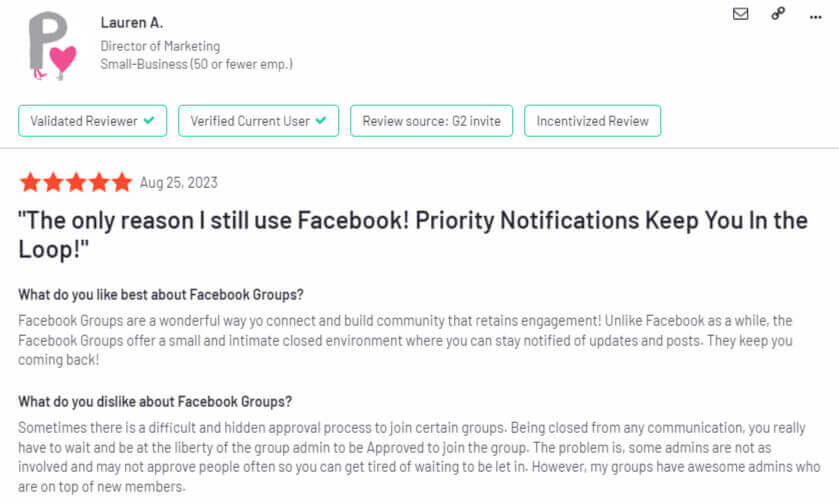
‘The only reason I still use Facebook! Priority Notifications Keep You in the Loop!’ – Lauren A. (Director of Marketing)
Pros and cons
Pros
- It has a large user base offering vast potential for community building.
- It has a familiar interface, and users already know how to navigate it.
- It offers multimedia integration and supports various types of content sharing.
- It integrates with Facebook Events.
Cons
- It comes with limited customization options.
- Content visibility is subject to Facebook’s algorithm affecting the organic reach of posts.
- There might be privacy concerns from users due to the association with personal Facebook profiles.
- To reach a broader audience, groups may need to invest in paid advertising.
12. Higher Logic Vanilla – Best for customer support communities
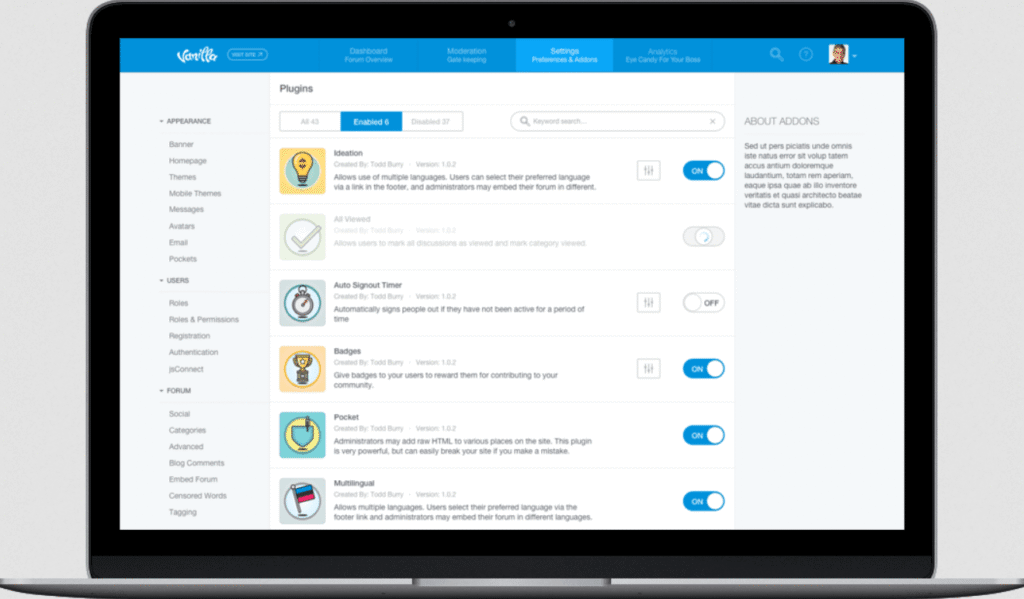
Higher Logic Vanilla (formerly Vanilla Forums) is a cloud-based forum platform that prioritizes customization and analytics, offering a powerful solution for community engagement. Renowned for its flexibility, this community platform allows organizations to tailor their forum experience to specific needs, fostering dynamic and interactive discussions.
It comes with a user-friendly interface, extensive customization options, robust analytics, and enables administrators to enhance the user experience.
Additionally, features like gamification contribute to a more interactive and rewarding community environment. On the platform, there is the option to create multiple sub-communities, while users can leave comments, ask questions, mention each other, send private messages, and more.
Who is it for?
Higher Logic Vanilla is versatile and caters to a broad range of audiences, including businesses, educational institutions, non-profits, and online communities.
Higher Logic Vanilla pricing
Higher Logic Vanilla offers three pricing packages: Corporate, Enterprise, and Enterprise, but does not show its prices publicly.
Higher Logic Vanilla support
Higher Logic Vanilla is known for providing robust customer support, offering assistance through various channels such as email, forums, and documentation via a knowledge base. They prioritize customer success, providing resources and assistance to ensure smooth implementation and ongoing community management.
Higher Logic Vanilla reviews
Review from G2:
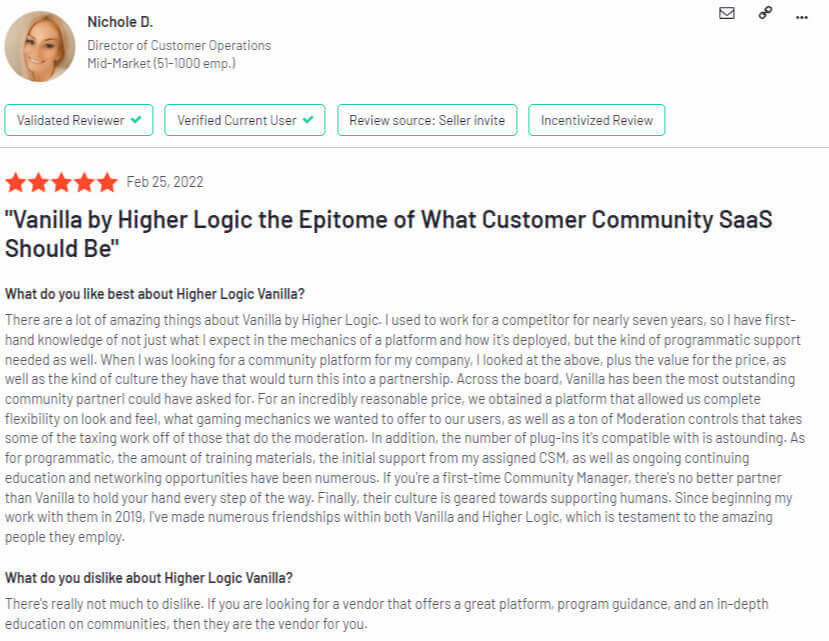
‘Vanilla by Higher Logic the Epitome of What Customer Community SaaS Should Be.’ – Nichole D. (Director of Customer Operations)
Review from Capterra:
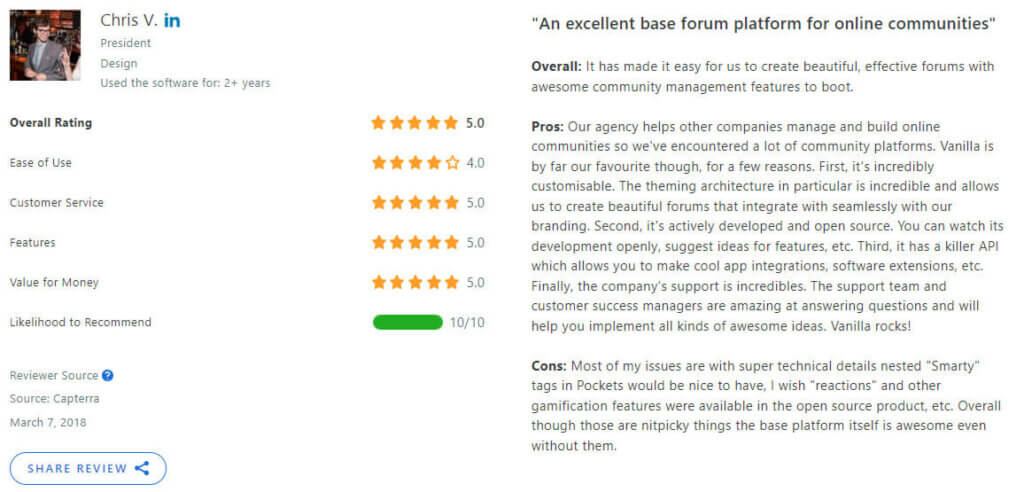
‘An excellent base forum platform for online communities.’ – Chris V. (President)
Pros and cons
Pros
- It offers great gamification features.
- It is easy to use and manage.
- It comes with a free trial.
- It provides robust analytics looking into user behavior, engagement, and community performance.
- Its forums and community integrate seamlessly with branding.
Cons
- It comes with limited customization options for community pages.
- It requires some technical knowledge to explore its full potential.
- It can be expensive with higher costs compared to other platforms.
- The complexity of its features might be overwhelming to those looking for a simpler community solution.
13. BuddyPress – Best WordPress community plugin
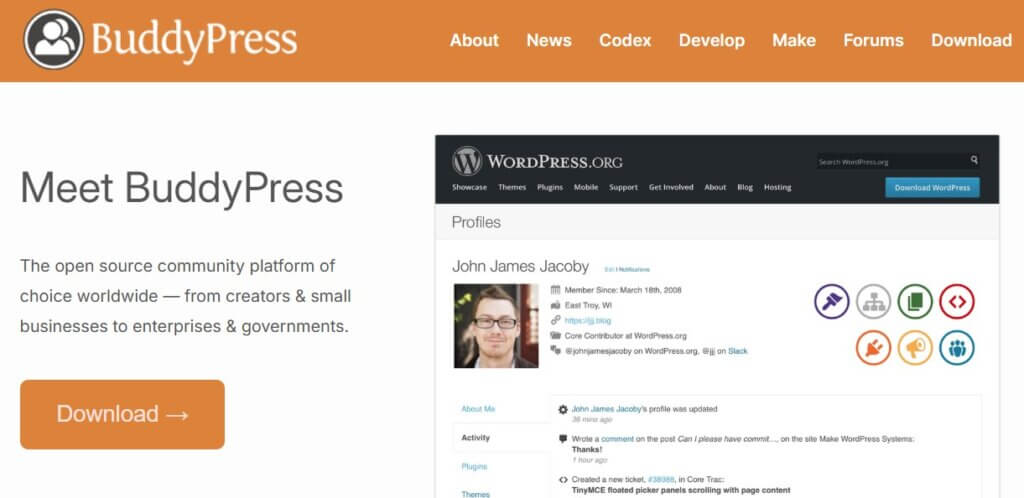
BuddyPress is a powerful open-source WordPress plugin that transforms a standard WordPress website into a dynamic social networking platform. With a focus on creating engaging and interactive communities, BuddyPress enhances the social elements of a website by introducing features such as user profiles, activity streams, private messaging, and group discussions.
This plugin empowers website owners to build a community-centric environment where users can connect, share content, and participate in group activities. BuddyPress is highly customizable, allowing users to tailor the community experience to suit the specific goals and aesthetics of their website.
Who is it for?
From hobbyist communities to business networks, BuddyPress is a versatile solution that seamlessly integrates social networking features into the familiar WordPress environment, making it an ideal choice for those seeking to foster collaboration and interaction within their online spaces.
BuddyPress pricing
BuddyPress is free to use, and it was built by an international community of volunteers.
*Pricing information retrieved from WordPress in July 2026.
BuddyPress support
BuddyPress benefits from the larger WordPress community, where users share insights, troubleshooting tips, and solutions. It offers extensive documentation that provides guidance on installation, configuration, and customization. Also, it allows users to engage in discussions and seek help through forums and related online groups.
BuddyPress reviews
Review from G2:
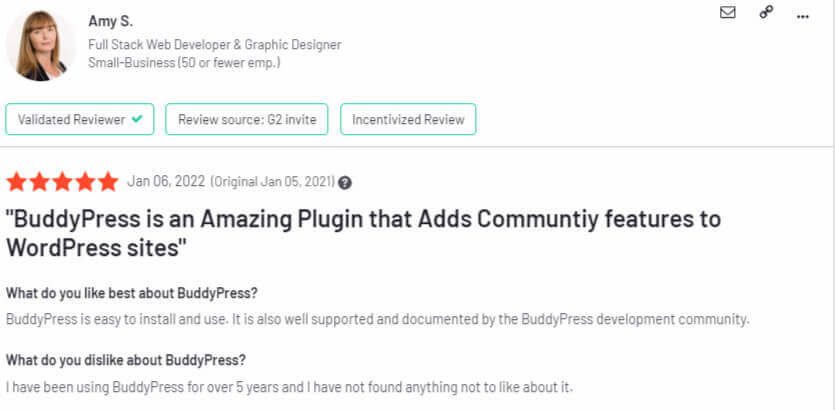
‘BuddyPress is an Amazing Plugin that Adds Community features to WordPress sites.’ – Amy S. (Full Stack Web Developer & Graphic Designer)
Review from Capterra:
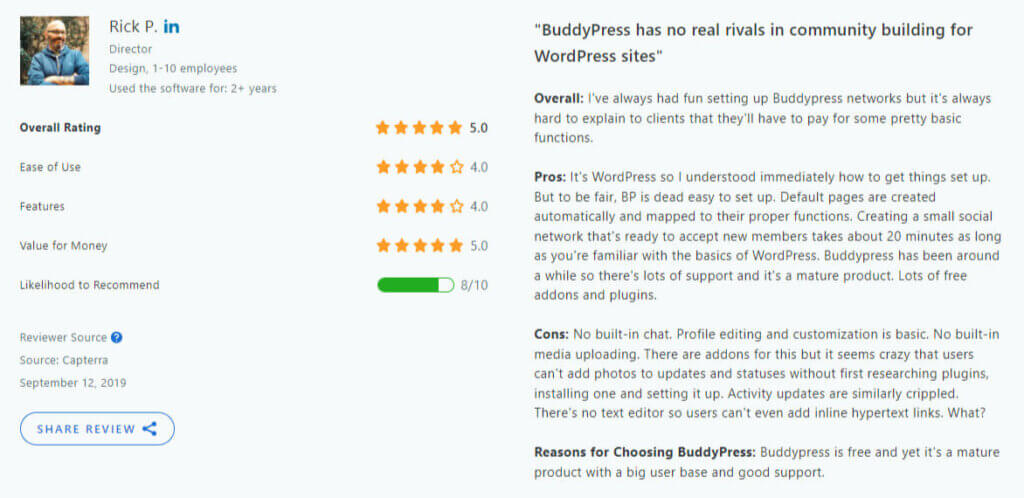
‘BuddyPress has no real rivals in community building for WordPress sites.’ – Rick P. (Director)
Pros and cons
Pros
- It integrates seamlessly with WordPress.
- It offers a high degree of customization through themes, plugins, and extensions.
- It provides essential social networking features like user profiles, activity streams, and group creation.
- It comes with a lot of associated add-on plugins.
Cons
- It does not have built-in media uploading.
- It can be difficult to learn in terms of customization and configuration.
- Users are dependent on the WordPress ecosystem and updates.
- It might not be a great fit for large businesses as it caters to smaller to medium-sized communities.
14. Uscreen – Best for video membership communities
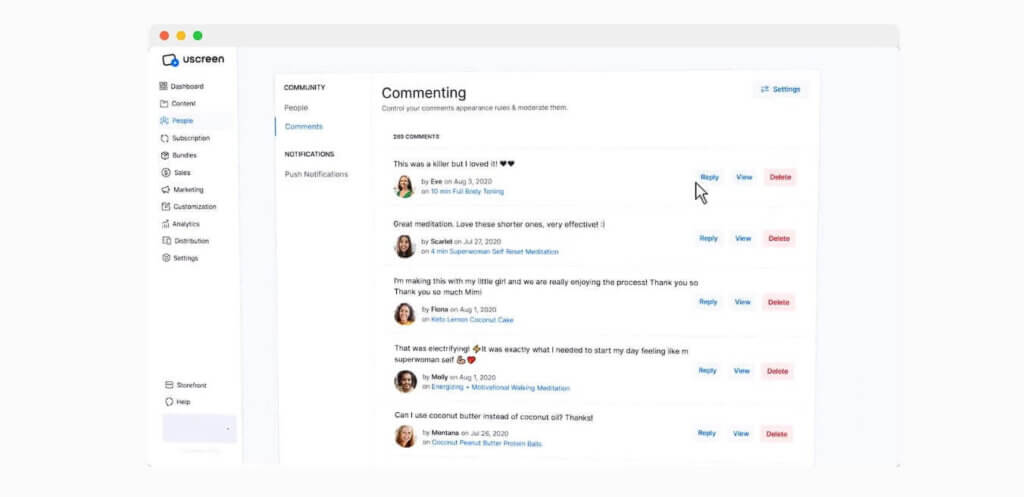
Uscreen is a comprehensive video monetization platform that empowers content creators to build their own branded video streaming service. While its primary focus is on video distribution, Uscreen also offers community features to enhance viewer engagement. Creators can foster discussions, connect with their audience, and create a sense of community around their content.
With built-in tools for subscription management, content delivery, and community engagement, Uscreen provides a holistic solution for individuals and businesses looking to monetize their videos while nurturing a dedicated community. The platform allows for easy customization, enabling creators to maintain their brand identity within the community space.
Who is it for?
Uscreen is a versatile community platform suitable for a range of content creators, fitness instructors, educators, and businesses looking to create and distribute premium video content to their audiences.
Uscreen Pricing
Uscreen comes with the following pricing plans:
- Starter: $49/month (monthly only)
- Growth: $199/month
- App Essentials: $499/month
- Custom: custom pricing
*Pricing information retrieved from Uscreen in July 2026.
Uscreen support
Uscreen offers customer support through various channels, including email and live chat. It provides comprehensive documentation, tutorials, and webinars to assist users in navigating the platform and making use of its features. Dedicated account managers are available for higher-tier plans, offering personalized support.
Uscreen reviews
Review from G2:
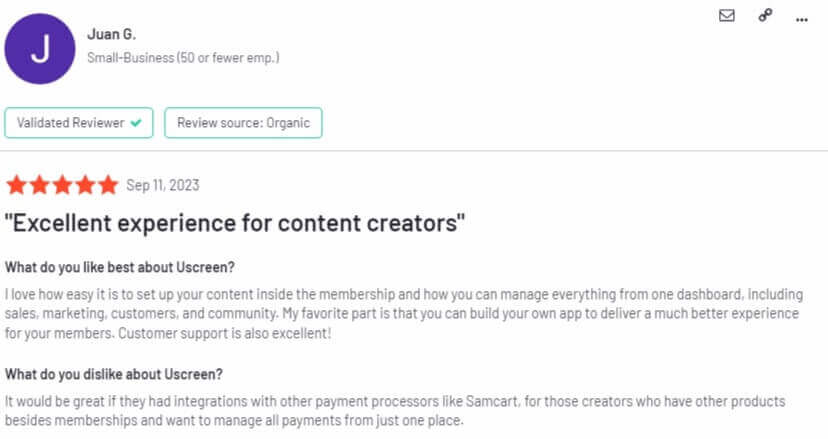
‘Excellent experience for content creators.’ – Juan G.
Review from Capterra:
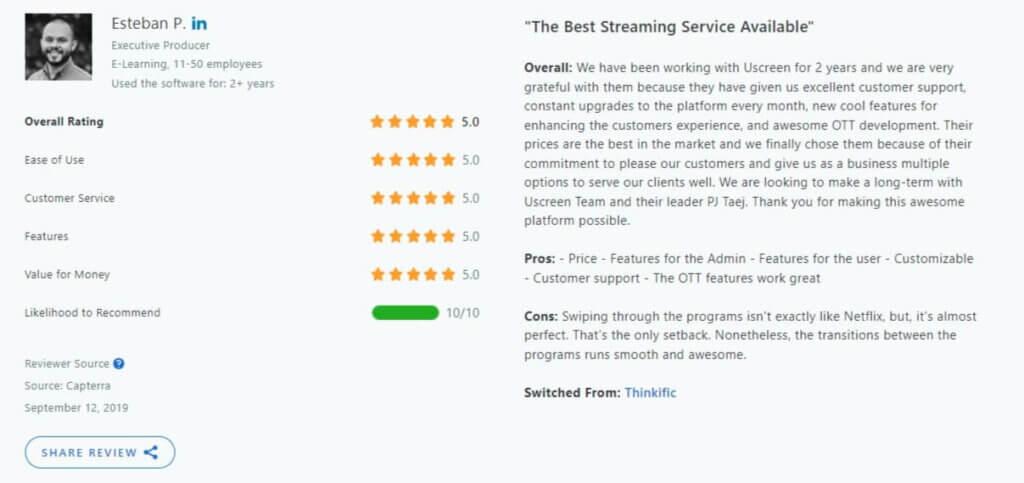
‘The Best Streaming Service Available.’ – Esteban P. (Executive Producer)
Pros and cons
Pros
- It is simple and easy to use.
- It comes with a user-friendly interface.
- It has great e-commerce and monetization features (subscriptions, one-time purchases, rentals, or a combination).
- It offers mobile & TV Apps.
- It allows you to build a branded experience eg create a fully branded video streaming website or app.
- It provides detailed analytics and reporting.
- It has robust content security features.
Cons
- It can be expensive in relation to the features it comes with.
- It has hidden fees and per-user fees.
- Its customer support is lacking.
- It has a steep learning curve for the initial setup and customization process.
- It has limited customization in lower tiers.
- High bandwidth usage may result in additional costs.
15. Podia – Best for digital product creators
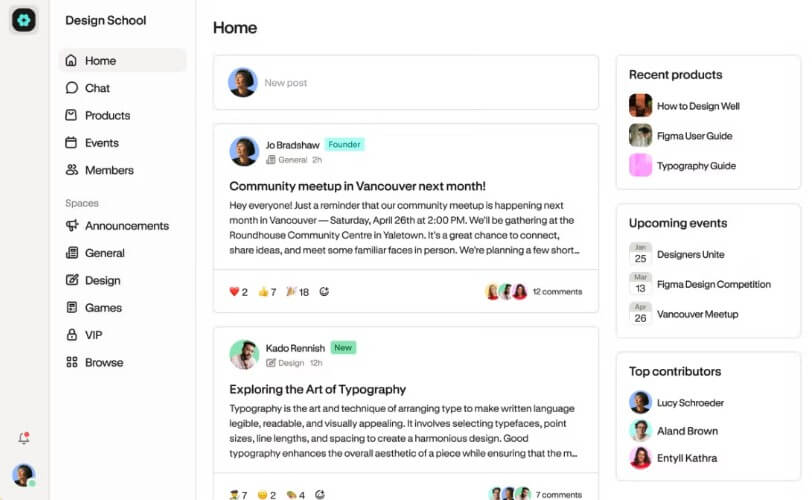
Podia is an all-in-one platform designed for creators, providing a comprehensive solution for selling online courses, digital downloads, and memberships. This platform excels in providing creators with a seamless and integrated experience for content monetization. Podia’s user-friendly interface and built-in email marketing tool make it easy for creators to showcase and sell digital products.
Podia has a built-in community that is available in all plans (including the free version) and comes with one admin, unlimited members, and topics. While you can embed videos from YouTube and other providers, video uploading inside the community is only available in the paid plans.
Who is it for?
Podia is great for individual creators, creative professionals, writers, educators, as well as digital product sellers, and those who want to build and manage exclusive membership communities.
Podia pricing
Podia offers a free 30-day trial and the following pricing plans:
- Mover: $49/month
- Shaker: $99/month
- Earthquaker: $179/month
*Pricing information retrieved from Podia in July 2026.
Podia support
Podia is well-regarded for its customer support, offering timely assistance through live chat and email. It comes with its own community, blog, Resource and Help Center, Creator Advice Library, and many other free tools.
Podia reviews
Review from G2:
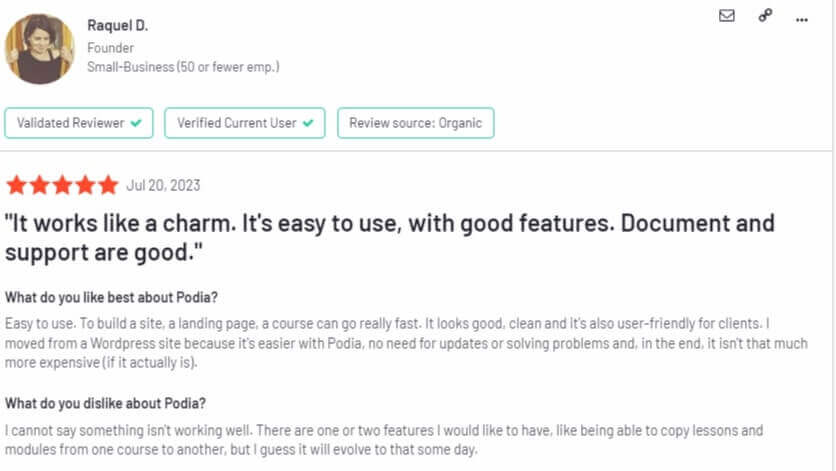
‘It works like a charm. It’s easy to use, with good features. Document and support are good.’ – Raquel D. (Founder)
Review from Capterra:
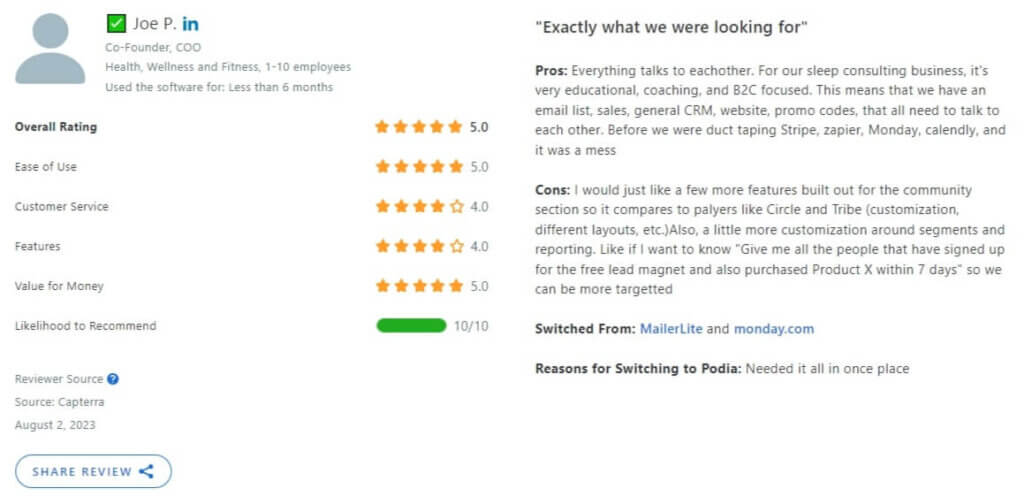
‘Exactly what we were looking for.’– Joe P. (Co-Founder, COO)
Pros and cons
Pros
- It is user-friendly and cost-efficient.
- It has a great email marketing tool.
- It has a built-in community.
- It comes with a chat widget.
- It does not charge transaction fees on paid plans.
- It provides great and responsive customer support.
- It offers customized branding.
Cons
- It lacks advanced educational features.
- It is not as strong in analytics or reporting.
- It has limited customization on advanced website design.
- It offers limited community features and marketing tools.
💁 Podia vs LearnWorlds: A Side-by-Side Comparison
💁 The Best Podia Alternatives Reviewed
16. Kajabi – Best for marketing-driven businesses
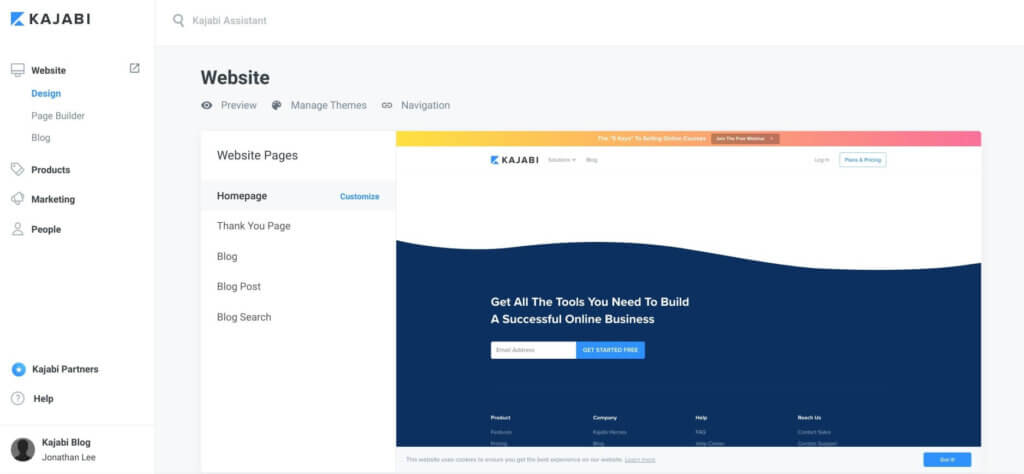
Kajabi is an all-in-one platform designed to streamline the process of online course creation, marketing, and sales. It stands out for its comprehensive suite of marketing tools that empower creators to market and sell online courses. It has its limitations on course creation and elearning features, but it allows creators to build sales funnels, sales pages, landing pages, webinar pages, and advertising campaigns.
Kajabi offers Kajabi’s Communities—a feature that allows you to build and manage your own community. This comes with live video calls, newsfeed chats, DMs, a member directory, a leaderboard, and a smart recording library, among other tools.
Who is it for?
Kajabi is suitable for online course creators, individuals and businesses, entrepreneurs, coaches, and anyone interested in building a membership site.
Kajabi pricing
Offers a free trial with a credit card. Then it goes to a monthly subscription plan payment, which includes:
- Basic plan: $179/month
- Growth plan: $249/month
- Pro plan: $499/month
*Additional transaction fees may apply on newer plans, especially when using third-party payment providers instead of Kajabi Payments.
*Pricing information retrieved from Kajabi July 2026.
Kajabi support
Kajabi’s support is provided during business hours and online. It has a Help Center, a blog, and a Kajabi glossary where you can find FAQs, how-to guides, walk-through videos, and getting-started resources.
Kajabi reviews
Review from G2:
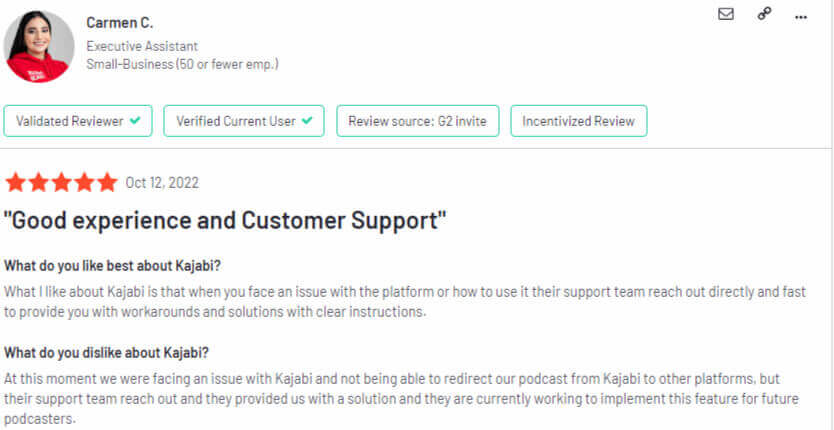
‘Good experience and Customer Support.’ – Carmen C. (Executive Assistant)
Review from Capterra:
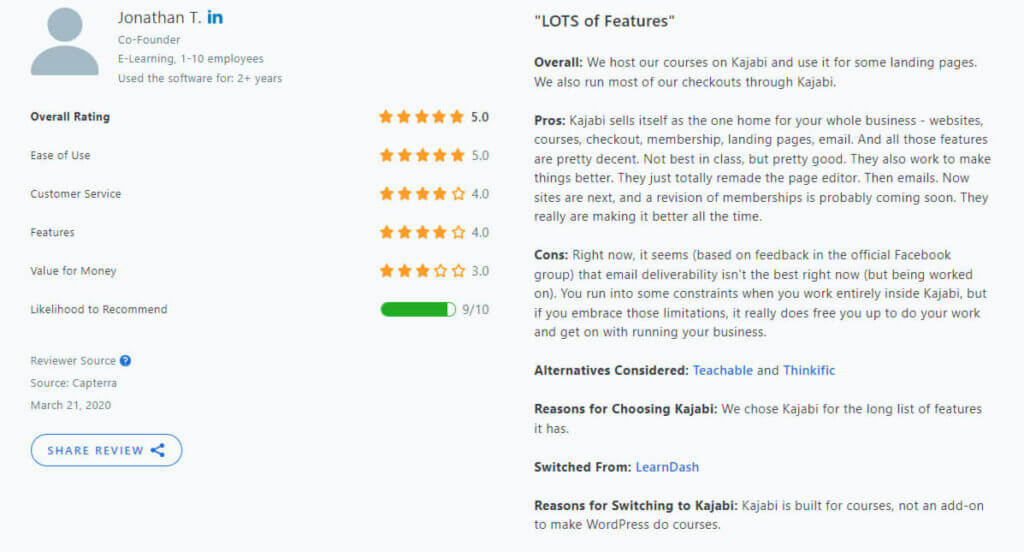
‘LOTS of Features.’ – Jonathan T. (Co-founder)
Pros and cons
Pros
- It offers a 14-day free trial.
- It’s easy to use and has good customer support.
- It comes with its own email list marketing automation tools.
- It offers various integrations with popular software.
- It provides sales pipelines/funnels building capabilities.
- It offers a collection of beautiful themes.
- It allows the creation of landing pages.
- It features upsells, customized checkouts, and blogging functionality.
Cons
- It can be tricky to set up.
- It has expensive pricing options.
- It offers limited control over website design.
- It doesn’t offer many learning features and focuses more on small digital product sales.
💁 The Best Kajabi Alternatives Reviewed
17. Patreon – Best for creator memberships
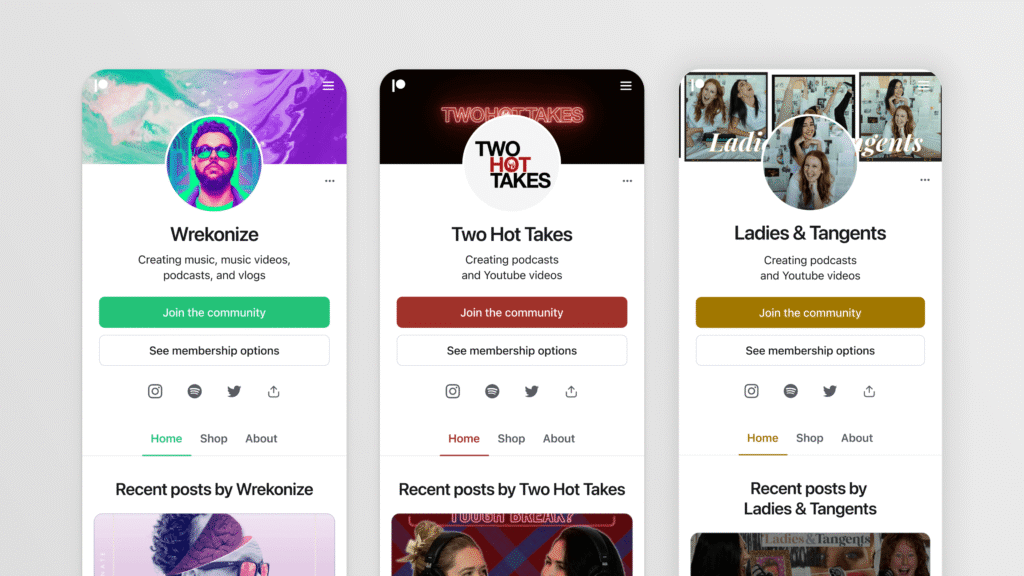
Patreon is a platform designed for creators to monetize their content and build a loyal community of patrons. Creators, whether artists, musicians, writers, or other creatives, can offer exclusive content, rewards, and tiers of membership to their members in exchange for ongoing support.
While Patreon is primarily a crowdfunding platform, it fosters a sense of community by providing a space for creators to engage with their supporters. It has a customizable feed where creators can share exclusive content, updates, community posts, and send private messages.
Who is it for?
Patreon is for content creators, and it is widely used by creative professionals, including YouTube videographers, webcomic artists, gamers, writers, podcasters, musicians, and other types of creators who post regularly online.
Patreon Pricing
Getting started on the platform is free. For paid memberships, 10% of the income you earn goes to Patreon.
*Pricing Information retrieved from Patreon in July 2026.
Patreon support
Patreon has a Help Portal that offers how-to resources and documentation in regard to the use of the platform. It also features a Creator Hub, a community forum for developers, a Help Center, and FAQs for its users, and a ticket-based system that answers platform-related questions.
Patreon reviews
Review from G2:
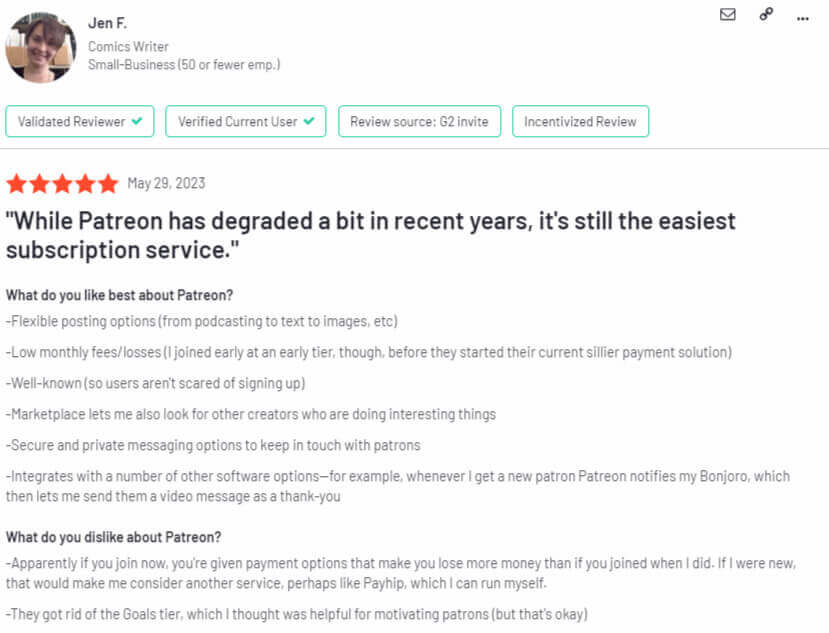
‘While Patreon has degraded a bit in recent years, it’s still the easiest subscription service.’ – Jen F. (Comics Writer)
Review from Capterra:
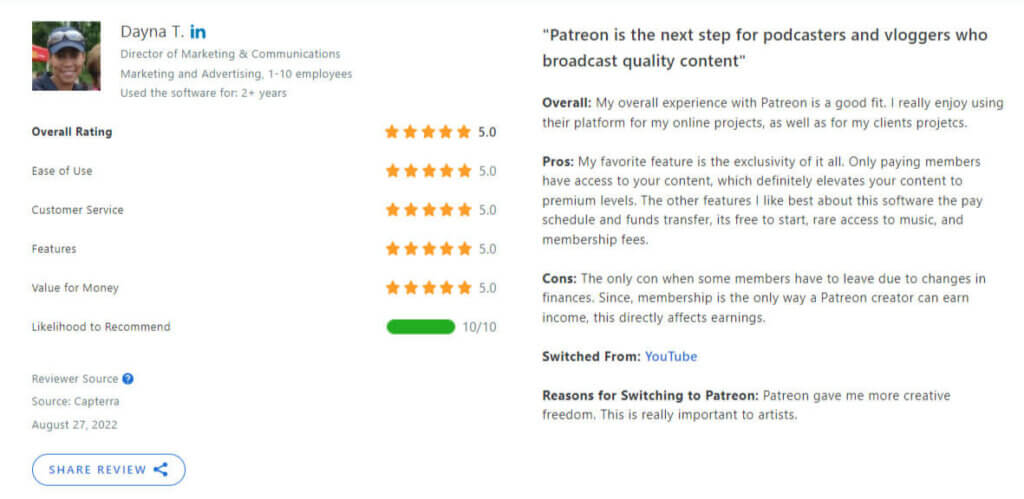
‘Patreon is the next step for podcasters and vloggers who broadcast quality content.’ – Dayna T. (Director of Marketing & Communications)
Pros and cons
Pros
- It has a mobile app that is really easy to use.
- It comes with a live chat.
- It is free to get started.
- It supports video and live streaming.
Cons
- It does not offer a great variety of course promotion and elearning features.
- It takes a big revenue percentage from creators.
- It can be difficult to integrate with other software via its API as it lacks or has confusing documentation.
- It comes with transaction fees.
- It does not offer learning analytics.
18. Skool – Best for coaching communities
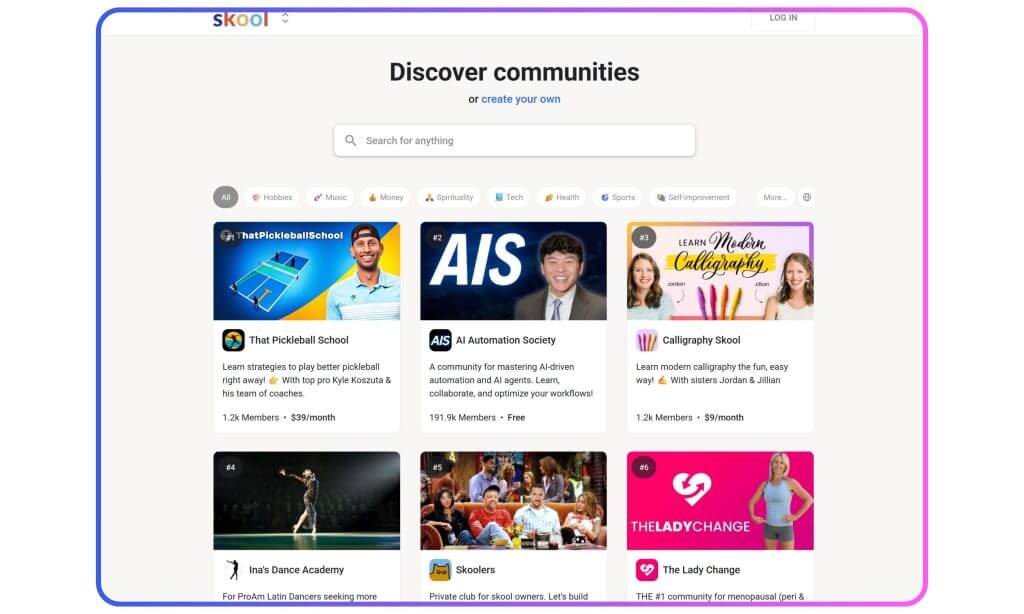
Skool combines community, course hosting, and calendar scheduling into a streamlined, distraction-free interface. Members access everything—content, discussions, and live sessions—from a single dashboard.
While Skool doesn’t offer advanced customization or deep integrations, its simplicity is a strength. It’s particularly well-suited to cohort-based programs and membership communities that prioritize interaction over content complexity.
Who is it for?
Skool is ideal for coaches, course creators, and membership site owners looking for a simple, all-in-one space to host communities and discussions.
Skool pricing
- Hobby: $9/month
- Pro: $99/month for all features
*Pricing information retrieved from Skool in July 2026.
Skool support
Support is provided via documentation, a searchable help center, and an active user community. Email support is also available.
Skool reviews
Skool does not currently have verified ratings on G2 or Capterra. Our research shows that users appreciate its clean interface, fast onboarding, and engagement-focused layout. Some mention limitations in branding or customization.
Pros and cons
Pros
- Clean and intuitive interface
- Built-in community, courses, and calendar
- Gamification through points and leaderboards
- Easy onboarding for members
- Flat pricing with unlimited courses
Cons
- Limited branding and customization
- Few native integrations
- Basic marketing and sales tools
- No SCORM support
- Limited reporting compared to enterprise LMSs
19. Disco – Best for cohort-based learning communities
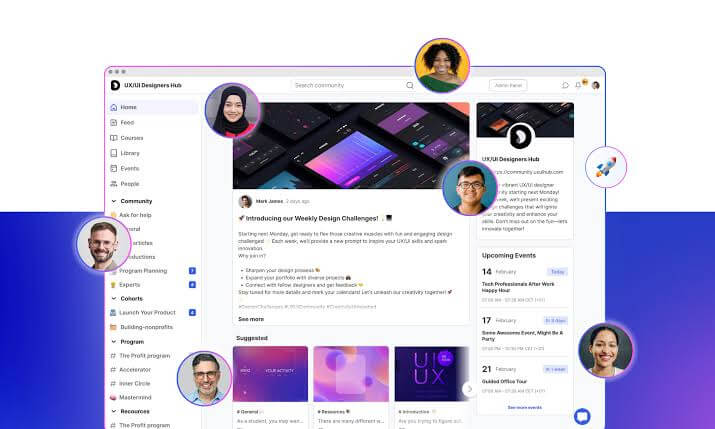
Disco is one of the best community platforms designed for communities that want to mix structured programs with live and social experiences. It offers tools for courses, cohort scheduling, events, and peer-to-peer learning. Automation, badges, and detailed member tracking are built in, helping creators deliver personalized journeys.
Who is it for?
Disco is a strong choice for course creators, learning businesses, and team academies looking for a polished learner experience.
Disco pricing
Disco offers the following pricing plans:
- Organization: $499/month (billed annually)
- Enterprise: custom pricing
*Pricing information retrieved from Disco in July 2026.
Disco support
Offers email support, live onboarding sessions, and a resource hub with videos and templates.
Disco reviews
Review from G2:
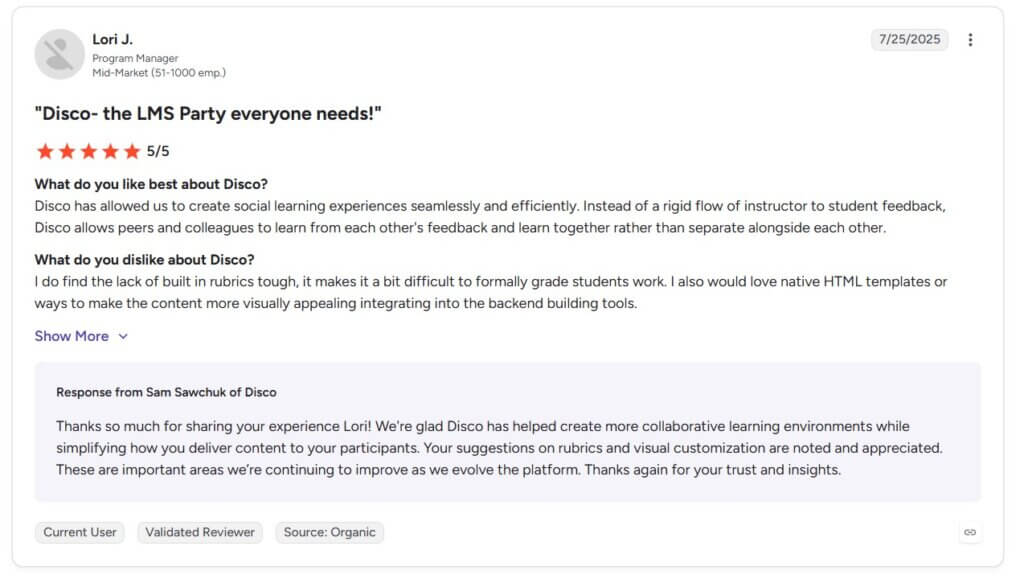
“Disco – the LMS Party everyone needs” — Lori J., Program Manager
Review from Capterra:
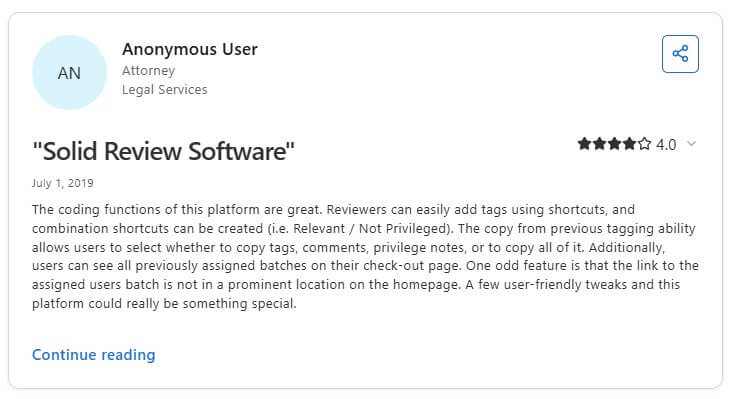
“Solid Review Software” — Anonymous User (Attorney in Legal Services)
Pros and cons
Pros
- AI-powered course and community builder
- Excellent cohort-based learning experience
- Strong automations and workflow tools
- Modern, intuitive interface
- Built-in events and live learning
Cons
- Learning curve during initial setup
- Some users report navigation can require too many clicks
- Native integrations are still expanding
- Premium pricing for smaller organization
20. Swarm – Best for group-based learning programs

Swarm is a community SaaS platform built around micro-communities, offering group-based spaces with granular permissions, content modules, and engagement tools. It emphasizes structured group collaboration and progress tracking—useful for learning groups or internal teams.
Who is it for?
Great for team-based programs, coaching networks, and organizations that manage multiple learner groups.
Swarm pricing
Swarm offers the following pricing tiers:
- Launch: $29/month
- Grow: $89/month
- Scale: $199/month
*Pricing information retrieved from Swarm in July 2026.
Swarm support
Swarm provides onboarding, documentation, and email support. Custom setup assistance is available on request.
Swarm reviews
Review on G2:
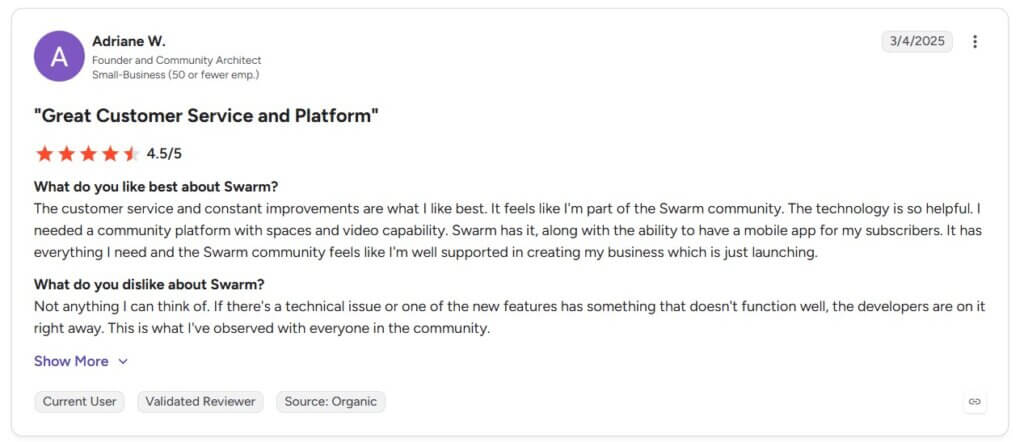
“Great Customer Service and Platform.” — Adriane W.
Review from Capterra:
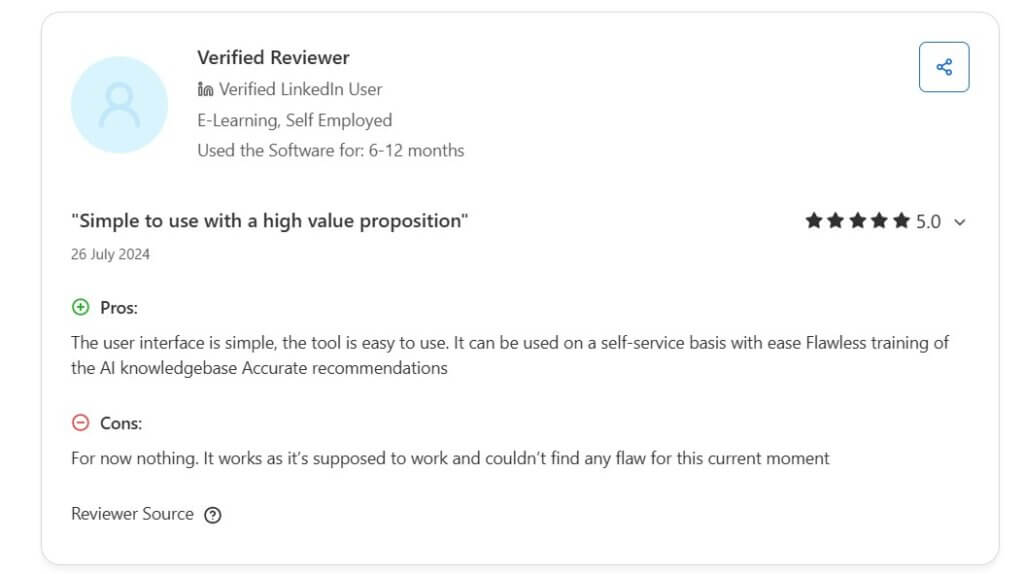
Pros and cons
Pros
- Video-first community experience
- Excellent customer support
- Built-in coaching, courses, and memberships
- White-label mobile apps
- Personalized 1:1 coaching spaces
Cons
- Newer platform with a smaller integration ecosystem
- Some features are still evolving
- Slight learning curve for new members
- Mobile experience continues to improve
21. Reign Theme – Best WordPress community theme
Reign is a WordPress theme built to power community sites using BuddyPress or BuddyBoss. It turns your WordPress site into a full-featured social network with groups, profiles, activity streams, and more—while maintaining full control over hosting, branding, and customization.
Who is it for?
Reign is ideal for developers, site builders, and organizations that want full ownership of their community infrastructure.
Reign Theme pricing
Reign Theme offers multiple annual license options. You may choose to pay for it annually or buy it once with a lifetime license.
- 1 site: $99/year or $249 (lifetime)
- 5 sites: $149/year or $349 (lifetime)
- Unlimited: $249/year or $599 (lifetime)
These are part of Reign Theme Foundation plans. There are also add-ons and bundled kits (8 standard and 2 premium) you can choose from that come with an additional cost.
*Pricing information retrieved from Reign Theme in July 2026.
Reign Theme support
Includes documentation, email support, and access to community forums. Paid support packages offer more hands-on help.
Reign Theme reviews
Reign Theme does not currently have verified ratings on G2 or Capterra. Our research shows that reviewers highlight the flexibility and control of this community-building platform, but mention that non-technical users may struggle with setup.
Pros and cons
Pros
- Deep integration with BuddyPress and BuddyBoss
- Extensive design and layout customization
- Full ownership of your website and data
- One-time or annual licensing options
- Large ecosystem of WordPress plugins
Cons
- Requires WordPress administration skills
- Self-hosting and maintenance are your responsibility
- No built-in hosting or native mobile app
- Functionality depends on the WordPress plugin ecosystem
How to choose the best community website software
Choosing the best community website software is a critical decision that requires careful consideration of several key factors. By following a systematic approach, you can ensure that the platform you opt for aligns seamlessly with the goals and needs of your community.
Below are our initial top 4 choices again, this time with a more detailed side-by-side comparison focusing on their features.
| Mighty Networks | LearnWorlds | Thinkific | Discourse | |
|---|---|---|---|---|
| Community forums | In-depth community building with discussion spaces | Built-in community, integrated discussion forums & groups for engagement | Comes with a community builder and focuses on course delivery | Includes forum software, supports rich discussions |
| Customization | Flexible customization with branded community spaces | Custom branding, themes, and customizable design options | Limited customization options for the course interface | Customizable appearance and layout |
| Integration | Integrates with various tools and platforms | Integrates with third-party tools and marketing apps | Integrates with third-party marketing and analytics | Extensive third-party integrations, versatile API |
| Learning management | Provides basic LMS features for course creation | LMS features, course creation and assessments | Primary focus on course creation and delivery | Forum-based structure but supports educational content |
| Membership management | Offers membership options with tiered benefits | Supports community memberships with tiered access | Limited membership features, focuses on course access | Member roles and permissions for community management |
| Analytics | Analytics tools for tracking community performance | Advanced analytics for monitoring user engagement | Basic analytics for course performance | Comprehensive analytics for community engagement |
| Monetization | Monetization through memberships and premium content | Multiple monetization options, including course sales and memberships | Focuses on course sales and subscriptions | Potential for monetization through memberships |
| Social networking | Emphasis on social connections within the network | Community-building features, like news feed, posts, and polls for social interaction | Limited social networking, geared toward course delivery | Forum-based social interactions among community members |
When selecting the best community platform for you, consider the following criteria.
Define your community’s purpose
Begin by clearly defining the primary purpose of your community. Whether it’s focused on support, networking, learning, or a combination of these, having a well-defined purpose will guide your platform selection.
For example, if your goal is to facilitate learning and course discussions, an integrated Learning Management System (LMS) community might be ideal. If networking is a primary goal, a social media community or forum might be more suitable.
Assess the features offered
Carefully assess the features offered by each platform, ensuring they align with the specific needs of your community. Consider features such as discussion threads, file sharing, event management, and any other functionality crucial to your community’s interactions.
For instance, if your community thrives on discussions and collaboration, prioritize platforms with robust discussion thread capabilities. If you plan to organize events, look for platforms that offer comprehensive event management features.
Consider scalability
It’s crucial to choose a platform that can scale with the growth of your community. Anticipate future needs and select a platform that can accommodate an increasing number of members and a growing volume of content. Ensure that the platform’s infrastructure can handle increased activity without compromising performance.
Check its integration capabilities
Integration capabilities are essential, especially if your community will be part of a broader ecosystem.
Check whether the platform integrates seamlessly with other tools and platforms you use, such as Customer Relationship Management (CRM) systems or marketing software. This integration ensures a cohesive experience for both community members and administrators.
Prioritize user experience
The success of your community depends on the engagement of its members, making user experience a critical factor. Prioritize community platforms with an intuitive interface and user-friendly features to enhance engagement. Ensure that navigation is straightforward, and features are easily accessible to both new and experienced users.
Keep in mind that the platform you select should not only meet your current needs but also provide flexibility for future growth and evolution. Whether your community is focused on support, networking, learning, or a combination of these, a well-chosen platform will contribute significantly to its success.
Ready to build a community for your learners?
In the rapidly evolving landscape of online education, the importance of community engagement cannot be overstated. Creating an online community has the power to enhance the overall educational experience, foster collaboration, and encourage knowledge sharing.
Selecting the right online community platform is a critical decision that impacts the success of your community. By understanding the types of platforms available, considering essential factors, and exploring the different options in this resource, you can make a well-informed choice that aligns with your goals.
At LearnWorlds, we can help you create a dynamic and impactful online community that educates your learners. Start your free trial today.

Kyriaki is the Organic Content Strategist at LearnWorlds, where she writes and edits content about marketing and e-learning, helping course creators build, market, and sell successful online courses. With a degree in Career Guidance and a solid background in education management and career development, she combines strategic insight with a passion for lifelong learning. Outside of work, she enjoys expressing her creativity through music.
 Back to blog
 Scroll to top
FAQ
Everything you have ever wondered, but were too afraid to ask...

The best community website software balances ease of use with the right depth of features. At a minimum, look for tools that support discussion, content hosting, and member segmentation. For educators, integrations with learning tools and robust analytics are equally important.
Here are core features to prioritize:
Elearning platforms increasingly include built-in community features—not just to replace social media groups, but to improve learning outcomes and engagement. Communities help learners feel connected, supported, and motivated to stay active in a course. For instructors, they provide a direct way to gather feedback, host discussions, and add value between lessons.
The shift away from third-party platforms like Facebook comes down to control and consistency. Within a dedicated community platform, creators can:
Community tools aren’t just a bonus—they’ve become central to how course creators and educators build trust, encourage progress, and grow long-term relationships with learners. When embedded within your learning environment, they also reinforce your brand and business model.
Engagement features vary widely across platforms, but the most impactful tools help members contribute easily, return frequently, and feel seen. For learning communities, that might mean encouraging discussion, offering gamified achievements, or sending personalized notifications.
Here are some engagement tools to look for:
Some of the best community platforms—like LearnWorlds, Circle, Mighty Networks, and Disciple—offer built-in support for these features, which reduces the need for extra tools and keeps members active within your branded space.
Related Articles