Table of Contents
Key takeaways
- LearnWorlds holds the highest G2 rating on this list (4.7) and combines white-label branding, multiple schools, and built-in ecommerce in one platform
- LearnUpon and Absorb stand out for providers managing many client portals, while Thought Industries fits enterprise customer education teams
- TalentLMS is the only platform on this list with a free plan (though limited) and Moodle Workplace offers open-source flexibility if you have technical resources in-house
When training is your product, your LMS is more than a delivery tool. It’s your storefront, your client portal, and the system your reputation runs on. Below, we compare the nine top platforms for training providers, with verified pricing and ratings.
The 9 best LMS platforms for training providers at a glance
Here’s a bird’s-eye view before the full breakdown of features and pricing plans:
| Platform | Starting price | G2 rating | Top features | |
|---|---|---|---|---|
| LearnWorlds | $29/mo | 4.7 | White-label schools, built-in ecommerce, AI Assistant | |
| LearnUpon | Custom | 4.5 | Multi-portal setup, portal cloning, SCORM and xAPI | |
| Thought Industries | Custom | 4.1 | Monetization tools, headless APIs, enterprise client training | |
| Thinkific Plus | Custom | 4.5 | Monetization tools, SCORM, API access, multiple sites | |
| iSpring LMS | From $4.46/user/mo | 4.6 | iSpring Suite authoring, branded mobile app | |
| TalentLMS | Limited free plan, paid from $119/mo | 4.6 | Branded branches, built-in store, AI authoring | |
| Absorb LMS | Custom | 4.6 | Extended enterprise, ecommerce, content libraries | |
| Docebo | Custom | 4.3 | AI-powered learning, 400+ integrations, extended enterprise | |
| Moodle Workplace | Via certified partners | 4.1 | Multi-tenancy, plugin customization, open source core | |
How we evaluated these platforms
We verified every price on the vendor’s own pricing page and weighed hundreds of verified user reviews on G2 and Capterra, not marketing pages, the same approach we take across all our comparison guides. Where a platform doesn’t publish pricing, we say so instead of guessing.
For training companies specifically, we scored each platform on eight criteria:
- Client portals and multi-tenancy: Separate branded environments for each client, managed from one account
- White-label and branding: Custom domains, your logo and design, no vendor branding in front of clients
- Ecommerce and monetization: Selling courses, subscriptions, bundles, and B2B licensing without workarounds
- Course creation and standards: Built-in authoring, SCORM support, assessments, and certificates
- Reporting: Progress and completion data you can show clients and stakeholders
- Integrations: CRM, payment, and workplace tools connecting without manual workarounds
- Ease of use: Fast setup for admins, low friction for learners
- Support: Responsive help and solid onboarding, backed by review evidence
Best LMS for training companies in 2026: Our 9 top picks
1. LearnWorlds
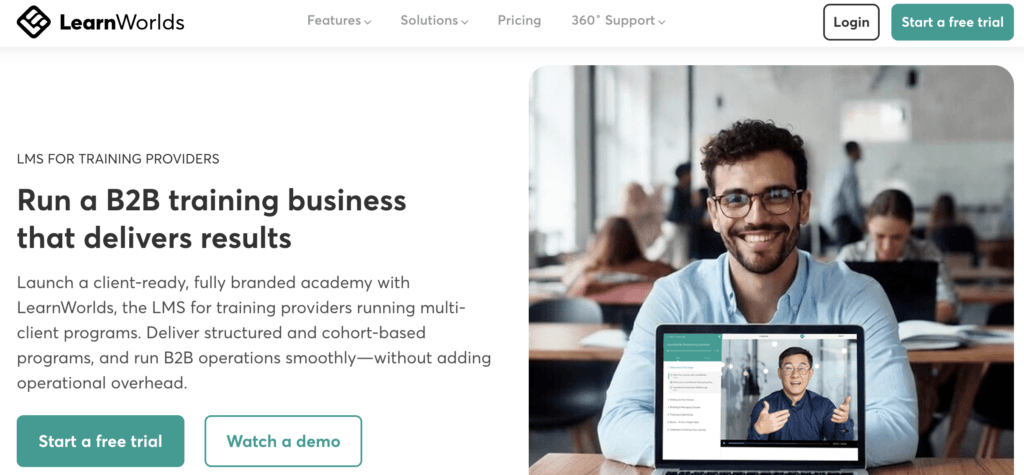
LearnWorlds is an LMS for training providers, selling B2C courses, B2B client programs, or both. You can run multiple schools from one account, keep each one fully white-labeled with your branding and domain, and license content to client companies through Course Hub. Built-in ecommerce covers one-off sales, subscriptions, bundles, and B2B checkout, so your storefront and your delivery live in one place.
On the training side, you get an interactive course builder with videos, ebooks, SCORM support, advanced assessments, and a certificate builder. The AI assistant speeds up course creation with 200+ built-in prompts for content, assessments, and learner feedback. Admins get custom user roles, user groups, automations, bulk actions, and in-depth reports you can put in front of clients. It also works well for corporate training teams running employee, customer, or partner programs.
Best for: training companies and providers that want selling, branding, and delivery in one platform, without stitching tools together.
Pros
- White-label websites, academies, and checkout under your own domain
- Multiple schools, custom user roles, and client-ready reporting
- Built-in ecommerce with subscriptions, bundles, and B2B sales
- Interactive videos, ebooks, advanced assessments, and certificates
- AI assistant for faster course creation
- Excellent customer support
Cons
- Limited gamification
- Slight learning curve
- Branded mobile apps for iOS and Android are a paid add-on
Pricing
LearnWorlds offers a 30-day free trial and the following paid plans:
- Starter: $29/mo, plus a $5 fee per course enrollment
- Pro Trainer: $99/mo
- Learning Center: $299/mo
- Corporate: custom
The features training providers lean on most, like full white-label options, automations, and multiple schools, start on the Learning Center plan, so that’s the tier to budget for rather than Starter.
Annual billing saves up to 20% (Starter $24/mo, Pro Trainer $79/mo, Learning Center $249/mo). See detailed pricing and plans.
2. Thinkific Plus
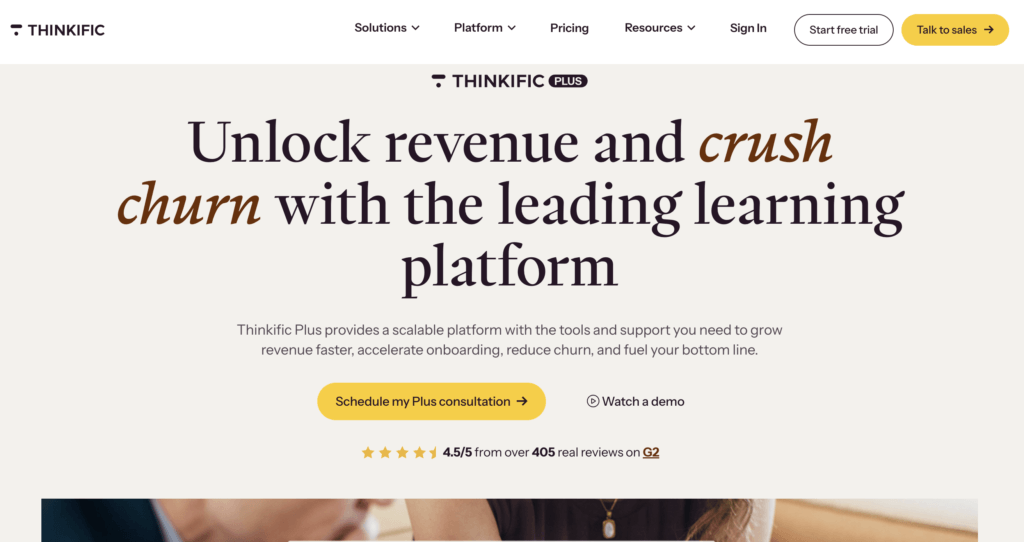
Thinkific Plus is the enterprise tier of the popular Thinkific course platform, repackaged for training businesses that have outgrown self-serve plans. It keeps the ease of use Thinkific is known for and adds what B2B delivery demands: SSO, SCORM support, full API access, unlimited admins, multiple sites for separate audiences, and a dedicated customer success manager.
The catch is that the features training companies need most sit almost entirely behind this custom-priced tier. SCORM, API access, and multi-site setups aren’t available on standard plans, and the branded mobile app is a $199/mo add-on that’s only included on select Plus contracts. If you’re already on Thinkific and scaling into client work, Plus is the natural step up. To see how it compares, read Thinkific vs LearnWorlds. If you’re starting fresh, compare the total cost against platforms that include these features at published prices.
Best for: course businesses on Thinkific moving upmarket into B2B and client training.
Pros
- Easy to use, with a polished course building experience
- SSO, SCORM, and full API access
- Multiple sites for separate client audiences
- Unlimited admins and a dedicated customer success manager
Cons
- Custom pricing only, no self-serve signup for Plus
- SCORM and API are gated behind the Plus tier
- Branded mobile app costs extra below Plus, included only on select Plus plans
- Lighter admin and compliance tooling than enterprise LMSs
Pricing
Thinkific Plus is custom-priced through sales, with demos on request. Thinkific’s self-serve plans start at $54/mo ($40 billed annually) but lack the B2B features above.
Pricing information was retrieved from Thinkific in August 2026.
3. iSpring LMS
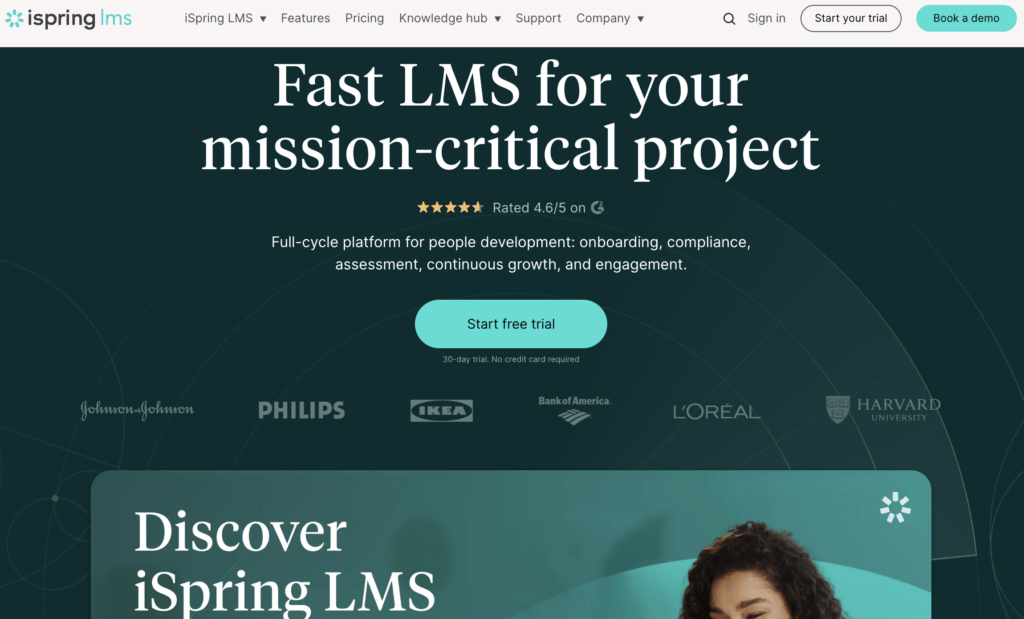
iSpring LMS, formerly iSpring Learn, pairs a clean learning platform with the standout feature in its lineup: deep integration with iSpring Suite, a full authoring tool for interactive courses, simulations, and quizzes. For training companies that produce a lot of original content, that combination cuts production time meaningfully.
You can build branded portals for different audiences, control access with user roles, automate enrollments, and launch a branded mobile app for learning on the go, with offline access included. iSpring also supports selling courses online, which keeps it relevant for commercial providers and not just internal teams. The per-active-user pricing rewards organizations that train in waves, since you only pay for learners who log in.
Best for: authoring-heavy training teams that want course creation and delivery from one vendor, at a predictable per-user price.
Pros
- Powerful authoring through iSpring Suite integration
- Branded portals and a white-label mobile app with offline mode
- Course selling supported for commercial training
- Per-active-user pricing with volume discounts
- Fast, well-reviewed customer support
Cons
- No xAPI, PENS, or LTI support
- Limited social and community features
- Reporting customization has limits
Pricing
iSpring LMS offers a 30-day free trial and the following paid plans:
- Business: from $4.46 per active user/mo at 300 users, billed annually, with volume discounts at higher user counts
- Enterprise: custom, with on-premise installation available
Pricing information was retrieved from iSpring LMS in August 2026.
4. LearnUpon
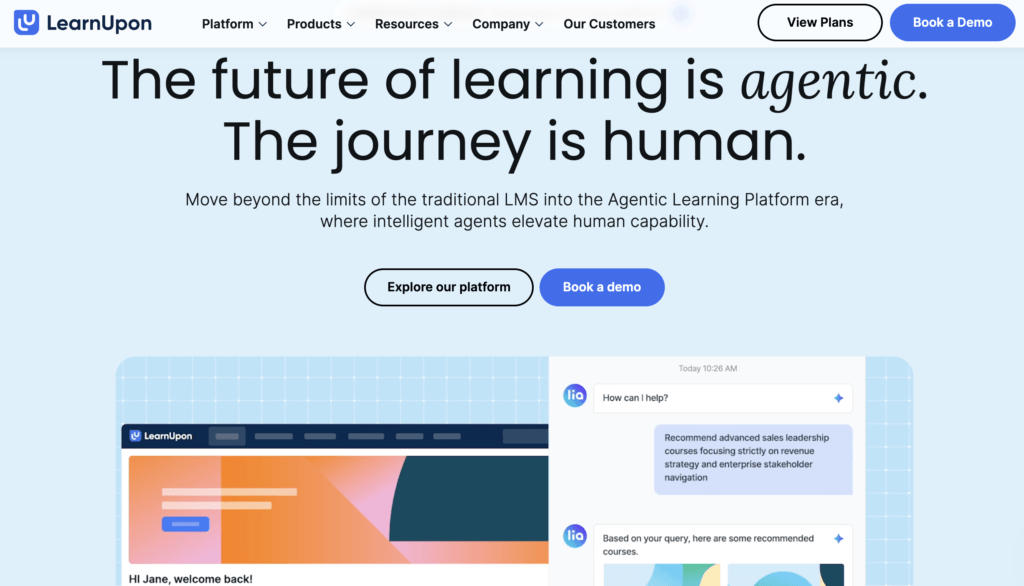
LearnUpon was designed with commercial training providers in mind, and it shows in the portal model. You can spin up separate branded learning portals for each client or audience and manage them all from a single account, sharing content between them and cloning portals in minutes. Reviewers consistently praise the intuitive interface and the quality of support.
The platform handles SCORM and xAPI content, blended learning, and certificates, with an AI assistant for content creation and recommendations. Ecommerce features cover course sales, though monetization is lighter than on creator-first platforms. Where LearnUpon asks for a trade-off is transparency and entry point: pricing is quote-based and geared toward organizations with an established learner base rather than small teams testing the waters.
Best for: established providers delivering training to multiple client organizations that each need their own branded portal.
Pros
- Multi-portal setup with fast portal cloning
- Intuitive interface with a low learning curve
- Strong customer support, confirmed across reviews
- SCORM and xAPI support with blended learning options
- Salesforce, HubSpot, and HR integrations on higher tiers
Cons
- No public pricing, quotes only
- Reporting depth is limited for client-facing analytics
- Bulk actions and user roles have limits on lower tiers
Pricing
LearnUpon doesn’t publish prices. Its three plans are structured around active users and portals:
- Essential: up to 150 active users, 2 portals
- Premium: up to 500 active users, 3 portals
- Enterprise: 500+ active users, 3+ portals
Pricing information was retrieved from LearnUpon in August 2026.
5. Thought Industries
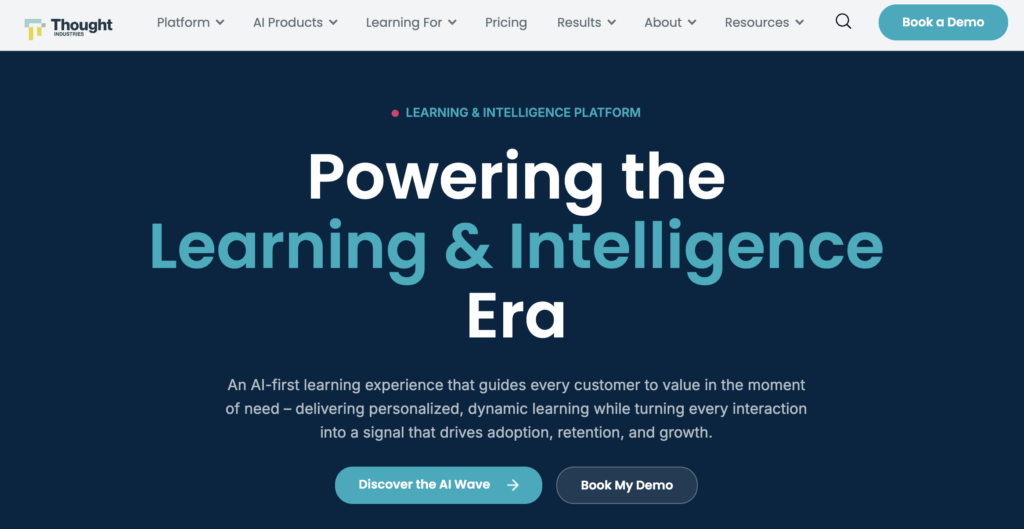
Thought Industries calls itself a customer learning platform rather than an LMS, and the distinction is real. Everything is built around external audiences: client academies, partner training, professional education, and membership learning, with monetization tools woven through the product. Its headless architecture and APIs let larger teams embed learning wherever their customers already are.
That focus makes it a serious option for enterprise training businesses, but it comes with enterprise expectations. There’s no self-serve trial or published pricing, implementation takes real planning, and reviewers note that reporting can feel limiting for the price. Smaller training companies will likely find faster time to value elsewhere on this list.
Best for: enterprise customer education and B2B training teams with the budget and patience for a sales-led platform.
Pros
- Purpose-built for monetized client and customer training
- Headless architecture and APIs for embedded learning experiences
- Strong certificate management and learning path tools
- Handles courses, webinars, and events in one catalog
Cons
- No published pricing or self-serve trial
- Implementation and setup take significant effort
- Reporting is limited relative to the price point
- Overkill for small and mid-sized training companies
Pricing
Thought Industries uses custom pricing across its Growth and Enterprise tiers, based on active learner count and annual contracts. Demos are available through sales.
Pricing information was retrieved from Thought Industries in August 2026.
6. Moodle Workplace
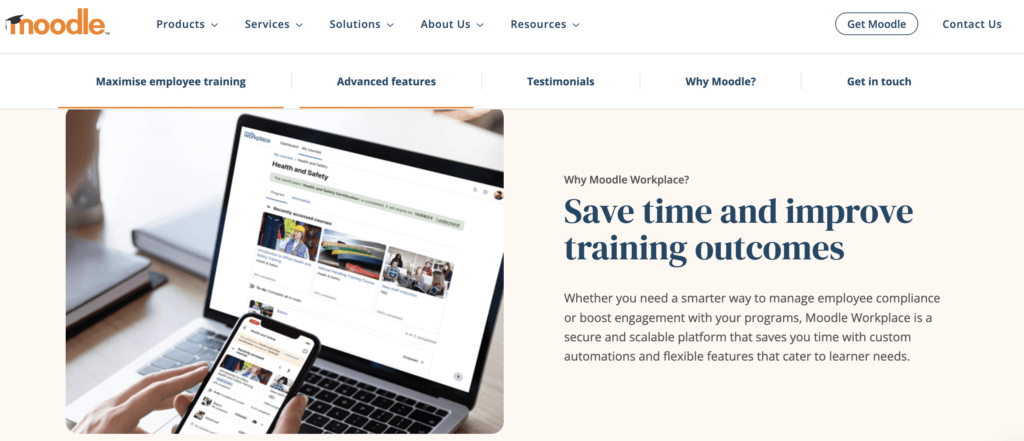
Moodle Workplace is the corporate edition of the world’s best-known open source LMS. For training providers, the draw is control: multi-tenancy for separate client environments, deep customization through hundreds of plugins, task automation, and a branded mobile app, with no vendor lock-in at the core.
The honest caveat is that Moodle rewards teams who can invest in it. Workplace is sold and implemented through Moodle Certified Partners, the interface trails modern SaaS platforms, and a great instance usually reflects expert in-house skills or a strong partner relationship. If you have those, the value is hard to beat. If you don’t, a hosted platform will get you to market faster.
Best for: training companies with technical resources that want maximum control and open source flexibility.
Pros
- Multi-tenant, fully branded client environments
- Deep customization through a large plugin community
- Branded mobile app available
- Strong assessment, gradebook, and certification tools
- No vendor lock-in at the platform core
Cons
- Dated, sometimes confusing interface
- Setup and customization require expertise
- Quality depends heavily on your partner or in-house team
Pricing
Moodle Workplace is licensed and implemented through Moodle Certified Partners, with pricing quoted per project. Standard Moodle Cloud plans start at $130/yr for small teams, but that’s a separate product from Workplace.
Pricing information was retrieved from Moodle in August 2026.
7. Absorb LMS
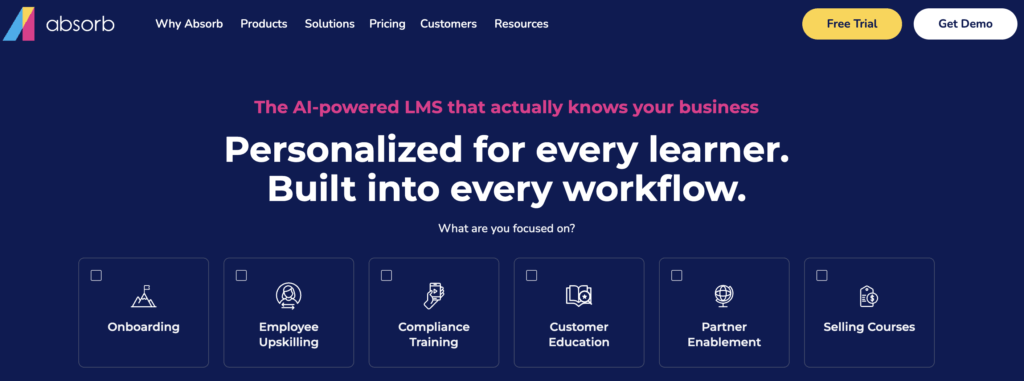
Absorb LMS is a polished mid-market and enterprise platform with a genuine extended enterprise story, meaning it’s built to train external audiences like clients, partners, and members alongside employees. Ecommerce is included, AI supports both admins and content workflows, and you can buy ready-made courses from content libraries or build your own with Absorb Create.
Reviewers rate the learner experience and support highly. The recurring complaints are about the admin side: reporting can get complex, and onboarding documentation leaves gaps that make the learning curve steeper than it should be. Like most platforms in its class, pricing is quote-based.
Best for: mid-sized and large training operations running extended enterprise programs with ecommerce.
Pros
- Extended enterprise support for client and partner audiences
- Ecommerce included for selling training
- AI-assisted admin and content tools
- Off-the-shelf content libraries available
- Well-reviewed support and learner experience
Cons
- Reporting can be complex to configure
- Onboarding documentation needs improvement
- Course authoring (Absorb Create) and content libraries are paid add-on modules
- Limited customization of the learner interface
Pricing
Absorb doesn’t publish pricing. Quotes are tailored to user count and modules, with demos available through sales.
Pricing information was retrieved from Absorb LMS in August 2026.
8. TalentLMS
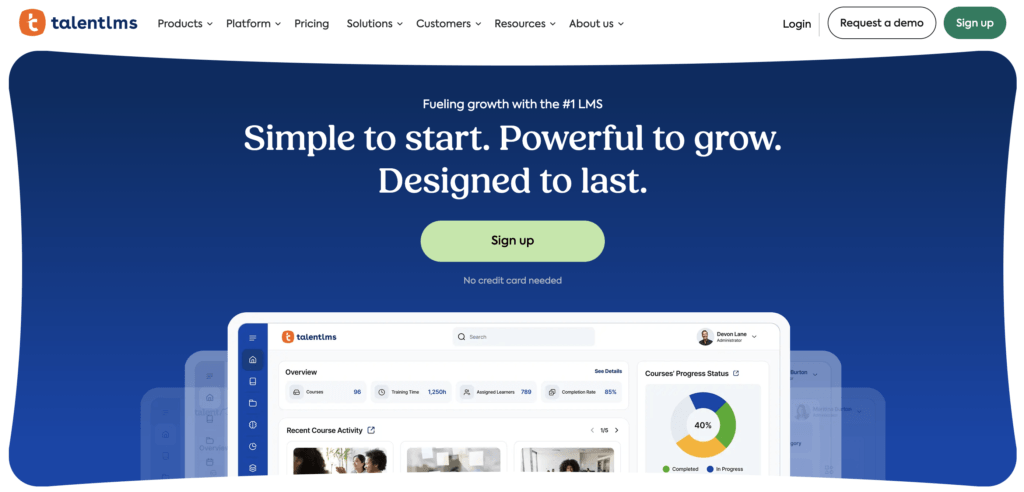
TalentLMS is the lowest-commitment start on this list, and its branch system is the reason it earns a place in a training provider lineup. Branches are separate training environments with their own branding, URL, content, and users, all managed from one account, so a small provider can give each client a distinct space without an enterprise contract. A built-in store handles course sales, and TalentCraft brings AI-assisted authoring to every paid plan.
The trade-offs show up as you grow. Reporting is serviceable but shallow, custom reports only arrive on the Grow plan and above, and parts of the interface feel dated. For providers watching their budget, though, the free plan and published prices make TalentLMS the easiest platform here to start with.
Best for: budget-conscious training companies that need branded client environments at a published price.
Pros
- Branches give each client a branded training environment
- Genuinely free plan and transparent pricing
- Built-in store for selling courses
- AI-assisted authoring included from the entry plan
- Easy to set up and use
Cons
- Reporting lacks depth, and custom reports are gated to higher tiers
- Interface feels dated in places
- Branch count is limited per plan (1, 3, or 15)
Pricing
Talent LMS offers a limited free plan that supports up to 5 users and 10 courses, and the following paid plans:
- Core: $149/mo, up to 40 active users, 1 branch
- Grow: $299/mo, up to 70 active users, 3 branches
- Pro: $579/mo, up to 100 active users, 15 branches
- Enterprise: custom
Prices do not include Talent Library. Yearly billing saves around 20%.
Pricing information was retrieved from Talent LMS in August 2026.
9. Docebo
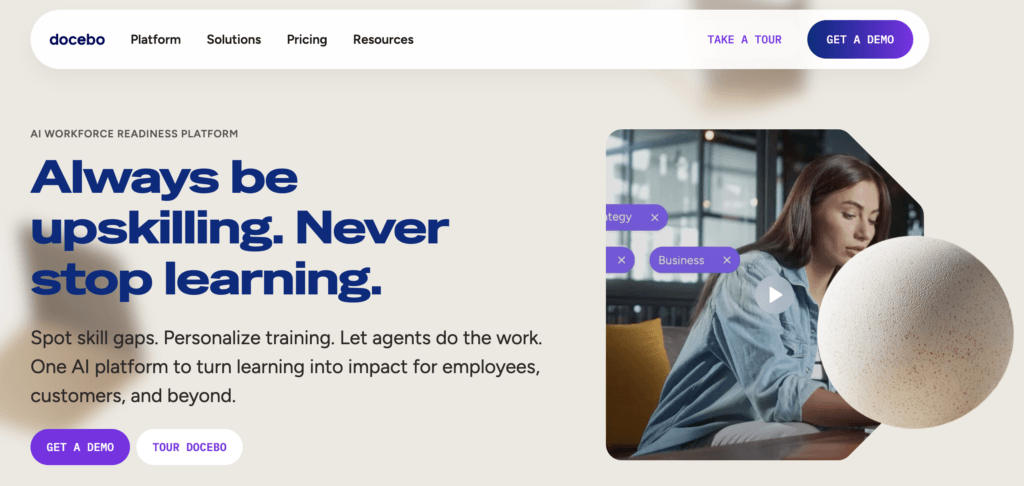
Docebo is an lms for corporate training known for its AI capabilities, from automatic content tagging to virtual coaching, and for its breadth: 400+ integrations, 40+ languages, and support for formal, social, and partner learning in one system. Its Extended Enterprise module runs separate sub-portals for different audiences, which is the piece training businesses care about.
Docebo’s depth comes with corporate-grade complexity and cost. Pricing is quote-based on active users across two tiers, several capabilities including the branded mobile app and advanced analytics sit in the Enterprise tier or as paid add-ons, and reviewers say admin work often needs a dedicated specialist. It’s a strong platform for enterprises, and a heavy one for most independent training companies.
Best for: enterprises running large-scale employee, partner, and customer training programs.
Pros
- Advanced AI across content, search, and coaching
- Extended enterprise sub-portals for multiple audiences
- 400+ integrations and 40+ languages
- Content marketplace for ready-made courses
Cons
- Quote-based pricing at enterprise price points
- Key features are tier-gated or paid add-ons
- Admin experience is complex and often needs a specialist
- Parts of the interface feel dated
Pricing
Docebo offers two quote-based tiers, Elevate and Enterprise, priced per active user with a choice of monthly, yearly, or registered active user models.
Pricing information was retrieved from Docebo in August 2026.
Which LMS is right for your training business?
Every platform here can deliver a course. The right pick depends on how you sell, who you serve, and how much you want handled in one place.
| Your situation | Best pick | The trade-off | |
|---|---|---|---|
| Selling B2C and B2B training from one platform | LearnWorlds | Provider features like full white-label start on higher plans | |
| Running branded portals for many client organizations | LearnUpon | High entry point | |
| Enterprise customer education with budget to match | Thought Industries | Enterprise cost and real setup effort | |
| A course business on Thinkific scaling into client work | Thinkific Plus | Lighter admin and compliance tooling than a full LMS | |
| Authoring most of your courses in-house | iSpring LMS | Per-active-user costs add up as client learners grow | |
| Starting small and want a free plan before you commit | TalentLMS | User and branch caps mean price jumps as you grow | |
| Running extended enterprise training at mid-market size | Absorb LMS | Complex reporting setup, course authoring costs extra | |
| Training employees, partners, and customers at enterprise scale | Docebo | Enterprise pricing, complex to set up on your own | |
| A technical team that wants open source control | Moodle Workplace | You own the setup and the complexity | |
See your next LMS in action
Your clients will judge your training by the platform it runs on, so it’s worth seeing each contender through their eyes. Before you decide, set up a course the way a client would experience it: your branding, your domain, your checkout.
LearnWorlds gives you 30 days to do exactly that, free and with full access. Start your free trial and see how it fits the way your training business works.
FAQs
What is the best LMS for training companies?
It depends on your business model. LearnWorlds covers the broadest set of training company needs in one platform, with white-label branding, multiple schools, client-ready reporting, and built-in ecommerce. LearnUpon is a strong alternative for providers whose model centers on separate client portals, and TalentLMS wins on budget
What is the best LMS for employee training?
Most platforms on this list handle employee and corporate training well. LearnWorlds supports employee onboarding, compliance, and customer training alongside commercial programs, while Docebo and Absorb are built specifically for large-scale corporate deployments. The best LMS for corporate training depends mostly on your size: published-price platforms suit smaller teams, while quote-based enterprise systems fit bigger rollouts.
How much does an LMS cost for a training company?
Published pricing ranges from $29/mo for LearnWorlds Starter to $449/mo for TalentLMS Pro, with per-user models like iSpring starting around $4.46 per active user monthly. Enterprise platforms such as Docebo, Absorb, LearnUpon, and Thought Industries use custom quotes, typically on annual contracts. Watch for costs beyond the subscription, like paid add-ons, tier-gated features, and implementation fees.
What is the difference between an LMS for internal training and one for training providers?
An internal LMS is built to train your own employees, so it prioritizes HR integrations, compliance tracking, and completion reporting. An LMS for training providers adds a commercial layer: white-label branding, separate client portals, ecommerce, and course licensing, because the training is the product. Some platforms, including LearnWorlds and Absorb, are designed to do both.
Can you sell courses and training programs with an LMS?
Yes, if the platform includes ecommerce, and the depth varies a lot. LearnWorlds and Thinkific Plus are selling-native, with checkout, subscriptions, and B2B options built in, and LearnWorlds adds course licensing through Course Hub. TalentLMS, iSpring, and Absorb support direct course sales through simpler built-in stores. Among enterprise platforms, Thought Industries is built around monetization, while most others treat selling as a secondary feature.
What is the most widely used LMS for business training?
Moodle is the most widely deployed LMS globally thanks to its open source model, while LearnWorlds, TalentLMS, and Docebo are among the best LMSs for business training. To find the best platform for you, think about your audience, budget, and how you deliver training.

Androniki Koumadoraki
Androniki is a Content Writer at LearnWorlds sharing Instructional Design and marketing tips. With solid experience in B2B writing and technical translation, she is passionate about learning and spreading knowledge. She is also an aspiring yogi, a book nerd, and a talented transponster.

Kyriaki is the Organic Content Strategist at LearnWorlds, where she writes and edits content about marketing and e-learning, helping course creators build, market, and sell successful online courses. With a degree in Career Guidance and a solid background in education management and career development, she combines strategic insight with a passion for lifelong learning. Outside of work, she enjoys expressing her creativity through music.
 Back to blog
 Scroll to top
FAQ
Everything you have ever wondered, but were too afraid to ask...

Related Articles