Table of Contents
The biggest dilemma you ever have to go through as an online instructor once you decide to start creating elearning courses is which online course platform to choose.
Currently, many course creation platforms offer features similar to those found in learning management systems (LMSs), with the addition of ecommerce capabilities to market and sell online courses and store and distribute online content.
One of the most appealing options for newcomers is a free online course platform, which allows users to create and sell courses without upfront costs. These platforms provide valuable ways to test and develop courses, making it easier for beginners to enter the online education space.
So, if you are an aspiring course creator, educator, training provider, coach, or entrepreneur seeking to launch or expand your online courses and looking for the most suitable course platform to host and sell your content, we’ve compiled this handy guide that lists our best online course platform picks.
Disclaimer: LearnWorlds is a vendor in this space. This comparison reflects publicly available information (vendor pricing pages and G2 listings) as of September 2026, and platforms are listed alphabetically rather than ranked.
| Platform | Best for | Unique features | Starting price | G2 rating | |
|---|---|---|---|---|---|
| 360Learning | Corporate L&D teams, collaborative training environments | Peer learning, feedback loops, role-based analytics | $8/user/month (Team plan, up to 100 users), 30-day free trial | 4.6/5 | |
| Blackboard | Academic institutions and enterprise training | SCORM compliance, gradebooks, SIS integrations, discussion forums | Pricing available upon request | 4.0/5 | |
| Coursera | Educators at partner universities and companies with a Coursera agreement | Accredited university courses, and Specializations | $399/user, per year (Teams) | 4.5/5 | |
| iSpring LMS | SMBs and HR teams with content creation needs | SCORM/xAPI support, iSpring Suite integration, real-time tracking | From about $3.58/active user/month (volume-based), 30-day free trial | 4.6/5 | |
| Kajabi | Non-techy digital course creators, entrepreneurs, and businesses | Website builder, email marketing automation, integrated payment processing | 14-day free trial, requires credit card, $179/month | 4.1/5 | |
| Kartra | Solopreneurs, digital marketers, and small businesses | Sales funnels, automation, customizable membership portals | $1 for a 14-day trial, from $59/month | 3.9/5 | |
| LearnDash | WordPress users and developers | WordPress integration, advanced quiz and assignment features, content drip scheduling | Plugin $199/year, cloud from $29/month billed annually | 4.2/5 | |
| LearnWorlds | Online instructors, creators, educators, and businesses | Interactive video, assessments, social learning, built-in templates, AI Assistant, website builder, white-label | 30-day free trial, no credit card required, $29/month | 4.7/5 | |
| LifterLMS | WordPress users and developers | Membership site integration, advanced quiz and assessment features, gamification | Free core plugin, paid bundles from $149.50/year | 4.7/5* | |
| LinkedIn Learning | Course creators looking to reach a broad professional audience | Integrated with LinkedIn, video-based content, bite-sized modules | Free to publish (selective), revenue-sharing model | 4.4/5 | |
| Podia | Solopreneurs, new course creators, and small business owners | Courses, digital downloads, memberships, and coaching in one dashboard | 30-day free trial, from $49/month | 4.4/5* | |
| Skilljar | Enterprise and customer education teams | SSO, API integrations, analytics dashboards, branded portals | Upon request | 4.6/5 | |
| Skillshare | Course creators in creative fields seeking a built-in audience | Built-in marketplace, subscription model, engagement-based payouts | Free to publish, learner membership $167.88/year | 3.3/5* | |
| Teachable | Creators focused on marketing and sales | Integrated sales pages, affiliate marketing tools, built-in email marketing | 7-day free trial, $39/month | 3.9/5 | |
| Thinkific | Beginners and small to medium-sized businesses | White-labeling, advanced quiz features, drip content scheduling | 30-day free trial, $49/month | 4.5/5 | |
| Udemy | Instructors seeking a large student base | Built-in marketplace, extensive student reach, course promotion tools | Free to create, revenue share model for sales | 4.5/5 | |
*Ratings marked with an asterisk are based on fewer than 50 G2 reviews, so treat them as a weaker signal than ratings drawn from larger review bases. Ratings retrieved from each platform’s G2 listing in September 2026.
How to choose an online course platform
Apart from ease of use, comparing pricing, features, and customer support offered by online course platforms are crucial factors to consider when choosing a course creation tool to suit your preferences.
Here’s why.
Pricing
Pricing directly impacts the feasibility and sustainability of your educational venture. It can help determine whether a course platform aligns with your budget and long-term goals. Beyond the initial cost, you must also look for potential hidden additional fees or revenue-sharing models.
Core features
Look for an online class platform that offers a strong suite of features tailored to your instructional needs, such as multimedia integration, assessment tools, or interactive discussions.
A learning management system (LMS) can provide these features and more, including course building, student engagement, and customizable environments. Also, check if they have all the ecommerce features you need to sell courses, such as a checkout and payment gateways, landing page builder, integrations and email marketing tools.
A complete feature set enhances the learning experience and helps you craft engaging and impactful educational content.
Customer support
Customer support can tell you a lot about user satisfaction. It allows you to evaluate the responsiveness, accessibility, and expertise of the platform’s support team, gauging their ability to address issues promptly and effectively.
Opt for the top online course sites that offer a range of support channels, including live chat, email, or dedicated forums, fostering a collaborative ecosystem where challenges are met quickly.
💡 Eager to find the perfect platform for your online courses? Discover how to choose the right elearning solution in this FREE expert webinar.
Different types of online course platforms
To fully understand what each platform offers, you need to become more familiar with the differences between online course platforms and the different types you may come across.
Online course creation platforms provide tools for building and selling courses, offering features like customization options, interactive tools, and marketing capabilities. There are standalone online platforms, course marketplaces, all-in-one platforms, enterprise and corporate LMSs, and LMS WordPress plugins.
Standalone online course platforms
Standalone course platforms are hosted platforms that focus on providing specific tools or services rather than offering a complete suite of features. These platforms may specialize in one aspect of the course creation process, such as course hosting, learning management, or content creation, without bundling functionalities like website building, marketing, or payment processing.
Online course creation software, on the other hand, provides a more integrated approach, offering features like customization options, user management, and sales tools, which cater to different user needs and goals.
Unlike course marketplaces, standalone online course platforms offer greater flexibility and control in managing your learning resources. You can choose the design and look of your business website and course presentation, promote your courses, and enjoy the benefits of ongoing support.
These platforms are often preferred by creators who have specific functionality requirements or preferences for certain features. A huge advantage of standalone platforms is that you own the users’ data and can customize the branding.
Online course marketplaces
Course marketplaces allow you to list and sell your course on their website.
On the one hand, marketplaces take much of the work of creating a website yourself and hosting the courses, but, on the other hand, you lose control of student data and a huge chunk of the income.
Often the perception is that course marketplaces will sell the courses for you, which is not true. There is a lot of competition in course marketplaces, and you will need to work a lot on your own marketing to be successful, as much as if you were using another solution.
However, these websites already have a large number of users, and if you are not planning to invest in your own brand and website, they can be ideal.
All-in-one online course platforms
All-in-one course platforms provide everything a creator needs to develop, host, market, and sell online courses without requiring additional third-party tools. These platforms, often referred to as online course software, focus on marketing and business-building features, making them the ultimate tool for edupreneurs.
These platforms often include features such as course creation tools, website builders, content management systems, marketing automation tools, payment processing, analytics, and sometimes even student engagement tools like discussion forums or community features.
The goal of all-in-one platforms is to simplify the course creation process and provide a cohesive ecosystem for managing your entire elearning business from a single platform. Like standalone platforms, you have full control over your users’ data and additional customization in branding.
Enterprise and corporate LMS
Platforms like Blackboard, Skilljar, and 360Learning are built for internal workforce training, customer education, or academic delivery at scale: compliance tracking, SSO, HR or SIS integrations, and reporting for admins rather than public course sales. Pricing is usually quote-based and scoped to organization size rather than a fixed monthly plan, which sets them apart from creator-focused platforms even though both can technically host a course.
WordPress plugins for online courses
If you have a WordPress website and want to deliver online learning, you can either use a standalone platform that is on a subdomain of your WordPress site or a WordPress plugin.
An online course plugin for WordPress allows you to host courses on your website. Each WordPress plugin offers a different set of possibilities and is either free or paid. With it, you can easily start selling courses without having much technical knowledge.
A word of caution here: combining too many plugins may cause crashes. You must also be aware of the hidden costs associated with this option. While a plugin is cheaper than other solutions, it means you need to host the content and videos yourself, which might add up to a decent cost as you move on.
Comparing the 16 best platforms for online courses
Equipped with this crucial information, let’s go over the top online course platforms in the market, looking into their offerings and pros and cons in more detail. Platforms appear in alphabetical order.
This online course platform comparison can help you choose the best fit for your goals.
360Learning
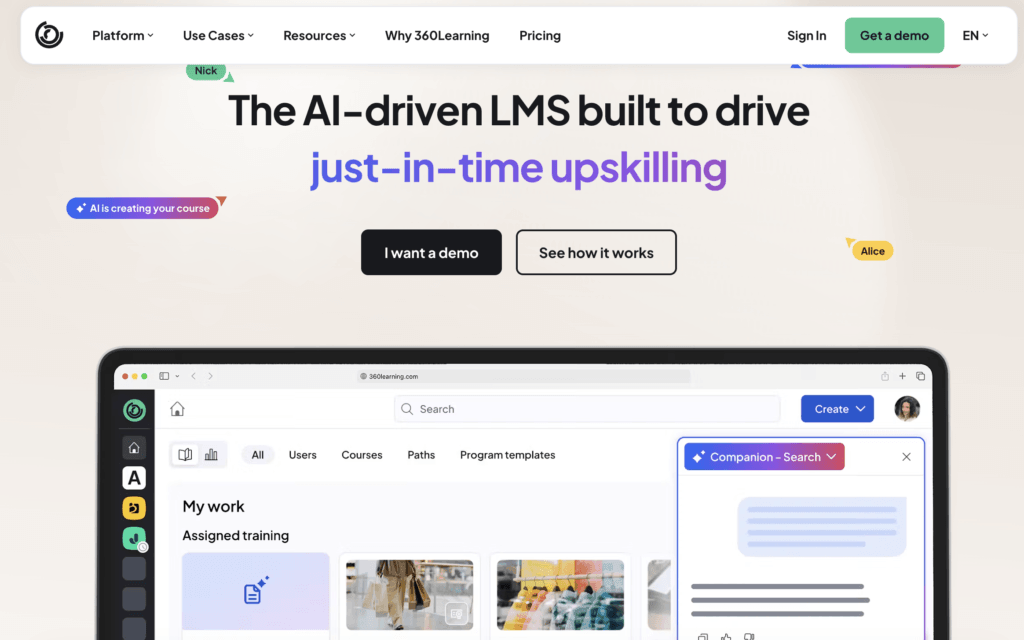
360Learning is a learning platform designed for teams and businesses that want to scale knowledge-sharing across departments, clients, and partners. Unlike traditional course platforms, 360Learning emphasizes peer-driven learning, making it one of the top online course platforms for companies focused on continuous upskilling and internal training.
360Learning is best suited for mid-sized to large businesses, HR and L&D teams, and enterprises that prioritize team training and employee development.
Pros
- Strong collaborative learning and feedback features
- Transparent pricing for smaller teams
- Scales well for corporate use
- Supports multiple learning formats and course types
Cons
- Requires internal resources for successful setup
- Less focused on individual creators or solopreneurs
- Custom branding and integrations are reserved for enterprise plans
- Advanced features are limited to higher tiers
360Learning pricing
360Learning offers two plans:
- Team Plan: $8 per active registered user/month (up to 100 users). Includes course creation, hosting, analytics, and support.
- Business Plan, Enterprise Plan: Custom pricing. Offers scalable integrations, automation, and dedicated technical support. Requires a sales demo.
A 30-day free trial is available for the Team Plan.
Pricing information retrieved from 360Learning’s website in September 2026.
360Learning support
Support varies by plan. Team Plan users get access to documentation and standard customer service. Business Plan users receive dedicated technical support, implementation assistance, and personalized onboarding. The platform also provides extensive resources like learning templates and best practices for content creators and admins.
Blackboard
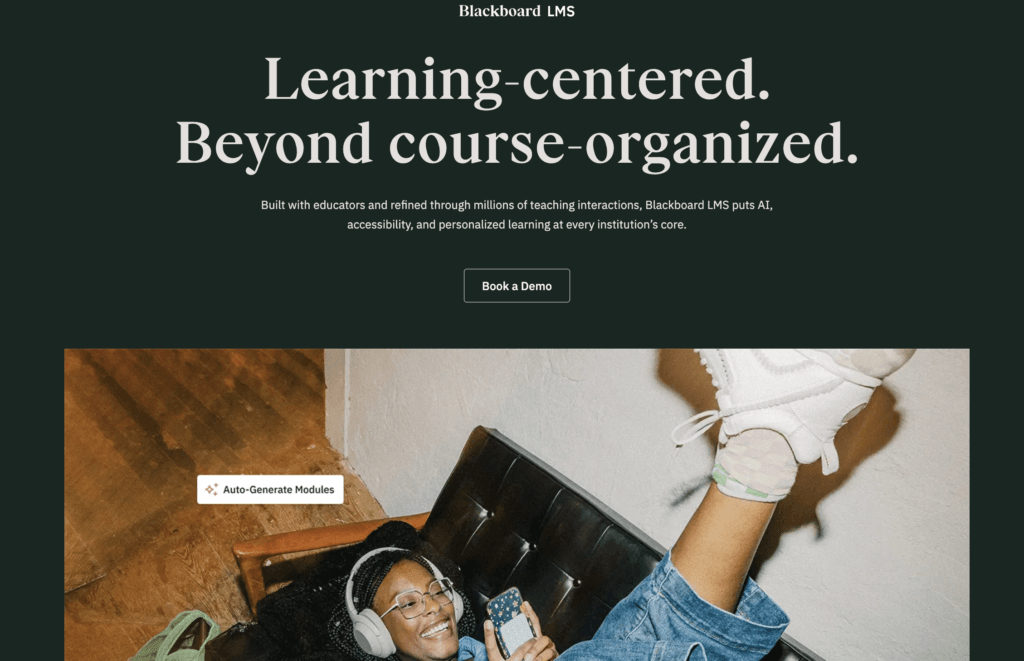
Known for its flexibility and depth, Blackboard supports both synchronous and asynchronous learning, making it one of the top online course platforms for universities, colleges, and organizations with complex educational needs.
Blackboard is best for universities, K-12 education, and enterprise organizations that need a secure, standards-compliant online class platform with advanced administrative capabilities.
Pros
- Trusted by academic institutions globally
- Advanced features for grading, compliance, and learning paths
- Integrates with SIS, Zoom, and accessibility tools
- Scalable for thousands of users
Cons
- Not ideal for solo creators or small businesses
- The interface can feel outdated compared to modern platforms
- Setup and maintenance may require IT support
Blackboard pricing
Blackboar’s Basic Plan starts from $9,500 per year. A 30-day free trial is available for interested users to explore the platform’s capabilities before committing.
Pricing information retrieved from Capterra in September 2026.
Blackboard support
Blackboard offers tiered customer support with options for 24/7 technical assistance, onboarding services, and a dedicated support portal. Their help center includes searchable knowledge bases, community forums, and live training sessions. Institutions with enterprise plans often receive personalized onboarding and dedicated account managers.
Coursera
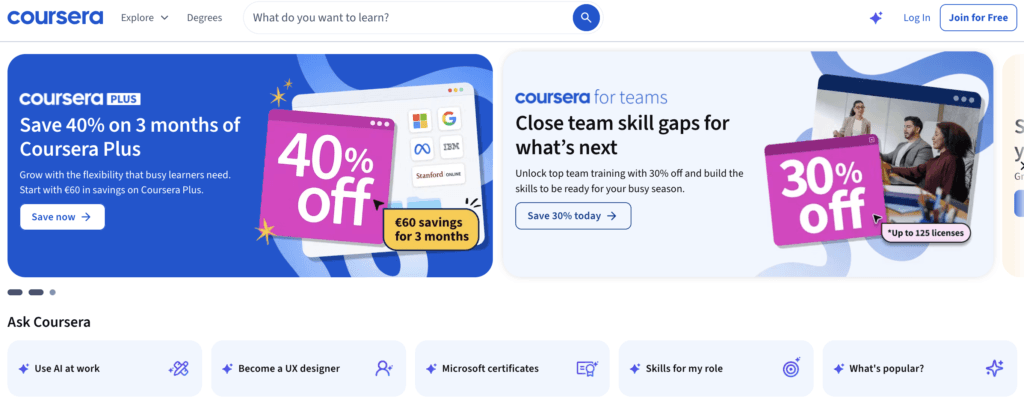
Coursera is one of the top online course platforms with over 129 million registered users, built around partnerships with universities and companies rather than open enrollment for individual creators. Courses, certificates, and degree programs on the platform are produced by accredited institutions and industry partners.
Coursera is aimed at professors and instructional teams at partner higher education institutions and at subject matter experts inside companies that already have a Coursera partnership. If you teach at a partner university or work for a company Coursera has an agreement with, you get access to a global audience and the credibility of an accredited credential. If you are an individual creator, you can’t publish on Coursera.
Pros
- It costs nothing to produce or publish as a partner
- Access to an established global learner base without your own marketing
- Accredited certificates and degrees that carry weight with employers
- Production and instructional design support to partner teams
Cons
- Limited to educators at partner institutions, with no self-serve signup
- Less flexible course creation than creator-focused platforms
- The institution holds the agreement, so individual educators have little control over pricing or terms
- You don’t own the learner relationship or the student data
Coursera pricing
There is no cost for instructors on Coursera.
Coursera support
Coursera offers a range of help articles that can support you throughout your journey.
For additional help, you can contact the Coursera team mainly through email or a contact form. Depending on what type of user you are, eg university or industry partner or business, and the nature of the inquiry you have, you are encouraged to contact them in a specific way.
iSpring LMS
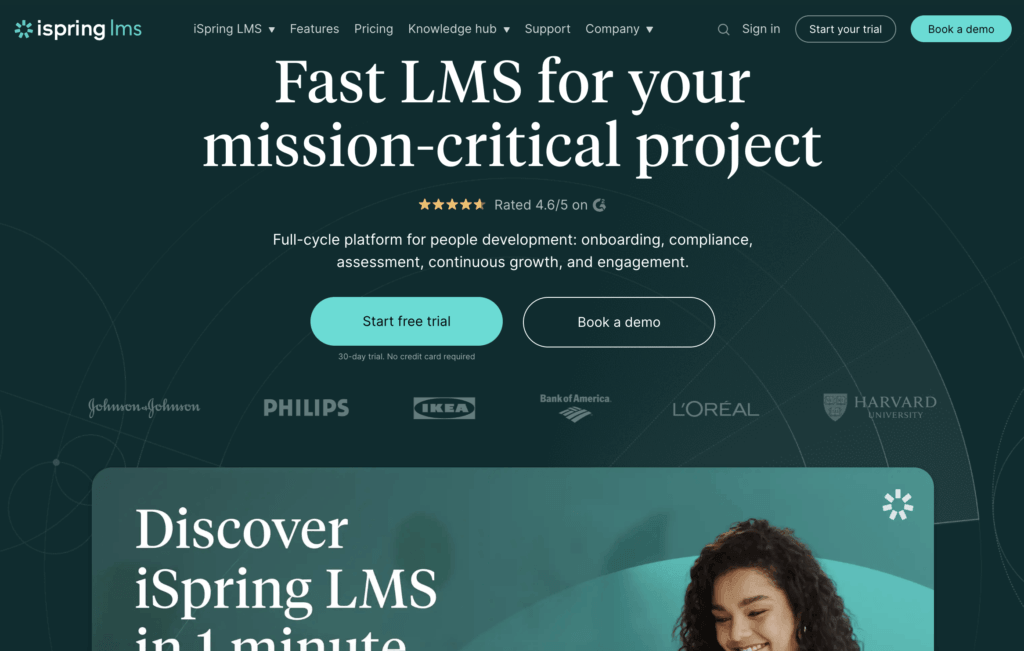
iSpring LMS is a cloud-based LMS designed to simplify corporate training and employee onboarding. It combines ease of use with strong features like interactive content support, learning paths, and real-time tracking.
Known for its intuitive interface and compatibility with SCORM, xAPI, and iSpring Suite authoring tools, it’s one of the best online course platforms for businesses aiming to scale structured training programs.
iSpring LMS is best for SMBs and mid-sized companies that want a flexible elearning solution with minimal setup. It’s a strong fit for HR and L&D departments focused on employee development, sales training, or product knowledge distribution.
Pros
- Easy to implement with minimal training
- Fully SCORM- and xAPI-compliant
- Integrates with iSpring Suite for rapid content development
- You only pay for active users, with unlimited seats on any plan
Cons
- Not built for solo creators or course sellers
- Limited reporting, and detailed analysis often means exporting to Excel
- iSpring Suite authoring runs on Windows only, so Mac users need a workaround
- Its per-user pricing works out expensive for smaller teams, since rates drop only at higher volumes
iSpring LMS pricing
iSpring Learn is priced per user on annual billing, with rates dropping as volume increases. Its Business plans are listed in euros:
- 100 users: €6.61 per user/month (€7,936/year)
- 300 users: €4.25 per user/month (€15,312/year)
- 500 users: €3.78 per user/month (€22,665/year)
Larger deployments are quoted directly. A 30-day free trial is available.
Note that iSpring Suite, the authoring tool that integrates with iSpring Learn, is priced separately per author.
Pricing information retrieved from iSpring’s website in September 2026.
iSpring Learn support
iSpring Learn includes responsive support via email, live chat, and phone. Users get access to a detailed knowledge base, onboarding webinars, and one-on-one demos.
Kajabi
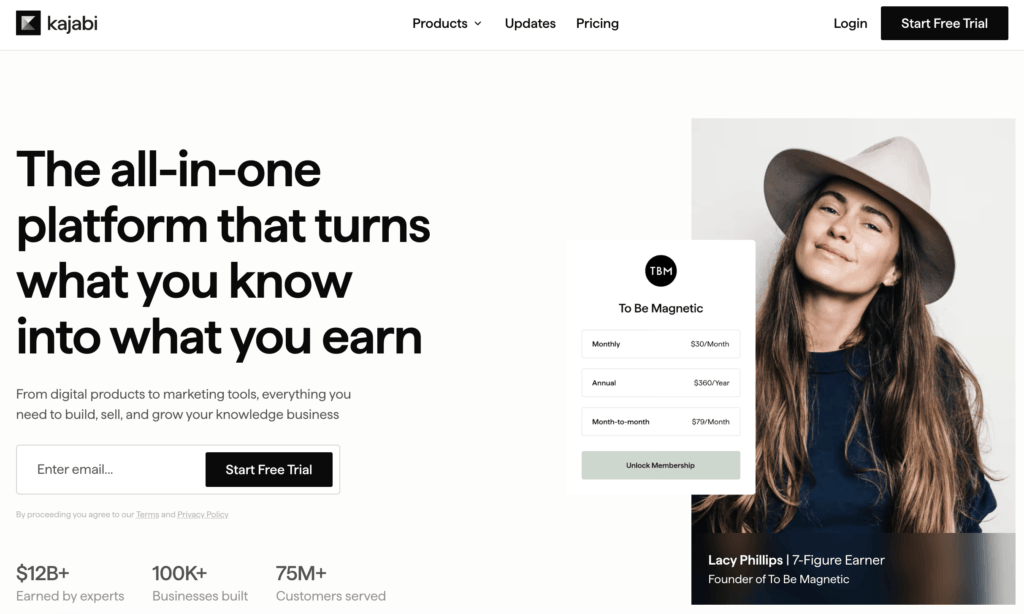
As another all-in-one online course platform, Kajabi offers several tools to sell digital products, including online courses, membership sites, and coaching programs. Kajabi is strong in its marketing features and specializes in building high-converting funnels, sales pages, landing pages, and webinar pages, as well as launching effective advertising campaigns.
The platform also includes powerful email marketing automation, allowing you to nurture leads and engage students with personalized email sequences. Kajabi’s analytics and reporting features provide valuable insights into student progress, sales performance, and marketing effectiveness.
Kajabi is for non-techy online course creators, digital entrepreneurs, small businesses, freelancers, creators, and individual instructors selling simple-format courses and downloadables.
Pros
- Built-in email marketing automation
- Sales pipelines/funnels building capabilities
- Website builder
- Upsells, customized checkouts, and blogging functionality
Cons
- Tricky to set up
- Expensive
- Additional transaction fees may apply on newer plans, especially when using third-party payment providers instead of Kajabi Payments
- Limited control over website design
- Limited learning features; focuses more on small digital product sales
Kajabi pricing
Kajabi offers a 14-day trial and the following monthly plans, also available with annual billing at a 20% discount:
- Basic plan: $179/month
- Growth plan: $249/month
- Pro plan: $499/month
- Enterprise: contact sales
Pricing information retrieved from Kajabi in September 2026.
Kajabi support
Kajabi’s support is offered during business hours and online. It has a Help Center that can answer most of your questions and a Kajabi glossary. There, you will find FAQs, how-to guides, walk-through videos, and getting-started resources.
💁 Compare Kajabi with LearnWorlds
Kartra
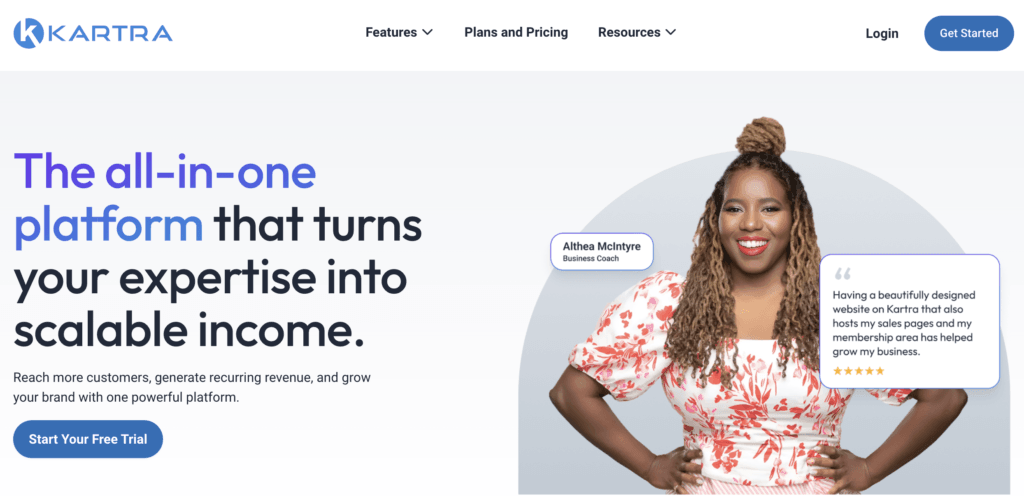
Kartra is an integrated marketing suite for digital entrepreneurs to build and scale their businesses. While not built exclusively for online education, many course creators use Kartra for its powerful sales funnels, automation features, and customizable membership portals. It’s a flexible choice for users who want to manage their entire online business, from content delivery to email marketing, all in one place.
As a contender among the top online course platforms, Kartra stands out for its marketing capabilities rather than its course-specific features. It’s particularly suited for entrepreneurs who prioritize customer acquisition and automation over traditional elearning tools.
Kartra is ideal for solopreneurs, digital marketers, and small businesses that want to create and sell online courses within a broader business ecosystem.
Pros
- Strong marketing and automation tools
- Built-in sales funnels and checkout features
- Includes email, SMS, and lead tracking
- Customizable membership portals
Cons
- Not built specifically for education or elearning
- Steeper learning curve for non-marketers
- No free trial or free plan (the $1 trial requires a credit card)
- Limited native course creation and assessment tools, with quizzes and certificates gated to higher tiers
Kartra pricing
Kartra offers tiered pricing based on contact volume and features. There is no free plan, but a 14-day trial is available for $1, backed by a 30-day money-back guarantee.
- Essentials: $59/month: 500 contacts, 10,000 emails/month, 5% transaction fees
- Starter: $119/month: 2,500 contacts, unlimited email and SMS, 0% transaction fees
- Growth: $229/month: 12,500 contacts, unlimited email and SMS, 0% transaction fees
- Professional: $549/month: for established businesses needing enterprise-level capacity
A 22% discount on annual billing applies.
Note for course creators: quizzes, certificates, and webinars sit on the Growth plan and above, so the realistic starting price for a course business on Kartra is higher than the entry tier.
Pricing information retrieved from Kartra in September 2026.
Kartra support
Kartra offers standard support through its Helpdesk, including live chat (for higher-tier plans), ticket-based support, and a knowledge base.
LearnDash
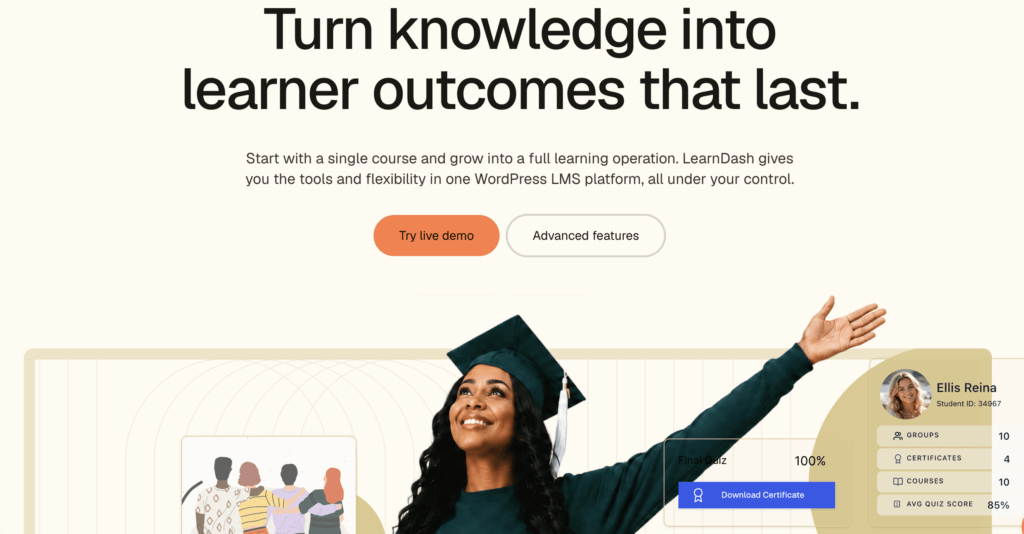
LearnDash is one of the most popular premium WordPress LMS plugins on the market. It allows you to easily design, promote, and sell online courses. One of the best features it offers is its speed and drag-and-drop course builder, which makes course creation enjoyable.
The platform integrates smoothly with WordPress, providing a highly customizable learning experience. The plugin supports advanced features such as drip content, dynamic course prerequisites, and gamification elements like badges and certificates, which can enhance learner engagement and motivation.
It can be used by companies of all sizes, enterprises, and educational institutions, including universities.
Pros
- Automated mailing system that can send notifications
- Course completion certificates and achievement badges
- Supports PayPal, Stripe, WooCommerce, and Authorize.net
- Integrates with marketing tools including MailChimp, WooCommerce, and WPForms
Cons
- It can get expensive as you get more add-ons to it
- Not SCORM-compliant
- No video conferencing tools
- No free trial, only a 15-day money-back guarantee
LearnDash pricing
There are two ways to use LearnDash: either by getting the plugin or by launching a fully hosted course website.
LearnDash plugin’s pricing is based on the number of site licenses, and its paid plans are yearly only:
- 1 site license: $199/year
- 10 site licenses: $399/year
- Unlimited: $799/year
The fully hosted option (LearnDash Cloud, recently rebranded to StellarSites Learning) starts at $29/month with monthly billing.
Pricing information retrieved from LearnDash in September 2026.
LearnDash support
LearnDash support is available during business hours. Out of those hours, you can browse their knowledge base to find helpful guides and articles.
💁 Compare LearnWorlds vs LearnDash
LearnWorlds
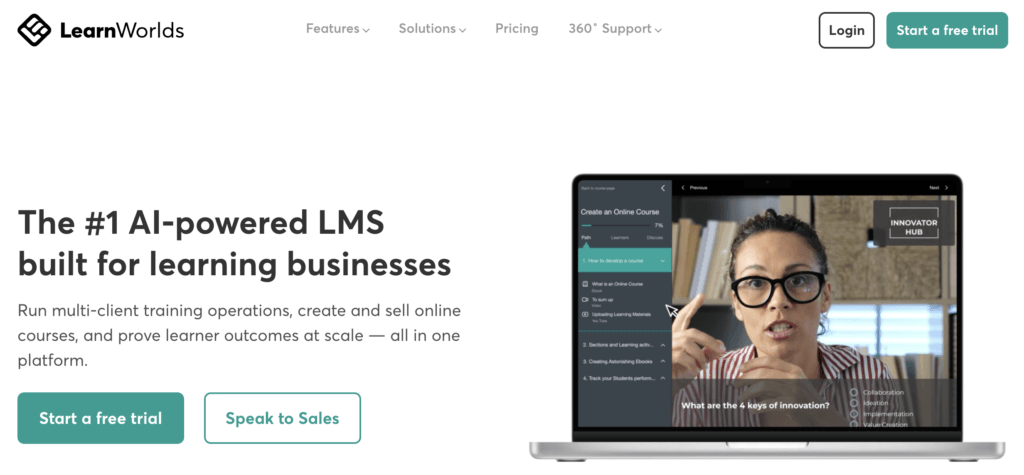
LearnWorlds is an AI-powered all-in-one online course platform that helps you build your online academy from scratch and sell online courses. Its intuitive course builder and AI Assistant make building engaging elearning content a quick process.
This online course platform offers video interactivity, real-time and in-depth analytics, an assessment builder, a mobile app builder, and an intuitive no-code website builder with strong customization: 50+ fully customizable templates, branding abilities, built-in community features, and many more.
LearnWorlds is ideal for entrepreneurs, instructors, digital creators, educators, coaches, professional trainers, and businesses that want to sell their knowledge or train their employees, customers, or partners. It combines course creation with marketing and reporting.
Pros
- Easy-to-use platform and user-friendly UI
- Built-in course authoring with advanced learning features
- Marketing and sales features like payment gateways, email marketing, funnels, etc.
- White-label mobile app
- AI Assistant
- Responsive customer support
Cons
- The Starter plan charges a $5 fee per course enrollment
- No permanent free plan, only a 30-day trial
- The branded mobile app costs extra
- Interactive video, full SCORM, and white-labeling sit behind the Learning Center plan
- The AI assistant is capped at a set number of prompts per month on lower tiers
LearnWorlds pricing
LearnWorlds offers a 30-day free trial, and its paid plans include:
- Starter: $29/month (plus $5 per course sale)
- Pro Trainer: $99/month (no transaction fees)
- Learning Center: $299/month (no transaction fees)
- Learning Center + Mobile App: $598/month
All these plans include unlimited courses, providing value for users looking to create online courses without restrictions on the number of paid offerings.
Information retrieved from LearnWorlds’s pricing page in September 2026.
LearnWorlds support
LearnWorlds offers responsive 24/7 online support with onboarding for new customers. On top of that, it features the LearnWorlds Academy that offers courses to course creators, free elearning resources such as ebooks and checklists, and a support desk with how-to guides and tutorials.
LifterLMS
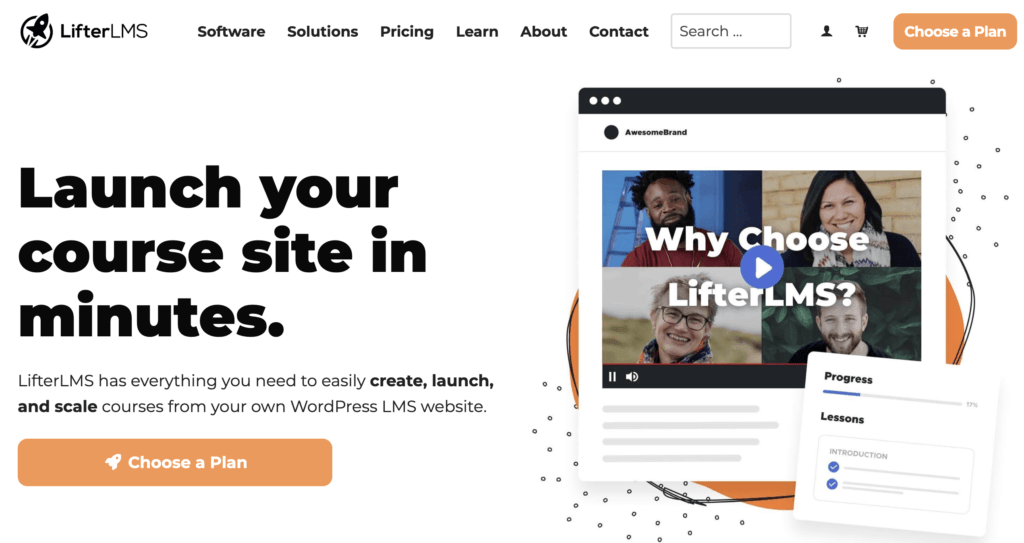
LifterLMS comes with helpful content management tools for offering individual courses, training-based membership websites, and MOOCs. As a free, open-source plugin, it allows you to build an LMS that can be enriched with add-ons that meet the unique needs of individuals, small groups, and niche markets.
It can be used by small-medium businesses, training organizations, or educational institutions.
Pros
- Free core plugin includes unlimited courses, students, and quizzes
- Drag-and-drop course builder with prerequisites and drip scheduling
- Question banks, timed quizzes, and retake limits
- Supports memberships and group enrollment natively
Cons
- Payment gateways are paid add-ons, not part of the free core plugin
- It is not natively SCORM-compliant and needs a third-party integration
- Bundle prices are introductory, so renewals cost more
- No free trial, only a $1 demo site and a 30-day money-back guarantee
LifterLMS pricing
LifterLMS has a free core plugin and paid bundles:
- Core plugin: Free
- Earth Bundle: $199/year
- Universe Bundle: $299/year
- Infinity Bundle: $799/year
Instead of a free trial, LifterLMS offers a $1 thirty-day demo site and a 30-day money-back guarantee on paid purchases.
Pricing information retrieved from LifterLMS in September 2026.
LifterLMS support
If you need help while using LifterLMS submit a ticket and expect to get an answer within 12 hours. As a free user, you can seek assistance in the community forums.
LinkedIn Learning

LinkedIn Learning is an online education platform that offers a wide range of professional development courses and training programs by industry experts covering various topics such as business, technology, creative skills, and personal development. It is integrated with LinkedIn, allowing users to enhance their skills and add new credentials directly to their LinkedIn profiles.
The platform supports various learning formats and offers features like quizzes, assignments, and certificates to enhance the learning experience. Its goal is to provide learners with practical, job-relevant knowledge to help them advance their careers and improve their professional skills.
LinkedIn Learning is ideal for course creators who want to use a well-established platform with a built-in audience to deliver high-quality educational content.
Pros
- Large professional audience
- No production costs
- Upfront payment and royalties (long-term revenue stream)
- High-quality standards on elearning content
- Course creation support
Cons
- Very selective process
- No control over course pricing and access
- No direct relationship with learners
- Limited creative freedom because of strict guidelines
- Royalties based on engagement (minutes watched only)
- Courses remain live or get removed at LinkedIn’s discretion
LinkedIn Learning pricing
For course creators and instructors, LinkedIn Learning does not charge a fee to produce or publish courses.
Instead, LinkedIn Learning follows a revenue-sharing model with selected instructors, and the company compensates instructors for their work. Becoming an instructor is application-based and selective: you apply, and LinkedIn contacts you only if your expertise matches its current content needs. Accepted instructors reportedly receive an upfront payment plus royalties tied to watch time.
LinkedIn Learning support
LinkedIn Learning provides support through various channels, including a help center with FAQs, troubleshooting guides, and tutorials.
Users can also access support through LinkedIn’s customer service for account-related issues or technical problems. Additionally, LinkedIn Learning offers email support and community forums where users can ask questions and share experiences.
Podia

Podia is an accessible and creator-focused online course platform designed to help educators, coaches, and digital entrepreneurs monetize their knowledge with minimal friction. Known for its user-friendly interface, Podia allows users to sell online courses, digital downloads, memberships, and coaching services, all under one dashboard.
While it may not have the depth of features found in more advanced learning management systems, Podia remains a strong choice among the best online course platforms for creators who want simplicity and integrated tools without needing third-party plugins or tech support.
Podia is ideal for solopreneurs, new course creators, and small business owners looking for a straightforward way to sell digital products and courses.
Pros
- Clean, beginner-friendly interface
- No technical setup required
- Integrated email marketing and digital product tools
- Affordable pricing and free trial available
Cons
- Limited customization and advanced learning features
- No built-in certificate generation
- No SCORM or quiz branching support
- Basic assessment tools
Podia pricing
Podia offers a 30-day free trial with full access to its features (no credit card required), followed by three paid plans after its June 2026 relaunch:
- Mover: $49/month ($42/month billed annually): includes website, online store, email marketing, and blogging. 5% transaction fees apply.
- Shaker: $99/month ($84/month billed annually): adds affiliate marketing and removes transaction fees.
- Earthquaker: $179/month ($150/month billed annually): removes product, video, and community space caps for larger teams.
Pricing information retrieved from Podia’s website in September 2026.
Podia support
Podia provides 7-day-a-week support via live chat and email for all users. There’s also a knowledge base, video tutorials, and Podia University with resources to help users grow their business and make the most of the platform’s features.
Skilljar
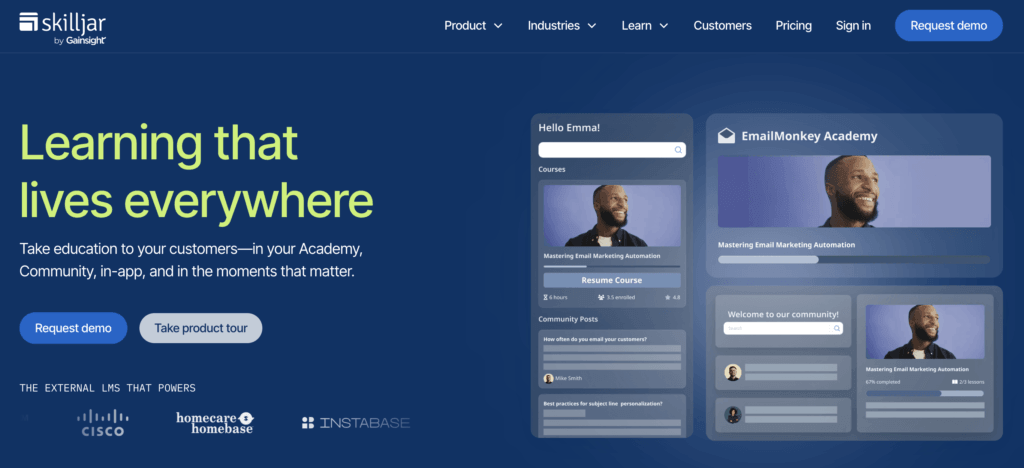
Skilljar (now Skilljar by Gainsight) is an enterprise-focused online course platform tailored to businesses that need scalable customer training.
As one of the best online course platforms for corporate use, it offers a strong set of features like training portals, single sign-on (SSO), advanced analytics, and customizable learning paths, all aimed at improving onboarding, certification, and user adoption.
Skilljar is best for businesses, SaaS companies, and organizations that need a secure, branded online class platform with enterprise-ready features including SSO, API integrations, and detailed reporting. It’s especially useful for teams responsible for customer education, partner training, or compliance programs.
Pros
- Enterprise-grade features, including SSO and API integrations
- Branded learning portals with customizable user experience
- Strong analytics with course completion and performance tracking
- Dedicated onboarding and strategic customer success support
Cons
- No publicly available pricing, quotes required
- Less accessible for small creators or solopreneurs
- Less focused on rich interactive learning features like assessments
- Setup and customization can be resource-intensive
Skilljar pricing
Skilljar offers three plans but does not list pricing publicly. To get a quote, you must contact their sales team directly.
Skilljar support
Skilljar provides dedicated onboarding, training, and customer success support for all clients. In addition to standard help documentation and community resources, enterprise-level customers often benefit from tailored onboarding and strategic guidance to set up their training programs effectively.
Skillshare
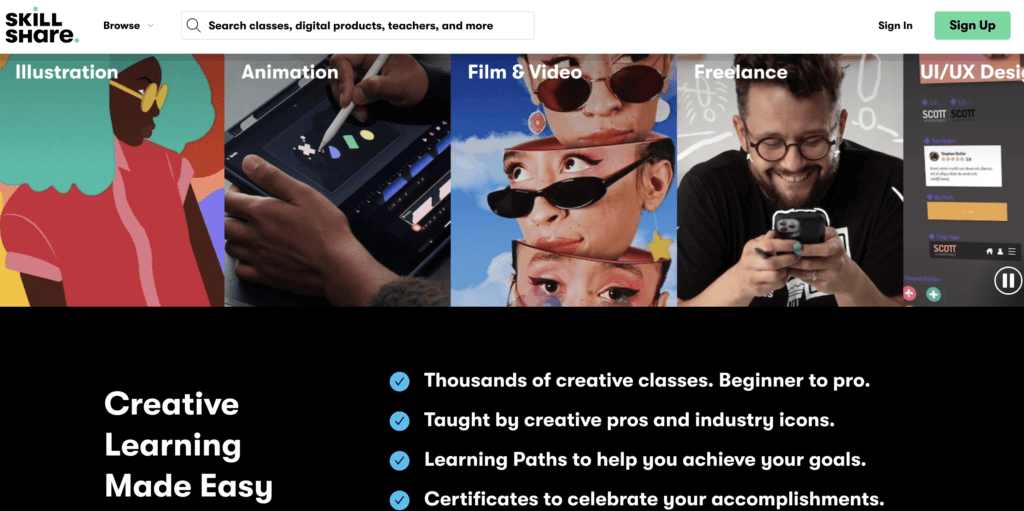
Skillshare is one of the most recognizable names among online course marketplaces. Unlike traditional course creation software, it operates as a subscription-based learning platform where instructors upload pre-recorded video lessons and students gain access to thousands of classes through one membership.
As one of the top online course sites, Skillshare appeals to aspiring educators who want to grow an audience without having to build their own site or manage ecommerce logistics. However, instructors are paid based on watch time and student engagement, so success depends heavily on visibility and video quality.
Skillshare is best suited for creative professionals, hobbyists, and entrepreneurs who want to reach a built-in audience. It’s also a popular online class platform for those just entering the world of teaching and content monetization, thanks to its low barrier to entry and simple course publishing process.
Pros
- Access to a large, engaged learner community
- No upfront costs for instructors
- Simple class creation and upload process
- Strong visibility for popular creative categories
Cons
- Revenue is based on engagement, not course sales
- Limited control over pricing and student data
- No direct student-teacher interaction tools
- Narrow focus, less ideal for technical or corporate training
Skillshare pricing
There is no cost for instructors to publish on Skillshare, but earnings are distributed based on minutes watched by Premium members. Instructors can also earn bonuses for referrals.
Pricing information retrieved from Skillshare’s website in September 2026.
Skillshare support
Skillshare provides support through a detailed Help Center and email-based ticketing system. Instructor-specific resources include teaching guides, community forums, and video production tips.
Teachable
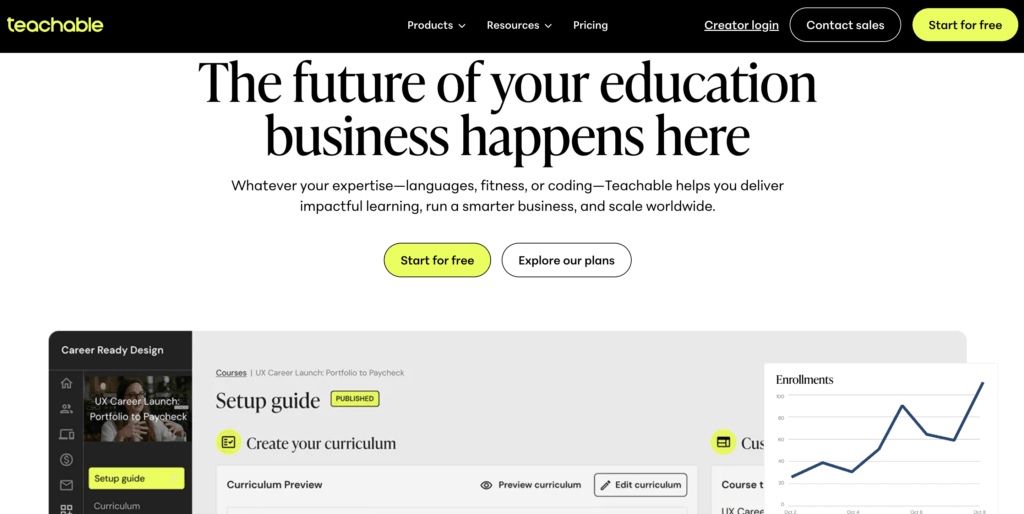
Teachable is one of the best online course platforms supporting course creation and selling. It offers a user-friendly interface that allows course creators to upload content, design engaging lessons, and customize their own branded online school without the need for technical expertise.
From video lectures and quizzes to downloadable resources and assignments, Teachable provides a complete set of tools to create a solid learning experience. Its drag-and-drop editor and customizable templates make it easy for users to personalize their school’s look and feel, ensuring their brand stands out. Course creators can also use features like sales pages, coupon codes, and affiliate programs to expand their reach and increase revenue.
It’s a great option for new course creators, solopreneurs, coaches, and creative professionals.
Pros
- Simple and easy-to-use interface
- Landing page editor and blogging capabilities
- Built-in ecommerce features
- Built-in email marketing tool
Cons
- Limited learning/teaching and assessment capabilities
- Does not support advanced learning activities
- Slow customer support
Teachable pricing
Teachable does not offer a free plan, but it has a 7-day free trial. Also, it offers the following paid plans, with a 22% discount on annual billing:
- Starter: $39/month (plus a 7.5% transaction fee)
- Builder: $89/month
- Growth: $189/month
- Advanced: $399/month
Pricing information retrieved from Teachable in September 2026.
Teachable support
Teachable has a knowledge base with how-to guides and tutorials that can help you get started. It also features a blog and podcasts.
💁 Compare Teachable with LearnWorlds
💁 Compare Teachable with Kajabi
Thinkific
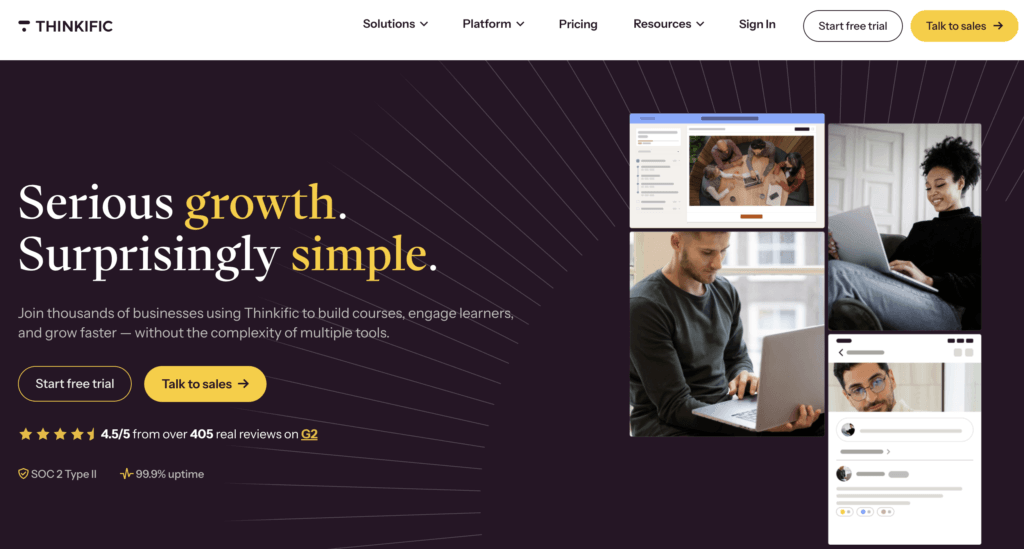
Thinkific is an online course platform that helps you create and sell courses, offering an intuitive interface and rich multimedia elements, such as videos, quizzes, and discussions. It is ideal for solopreneurs, small/medium businesses (SMEs), and online trainers.
The platform also allows you to create custom websites, landing pages, and sales pages and offers smooth integration with payment gateways. With its analytics and reporting features, you can track student progress, course engagement, and sales performance, enabling data-driven decisions to optimize both your content and marketing strategies.
Pros
- Landing page builder
- Built-in sales and marketing tools
- Multiple integrations, including Zapier
- 24/7 support
- Intuitive
Cons
- Limited control over website design
- Supports simple learning activities
- Does not support SCORM, TinCan, or AICC
- Doesn’t include social features
- Focuses more on sales features rather than learning
Thinkific pricing
The platform has a 30-day free trial. Subscription plans include:
- Basic: $49/month
- Start: $99/month
- Grow: $199/month
- Plus: custom pricing for enterprise
A 25% discount on annual billing applies.
Pricing information retrieved from Thinkific’s pricing page in September 2026.
Thinkific support
Thinkific has a help support center with articles and tutorials, a training site with paid courses, an FAQ, a blog, and a lively community. It also offers the possibility of hiring an expert to help you with the course creation and development process.
💁 Compare Thinkific with LearnWorlds
💁 Kajabi vs Thinkific: A side-by-side comparison
Udemy
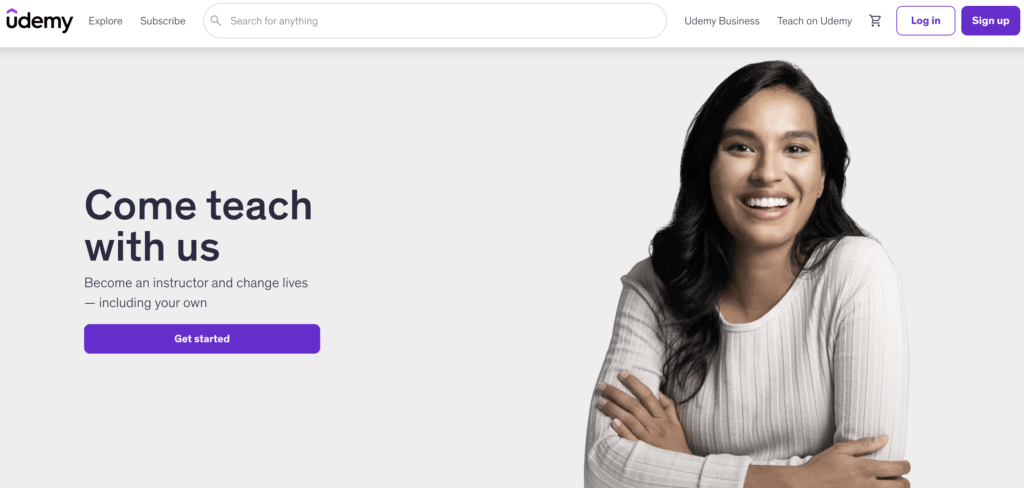
Udemy is one of the world’s most popular and largest online course marketplaces, offering courses in various subjects ranging from web and game development to entrepreneurship and finance.
Udemy delivers a unique learning experience and makes course creation possible for everyone. In doing so, it supports a range of online learning materials, including PDF documents, PowerPoint, text, and video content, among many others.
It is great for course instructors who are just starting or don’t have an existing email list, and want to see how the elearning industry works.
Pros
- User-friendly interface
- No setup cost
- Geared towards self-paced learning and video courses
- No need for highly technical knowledge
- Udemy app (available for iOS and Android)
Cons
- Limited interaction with students
- High competition between course creators
- No possibility of personal branding
- It controls prices and often sells courses for very low prices
- No data ownership or control over branding. Udemy does not share emails and user data with instructors
Udemy pricing
To start charging students a fee for courses on Udemy, you will need to become a premium instructor. In this case, the following conditions apply:
- No starting fee, but high commissions on sales
- 37% instructor share when students come through Udemy’s marketplace or paid acquisition channels
- 97% on course sales when you sell through your own coupon or referral links (Udemy keeps a 3% administration fee)
- 15% instructor share on Udemy Business subscription consumption as of January 2026, down from 25% in 2023
Pricing adjusted on a global price tier matrix developed by Udemy.
Pricing information retrieved from Udemy Support in September 2026.
Udemy support
Udemy’s Help Center offers support to instructors and students. Support for Business offers specific help and advice to users, admins, and instructors.
Which online course platform will you choose?
As you can see, there are many course creation platforms. The real quest, though, is to find the online course platform or LMS provider that matches your instructional and business needs.
To build a successful online course business and start teaching your learners new skills, you need to do thorough research on your options and take those platform reviews into consideration. Our tip is:don’t settle until you are happy with what you get.
Use the comparison above to shortlist two or three platforms that fit your use case, then confirm current pricing and test each one through its free trial before you commit.
FAQ
Which is the best online course platform?
There’s no single best platform, because it depends on what you’re building. All-in-one platforms like LearnWorlds, Kajabi, and Thinkific suit creators who want course creation, marketing, and payments in one place. Marketplaces like Udemy and Skillshare suit instructors who want a built-in audience and accept revenue sharing. Enterprise platforms like Skilljar and 360Learning suit companies training customers or employees at scale.
What is a course platform?
A course platform is an online tool or software that enables educators and trainers to create, host, and deliver educational content to learners online. These platforms provide a range of features and tools to support the creation, delivery, and management of courses, including course creation tools, video hosting, assessment and grading tools, reporting tools, and more.
Which online course platform is best for students?
For learners, the right platform depends on what you want to study and whether you need a certificate. Coursera and LinkedIn Learning suit professional certifications, Skillshare suits creative skills, and Udemy offers the widest variety of one-off courses. Academies built on creator platforms like LearnWorlds, Teachable, or Thinkific vary by the individual educator running them, so check the instructor’s credentials and reviews before enrolling.
What are the benefits of using an online course platform?
Using an online course platform offers instructors greater accessibility, enabling them to reach a diverse global audience. It is also cost-effective in contrast to traditional classroom-based learning and offers several customization options in terms of branding, messaging, course structure, assessment tools, and even SEO.
Course software equipped with interactive multimedia elements and analytics tools creates an enriched learning experience that promotes engagement, retention, and student success.
Which is the best platform for online courses?
It depends on your priorities. If interactive learning features matter most, compare LearnWorlds and Thinkific. If marketing automation matters most, compare Kajabi and Kartra. If simplicity and price matter most, compare Teachable and Podia. Weigh each platform’s features, ease of use, pricing, and support against your own needs.
What are the top online course platforms?
LearnWorlds, Kajabi, Thinkific, and Teachable are top online course platforms offering a variety of features to create, market, and sell online courses. Each platform has its own unique set of capabilities in terms of online course creation and pricing plans, so it’s important to evaluate which platform is the best fit for your needs and budget.
What is the best platform to sell online courses?
The best platform for selling online courses should offer strong ecommerce features like flexible pricing, subscriptions, bundles, upsells, and integrated checkout and payment gateways.
Platforms such as LearnWorlds, Kajabi, and Thinkific stand out for their built-in tools that help creators market and sell courses directly through branded online course websites. These platforms also support custom checkout flows, sales pages, and analytics to optimize your revenue strategy.
What is an affordable online course platform for scaling my business?
An affordable online course platform for scaling should offer a balance of cost-effective pricing and growth-friendly features. This includes tools for learner tracking, integrations, bulk enrollments, and course automation. Platforms like LearnWorlds provide scalable plans with features that support creators and businesses as they expand their course offerings and reach.

Rosemary is LearnWorlds’ Content Marketing Manager. She has over 2 decades of experience in omnichannel marketing and content writing for the IT and SaaS industry. Her expertise lies in crafting effective content marketing strategies that attract, engage, and nurture customers, enabling LearnWorlds to reach its target audiences with precision.

Kyriaki is the Organic Content Strategist at LearnWorlds, where she writes and edits content about marketing and e-learning, helping course creators build, market, and sell successful online courses. With a degree in Career Guidance and a solid background in education management and career development, she combines strategic insight with a passion for lifelong learning. Outside of work, she enjoys expressing her creativity through music.
 Back to blog
 Scroll to top
FAQ
Everything you have ever wondered, but were too afraid to ask...

LearnWorlds is the most comprehensive online course platform that a beginner or experienced course creator can choose to create and sell online courses. It offers:
If you're looking for an online course platform for students, LearnWorlds is a great option as a cloud-based elearning solution. Other popular options include Udemy, Teachable, Thinkific, and Kajabi.
Consider your specific needs, budget, and goals when searching for a platform. Each platform has its strengths and weaknesses, so make sure to compare their features, ease of use, pricing, and support before making a decision.
Using an online course platform offers instructors greater accessibility, enabling them to reach a diverse global audience. It is also cost-effective in contrast to traditional classroom-based learning and offers several customization options in terms of branding, messaging, course structure, assessment tools, and even SEO.
A course software equipped with interactive multimedia elements and analytics tools creates an enriched learning experience that promotes engagement, retention, and student success.
LearnWorlds is the best all-in-one platform for online courses. While other platforms like Kajabi, Thinkific, and Teachable also offer useful features, LearnWorlds focuses on interactive and engaging course creation, making it the top choice for online courses.
LearnWorlds offers a Mobile app Builder, an Assessment Builder, a no-code Website Builder, an AI Course Creator, white labeling, advanced analytics, and excellent customer support.
The best platform for selling online courses should offer robust ecommerce features like flexible pricing, subscriptions, bundles, upsells, and integrated checkout and payment gateways.
High-quality online education platforms such as LearnWorlds, Kajabi, and Thinkific stand out for their built-in tools that help creators market and sell courses directly through branded online course websites. These platforms also support custom checkout flows, sales pages, and analytics to optimize your revenue strategy.
Related Articles