Table of Contents
LearnWorlds’ AI Assistant helps you draft course outlines, generate assessments, and write supporting copy. The tool uses GPT-3.5 to accelerate initial content creation, reducing course development time from weeks to minutes.
Here’s what the assistant does:
The AI provides starting points, not finished products. Your expertise as a subject matter expert remains essential for ensuring accuracy, relevance, and quality.
You can work from scratch or feed the assistant existing materials like articles, blog posts, and text documents to shape its output. It can also help you generate and refine course ideas during the brainstorming process.
Beyond course creation
The AI Assistant includes 38 functions powered by 200+ prompts across the platform. These address common bottlenecks in course creation and elearning business operations, from content development to marketing copy.
The assistant helps with course adaptation as well. As your training needs evolve and learner preferences shift, you can use it to update and modify content efficiently.
Core capabilities include:
Here’s how each works in practice.
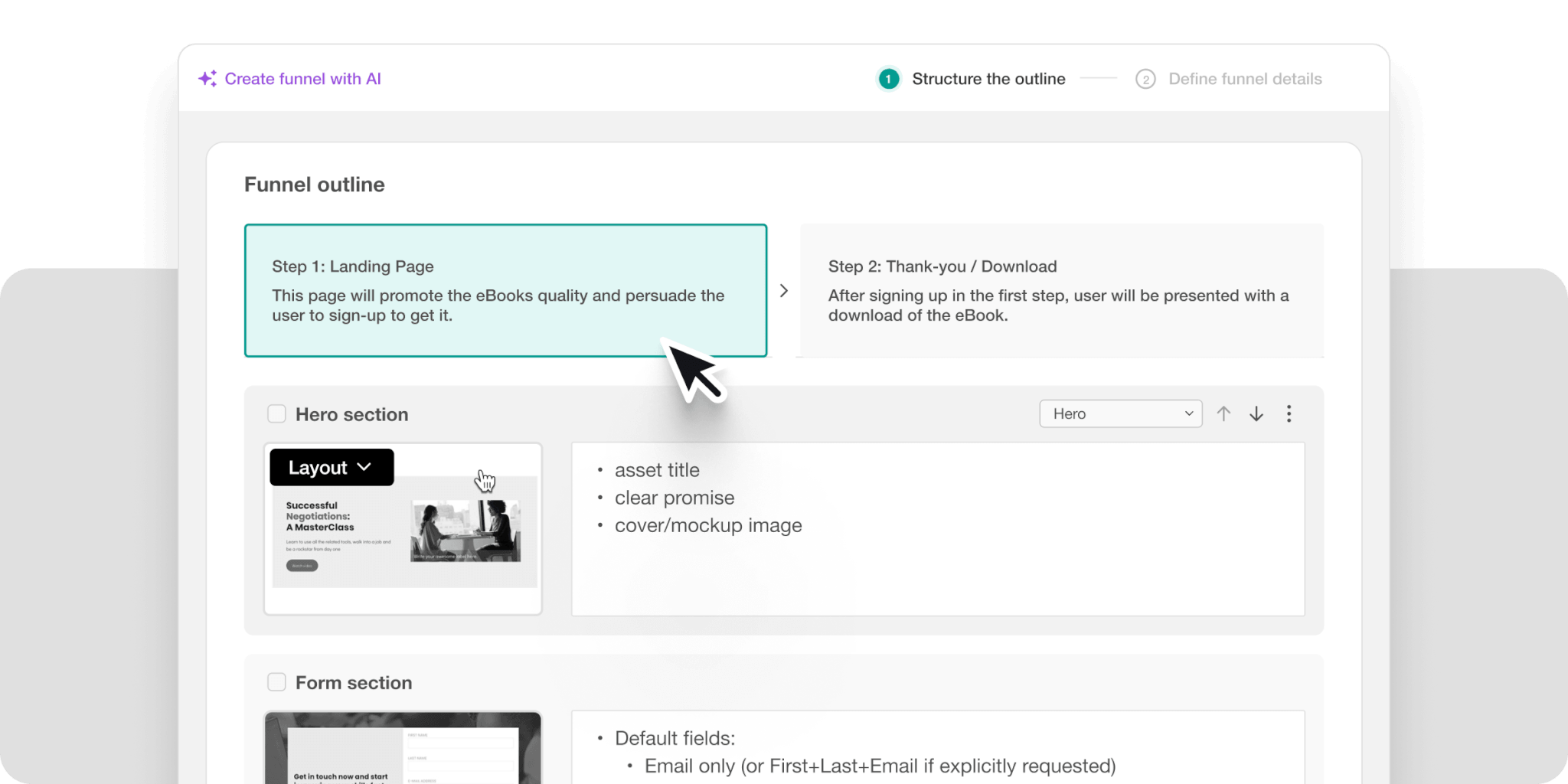
Course outline generator
The outline generator asks you questions about your course requirements to help you write a course outline. Four fields are mandatory, and the remaining six can help you improve the output’s relevance when completed.
You will need to provide course details and prompts at each step to guide the AI.

Here’s the 10-step process you can take:

Clear, specific input produces better results. The more precise your course details and prompts, the more tailored the outline becomes.
Once generated, review the outline carefully before proceeding. Common edits include:
When you are satisfied with your outline, insert it into LearnWorlds as a new course.
Note: You will need to log in or create a new account on LearnWorlds to start creating your first AI-generated online course.
Lesson content creation
With your outline ready, you can now generate content for specific activities.
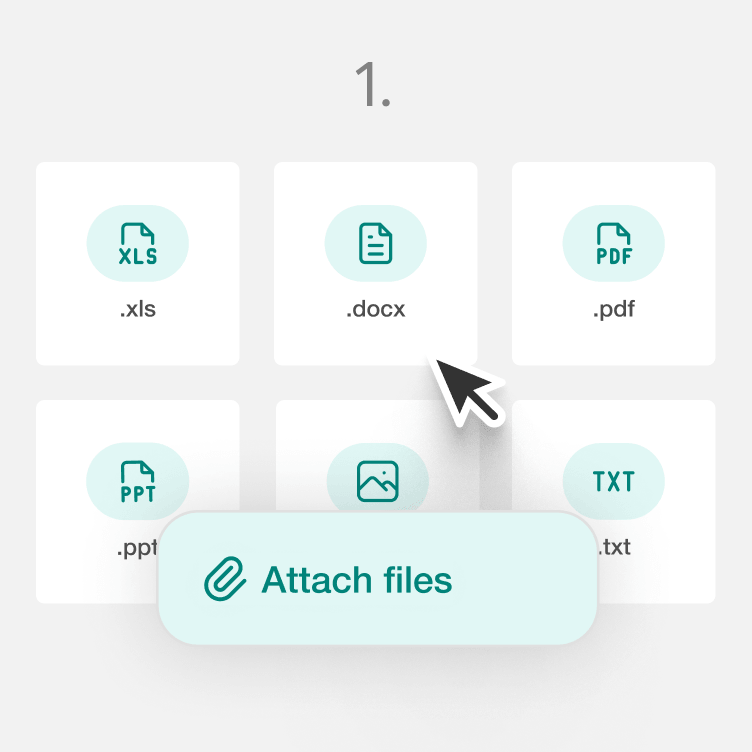
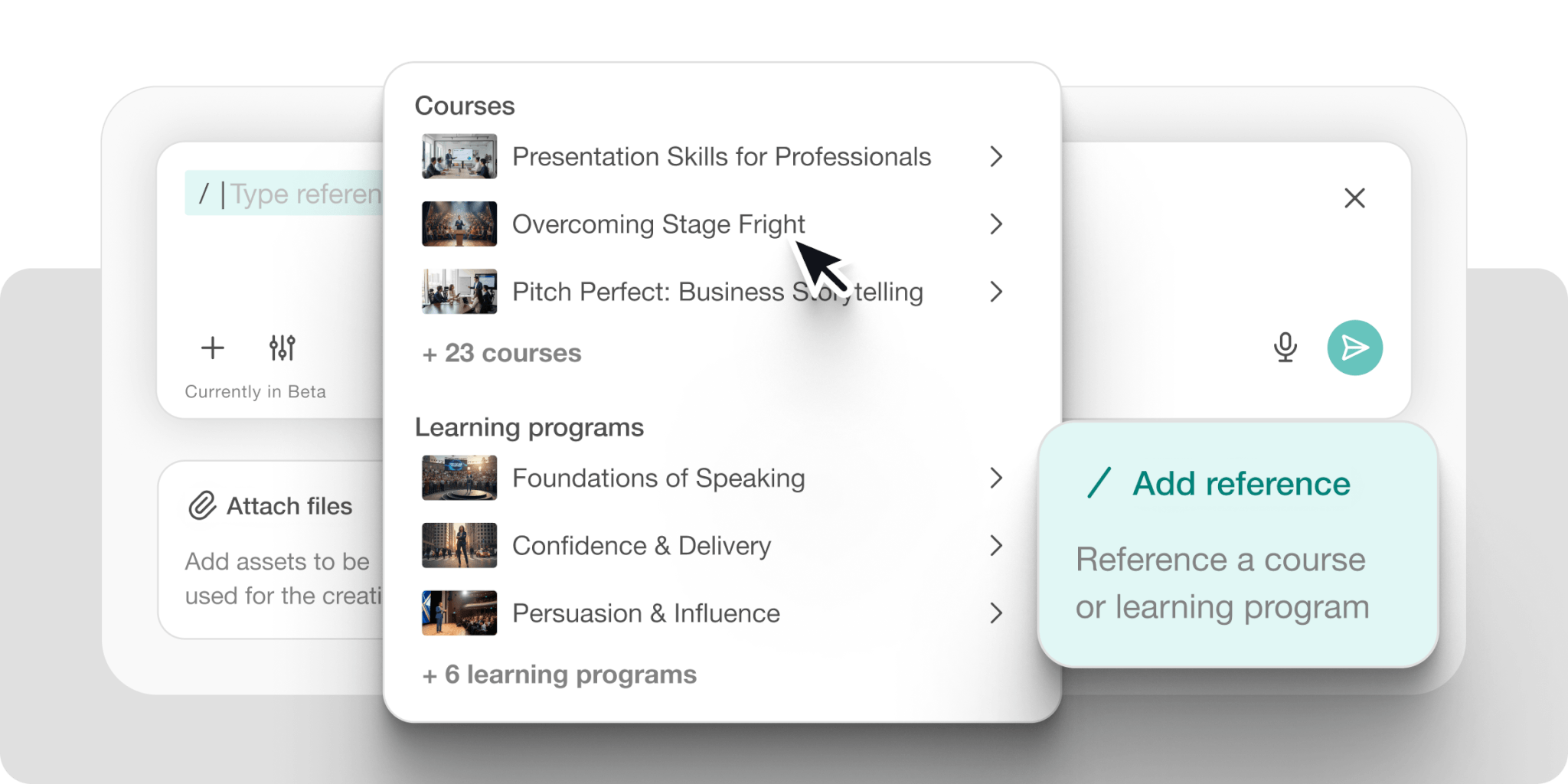
Upload videos, PDFs (including converting PDF files into interactive content), SCORM files, or use any learning activities LearnWorlds supports. You can also create interactive courses directly from existing documents, slides, or standard operating procedures. Then use the AI Assistant to create text-based activities.
The assistant helps you build:
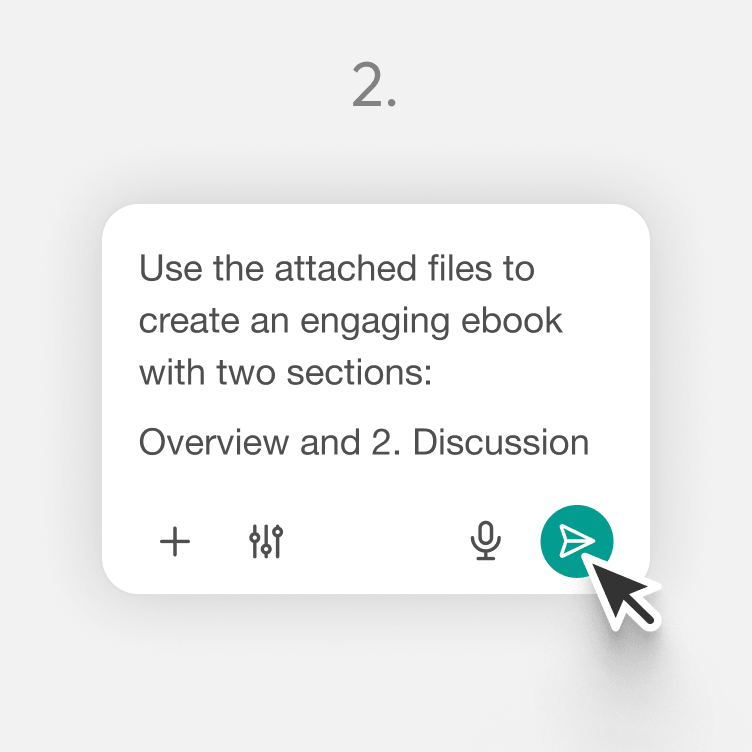
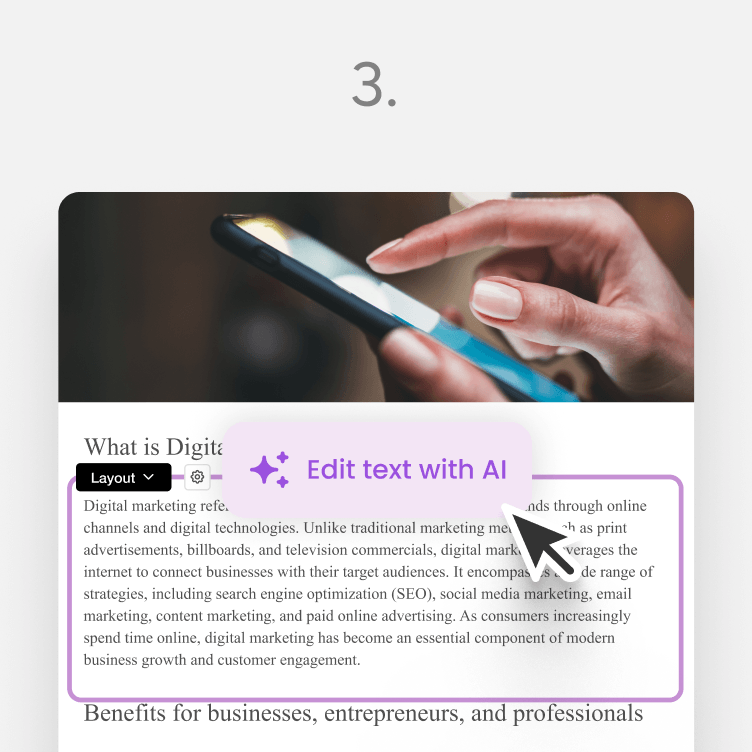
Ebooks: Your “blank canvas” multimedia activity, you can generate the content with AI and add your own images & videos to create a multimedia activity.
Assessments: Quizzes, exams, and tests of all kinds. The AI Assistant can generate questions & answers from scratch or by “reading” your existing activities.
The tool can also translate courses into multiple languages for international audiences.

How LearnWorlds’ prompt engineering works
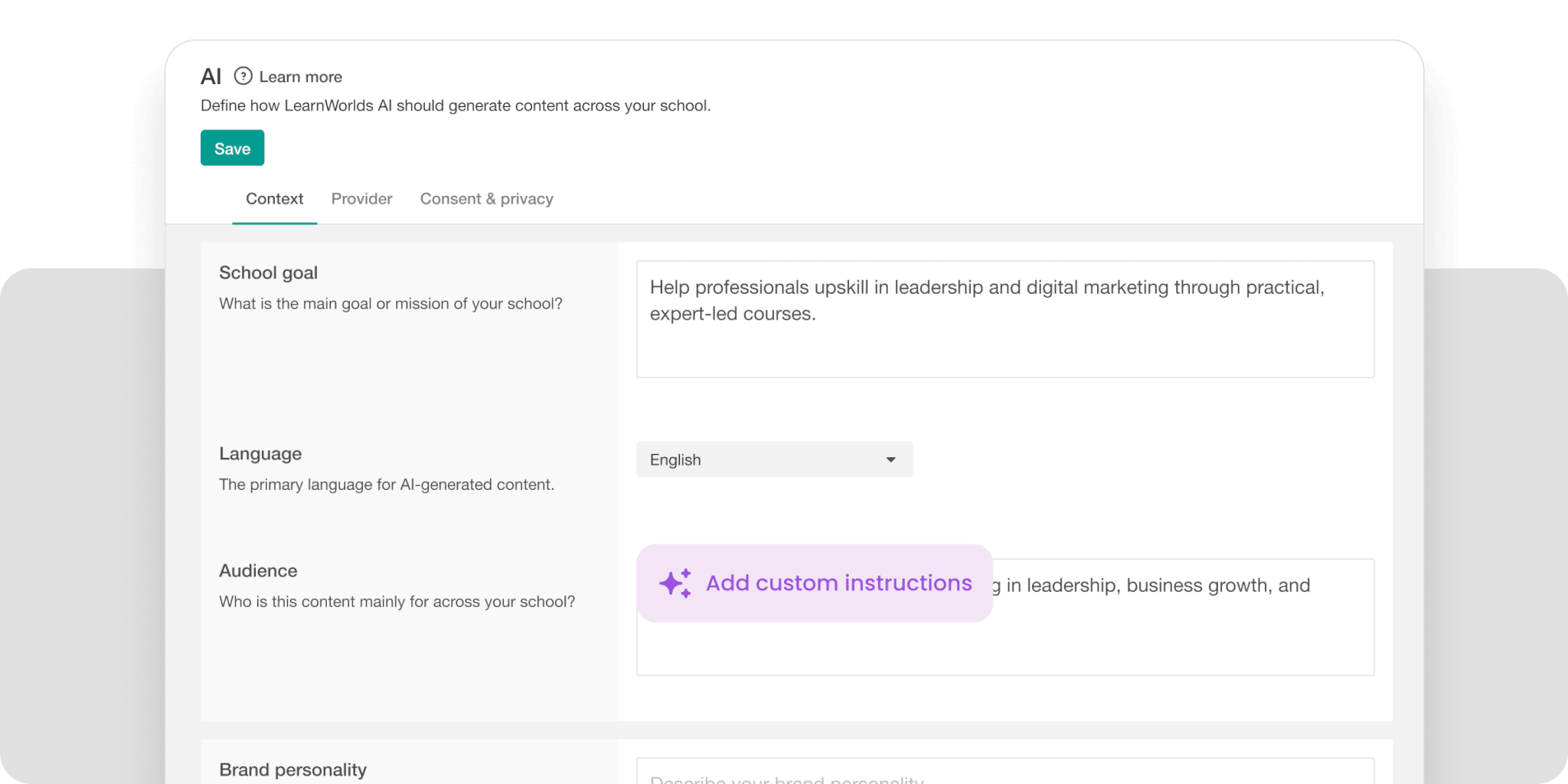
The prompts that are driving the AI Assistant use an instructional design approach and are engineered specifically for educational content creation. This produces more suitable elearning output than general-purpose AI tools like ChatGPT, where you’d need advanced prompt engineering skills to achieve similar results.
The AI Course Creator can have learning activities ready in your LMS within minutes. All progress and generated content are automatically saved for retrieval and customization.
Ebook learning activity
Open the ebook learning activity and choose from 28 pre-loaded prompts designed to make content creation simple.
Common options you can choose from include:

When creating learning objectives, you need to specify the following:
Most fields are optional, but adding more detail produces more targeted results.

Example: Requesting 10 learning objectives will generate exactly that, though 2-5 objectives typically provide sufficient direction for most courses. After some editing and refining, you’ll have learning objectives to share with students or guide your content development.

You can use content editing commands to expand the learning objectives into longer paragraphs or rewrite them as needed. The AI can also generate audio narration for your course content.

Assessment creation & feedback
Assessments evaluate, measure, and reinforce learning. Creating effective assessments requires subject knowledge and thoughtful design—both time-intensive.

The AI Assistant can generate assessments from scratch or base them on existing ebooks, documents, or external links. This gives you control over source material.

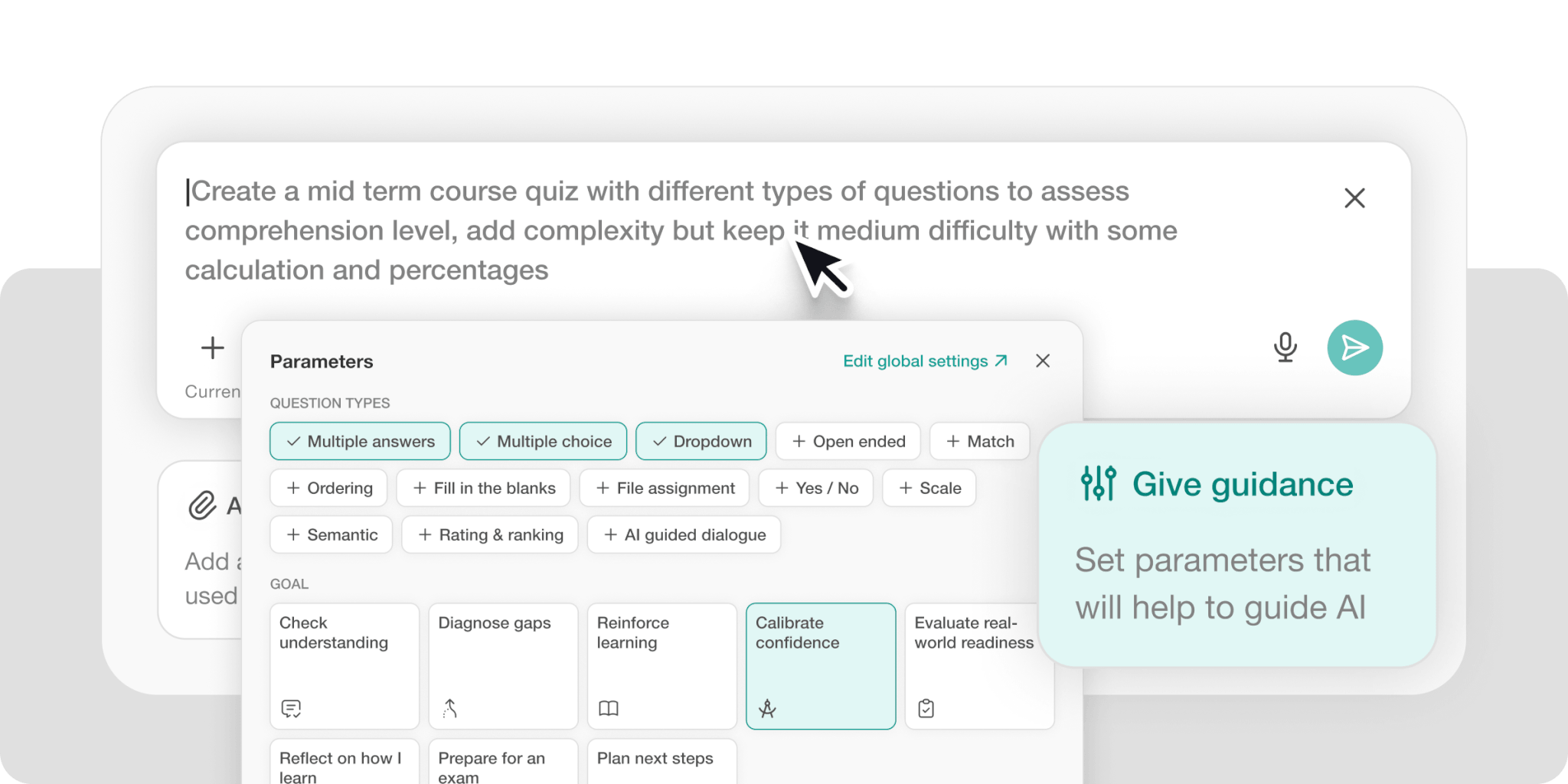
Available assessment types in LearnWorlds:
The assistant can create individual question types or combine them in a single assessment unit.
To generate assessments from existing elearning content, you can select from previously created ebook activities, web URLs, or text passages.
Make sure to also review AI-generated assessments for accuracy, relevance, and alignment with your learning objectives.

Common issues to check? Bias in questions or answers, irrelevant content that doesn’t match your course scope, and mismatched difficulty levels.
Finally, you can create assessments from multiple sources to test knowledge comprehensively. Set the number of questions per learning activity to ensure coverage across your entire course.
Give feedback to students using AI
Reviewing assessments and providing feedback consumes significant time, especially with large cohorts. Personalized feedback improves learning outcomes by helping students understand their mistakes, but delivering it at scale creates logistical challenges.
The AI Assistant drafts feedback responses you can customize before sending. This reduces time spent on repetitive explanations while maintaining the personalization your learners need. Feedback tools can be used collaboratively by teams of instructors or support staff. AI-powered chatbots can also provide instant student support and analyze learner feedback.
Hours previously spent on manual feedback are now available for other tasks, and you can retrieve, update, and customize responses without losing your work.

The AI Assistant extends beyond course creation into marketing content.
Content creators often need compelling landing page copy, course titles, and calls-to-action, but may lack copywriting experience. The platform includes prompt templates loaded into LearnWorlds’ Website Builder.

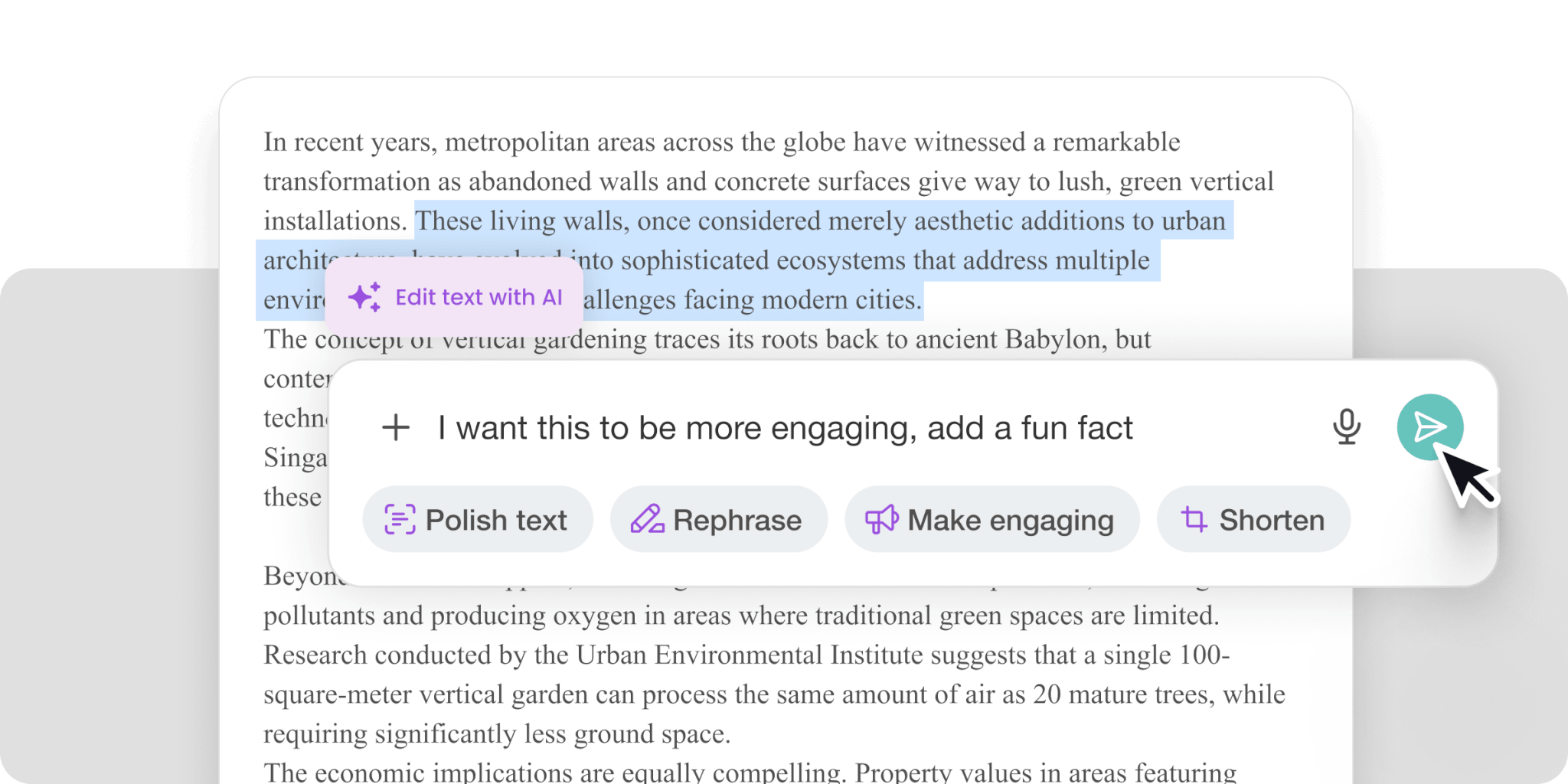
Select the text you want to improve and choose an AI prompt. You can also provide your own prompts to refine output until it meets your standards.

The assistant can also generate FAQ sections addressing common questions from prospective learners.
Email copy
LearnWorlds provides pre-designed email templates for course notifications as well. The AI Assistant lets you customize and improve these templates.
The content generator includes engineered prompts. Just specify your email’s goal, tone of voice, and keywords you want to include for better results.

Use the same instructions across multiple emails to maintain a consistent voice and style throughout your communications.

Content editor
The content editor provides prompts to improve text across the platform. This includes course content, landing pages, or emails.
These are the available commands:
Polish text: improves syntax and grammar
Rewrite text: rephrases content
Make it catchy: using more engaging vocabulary
Make it surprising: creates anticipation
Make it serious: adopts a formal tone
Shorten: reduces word count
Expand: adds detailed text
Summarize: condenses content
Analyze the style, voice, and tone: explains stylistic choices
Change tone: adjusts formality (casual, direct, etc.)
Translate: converts text to another language from the dropdown menu.
Want to create exceptional learning experiences faster and smarter? Find out how you can use AI in instructional design effectively. Watch our on-demand webinar to learn tips, tricks, and best practices from industry experts.
AI Assistant pricing, usage, and limitations
AI functionality is included with your LearnWorlds subscription. Credit allocation varies by plan:
Power users can connect their own API through OpenAI to access unlimited prompts.
You can get a free trial and start creating courses with the AI features today.
Reviewing AI-generated content
AI is a tool that requires skill, knowledge, and responsible handling—similar to any professional instrument. It has its limitations and works best within clear usage guidelines.
As the subject matter expert, you’re responsible for ensuring content accuracy, factual correctness, and genuine value to learners. The AI assists you in drafting, writing, and refining content, but final quality control remains your responsibility.
Common concerns about AI in course creation include risk of bias, privacy issues, and producing generic content. A careful review of AI-generated material, however, addresses these concerns and ensures that your course meets high standards.
💡Before publishing, thoroughly review all AI-generated content. Follow these content review guidelines to help you out:
The shift toward AI in education requires thoughtful implementation to produce positive outcomes.
Course delivery and management
Creating course content is one part of the process. Delivery and management matter equally. LearnWorlds provides features that support the full course lifecycle once content is ready.
Flexible course formats and organization: Structure courses into modules, folders, or collections. Adjust the format to fit your teaching style and learner preferences, whether you’re offering a single workshop or a comprehensive academy.
Intuitive interface for management: Upload new materials (PDFs, slides, videos) and update existing content easily. The interface allows quick refinement and customization to keep materials current and relevant.
Engagement and interactivity: Interactive options include quizzes, assessments, and multimedia activities. The platform supports embedded media, links, and voiceovers for dynamic course experiences.
Learner data and progress tracking: Built-in analytics and reporting tools monitor learner progress. Access insights into course usage, popular modules, and areas where learners need additional support.
Integrations and support: Connect with other professional tools and platforms through integrations. Manage enrollments, automate communications, and streamline workflows. Dedicated support is available throughout the process.
Privacy and security: Course content and learner data are protected with enterprise-grade privacy and security features.
These features support content creators, small teams, and organizations delivering professional online learning experiences without extensive time investment or technical expertise. The platform handles the infrastructure so you can bring your course ideas to life and support your learners from start to finish.
Additional AI tools for course creation
Text generation is one component of a broader AI toolkit. Here are additional tools that can streamline course creation.

Image generation
AI-generated images can replace or supplement stock photos. Tools to consider:
Midjourney: High-quality AI image generator suitable for both creative and realistic imagery.
Photoshop AI: Adobe’s AI-enhanced editing tools allow precise modifications to images.
Canva AI: Combines image creation with design tools, useful for course materials and marketing collateral.
Bing Image Creator: Free option powered by Dall-E. Quality doesn’t match premium tools, but provides accessible image generation.
Video & audio
AI tools for video creation include the following:
Synthesia.io: Creates videos using AI avatars and voices. Upload your script and select an avatar to generate videos without appearing on camera.
Descript: AI-powered video editing that works like text editing. Move scenes like slides for streamlined editing.
Filmora Wondershare: Video editing software with AI features for quality enhancement, background removal, and audio improvement.
Writing tools
For longer texts or marketing copy, try these AI writing tools:
Jasper: Includes templates and prompt guides for blogs, emails, ad copy, and more—no advanced prompt engineering required.
Copy AI: Another writing tool with ready-made templates, particularly for marketing copy.
AI chatbots
For brainstorming, drafting, and exploring ideas, try these chatbots:
ChatGPT: Direct access to OpenAI’s chatbot. The premium GPT-4 version offers enhanced capabilities.
Bing Chat: GPT-4 variant with live internet search capabilities. Free to use.
Bard: Google’s chatbot. Particularly effective for technical tasks, reading images, and exporting to Google Sheets or CSVs.
Getting started with AI course creation
If you’ve been considering creating an online course, the AI Assistant can help you move from concept to execution, making it easier to create content in all forms: text, images, audio, and video.
LearnWorlds’ AI-driven course development tools provide support throughout the creation process. If you are ready to invest in AI-driven course development, let LearnWorlds’ AI Assistant guide you every step of the way today.
Nick Malekos is a Senior Digital Marketer in LearnWorlds. He is a results based and well-rounded Digital Marketer with years of experience in the education industry, writer and digital literacy trainer.
Kyriaki is the SEO Content Manager at LearnWorlds, where she writes and edits content about marketing and e-learning, helping course creators build, market, and sell successful online courses. With a degree in Career Guidance and a solid background in education management and career development, she combines strategic insight with a passion for lifelong learning. Outside of work, she enjoys expressing her creativity through music.
FAQ
Everything you have ever wondered, but were too afraid to ask...